
PDF Reader - Editor & Viewer
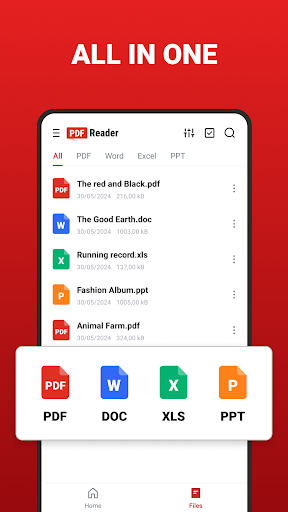
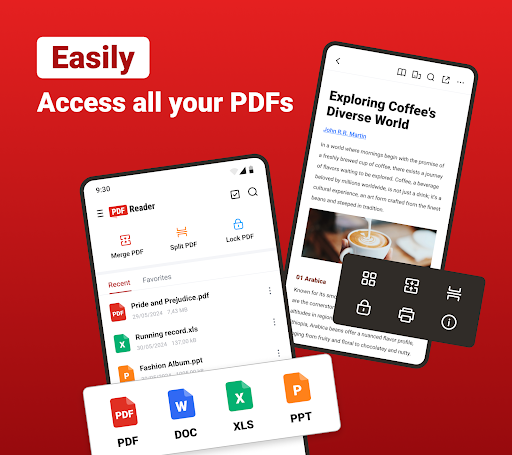
Explore a Smart and Convenient PDF Reading Experience Welcome to PDF Reader – a free, user-friendly app designed to meet all your PDF management needs. This versatile tool automatically scans, lists, and organizes your PDF files, supporting fast reading of a variety of formats such as PDF, DOC, DOCX, XLS, XLSX, PPT, EPUB, and more.
Going beyond typical PDF readers, this app functions as a comprehensive PDF editor and manager. Users can easily merge and split PDFs, create a secure file vault, batch manage files, compress PDFs, and convert images to and from PDF format. Sharing documents is simplified, making collaboration seamless. Its PDF editing features enable users to fill out checkboxes and insert text directly into forms without the need for complex conversions.
The integrated AI Scan feature allows you to capture and store documents anytime and anywhere. This smart tool accurately recognizes text from paper documents, business cards, receipts, and more, converting them into polished PDF files automatically. For productivity enhancement, the app provides a suite of robust editing tools—such as highlighting, underlining, strikethrough, text copying, and handwritten signatures—helping you create professional, polished documents efficiently.
Additionally, the newly added EPUB Viewer offers a smooth, immersive experience for reading eBooks, while the AI Summary function allows for one-tap analysis, generating concise summaries of long documents to help you quickly grasp key insights.
Whether you're managing office files, studying, or working on the go, PDF Reader provides an all-in-one solution for document reading, editing, and organization. Download it today and explore its extensive features designed to boost your productivity and streamline your workflow.
User-friendly PDF Reader
✔ Auto-scan and list all your PDF files
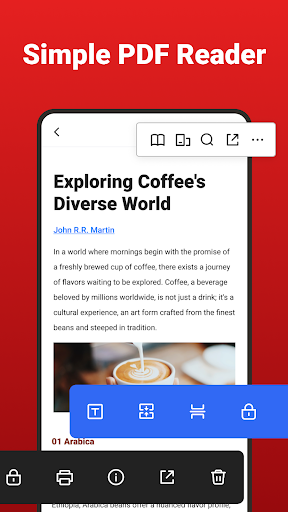
✔ Easily open and read PDFs
✔ Directly access your wanted page
✔ Multiple reading modes available
✔ Quickly find files through search
✔ Annotate important PDF files
✔ Quickly access your recently viewed files for easy reference
✔ Rename and delete files with simple operations
✔ Share PDF files through other applications in a tap
Easily Process Office Files in Any Format
✔ Word Viewer (DOC/ DOCX): Ultra-fast reading of all Word documents
✔ Excel Viewer (XLS/ XLSX): A handy tool to manage Excel documents
✔ PPT Viewer (PPT/ PPTX): Choose landscape or portrait mode to view PowerPoint files
✔ EPUB Viewer: Enjoy a smooth, immersive eBook reading experience
Powerful PDF Manager
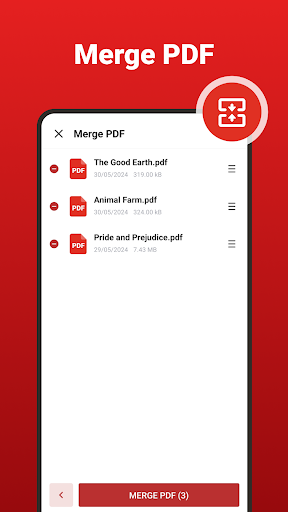
✔ Merge PDF: Effortlessly combine multiple PDF files
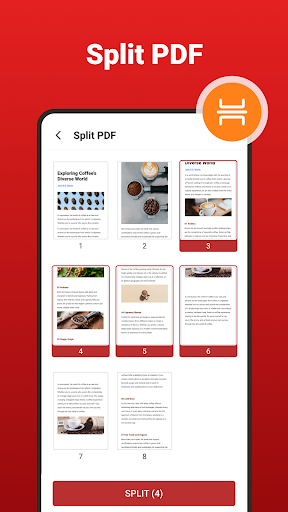
✔ Split PDF: Divide large PDFs into smaller parts
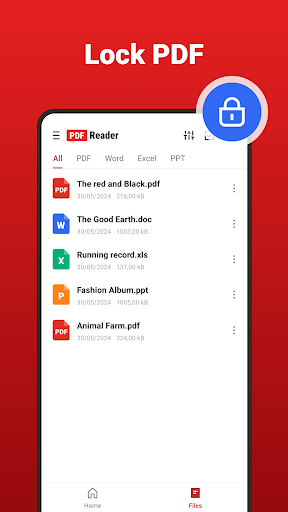
✔ Lock PDF: Protect your files with a password
✔ Compress PDF: Minimize file size while maintaining quality
✔ Convert PDF: Convert images to PDF quickly
✔ Images to PDF: Transform multiple images into a single high-quality PDF
✔ PDF to Images: Extract sharp JPG or PNG images from PDFs, select specific pages, or extract embedded images directly to your gallery
Elevate Your Office Efficiency with AI
✔ Leverage the power of AI Scan for swift recognition and enhancement of documents
✔ Capture and refine paper files, business cards, receipts, and more with precision
✔ AI Scan identifies text effortlessly, converting it into professionally formatted PDF documents, boosting productivity
✔ AI Summary generates concise insights at a tap, helping you understand complex documents quickly
Practical Editing Features for Efficient Work
✔ Highlight, Underline & Strikethrough: Emphasize key information in your documents
✔ Copy Text Snippets: Easily extract content with a single click
✔ Handwritten Signatures: Sign electronic documents using your finger or stylus when finalizing contracts, invoices, and other important files
✔ Fill & Insert Text: Complete PDF forms directly without the need for conversion
Pros
- Provides a seamless user experience
- Offers a wide range of features
- Highly customizable to suit user needs
- Regular updates improve performance and security
Cons
- Requires significant storage space
- May have a steep learning curve for new users
- Occasional stability issues reported
- Limited support for older devices











