
Introducing the Ultimate AI-Powered PDF Reader!
Discover the all-in-one PDF Reader App that combines smart, fast, and effortless PDF management features. This powerful application empowers users to easily summarize PDFs, engaging in chat with documents, convert images into PDFs, and listen to your PDFs with Text-to-Speech. Whether you're a student, professional, or casual user, this tool elevates your document handling experience to a new level.
AI PDF Reader & Converter
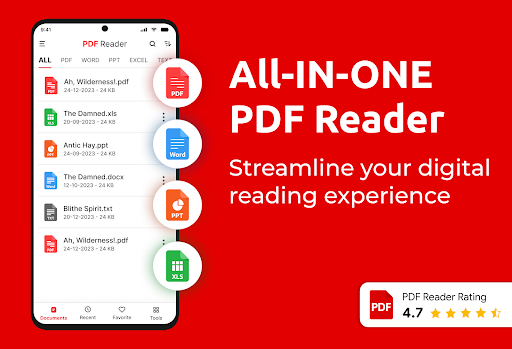
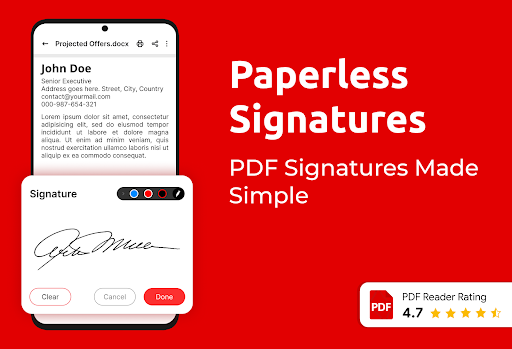
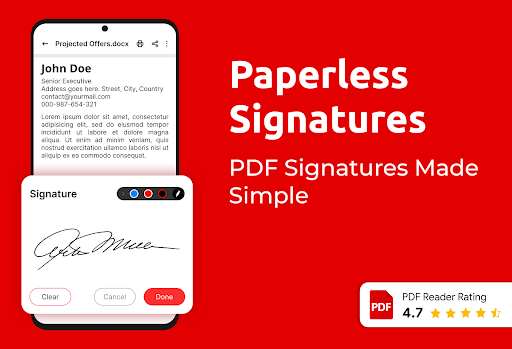
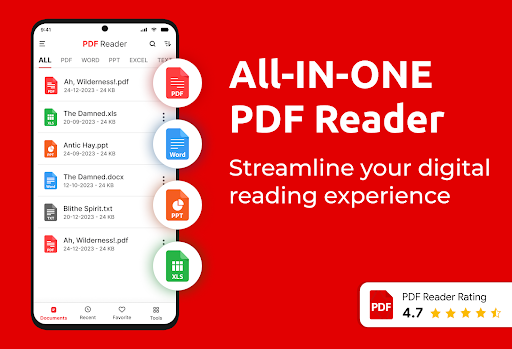
This comprehensive PDF reader and converter app enables you to view, read, and convert PDF files seamlessly. With features like an Image to PDF converter, a powerful PDF creator, PDF e-signatures, and an integrated text-to-speech (TTS) option, it covers all your document needs. Support for other formats such as Word, Excel, PPT, and Text ensures a versatile user experience.
Top Features of PDF Reader App
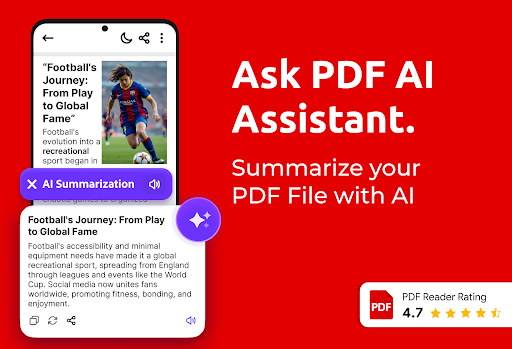
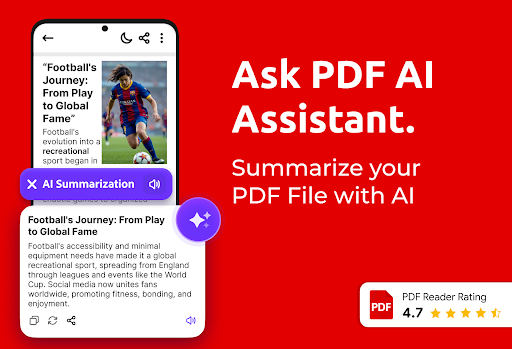
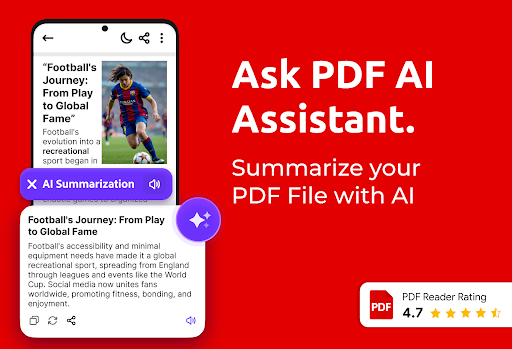
AI PDF Summary
Obtain instant and concise summaries of lengthy PDFs, saving time and boosting productivity. This feature intelligently condenses content, making research and review more efficient.
Chat with PDF (AI-powered)
Interact with your documents directly within the app! Ask questions and receive relevant answers, making it easier than ever to search and understand complex information within PDFs.
Offline PDF Book Reader
Access and read your PDFs anywhere and anytime, even without an internet connection. This feature ensures your important documents are always within reach.
Convert to PDF
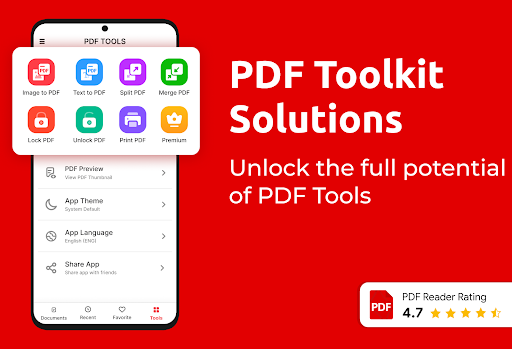
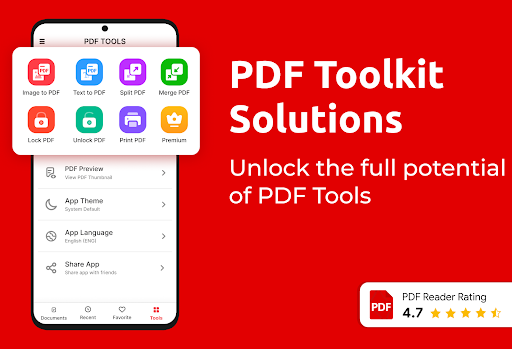
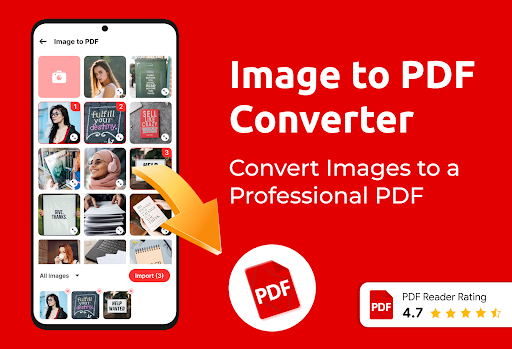
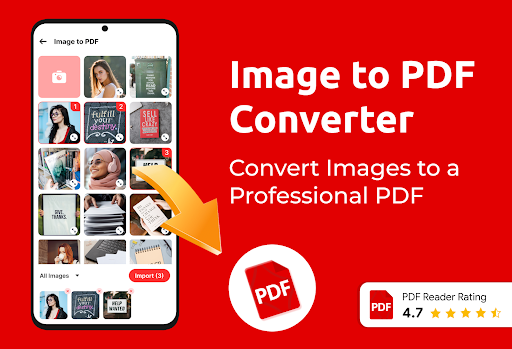
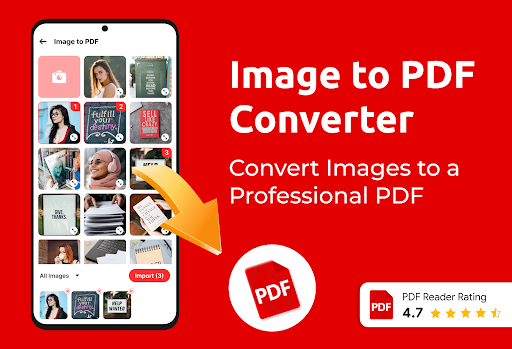
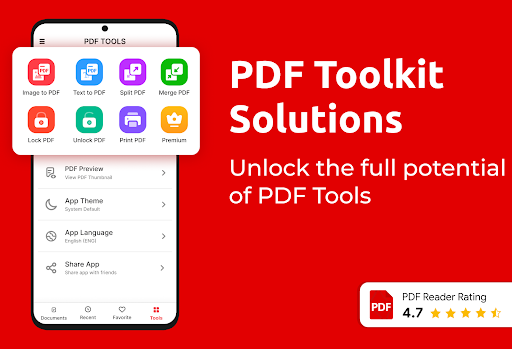
Easily convert images and text files into PDFs with the Image to PDF converter and Text to PDF converter. This flexibility allows you to digitize documents effortlessly.
Advanced PDF Tools
Manage your PDFs efficiently by bookmarking important pages, renaming files, and applying a lock/unlock feature for privacy. These tools support seamless document organization.
All Document Viewer
This all-in-one document reader supports not only PDFs but also Word, Excel, and PPT files. It’s your versatile office document companion right on your mobile device.
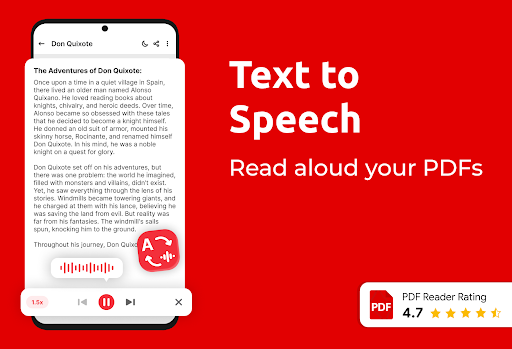
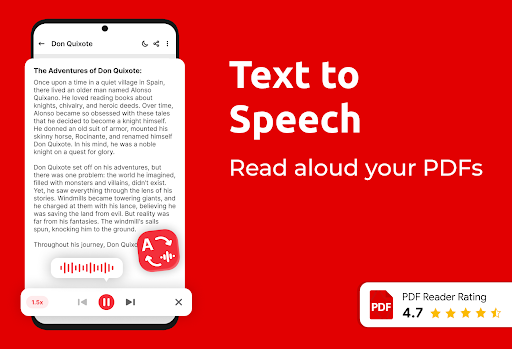
Text to Speech Feature
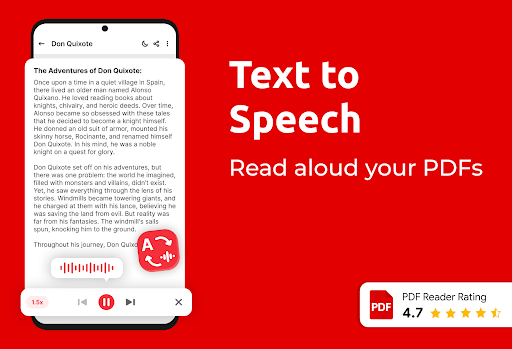
Enjoy hands-free PDF reading with adjustable reading speeds. Let your device read your PDF ebooks aloud while multitasking, making it perfect for on-the-go listening.
PDF eBook Reader
This feature allows the app to read your documents aloud, providing a hands-free reading experience that is both convenient and efficient.
Enhanced Navigation & Management Features
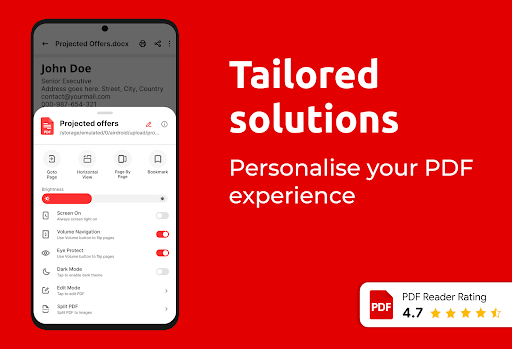
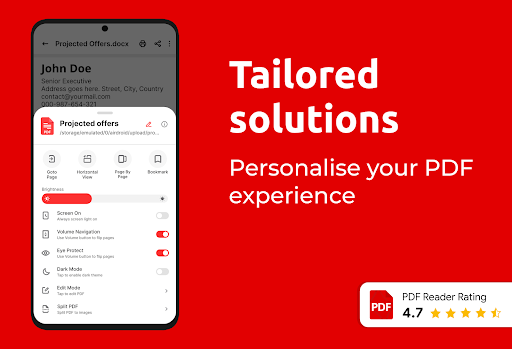
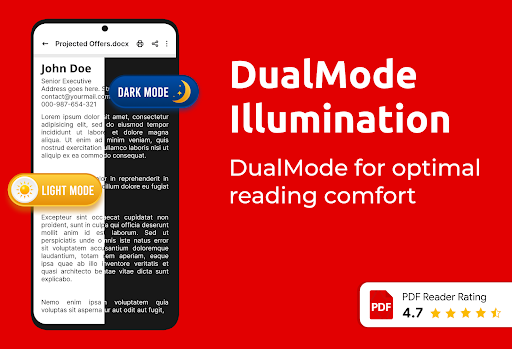
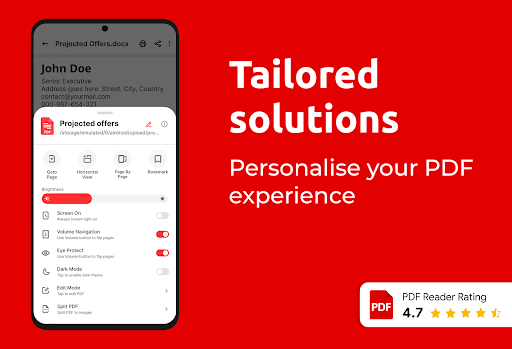
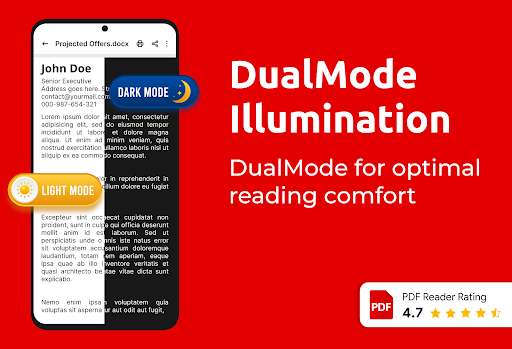
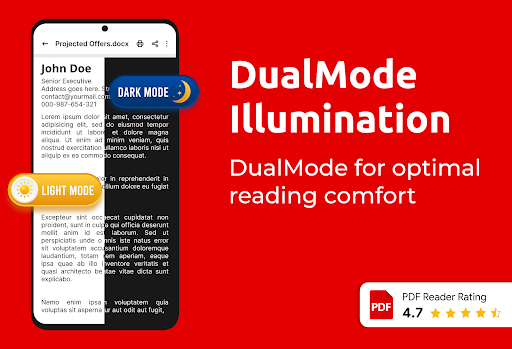
Navigate quickly with page-by-page controls, set multiple bookmarks, and create shortcuts to your frequently accessed files. Manage your documents effortlessly by deleting, viewing, or printing directly from the app. The interface supports dark and light modes, go-to-page options, file favorite marking, and organized file sorting. Additionally, features like rename, lock/unlock, and recent files enhance your user experience.
Additional PDF Tools
With the Image to PDF converter, turn your JPG, PNG, or JPEG images into PDFs swiftly. Use the merge/split PDFs feature to combine multiple files or divide large documents as needed. The PDF editor allows for contrast adjustments, page rotations, cropping, and page management—giving you full control over your documents.
Customization & Compatibility
Customize your reading experience with contrast adjustments, rotation, and cropping. The app supports multiple languages and offers eye protection through specific viewing modes, ensuring a comfortable reading experience at all times.
Final Thoughts
The PDF Reader App offers a comprehensive solution for managing, reading, converting, and annotating PDF files right from your Android device. Its intuitive interface and extensive feature set make it ideal for students, professionals, and anyone looking to keep their documents organized and accessible on the go. With powerful tools like AI summaries, chat capabilities, Text-to-Speech, and advanced editing options, this all-in-one PDF application truly elevates your document processing experience. Download today and take control of your digital files efficiently and effortlessly.
Pros
- Fast loading and rendering of documents.
- Easy-to-use interface with straightforward navigation.
- Supports a variety of file formats.
- Access saved documents offline.
- Includes annotation and highlighting features.
Cons
- Advertisements may occasionally be disruptive.
- Free version offers limited functionalities.
- May sometimes crash on older devices.
- Lacks integration with cloud storage services.
- Requires regular updates to maintain stability.











