

Introduction to Parallel Space - App Cloning
Are you tired of constantly logging in and out of multiple accounts on the same device? Do you wish there was an easier way to manage your social media profiles, gaming accounts, or messaging apps without switching devices? Parallel Space is a powerful and user-friendly app that allows you to clone and run multiple instances of the same app simultaneously on your Android device. With over 200 million users worldwide, this innovative tool streamlines the way you handle multiple accounts, providing a seamless experience that enhances your productivity and privacy.
Main Features of Parallel Space
Clone and Run Multiple Accounts
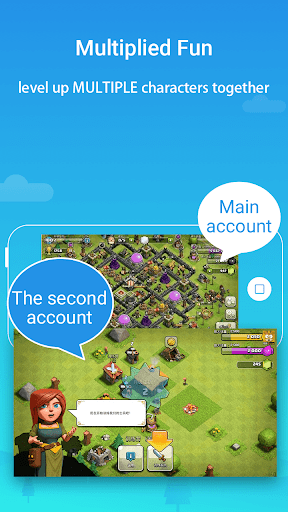
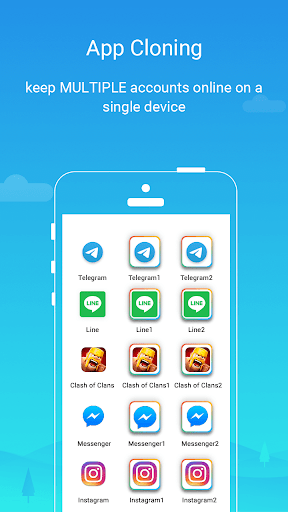
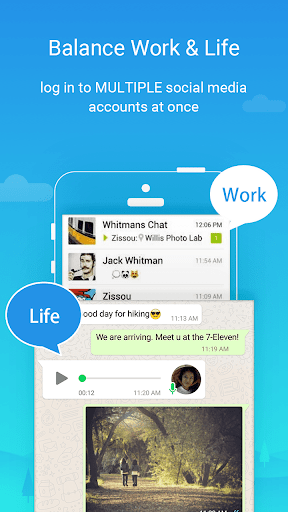
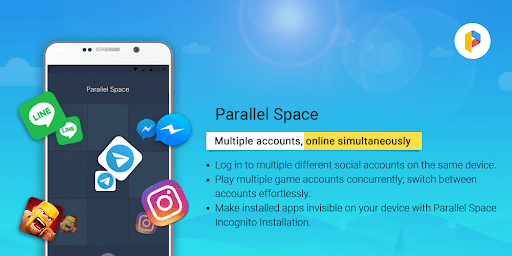
One of the standout features of Parallel Space is its ability to facilitate •multiple accounts• for the same app. Whether you want to keep your personal and work profiles separate or explore different game paths, this app makes it easy. You can maintain organized and isolated data for each account, ensuring privacy and convenience. The process is straightforward: select the app you wish to clone, and a separate instance will be created for you to log into with a different account.
Enhanced Privacy with Incognito Installation
Worried about privacy? Parallel Space offers an •Incognito Installation• feature that hides your cloned apps from prying eyes. Moreover, you can lock your private apps using a secure PIN or pattern, transforming your device into a personal vault for sensitive data. This privacy-focused approach offers peace of mind as you manage multiple digital identities discreetly.
Seamless Account Switching
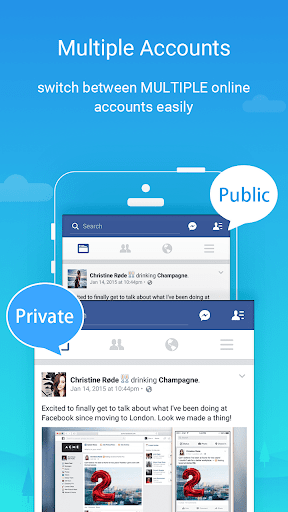
Switching between multiple accounts has never been easier. With just one tap, you can toggle between your cloned apps, making multitasking smooth and effortless. This feature is invaluable for social media managers, gamers, or anyone juggling several online profiles simultaneously.
Support for Multiple Languages and Compatibility
Parallel Space supports 24 languages, ensuring accessibility for users worldwide. It is compatible with most Android apps, including popular social media platforms, games, and messaging services. However, note that some apps that declare the REQUIRE_SECURE_ENV flag may not function within Parallel Space due to policy or technical limitations.
Performance and Resource Management
The app is designed to be powerful, stable, and lightweight. It doesn’t excessively consume battery or storage, allowing your device to operate smoothly. You can monitor resource usage within the app’s Storage and Task Manager options, ensuring optimal performance.
Additional Benefits and Considerations
Handling Notifications and App Conflicts
For optimal notification delivery, consider adding Parallel Space to the whitelist of your booster or task manager. Keep in mind that some social apps require unique mobile numbers for account verification, so ensure active numbers are used during setup.
Limitations and Permissions
Due to certain policies, not all apps can be cloned successfully. Parallel Space requests necessary permissions to function correctly while prioritizing your privacy — it does not collect personal information. Resource consumption is mostly tied to the apps you run inside it, not the app itself.
Pro Version and Upgrades
The free edition allows you to run up to two accounts. To unlock the ability to manage multiple accounts simultaneously, upgrade to the Pro plan, which offers expanded functionality and additional features.
Conclusion: Why Choose Parallel Space?
Parallel Space revolutionizes multitasking on Android devices by providing a reliable platform to clone and operate multiple app accounts effortlessly. Its supportive features like privacy protection, seamless account switching, and broad app compatibility make it an essential tool for social media enthusiasts, gamers, and professional users alike. Designed with user convenience and security in mind, this app helps you manage your digital life more efficiently.
Whether you’re managing multiple social profiles, keeping gaming accounts separate, or safeguarding your private apps, Parallel Space offers a solution that is both accessible and secure. Install it today and experience the ease of managing multiple accounts with just one device!
Pros
- Supports multiple accounts on a single device
- Compatible with most social and gaming applications
- Facilitates easy switching between cloned apps
- Minimal impact on device performance
- Intuitive and user-friendly interface
Cons
- Contains advertisements within the app
- May cause increased battery consumption
- Limited functionalities in the free version
- Certain apps may not support cloning
- Occasional instability or app crashes











