
Discover the Power and Customization of Nova Launcher
Nova Launcher is a powerful, customizable, and versatile home screen replacement designed to elevate your Android experience. Whether you're seeking a complete overhaul of your device's look or a cleaner, faster, and more efficient launcher, Nova Launcher is the ideal choice for users of all levels. It seamlessly combines advanced features with a user-friendly interface, making it a top contender in the Android launcher market.
Latest Features and Enhanced Compatibility
Nova Launcher consistently updates to include the latest Android launcher features, ensuring your device stays current. From support for custom icons to dynamic color systems, Nova offers a suite of tools to personalize your home screens. With functionality that adapts to your device, Nova works efficiently across various Android phones, bringing a consistent and enhanced user experience.
Personalization at Your Fingertips
Custom Icons and Themes
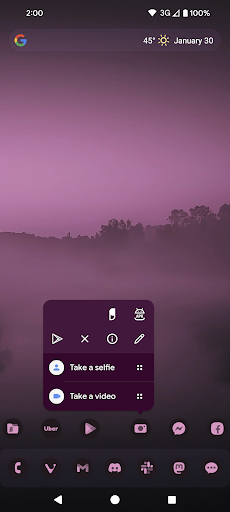
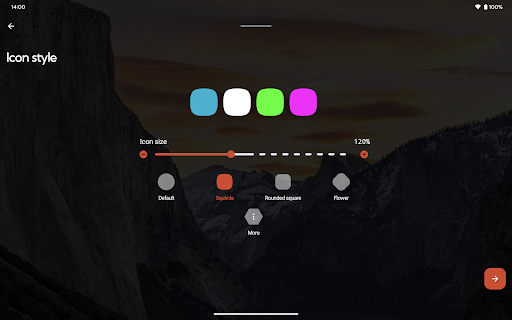
With support for thousands of icon themes available in the Play Store, Nova Launcher allows you to reshape all app icons into shapes of your choice, providing a uniform and cohesive visual aesthetic. You can effortlessly switch themes to match your mood or style, transforming your device into a truly personalized device.
Extensive Color System
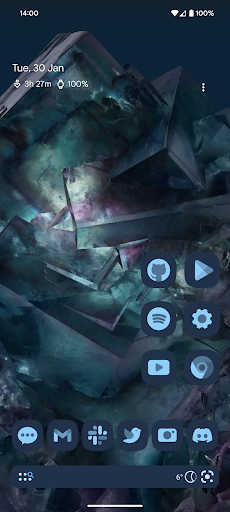
Nova integrates with the Material You colors from your system or enables you to pick custom colors for a unique feel. This flexibility allows your home screen to reflect your personal color preferences, adding a layer of aesthetic customization that enhances overall visual harmony.
Light and Dark Themes
Customize your device's appearance further with light and dark themes. Synchronize dark mode with your system's settings, or choose to keep it on permanently, giving you control over your device’s ambience and readability.
Enhanced Functionality for Effortless Navigation
Advanced Search System
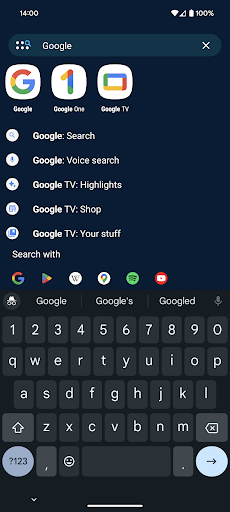
Nova Launcher offers a powerful search system that lets you find content across your apps, contacts, and integrated services quickly. It also provides instant Micro Results, such as calculations, unit conversions, and package tracking, making it easier to access information instantly.
Highly Customizable Home Screen and App Drawer
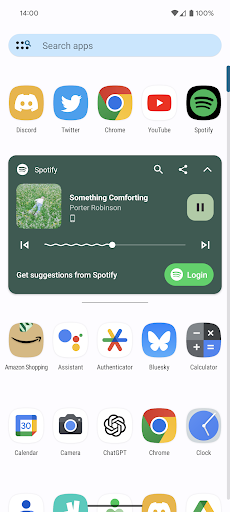
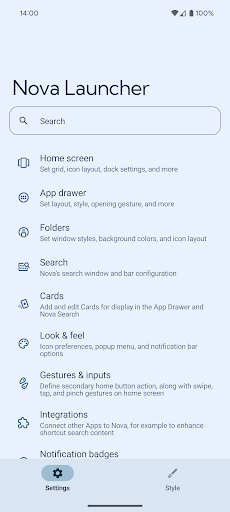
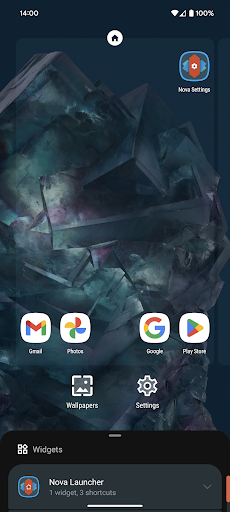
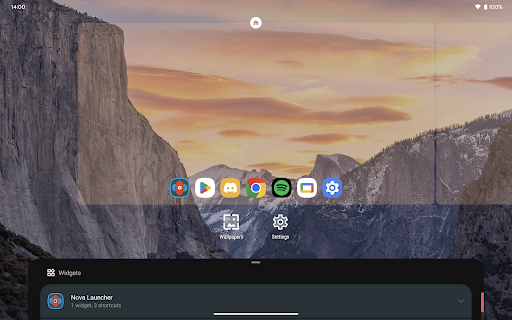
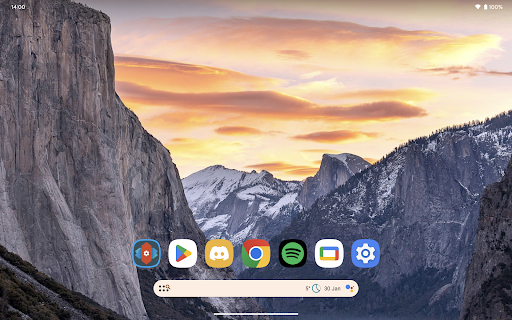
You can tweak nearly every aspect of your home screen including icon size, label colors, scroll direction, and search bar position. The app drawer supports customizable cards that display relevant information, reducing clutter and improving accessibility.
Subgrid Positioning for Precision Layouts
Nova’s subgrid positioning feature allows for icons and widgets to snap between grid cells, giving precise control over your layout—something most other launchers can't offer. This makes creating unique and polished home screens a straightforward process.
Backup and Restore
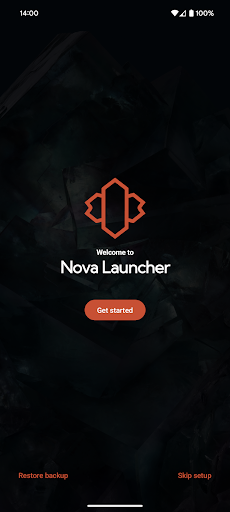
Transitioning to a new device or trying different setups has never been easier. Nova provides backup and restore options that save your configurations locally or to the cloud, ensuring your personalized setup is always recoverable.
Unleash More Potential with Nova Launcher Prime
Upgrading to Nova Launcher Prime unlocks a suite of advanced customization options. These include:
- Gestures: Assign swipe, pinch, or double-tap actions to execute custom commands, such as opening apps or toggling settings.
- App drawer groups: Create tabs or folders within your app drawer for a tidy, organized layout.
- Hide apps: Conceal apps from your drawer without uninstalling, keeping your home screen clutter-free.
- Icon swipe gestures: Use gestures directly on icons to access specific actions, enhancing efficiency.
- Plus, enjoy more scrolling effects, notification badges, and media controls—making your device feel truly personalized.
Additional Enhancements and Support
Nova Launcher supports custom icon packs and integrates seamlessly with various icon pack designers. It utilizes permissions like AccessibilityService and Notification Listener to provide optional features such as desktop gestures, system controls, and icon badges—all without collecting personal data. The app's optimized performance ensures smooth operation even with numerous widgets and customizations, making your Android device faster and more responsive.
Why Choose Nova Launcher?
If you're seeking a home screen launcher that combines powerful customization options with performance and ease of use, Nova Launcher stands out as an exceptional choice. Its features accommodate both novice users and seasoned Android enthusiasts, offering endless possibilities to make your device truly yours. By leveraging Nova's advanced tools, you can transform a cluttered home screen into a beautifully organized and efficient mobile workspace—boosting your productivity and personal style. Give your Android device the upgrade it deserves with Nova Launcher, and enjoy the ultimate customization experience.
Pros
- Highly customizable user interface
- Smooth and responsive performance
- Ability to backup and restore settings
- Regular updates with new features
- Gestures for quick and easy access
Cons
- Some features available only in the premium version
- May be complicated for new users
- Occasional minor glitches or bugs
- Limited widgets in the free version
- Potential battery drain on older devices











