
Overview of Nova Launcher Prime
Nova Launcher Prime is a premium upgrade that unlocks the full potential of the popular Nova Launcher app, allowing users to personalize their Android devices with advanced customization features. This app acts as a license to access a wide array of capabilities that are otherwise limited in the free version of Nova Launcher. Before installing Nova Launcher Prime, users need to first install the standard Nova Launcher app from the Google Play Store.
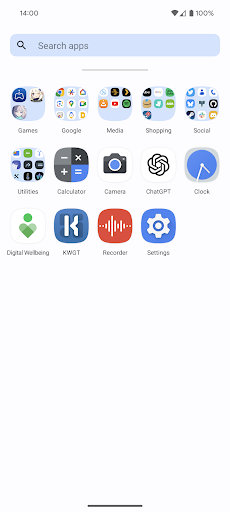
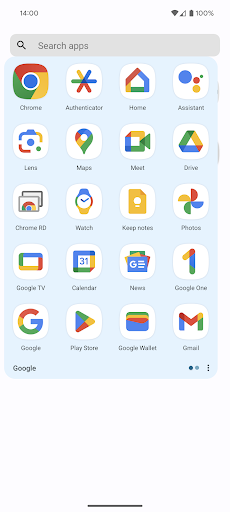
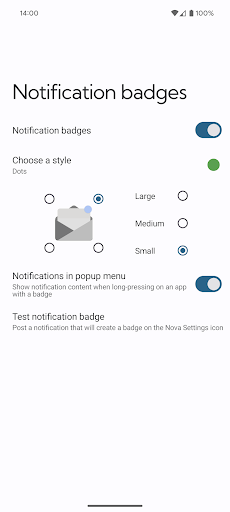
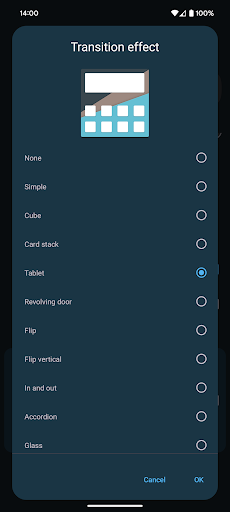
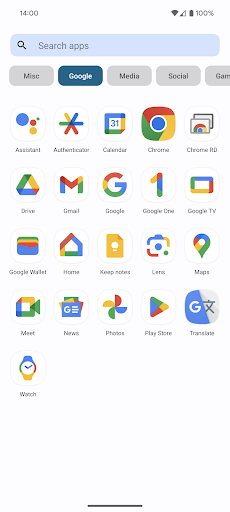
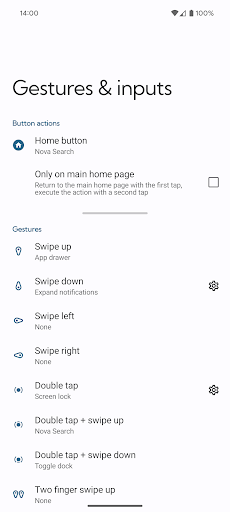
With Nova Launcher Prime, users can enjoy features such as Gestures, App drawer groups, Hide apps, and Custom icon swipe gestures. These functionalities transform your device into a highly customized and efficient tool, enhancing both appearance and usability. The app also includes additional scrolling effects, notification badges, and other premium features that elevate the overall user experience.
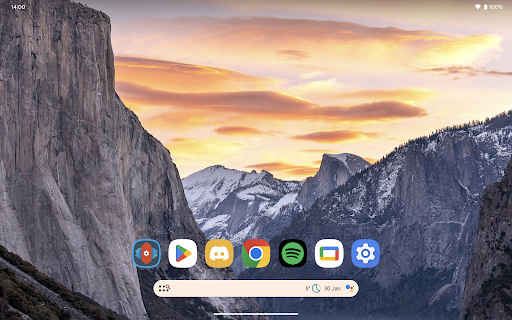
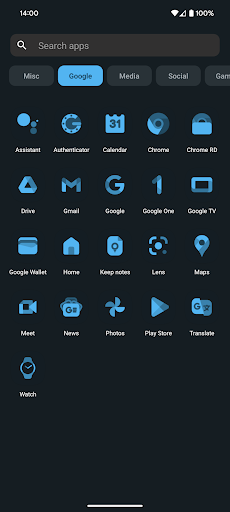
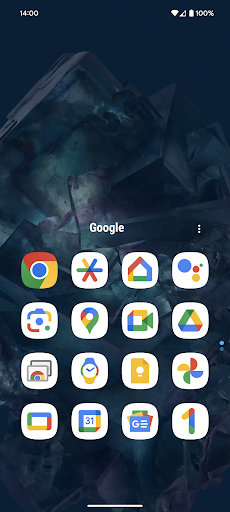
Note: In the accompanying screenshots, the icons are from the OneYou Icon Pack by PashaPuma Design. All icon packs used with permission from their respective creators.
Maximize Your Customization with Nova Launcher Prime
If you enjoy personalizing your phone to reflect your unique style, Nova Launcher Prime is an essential tool. Unlike basic launchers, Nova Launcher Prime offers an almost endless array of customization options that enable you to transform your home screen and app drawer into a truly personalized interface.
Unleashing the Power of Customization
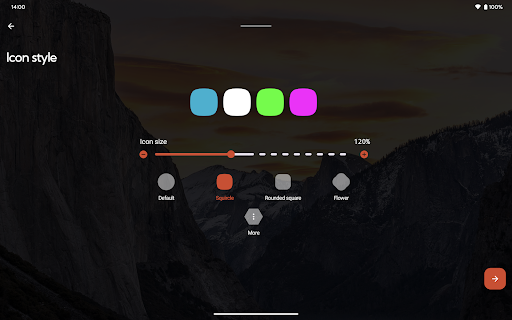
This app is more than just a launcher; it’s a powerhouse of personalization. You can modify every aspect of your interface, from adjusting the icon grid layout to fine-tuning scrolling effects and customizing your app drawer style. Whether you prefer a minimalistic look or a vibrant, colorful layout, Nova Launcher Prime provides the tools to make your device uniquely yours.
Widgets and Gestures
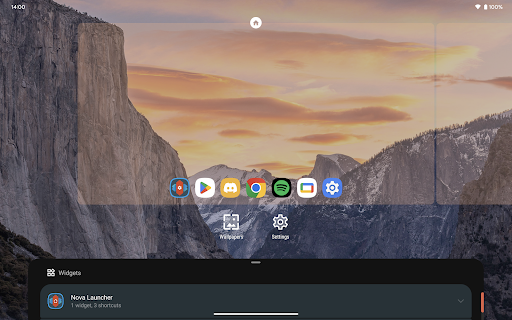
One of the standout features of Nova Launcher Prime is its support for widgets and gestures. You can assign actions to various gestures like swipe, pinch, or double tap on your home screen — for example, swiping up with two fingers to quickly open your favorite app or double-tapping to lock your device. Customizable widgets provide instant access to weather updates, calendars, music controls, and more, directly from your home screen, enhancing both productivity and convenience.
Performance and Efficiency
Performance is a crucial aspect of a launcher, and Nova Launcher Prime excels in this area. It delivers a smooth, fast, and lag-free experience. Unlike some launchers that may slow down your device, Nova runs seamlessly — akin to a sports car engine in an everyday car. This efficiency makes daily use incredibly enjoyable, even on devices with moderate hardware specifications.
Backup and Restore Features
Another valuable feature is the backup and restore functionality. If you frequently switch devices or reset your phone, this feature allows you to save your customized setup and restore it effortlessly. No need to spend hours reconfiguring your home screen after every device reset or switch, making Nova Launcher Prime a reliable companion for power users.
Summary
In summary, Nova Launcher Prime is a must-have application for anyone seeking to elevate their Android experience. Its versatility and powerful features cater to both casual users and tech enthusiasts, offering a clean yet highly customizable interface. Whether you’re aiming for a tidy home screen, an eye-catching design, or quick access to your favorite apps and tools, Nova Launcher Prime delivers.
So, if you’re ready to unlock the true potential of your Android device, give Nova Launcher Prime a try and discover how it can redefine your mobile interaction!
Pros
- Highly customizable home screen options
- Smooth and fast performance
- Backup and restore settings feature
- Gestures for quick access
- Frequent updates enhancing features
Cons
- Paid app with no free trial
- Complex for non-tech savvy users
- Limited widget resizing options
- Some features require additional permissions
- May drain battery faster on older devices











