
Discover the Power of NFC Tools - Pro Edition
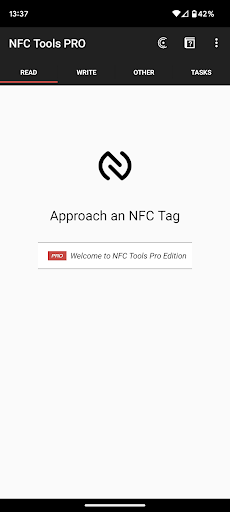
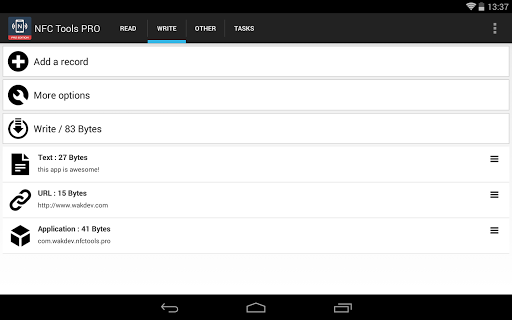
NFC Tools - Pro Edition is a comprehensive app designed to unlock the full potential of your device’s NFC (Near Field Communication) capabilities. Whether you're a tech enthusiast or just someone eager to automate and enhance everyday tasks, this application offers a sleek, lightweight interface to read, write, and program NFC tags and compatible NFC chips effortlessly. With no limitations on its functionalities, NFC Tools - Pro Edition empowers users to create fun, useful routines that bring convenience right to their fingertips.
Key Features & Benefits of NFC Tools - Pro Edition
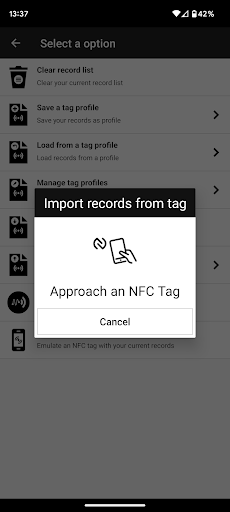
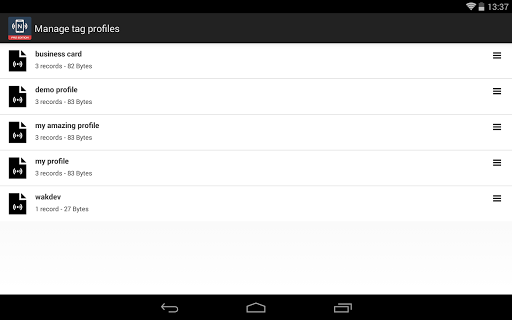
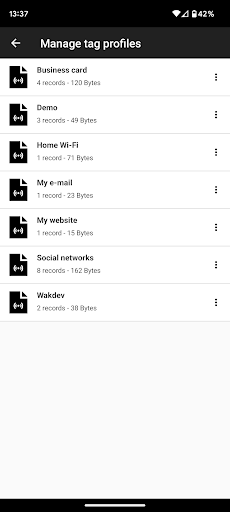
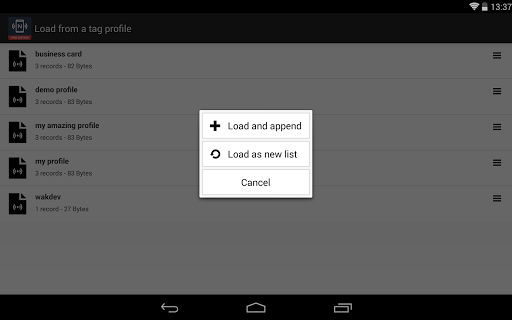
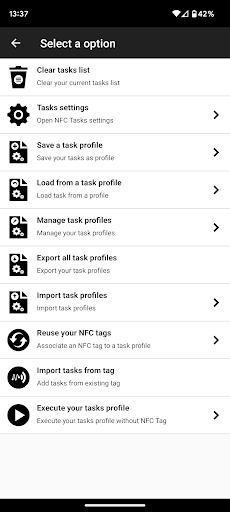
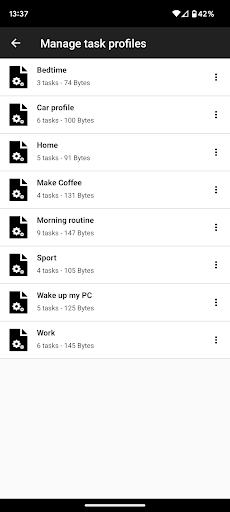
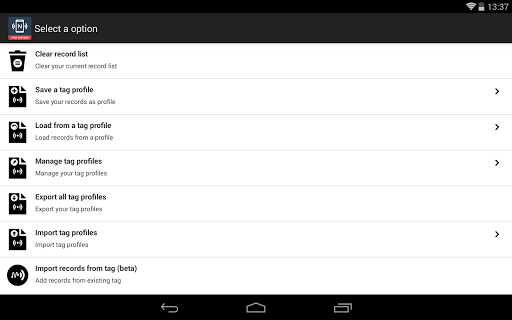
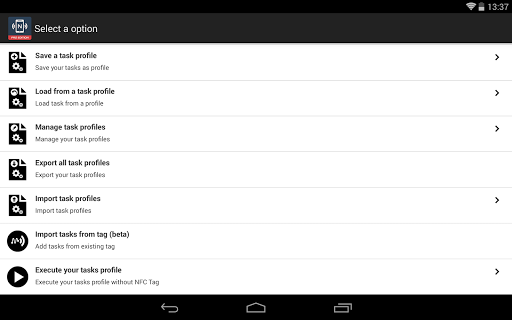
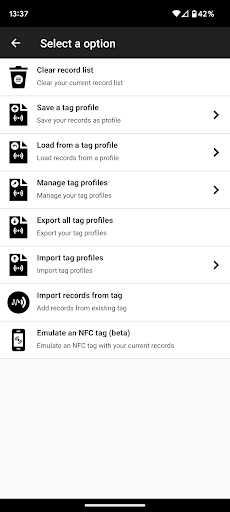
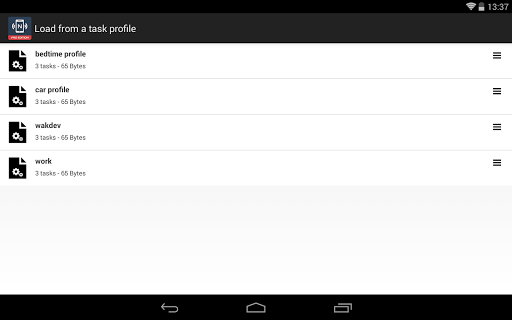
This premium version of NFC Tools introduces a suite of advanced features that elevate your NFC experience. One of the standout capabilities is the profile management system, which allows users to save various profiles containing specific records and tasks. These profiles can be easily reused, making it quick to set up complex automation routines. Additionally, users can import data directly from existing NFC tags, simplifying the editing process and making modifications quick and intuitive.
Enhanced Functionality for Power Users
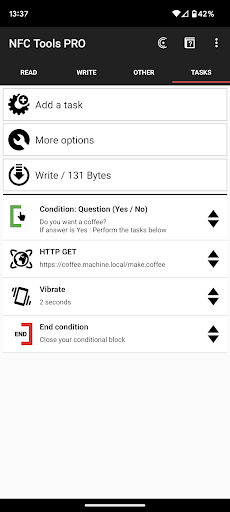
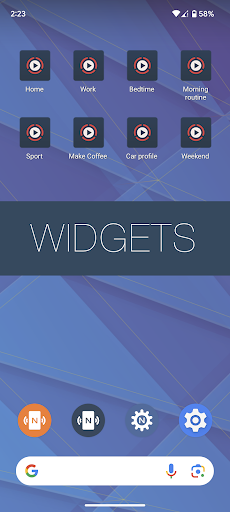
Beyond the basics, NFC Tools - Pro Edition enables executing tasks even without physical NFC tags by creating shortcuts on your device’s home screen. Want to emulate a tag? The app's emulation feature makes your smartphone act as an NFC tag, sharing NDEF data with other devices seamlessly. For those interested in complex automation, the app offers conditional blocks, allowing users to craft intricate actions that depend on specific conditions. With over 200 different tasks available, you can combine actions in countless ways to customize your experience—be it turning off Wi-Fi, launching apps, or controlling smart devices, all with just a tap.
Why Choose NFC Tools - Pro Edition?
While the free version provides basic NFC functionalities, upgrading to NFC Tools - Pro Edition unlocks powerful features that cater to serious tech users and automation enthusiasts. The app’s user-centric design means you don’t need to be an expert to set up sophisticated routines — simply configure your tasks, save profiles, and enjoy the automation benefits. Moreover, the app's developers regularly update it, continuously adding new features to keep you at the forefront of NFC technology. This ongoing support guarantees a smooth experience, whether you're setting up personal routines or experimenting with advanced NFC projects.
Ease of Use and Community Support
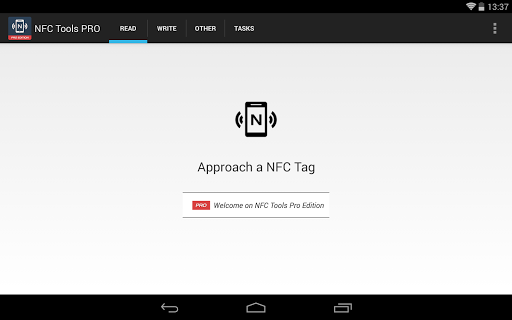
The interface is clean, intuitive, and guided, making NFC programming accessible to all levels of users. Importing, exporting, or editing your NFC tasks is straightforward, saving time and effort. Plus, if you ever encounter issues or need assistance, the dedicated support team is readily available—ready to help you maximize your NFC projects.
Practical Applications and Use Cases
NFC Tools - Pro Edition isn't just about reading and writing tags; it's about transforming how you interact with your environment. Automate your daily routines such as turning off Wi-Fi when you go to bed, launching favorite apps at specific locations, sharing contact details with a tap, or even controlling smart home devices effortlessly. Its versatility makes it an essential tool for tech lovers and productivity seekers alike.
Conclusion
If you're eager to push the limits of what your NFC-enabled device can do, NFC Tools - Pro Edition is your ultimate companion. With advanced features like profile management, tag emulation, conditional actions, and a vast library of tasks, this app turns dreams of seamless automation into reality. It’s a powerful, user-friendly platform that enriches your mobile experience, making everyday interactions smarter, faster, and more fun. Whether you’re automating simple routines or developing complex NFC projects, NFC Tools - Pro Edition is an indispensable addition to your digital toolkit.
Pros
- User-friendly interface
- Wide range of NFC tasks
- Supports various NFC tags
- Customizable task automation
- Regular updates
Cons
- Limited free version
- Requires NFC-enabled device
- Complex for beginners
- Potential security risks
- High battery consumption











