

Discover the Benefits of the My Verizon App: Your All-in-One Mobile Management Solution
If you're looking for a seamless way to manage your Verizon services effortlessly, the My Verizon app is the perfect solution. Designed to bring all your mobile and home internet needs into one convenient platform, this app helps you stay in control and make the most of your Verizon plan. Whether you're checking your current balance, managing devices, or exploring new plans, My Verizon makes it simple and quick.
Personalized Dashboard and Easy Navigation
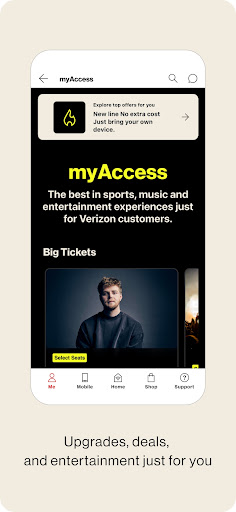
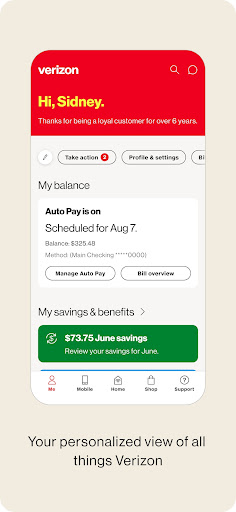
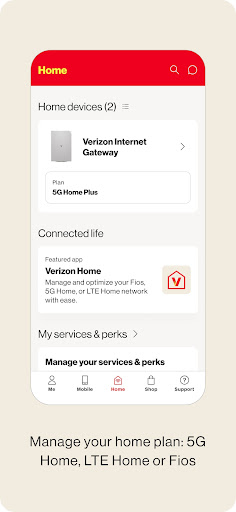
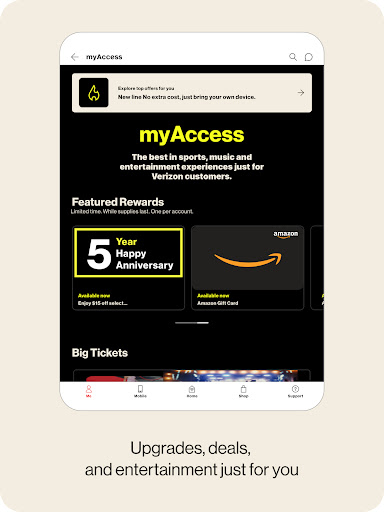
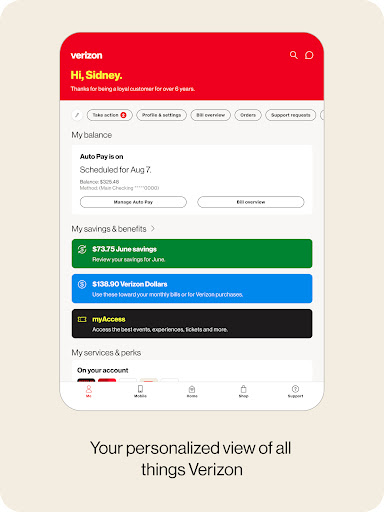
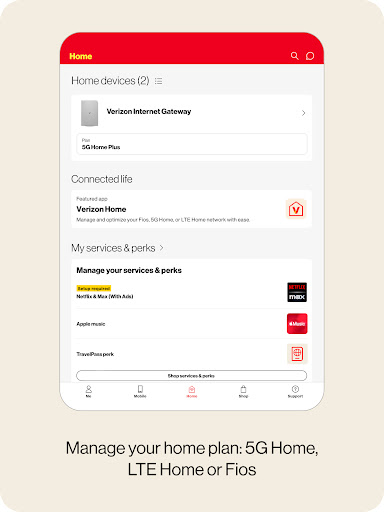
Upon launching the My Verizon app, you'll be greeted with a personalized dashboard tailored just for you. This dashboard displays your latest updates, personalized offers, bill savings, perks, and shortcuts to your most used features. The intuitive tab bar allows you to switch effortlessly between sections such as Mobile, Home Internet, and Support, ensuring that you find what you're looking for without hassle. Managing your Mobile and Home Internet accounts is just a tap away, providing instant access to device management, plan modifications, usage tracking, and more.
Manage Your Devices and Plans with Ease
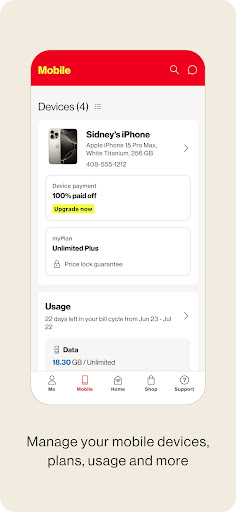
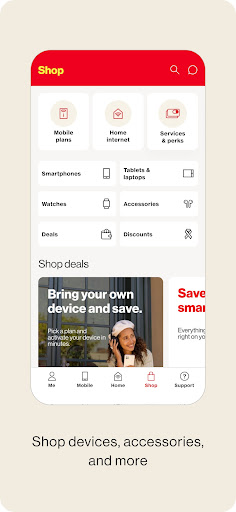
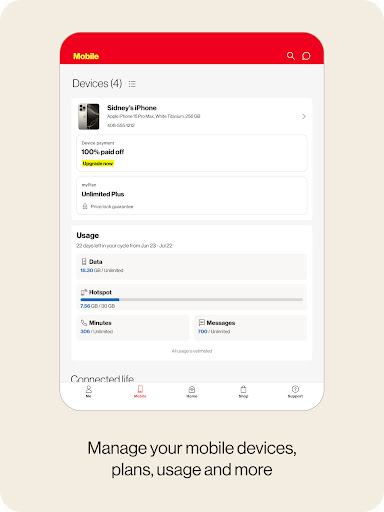
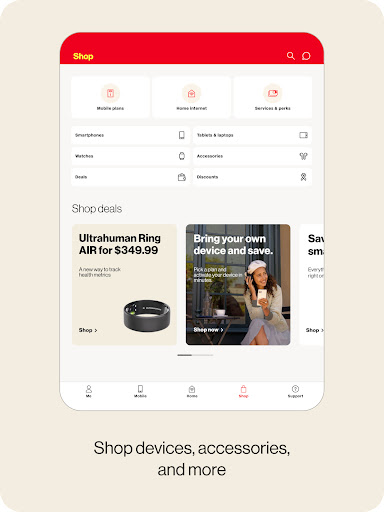
With My Verizon, you can quickly view and manage all your devices, adjust plans, and make updates whenever you need. The app offers real-time data usage tracking, so you stay informed and avoid unexpected overages. Planning a trip? The app lets you manage international services effortlessly, ensuring connectivity no matter where you go. Its streamlined billing feature simplifies your bill review, allows scheduling AutoPay, and enables secure payments—all in one place. Plus, you can shop for new devices or upgrade your existing plan directly from the app, saving you time and effort.
Dedicated Support and Troubleshooting
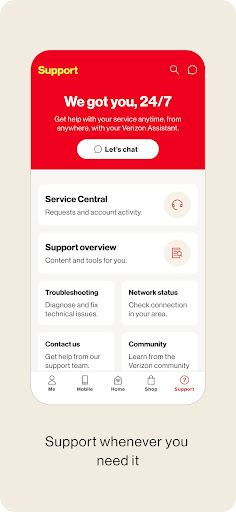
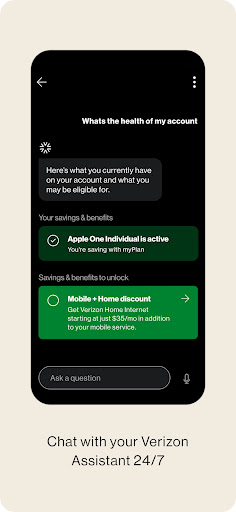
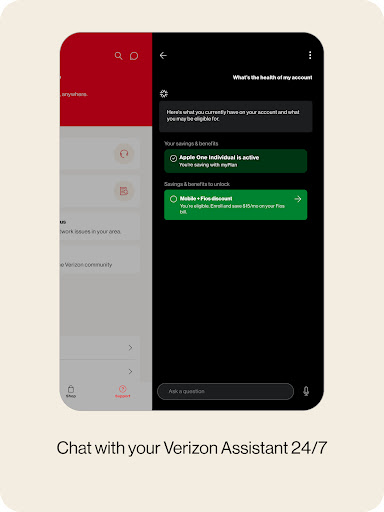
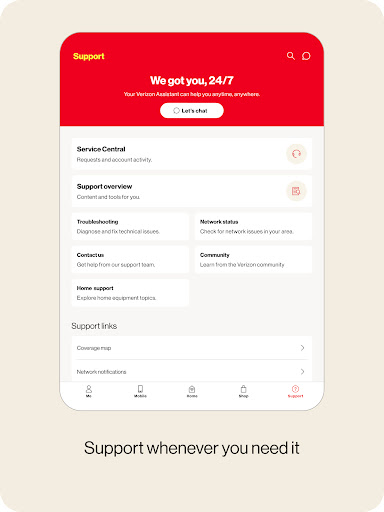
Need assistance? The revamped support page within the app has you covered 24/7. You can chat with the Verizon Assistant for help with troubleshooting, exploring new plans, and account questions. This integrated support system makes resolving queries faster and more convenient, eliminating the need for lengthy customer service calls. Everything is designed to make your experience smoother and more efficient, ensuring you get the help you need, when you need it.
Why Choose My Verizon? Highlights and Features
Managing multiple lines or a single plan? My Verizon serves as your personal mobile assistant, transforming how you stay connected and control your services. One of its standout features is real-time data monitoring, which helps prevent surprises at the end of your billing cycle. The app also sends helpful reminders for bill due dates, enhancing your financial organization. Its modern user interface is clean, intuitive, and easy to navigate—making onboarding a breeze for users of all tech levels. Setting up autopay means never worrying about late fees again, giving you peace of mind every month.
Conclusion: A Must-Have for Verizon Customers
Overall, the My Verizon app goes beyond basic account management. It’s a comprehensive tool that offers convenience, control, and peace of mind for anyone using Verizon services. Whether you're managing multiple mobile lines, exploring new devices, or handling your home internet, this app simplifies your digital life. It’s a reliable partner in providing quick access to your account details, billing, device settings, and customer support—all from your smartphone. If you want a hassle-free way to manage your Verizon services, download My Verizon today and experience the difference!
Pros
- User-friendly interface for easy navigation.
- Real-time data usage monitoring.
- Convenient bill payment options.
- Reliable network performance insights.
- Customizable account alerts.
Cons
- Occasional app crashes reported.
- Limited features on older devices.
- Slow customer support response.
- Frequent login issues.
- In-app ads can be intrusive.











