

Introduction to MX Player
If you love binge-watching your favorite series or indulging in movie marathons, a reliable media player is essential. MX Player stands out as a versatile app that enhances your viewing experience on both Android and iOS devices. From its advanced features to smooth performance, MX Player offers everything you need for an immersive entertainment journey.
Getting Started with MX Player
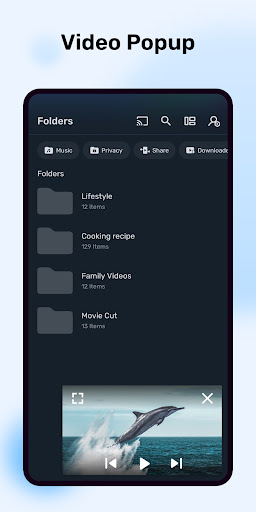
Upon downloading MX Player, you'll discover a sleek and user-friendly interface designed for easy navigation. Its compatibility with both Android and iOS platforms ensures that no matter your device preference, you can enjoy its functionality. The installation process is straightforward, and within minutes, you're ready to start exploring a world of multimedia content.
Key Features of MX Player
Broad Format Support
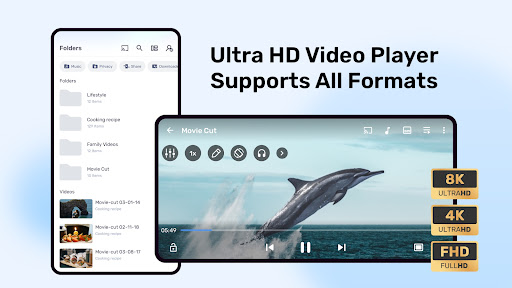
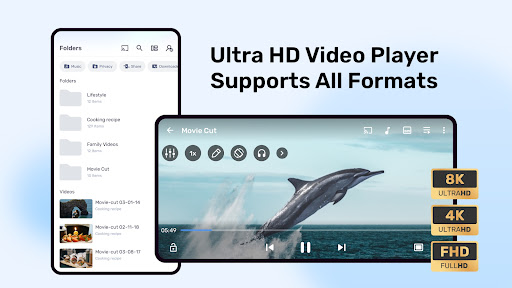
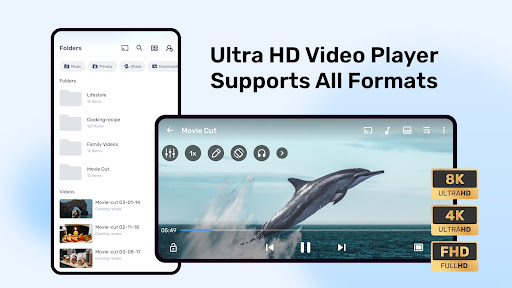
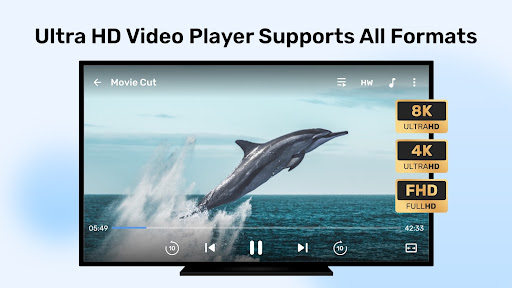
MX Player supports a wide array of file formats including MP4, AVI, MKV, and many others. This extensive compatibility means you can play almost any media file without the hassle of conversion or dealing with format issues.
Subtitle Compatibility and Features
An essential feature for foreign film lovers is robust subtitle support. MX Player not only accommodates various subtitle formats such as SubStation Alpha (.ssa/.ass), SAMI (.smi), SRT (.srt), among others, but also allows you to effortlessly sync subtitles or adjust their timing. This ensures a seamless viewing experience with perfect captioning.
Performance and User Experience
The app is optimized to deliver smooth playback across devices, regardless of the hardware capabilities. Whether you're using a high-end smartphone or an older device, MX Player minimizes lag and buffering, especially during HD streams. Its hardware acceleration feature, supported by the HW+ decoder, significantly improves performance. Additionally, multi-core decoding support boosts efficiency, making playback up to 70% faster on multi-core devices.
Advanced Controls and Customizations
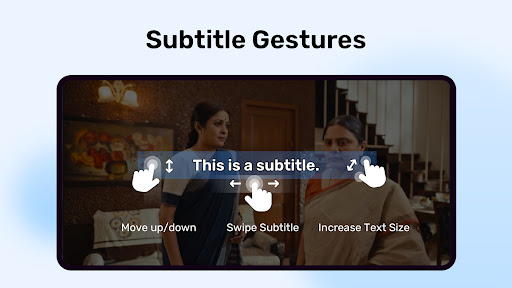
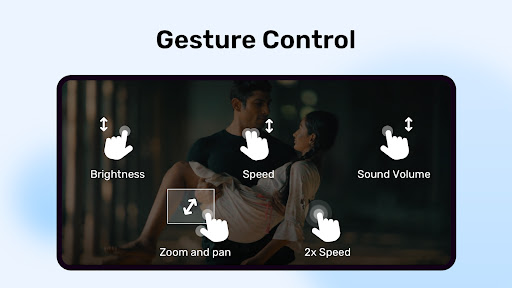
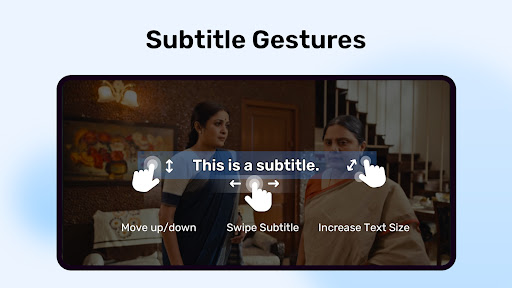
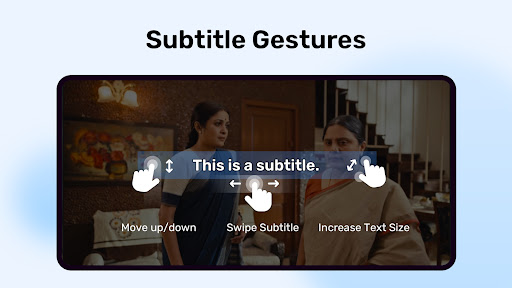
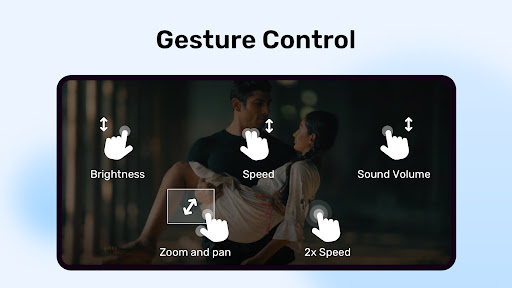
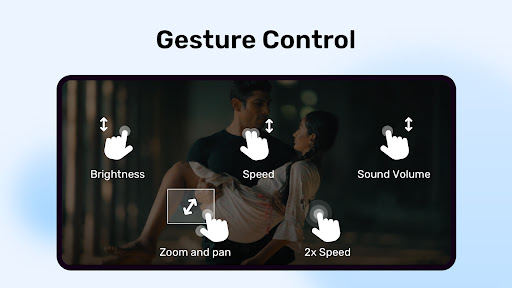
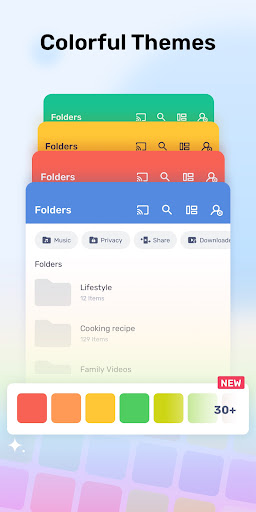
MX Player offers rich customization options, including gesture controls for volume, brightness, and seeking. Features like pinch-to-zoom and zoom and pan make navigating videos more interactive. The subtitle gestures allow scrolling through text, moving subtitles up or down, and adjusting text size, making it highly user-friendly.
Privacy and Child Safety
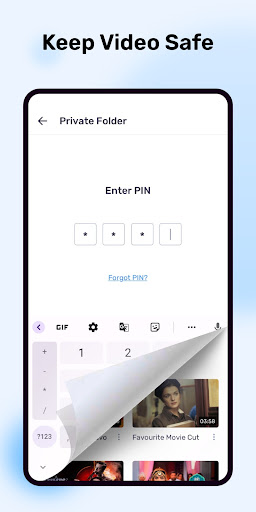
Protect your private videos using the Privacy Folder feature, which hides sensitive content. For families, the Kids Lock feature provides a safe environment to keep children entertained without worrying about accidental calls or app access.
Subtitle Format Support
MX Player supports an extensive list of subtitle formats:
- - DVD, DVB, SSA/ASS with full styling
- - SAMI (.smi) with Ruby tag support
- - SubRip (.srt)
- - MicroDVD (.sub)
- - VobSub (.sub/.idx)
- - SubViewer2.0 (.sub)
- - MPL2 (.mpl)
- - TMPlayer (.txt)
- - Teletext
- - PJS (.pjs)
- - WebVTT (.vtt)
Permission Details and Troubleshooting
MX Player requires various permissions such as "READ_EXTERNAL_STORAGE" and "WRITE_EXTERNAL_STORAGE" for media files and subtitles, as well as permissions for network access, Bluetooth, camera, and more to enable features like streaming, AV sync, QR code scanning, and screen security. If you encounter issues like "package file is invalid", reinstall the app from the official download page.
Community Support and Licensing
For questions or support, visit the MX Player community pages on Facebook or the XDA MX Player forum. Some screens feature content licensed under Creative Commons, such as Elephants Dreams and Big Buck Bunny, showcasing quality visuals within the app.
Conclusion
MX Player is more than just a media player; it’s a comprehensive entertainment hub packed with powerful features. Its support for a vast range of formats, advanced hardware acceleration, multi-core decoding, and user-friendly controls make it the ideal choice for casual viewers and media enthusiasts alike. Whether you're watching on your mobile device or casting content to your TV, MX Player elevates your multimedia experience. For those seeking a reliable and feature-rich media solution, MX Player is undoubtedly worth a try. Enjoy your movies and shows with unmatched clarity and control!
Pros
- Supports a wide variety of video formats.
- Delivers smooth playback through hardware acceleration.
- Allows customization of playback speed.
- Features an intuitive, user-friendly interface.
- Provides subtitle support with synchronization options.
Cons
- Advertisements in the free version can be intrusive.
- Certain features require purchasing the full version.
- Consumes significant resources on older devices.
- Lacks integrated streaming service support.
- May face difficulties playing 4K videos on some devices.











