
Microsoft SwiftKey AI Keyboard: The Ultimate Smart Typing Experience
If you often find yourself frustrated with standard keyboard apps, the Microsoft SwiftKey AI Keyboard offers an innovative solution that transforms your typing experience. Designed to learn your unique writing style, this intelligent keyboard enables faster, more accurate, and more personalized communication across all your favorite apps.
Personalized Typing with AI-Powered Predictions
One of the standout features of Microsoft SwiftKey is its advanced AI predictions. Unlike basic predictive text, this keyboard learns from your typing habits—including your slang, nicknames, emojis, and frequently used phrases—allowing it to anticipate your next word with remarkable accuracy. This means you can type less and say more, saving valuable time while maintaining natural conversations.
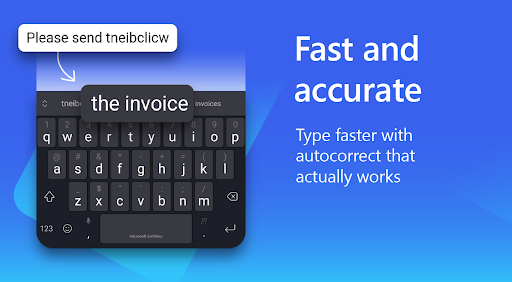
The app's smart spell check and autocorrect features further enhance your typing efficiency by reducing errors and enhancing clarity. Whether you're composing an email or quickly texting a friend, SwiftKey helps ensure your messages are polished and error-free.
Fluid Swipe and Tap Typing Options
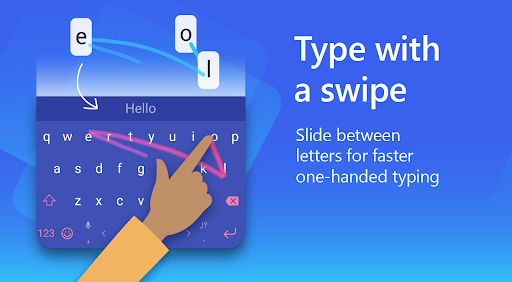
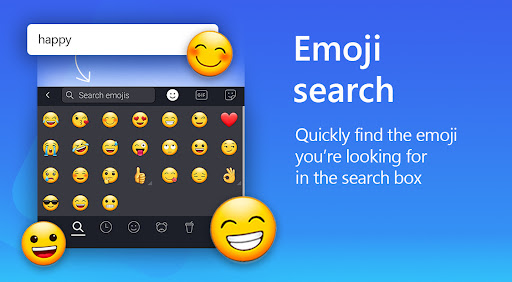
Enjoy the convenience of swipe-to-type—simply glide your finger across the keyboard to input words swiftly and effortlessly. This method is both intuitive and accurate, making it ideal for fast-paced conversations. Alternatively, you can opt for traditional tap-to-type, or search for emojis and GIFs directly from the keyboard to spice up your messages.
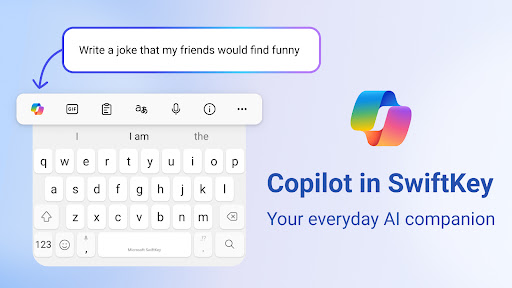
Additionally, Microsoft SwiftKey allows you to rewrite or transform your text, including changing tones or composing polished drafts via integrated AI assistance. This feature empowers users to craft their messages with style and precision easily.
Rich Content and Expression Tools
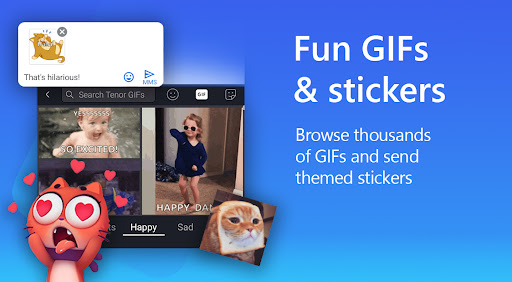
Express yourself more vividly with a rich variety of tools. Use predictive emoji, GIFs, and stickers that adapt over time to your preferences, making your conversations lively and fun. Search features allow you to quickly find the perfect reaction or meme for any situation, ensuring your messages stand out.
You can also create unique AI-powered images and memes directly within the keyboard, adding an element of creativity to your chats or social media posts.
Extensive Customization and Multilingual Support
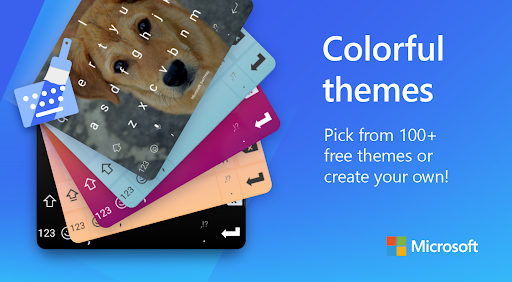
This keyboard app caters to personal style with over 100 colorful themes. Want to make it truly your own? You can create custom themes using your photos as backgrounds. Resize and layout your keyboard to suit your preference for greater comfort while typing across devices of all sizes.
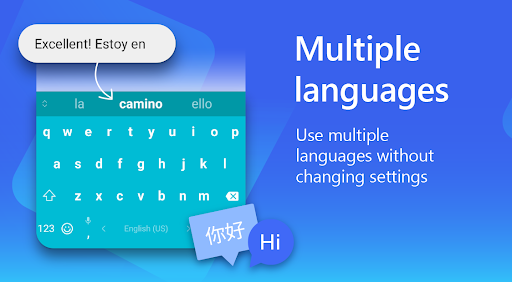
For multilingual users, Microsoft SwiftKey supports over 700 languages and allows you to enable up to five languages simultaneously. This seamless language switching makes it perfect for multilingual conversations without hassle.
Additional Features for Better Productivity
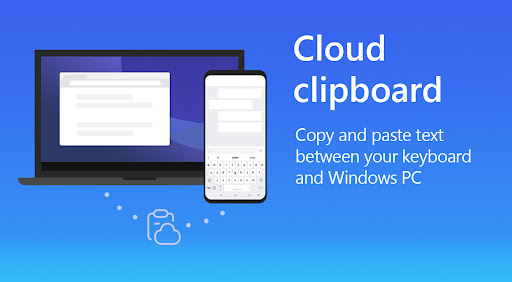
The app integrates smoothly with your favorite messaging and social media platforms, enhancing your overall productivity. The clipboard feature helps you copy and store snippets of text, making it easy to manage multiple pieces of information. Plus, the built-in translator enables real-time translation, perfect for chatting with international contacts or understanding content on the fly.
Why Choose Microsoft SwiftKey?
Overall, Microsoft SwiftKey is more than just a keyboard; it's a smart writing companion that learns and adapts to your style, making typing faster, smarter, and more fun. With features like personalized predictions, extensive customization, multilingual support, and rich content tools, it caters to users of all preferences and needs.
Whether you're a speed texter, a creative communicator, or someone who enjoys customizing their digital workspace, SwiftKey provides a versatile platform to elevate your messaging experience. Download Microsoft SwiftKey Keyboard today and discover how it can transform the way you communicate on your device.
Find out more about Microsoft SwiftKey’s key features and learn why millions worldwide trust this intelligent keyboard to support their daily conversations.
Pros
- Highly customizable keyboard layout
- Seamless integration with Microsoft services
- Advanced AI for accurate predictions
- Supports multiple languages
- Reliable voice typing feature
Cons
- May experience lag on older devices
- Occasional prediction errors occur
- Limited theme options for free users
- Reported high battery consumption
- Concerns regarding data collection and privacy











