
Introducing Connect SMS Home Screen: Messaging, Reimagined
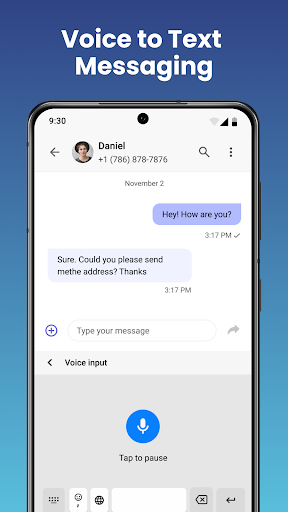
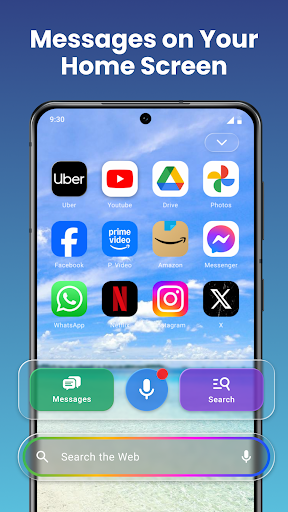
Connect SMS Home Screen isn’t just another messaging app — it’s a powerful launcher that transforms the way you interact with your device. Designed to bring your SMS conversations right to your home screen, this innovative app eliminates the need to search through multiple apps, giving you instant access to your chats. Whether you're texting friends, family, or colleagues, Connect SMS makes maintaining communication faster, easier, and more seamless than ever before.
With its sleek interface and customizable features, the Connect SMS Home Screen acts as a personalized messaging hub. It’s ideal for users who want their messaging experience to be integrated directly into their device’s main interface, saving time and increasing productivity. The app’s intuitive design guarantees quick navigation, making messaging feel effortless and enjoyable.
Messaging at the Speed of Life
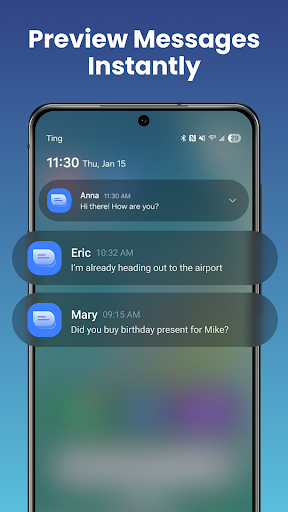
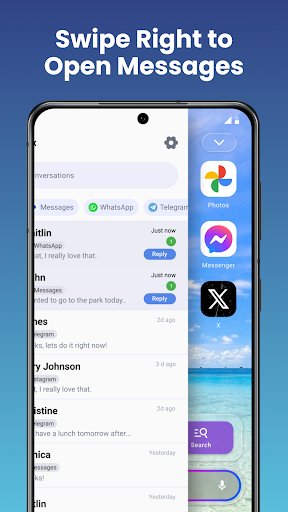
Say goodbye to app-hopping. With Connect SMS Home Screen, your recent conversations and unread messages are displayed right on your home screen with just a swipe or a tap. This feature allows you to respond immediately, keeping your communication flowing smoothly. Whether you're texting friends, family, or coworkers, this app ensures you stay connected without interruption.
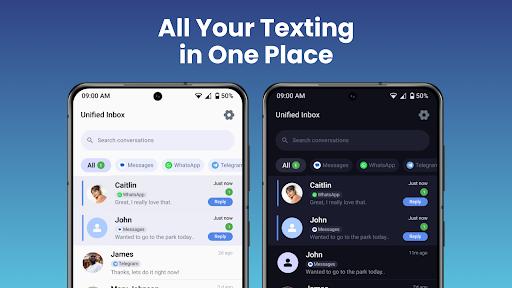
The smart widget feature keeps you informed at a glance—showing your recent contacts and unread message counts—so you’re always in the loop. No more opening multiple apps or searching through notification logs. Instead, you get instant insights into your messages, making your daily communication more efficient.
Personalize Your Home Screen
Your device should reflect your unique style. Connect SMS allows you to customize colors, themes, and layouts, transforming your home screen into a personalized messaging center. Whether you prefer a minimalistic look or a vibrant, widget-rich interface, this app adapts to your preferences.
Beyond messaging, you can add various widgets such as weather updates, quick app shortcuts, and more. This versatility turns your Android device into a multi-functional hub—tailored exclusively to your needs—all accessible through a highly customizable interface designed for ease of use.
Stay Instantly Informed with the Smart Widget
The smart widget feature offers quick access to essential information without opening the app. You can see your latest contacts and unread messages directly on your home screen. This real-time update ensures you never miss an important message, streamlining your communication flow.
With the widget's flexibility, you can prioritize contacts or customize its appearance to match your style, making sure your home screen is both functional and visually appealing.
Why You’ll Love Connect SMS Home Screen
- Display SMS conversations directly on your home screen
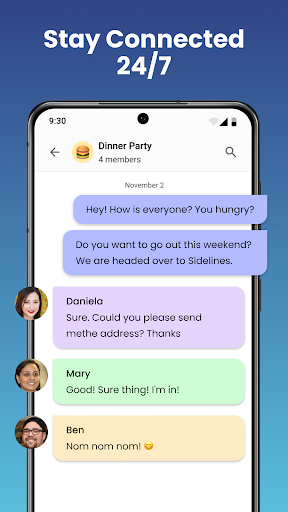
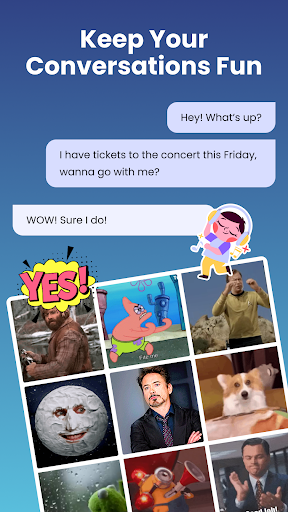
- Interactive group chats with photo and media sharing
- Home screen widget for recent contacts and unread messages
- Fully customizable interface—themes, colors, and layouts
- Intuitive design for fast, frustration-free messaging
- End-to-end privacy and secure communication
- 100% free and compatible with all Android devices
Elevate your texting experience with Connect SMS Home Screen. Its seamless integration, customization options, and robust security make it a must-have app for anyone who values speed and simplicity in mobile messaging.
Upgrade Your Messaging Experience Today
Ready to make your smartphone more efficient and personalized? Download Connect SMS Home Screen now and transform your home screen into a dynamic, personal messaging center. Enjoy instant access, full control, and a smarter way to stay connected—all within a single app.
Connect SMS Home Screen combines speed and simplicity, making your communication faster and more intuitive. Discover a new level of convenience and personalization — experience messaging reimagined.
Pros
- Easy options for customizing the app.
- Compatible with multiple messaging platforms.
- Intuitive and user-friendly interface.
- Consistent and swift performance.
- Receives regular updates introducing new features.
Cons
- Limited variety of themes available.
- Advertisements can sometimes be disruptive.
- Occasional app crashes reported.
- Requires access to numerous permissions.
- Certain features need in-app purchases.











