
Free Meme Maker & Meme Creator Video Editor
Make memes app free and share them with your friends instantly! Transform your ideas into laughter with this video meme maker free app, the all-in-one funny memes maker app offline designed for enthusiasts and creators alike. With the power to make video memes, as well as picture and GIF memes, this amazing photo meme generator free app sets the stage for unlimited fun and creativity. So, what are you waiting for? Download custom Meme Maker & Meme Creator free app and dive into a world where your expressions know no bounds!
Video Meme Generator App
Try engaging memes editor app video and make hilarious videos with ease. Want to immortalize a hilarious moment from your favorite show? Easy. Our quote Meme Maker & Meme Creator game allows you to transform any video into share-worthy videos gifs memes, ensuring your content stands out in any feed.
Photo Editor Meme Maker App Free
Easily make memes with your own photos using this funny meme maker from photo. Need a quick reaction for that group chat? Done. With a wide range of templates and the option to use your images in this meme template maker app, you can finally make your own memes free - the possibilities are endless.
GIF Meme Generator offline
Instantly create GIF memes that capture the internet’s imagination. Whether it's a reaction, a quick joke, or a looping moment, make it memorable with our simple meme generator gif and video.
Free Memes Editing App
If you’re looking for how to make memes app - you’re in the right place! Unleash your creativity with bottom text Meme Maker & Meme Creator and template! All you need to do is use these powerful tools:
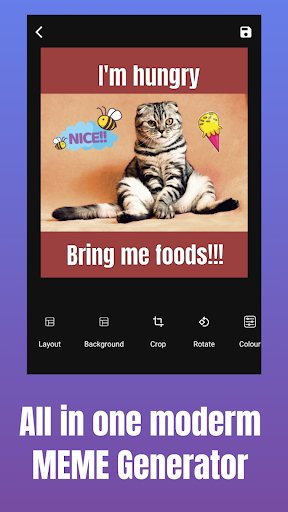
- Trim: Cut and edit your videos to the desired length. This video meme editor app ensures your memes deliver their punch without any unnecessary filler.
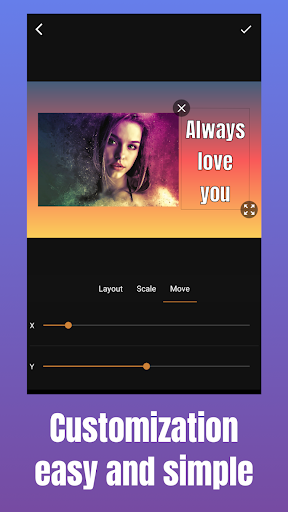
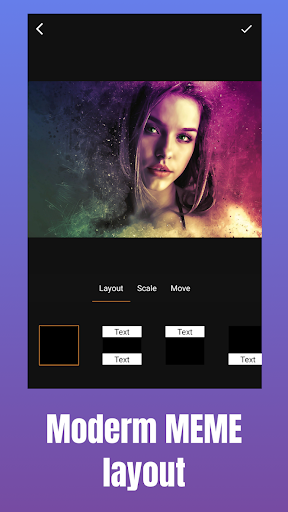
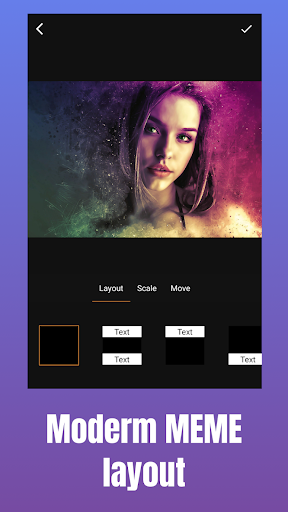
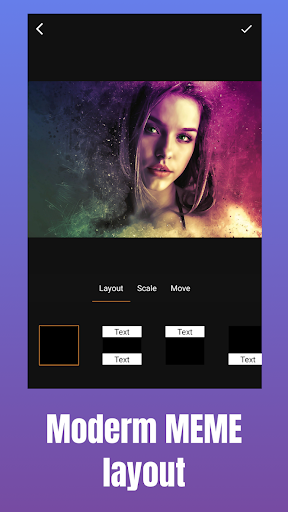
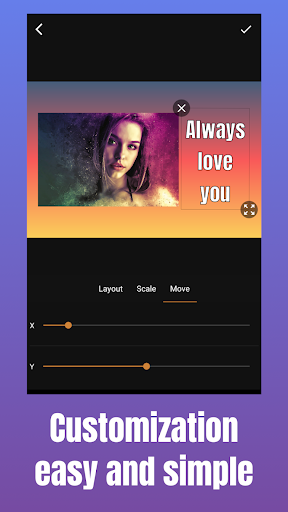
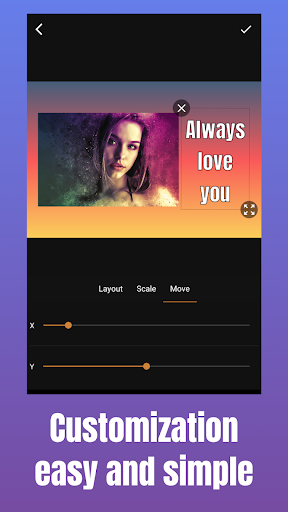
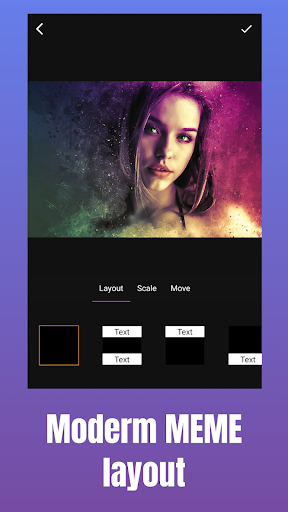
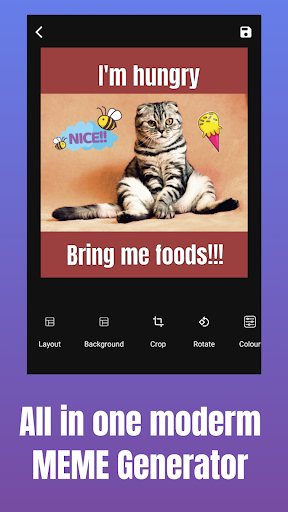
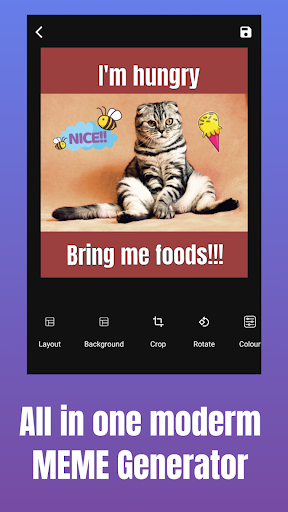
- Layout: Experiment with different layouts to find the perfect arrangement in your funny meme template app, maximizing visual impact.
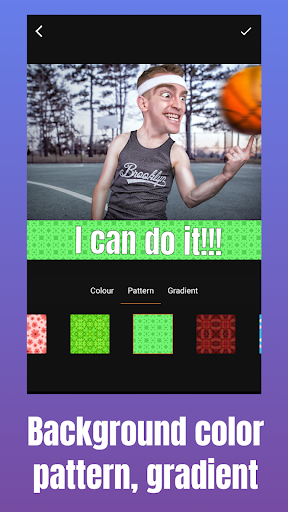
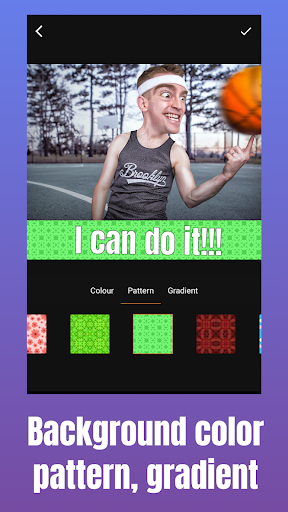
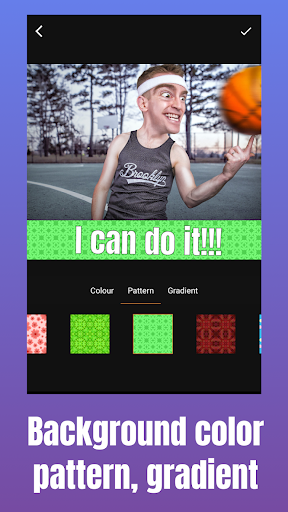
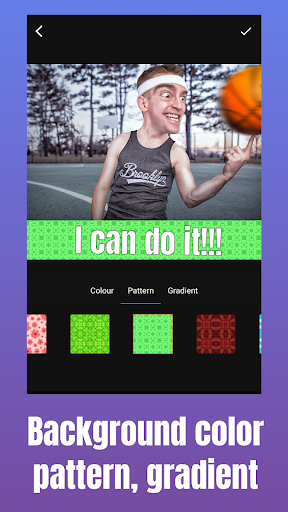
- Background Color: Use this edit photo meme app maker to customize the background color of your creations to match your style or enhance the mood of your content.
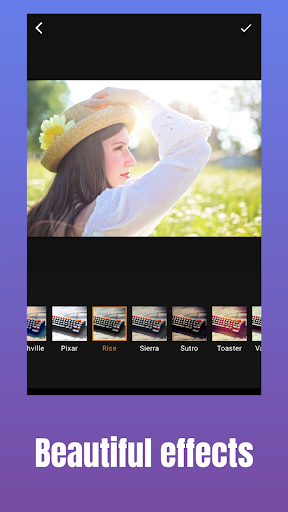
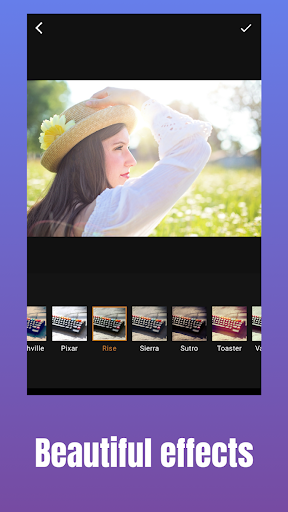
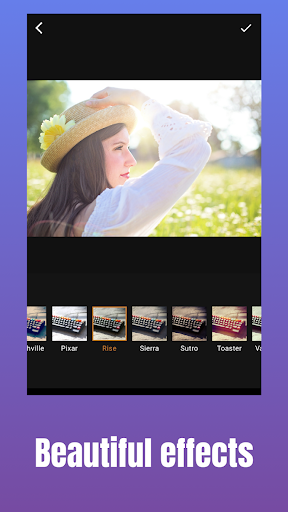
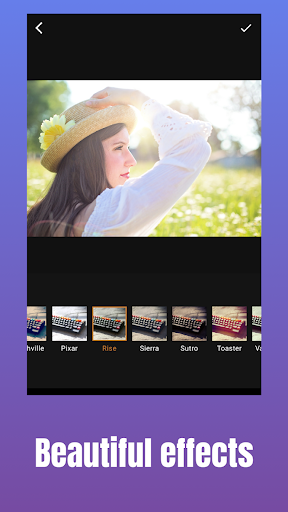
- Color Filter: Apply a wide range of color filters to enhance the mood and aesthetics of your creations, adding depth and vibrancy to your creations.
- Add Text: Overlay your memes with text, choosing from a variety of fonts, sizes, and colors to convey your message effectively in this meme generator video maker.
- Drawing Option: Get creative by drawing directly onto your memes, adding personalized touches, thanks to this video and photo meme editor.
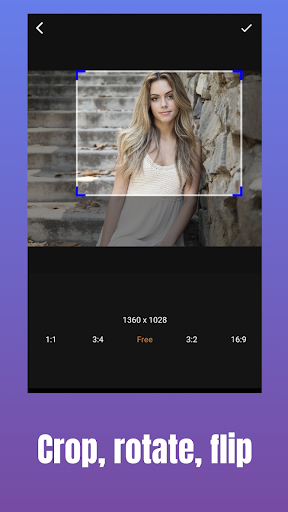
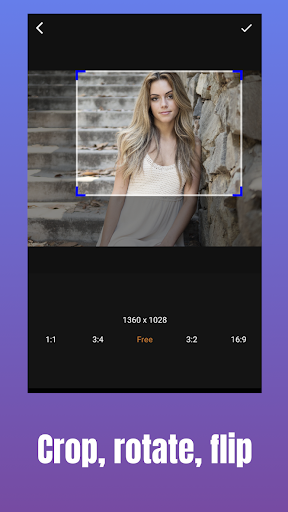
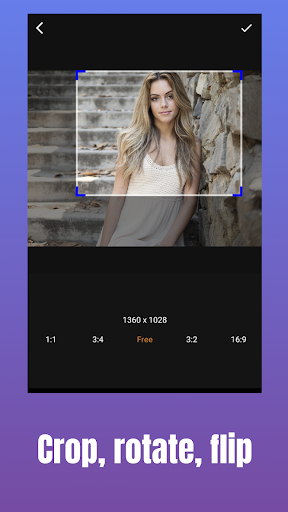
- Crop & Rotate: Fine-tune your images and videos by cropping or rotating them to achieve the perfect composition in your top memes creator.
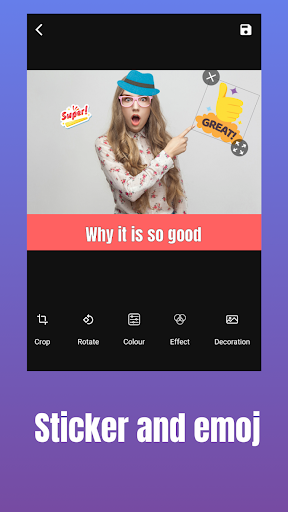
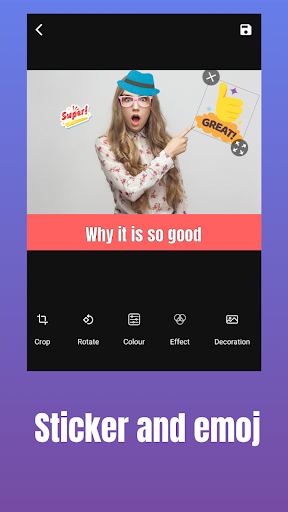
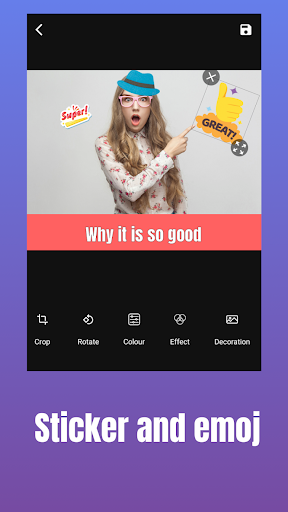
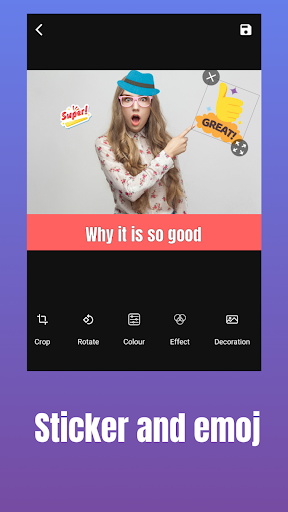
- Sticker & Emoji: Put humor and personality into your creations with a vast selection of meme stickers and emojis that this funny memes video editor app offers, instantly enhancing their appeal.
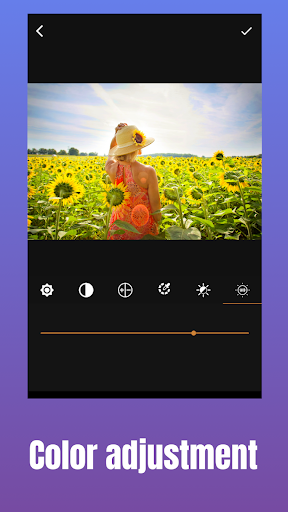
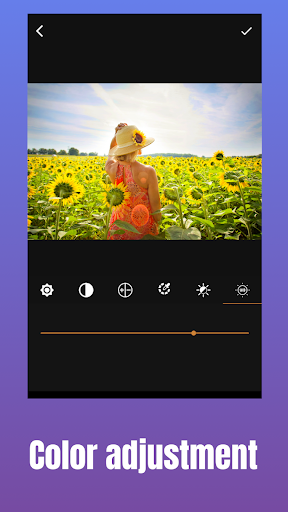
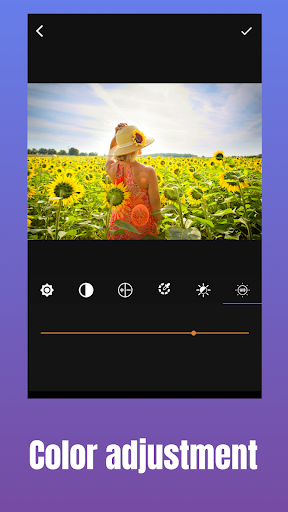
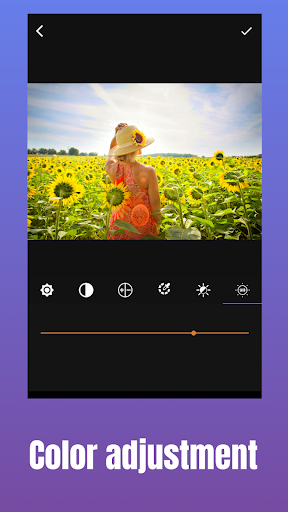
- Color Adjuster: Adjust the color settings of your creations to achieve the desired tone and atmosphere, ensuring they resonate with your audience.
Funny Meme Maker App Video
Try out the best Photo Memes App GIF and make hilarious creations instantly! With intuitive editing features this funny memes app video download offers, you have everything you need to transform your ideas into hilarious and captivating memes. So, hurry up! Download comic caption Meme Maker & Meme Creator app free now and make your friends laugh!
User Experience & Templates
Getting Started with Creativity
Right off the bat, the app is incredibly user-friendly. Whether you’re a meme-making veteran or someone just dipping their toes into the waters of meme culture, you’ll find the interface intuitive and easy to navigate. I downloaded it on my phone, and within minutes, I was ready to unleash my creativity.
A Variety of Templates
One of the things I love about Meme Maker & Meme Creator is the plethora of templates it offers. From the classic "Distracted Boyfriend" to the ever-popular "Drake Hotline Bling," the app has all the viral favorites. You can also start from scratch if you’re feeling particularly inventive. The templates are neatly organized, so it’s super easy to find what you’re looking for.
Customization Galore
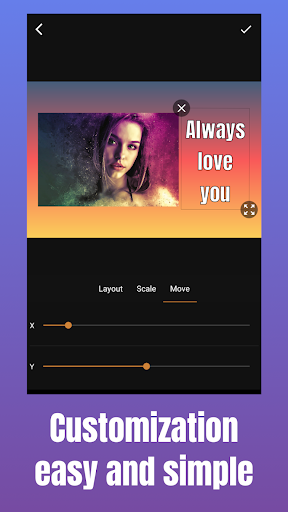
Now, let’s talk about customization. The app doesn’t just stop at templates; it lets you tweak almost every aspect of your meme. Want to change the text? Go ahead. Need to adjust the font size or color? Not a problem. You can even add stickers and emojis to give your meme that extra flair. I spent a good amount of time playing around with these features, and trust me, it’s a lot of fun!
Sharing and Saving
Once you’ve crafted your masterpiece, sharing it with the world is a breeze. The app has direct sharing options to all major social media platforms. I posted a few of my creations on Instagram and got quite a few laughs from friends. If you want to save your memes for later, the app also allows you to download them to your device. In conclusion, Meme Maker & Meme Creator is a fantastic tool for anyone looking to dive into the world of meme creation. It’s simple, fun, and loaded with features that allow you to express yourself in hilarious ways. Whether you’re making memes to share with friends or to grow your social media following, this app has got you covered. So why not give it a try? You might just create the next viral sensation!
Meme Maker & Meme Creator — A Featured Description (SEO Blog-Style)
Meme culture thrives on quick wit, sharp visuals, and shareable moments, and Meme Maker & Meme Creator is crafted to empower every user to become a confident meme creator. This comprehensive app serves as a free meme maker, meme creator, and video meme editor all in one, with offline capabilities so you can craft humor anywhere, anytime. From video memes to image memes and GIF memes, the platform covers a broad spectrum of formats, enabling you to produce content that shines in any feed. Templates range from timeless classics to current viral formats, ensuring you always have a springboard for creativity. Best of all, there’s no watermark to distract from your punchlines, which makes your memes look clean and professional right out of the gate. The beauty of Meme Maker & Meme Creator lies in its blend of powerful editing tools and approachable design. Users can trim videos to capture the exact moment, adjust layouts for maximum impact, and customize background colors to align with mood or brand aesthetics. A robust color filter suite and color adjuster help set the tone, while typography options—varying fonts, sizes, and colors—ensure you can tailor your message precisely. The drawing option invites hands-on creativity, and the crop & rotate feature helps you nail composition every time. A rich sticker and emoji library adds personality and humor, making it easy to enhance memes with expressive details. Sharing is made effortless with direct export to all major social platforms, streamlining the path from creation to audience reaction. Saving memes locally lets you curate a personal library of memes for future posts or collaborations. The app’s flexible templates and customization options make it suitable for casual hobbyists and aspiring influencers alike, helping you grow your following with consistently engaging, high-quality memes. In short, Meme Maker & Meme Creator is a versatile, user-friendly meme generator that supports video, image, and GIF memes, offering offline editing, no watermark output, and a rich set of tools to bring your funniest ideas to life. If you’re looking to elevate your meme game, this app provides the ideal balance of simplicity and sophistication, letting you craft viral-worthy memes with ease and confidence. Explore the templates, unleash your creativity, and share your next big laugh with the world.
Pros
- Intuitive interface that enables rapid meme creation.
- Extensive library of templates to choose from.
- Supports uploading custom images.
- Text editing is straightforward with multiple font options.
- Direct sharing to social media platforms.
Cons
- Ads may interrupt the user experience.
- Free features are limited.
- Many features require a paid plan.
- Occasional glitches during image uploads.
- Limited options for text alignment.
- Lacks advanced editing tools.











