
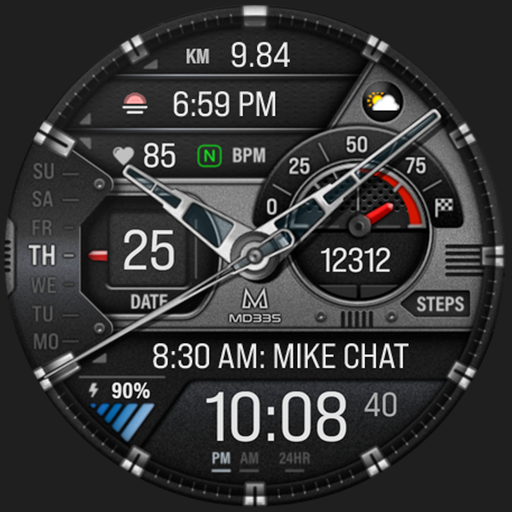
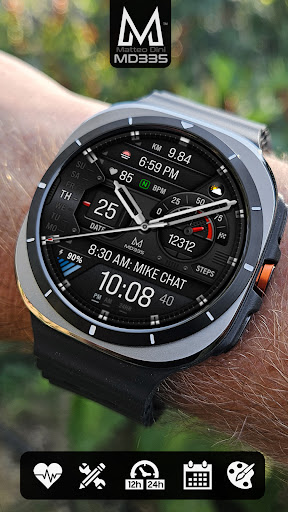
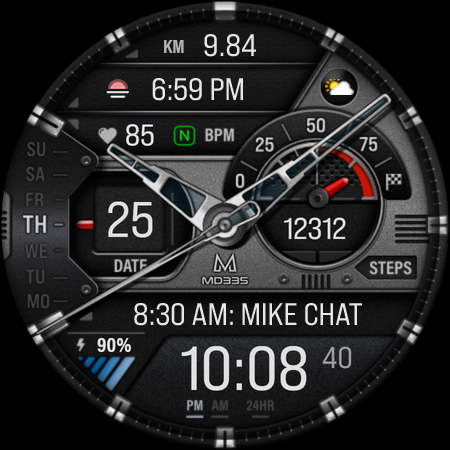
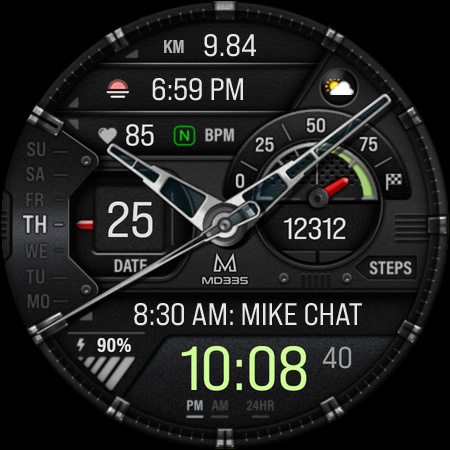
Introduction to the MD335 Hybrid Watch Face
If you're searching for a stylish yet highly functional watch face to elevate your smartwatch experience, the MD335 Hybrid watch face stands out as an excellent choice. Designed to blend contemporary aesthetics with practical features, this app seamlessly integrates digital and analog elements to deliver a versatile and customizable smartwatch interface. Whether you're a tech enthusiast or simply looking to add a touch of elegance to your device, the MD335 Hybrid offers an impressive array of options and functionalities that cater to diverse user preferences.
Design and User Interface
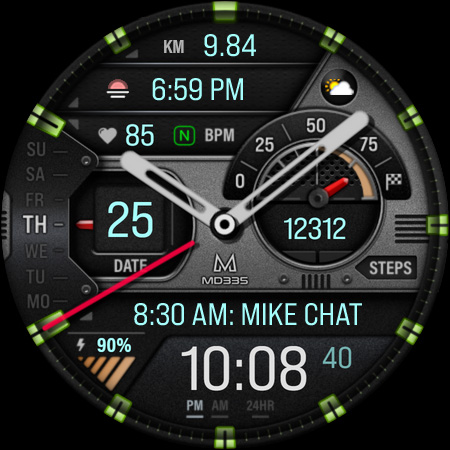
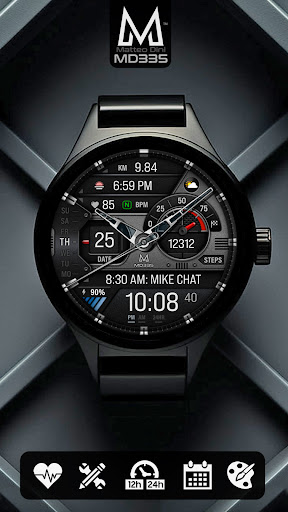
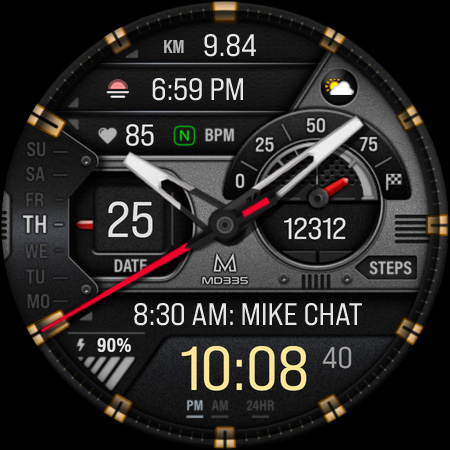
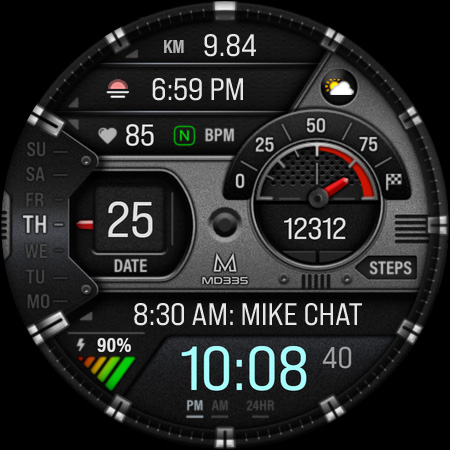
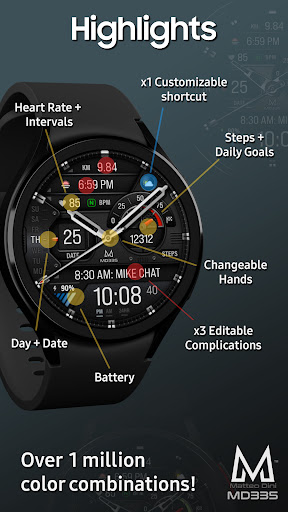
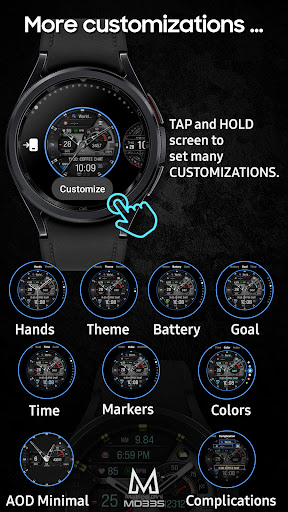
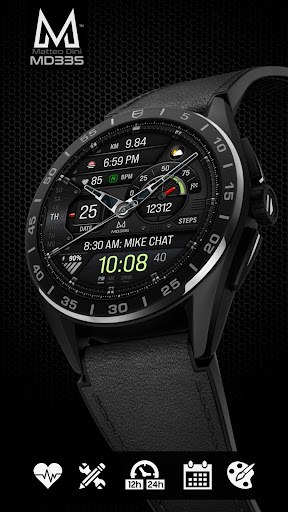
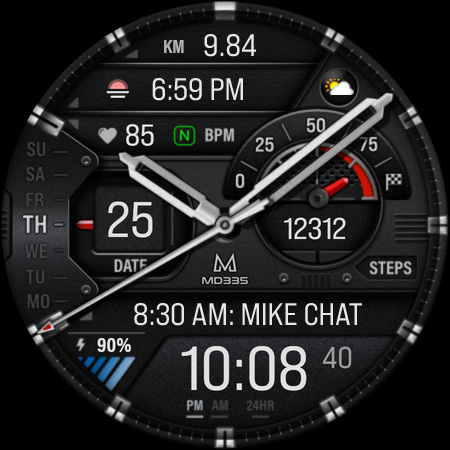
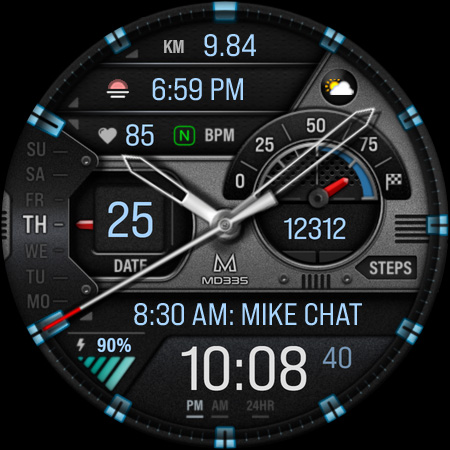
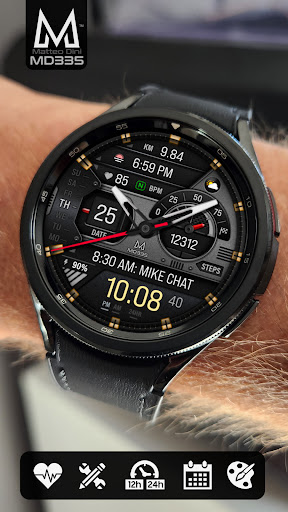
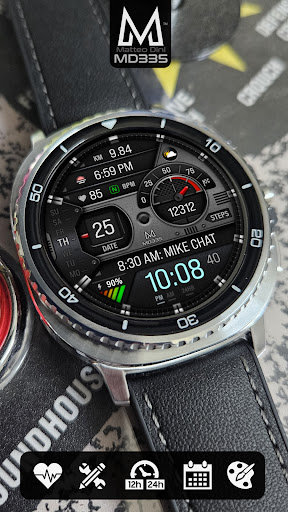
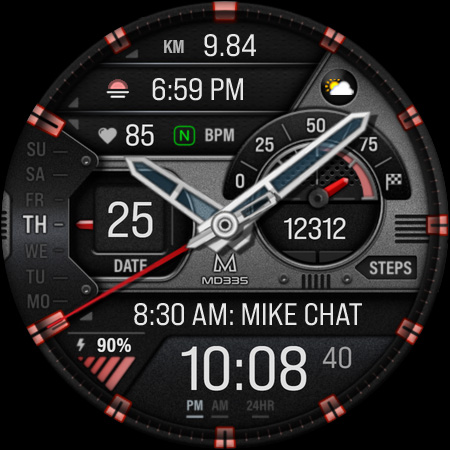
The first impression of the MD335 Hybrid watch face is its sleek, modern design. It resembles a piece of contemporary art on your wrist, combining hybrid design with hideable hands that offer a clean look when needed. The user interface is intuitive and user-friendly, making customization straightforward. You can adjust changeable hands, themes such as dark or light, and a variety of color options for components like the time, battery level, goal level, and general accents. This allows each user to design a watch face that reflects their personal style while maintaining optimal readability.
Features and Customization
The MD335 Hybrid watch face is packed with features that balance functionality with style. It supports 12/24 hr formats based on phone settings and displays key information such as date, day, and battery status. Users can also monitor health metrics like heart rate, intervals, steps, and daily goals. One standout feature is the customization of complications—interactive data modules that can be tailored to show a variety of useful information, like weather conditions, barometer, UV index, or even the chance of rain. These complications are external apps, and their availability may depend on additional installations, making integration flexible but dependent on external app support. The watch face includes 4 preset app shortcuts such as Calendar, Battery, Heart Rate Measurement, and Alarms. Plus, users can set 1 customizable shortcut to suit their specific needs. Changing aspects like hands, theme, and color schemes can be done easily through simple gestures—just tap and hold the display, then select customize. Note for Galaxy Watch users: The watch face editor in the Samsung Wearable app might often struggle to load complex watch faces like MD335 Hybrid. It’s recommended to customize the watch face directly on the watch until Samsung resolves this issue.
Compatibility and Installation
The MD335 Hybrid watch face is compatible with all Wear OS devices running API Level 33+, including Samsung Galaxy Watch 4-8, Galaxy Ultra, Pixel Watch, and more. Installation instructions and troubleshooting support are available through the official website: Watch Face Installation Guide. Remember that some features or complications may require additional external app installations, and external app support is outside our control.
Performance and Battery Life
Contrary to what one might expect, the MD335 Hybrid watch face is designed with efficiency in mind. Despite its rich features, it manages to be energy-efficient and does not significantly drain the watch's battery. Users report extended usage without meaningful battery issues, making it ideal for daily wear and continuous use.
Final Thoughts
Overall, the MD335 Hybrid watch face masterfully combines style and functionality. Its customizable options, hybrid analog-digital design, and health-related data integrations make it a compelling choice for anyone looking to personalize their smartwatch interface. Whether you’re seeking quick access to important information or a sleek aesthetic, this watch face delivers on both fronts. Elevate your smartwatch experience today and enjoy a perfect blend of fashion and practical features with the MD335 Hybrid.
Pros
- Highly customizable watch faces.
- Compatible with a variety of Android devices.
- Includes real-time health monitoring features.
- Features a sleek and contemporary design.
- Offers an easy-to-use interface.
Cons
- Limited support for iOS devices.
- Can consume a significant amount of battery power.
- Requires frequent updates to maintain functionality.
- Most features are unavailable in the free version.
- Initial setup process can be complicated.











