
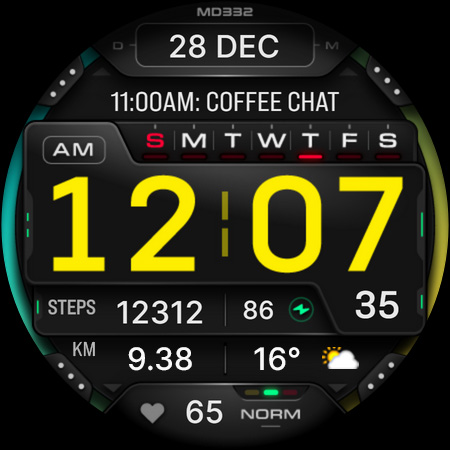
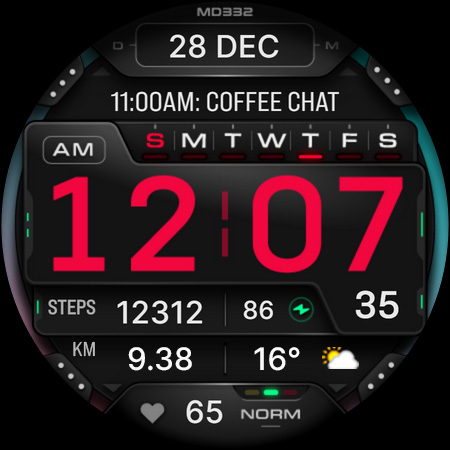
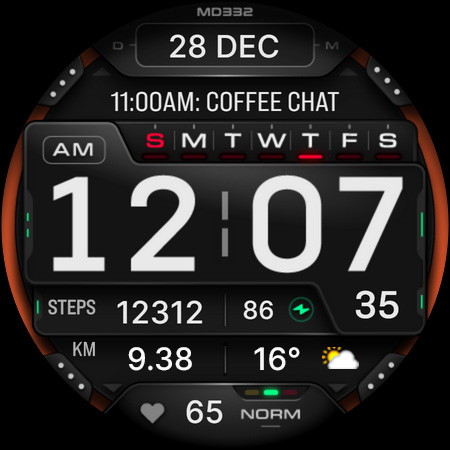
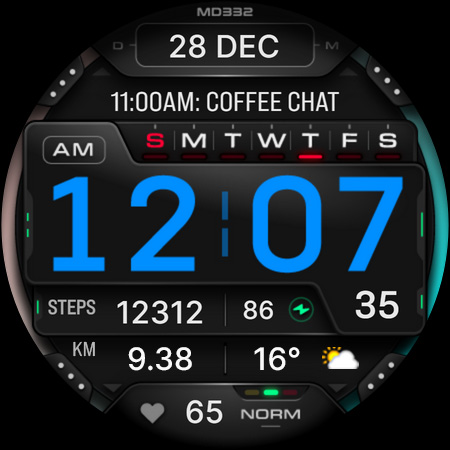
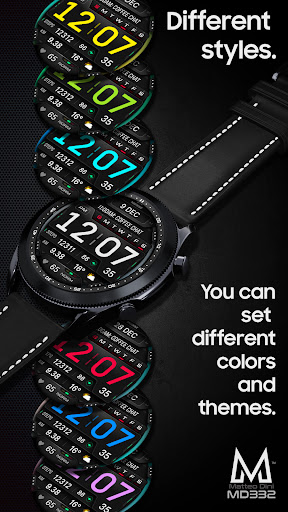
Introduction to the MD332 Digital Watch Face
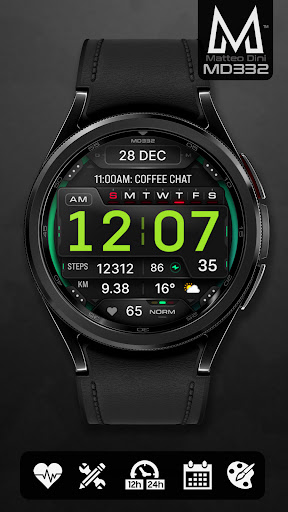
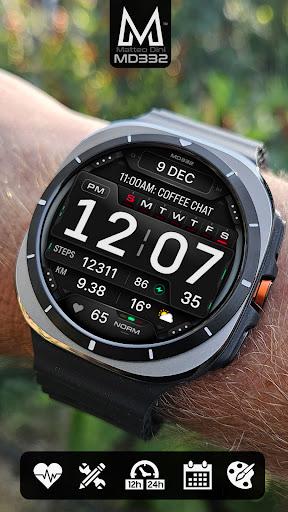
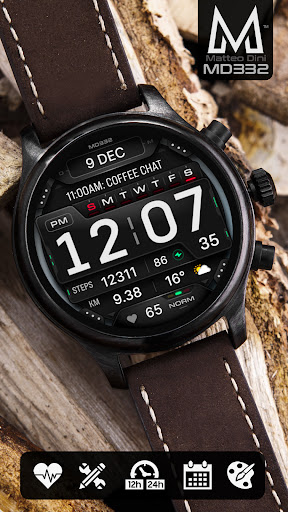
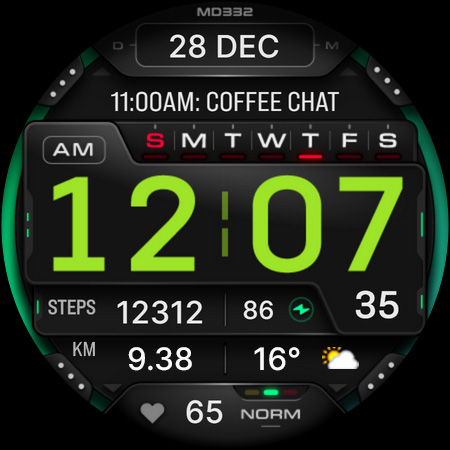
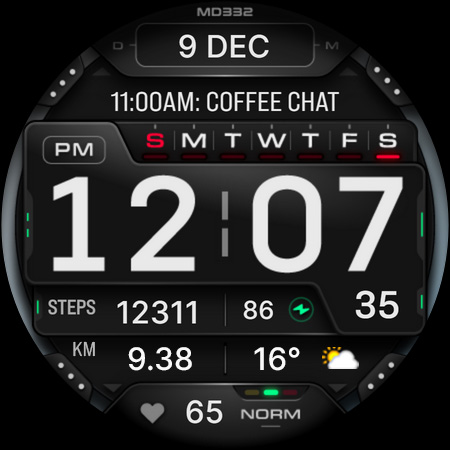
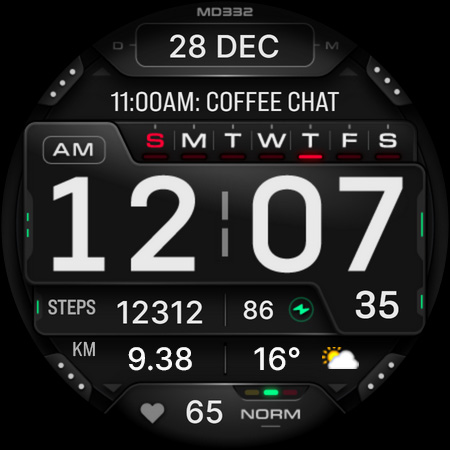
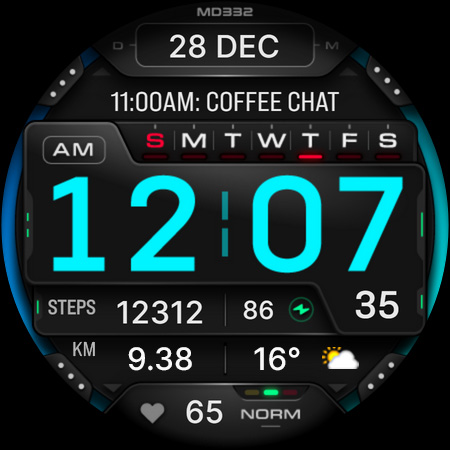
The MD332 Digital watch face is a modern, stylish, and highly functional watch face designed for Wear OS devices. Whether you're a fitness enthusiast, a busy professional, or someone who appreciates a sleek digital display, this watch face offers an excellent blend of aesthetics and practicality. It is compatible with all Wear OS devices running API Level 33+, including popular models like Samsung Galaxy Watch 4-8, Ultra, and Google's Pixel Watch. The app emphasizes ease of use, customization, and real-time data updates, making it a go-to choice for users seeking both style and utility on their smartwatches.
Design and Usability
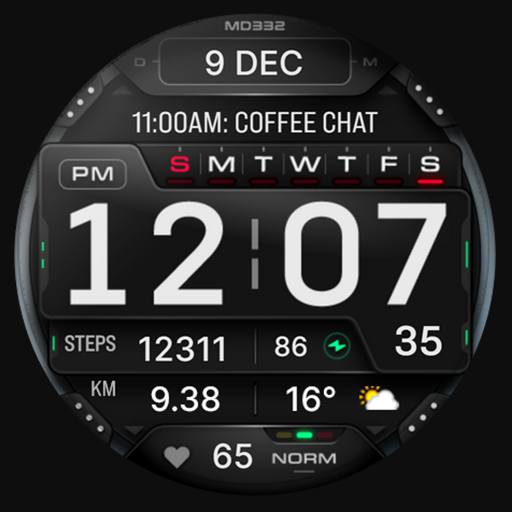
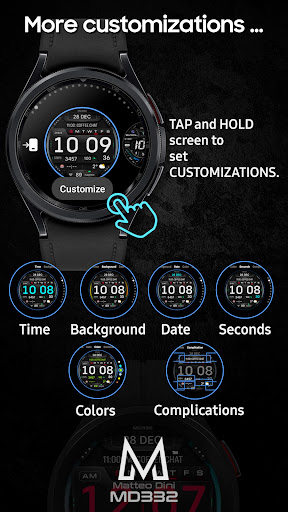
From the moment you install the MD332 Digital watch face, you'll notice its sleek and modern design that exudes sophistication. The interface is intentionally minimalistic, ensuring that the essential information such as time, date, and key metrics are easily visible at a glance, even in bright sunlight or dim environments. The bold, high-contrast numbers and customizable colors mean you can personalize the display to match your style. The intuitive layout makes navigation effortless—simply touch and hold the display to access customization options, allowing you to tweak colors, fonts, and arrangements to create a truly personalized experience. The watch face’s adaptability mimics a tailored accessory for your wrist, with an aesthetic that's both stylish and highly functional.
Key Features of the MD332 Digital Watch Face
This watch face is packed with features designed to enhance your daily routines:
- Always-on Display: Ensures your time is visible continuously without needing to wake the watch, conserving battery life while maintaining readability.
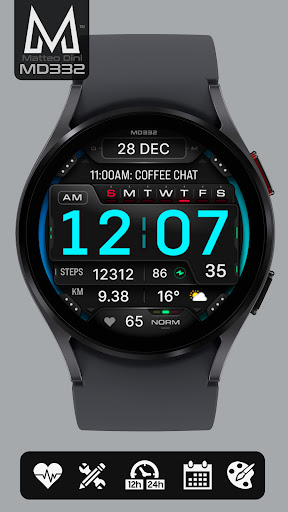
- Customizable Colors: Change the colors of the time, date, seconds, background, and overall theme, allowing for a personalized look that suits your preference.
- Big Numbers: Clear and legible numerals make reading time quick and effortless.
- 12/24-hour Format: Adjusts automatically based on your phone settings.
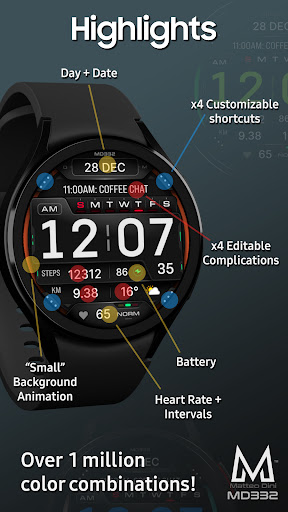
- Date and Day Display: Keep track of the calendar at a glance with easily readable date and day indicators.
- Battery Level and Heart Rate Monitoring: Provides real-time data on your device's battery status and heart rate measurements, integrating health tracking seamlessly.
- Preset App Shortcuts: Quickly access essential apps like Calendar, Battery, and Heart Rate Monitor.
- Custom Shortcuts and Complications: Add up to four custom shortcuts and complications such as weather, UV index, calories burned, distance walked, barometer, and more. Note that some complications might require additional app installations and are dependent on external apps outside the watch face itself.
Customization and Personalization
Personalizing your MD332 Digital watch face is straightforward and user-friendly. To customize:
- Touch and hold the display.
- Select the Customize option.
Installation and Compatibility
Installation of the MD332 Digital watch face is simple—refer to the detailed guide available at here. Be aware that some Galaxy Watch users may experience difficulties loading complex watch faces through the Samsung Wearable app. If you encounter such issues, it’s recommended to customize directly on the watch by tap-and-holding the display and choosing Customize, until Samsung resolves these compatibility hiccups. The watch face works seamlessly across all Wear OS devices with API Level 33+, including popular models like the Galaxy Watch series and Pixel Watch. Keep in mind that some features and complications may vary depending on your specific device and installed apps.
Performance and Reliability
The MD332 Digital watch face offers a smooth performance with minimal lag and crashes, ensuring reliable real-time updates. It efficiently manages battery consumption thanks to optimized coding, so your smartwatch remains functional throughout the day. Frequent updates from the developer improve stability and add new features, providing a continually evolving experience. Whether you're tracking your fitness, checking notifications, or simply telling time, this watch face maintains responsiveness and accuracy, fitting seamlessly into your daily routine.
Final Thoughts
In summary, the MD332 Digital watch face elevates your wearable experience by combining modern design, personalization options, and robust functionality. Its clean interface, customizable features, and support for health and weather data make it a versatile addition to any Wear OS device. Whether you want a bold, easy-to-read display for fitness tracking or a stylish watch face that adapts to your mood, MD332 is an excellent choice. Experience a smarter, more attractive way to keep track of time and vital stats on your wrist—upgrade to the MD332 Digital watch face today and enjoy a more personalized smartwatch experience!
Pros
- Customizable display options
- Battery-efficient design
- Clear and easy-to-read interface
- Supports multiple time zones
- Integrates with health apps
Cons
- Limited free features
- Occasional synchronization issues
- Requires smartwatch compatibility
- Advertisements in the free version
- Infrequent updates











