
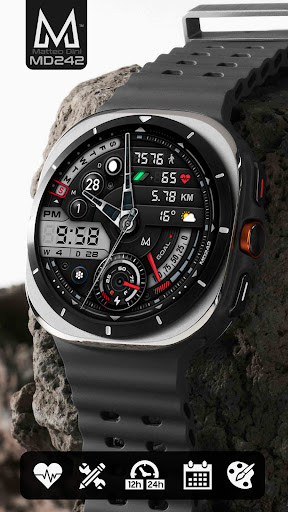
Introducing the MD242 Hybrid Watch Face
The MD242 Hybrid watch face is an innovative addition to the world of smartwatch customization, blending digital sophistication with classic analog aesthetics. Designed to enhance your smartwatch experience, this versatile watch face offers a sleek, modern look with extensive features aimed at providing both style and functionality. Whether you're a tech enthusiast or someone who appreciates high-quality watch faces, the MD242 Hybrid model is tailored to meet your needs.
Design and Customization
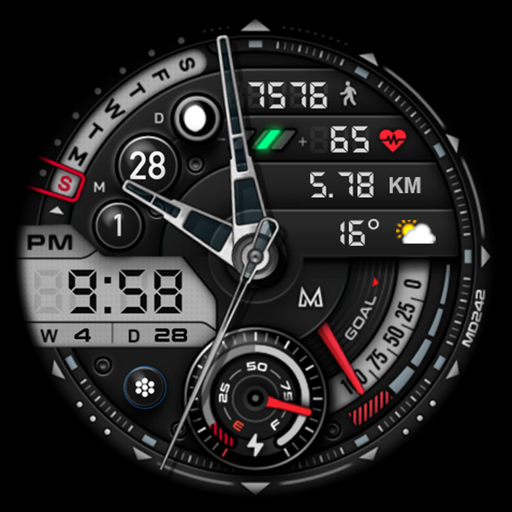
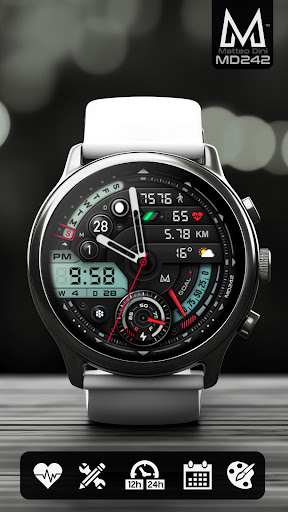
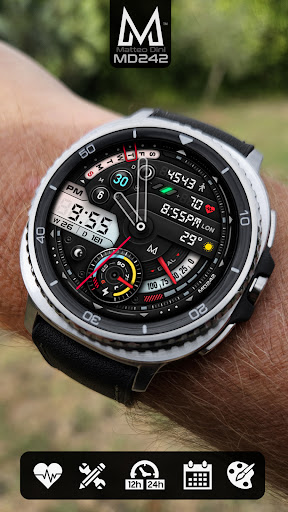
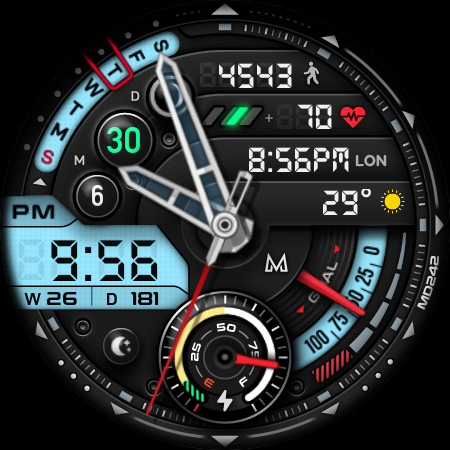
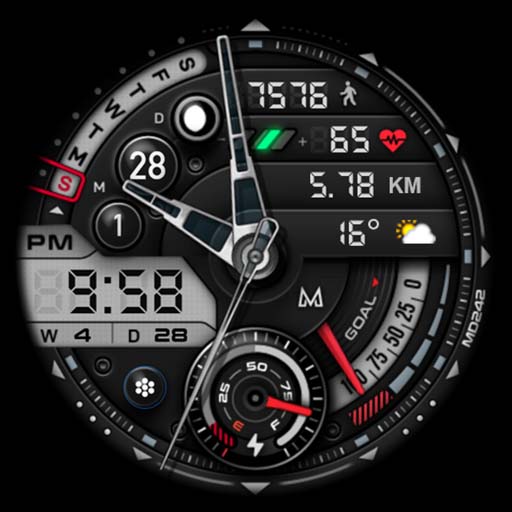
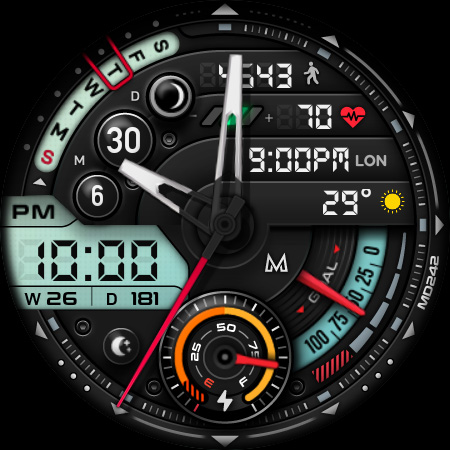
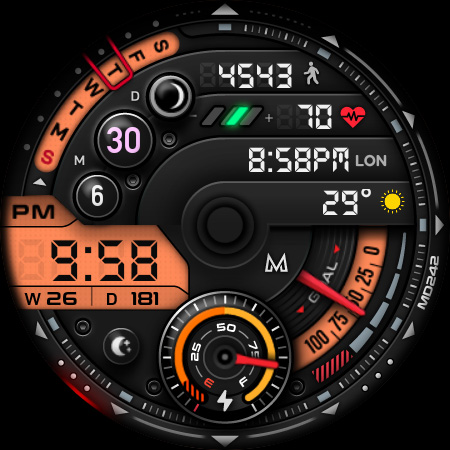
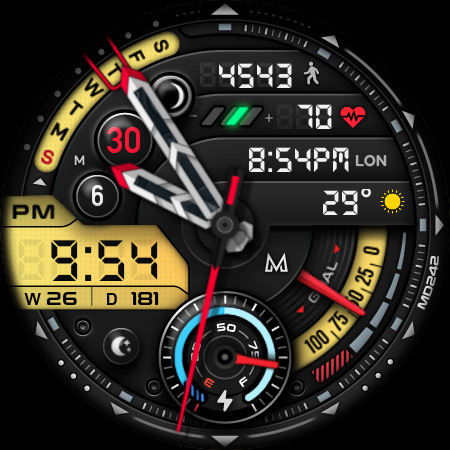
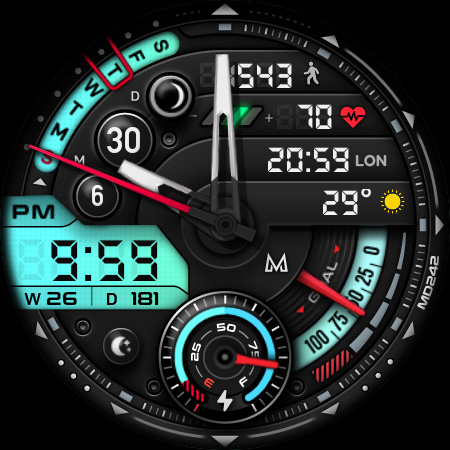
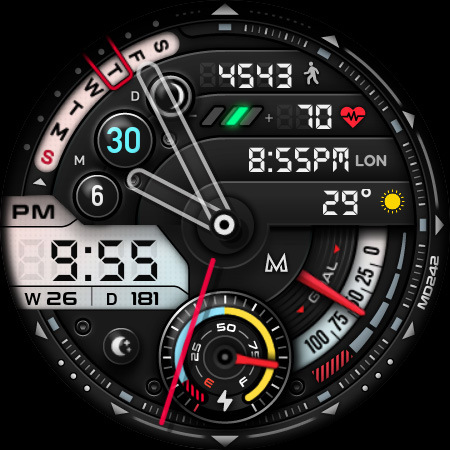
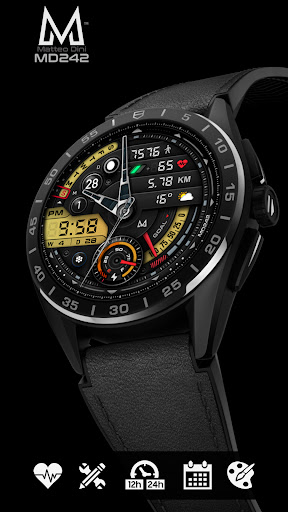
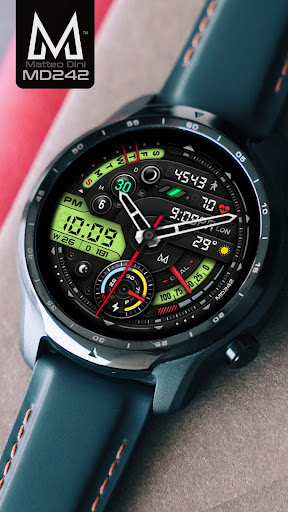
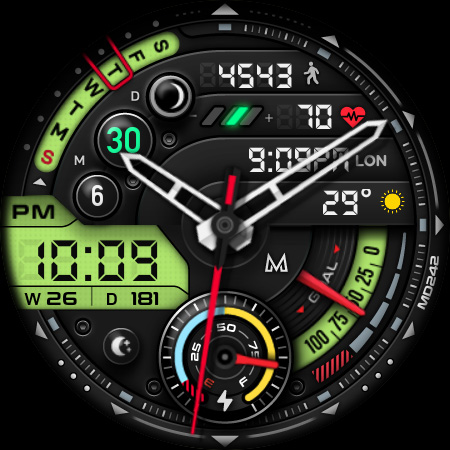
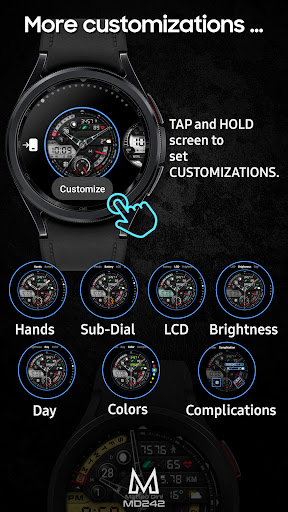
Upon installation, the MD242 Hybrid watch face immediately impresses with its contemporary design, featuring bold, clear numerals and an intuitive layout. Its hybrid approach combines digital elements with analog-style hands, creating a balanced and eye-catching appearance suitable for any occasion. The watch face is highly customizable, allowing you to personalize colors and widgets to match your mood or style. Adjust the LCD colors, watch hands, date rings, and overall color themes effortlessly. This flexibility ensures your smartwatch always reflects your unique personality.
Key Features of the MD242 Hybrid Watch Face
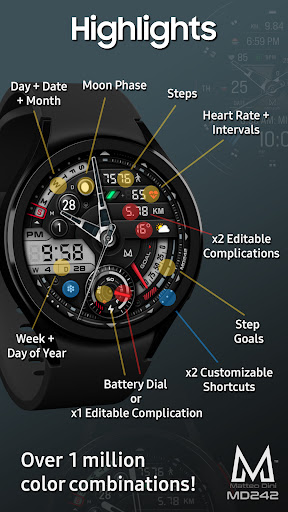
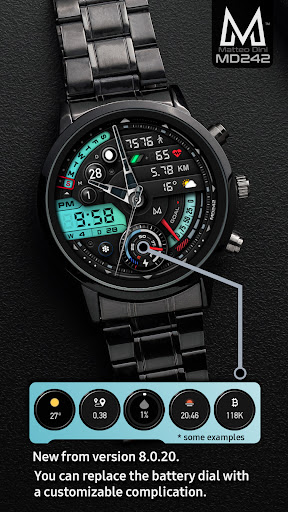
This watch face is packed with essential tools and information accessible at a glance. It displays the digital time in either 12/24-hour format based on your phone settings, ensuring seamless integration. The date and week of year are visibly displayed, alongside a moon phase indicator for those interested in lunar cycles. You'll also find a battery dial that can be customized via complications, along with real-time heart rate, steps, and daily step goals synced with your health app. One of the standout features is the support for multiple complications: customizable widgets that can display various data points such as weather, distance walked, sunset/sunrise, next appointment, barometer, and more. These complications can be tailored to suit your preferences, providing a personalized experience.
Easy Customization Process
Customizing the MD242 Hybrid watch face is straightforward. To access options, simply tap and hold the watch screen, then select Customize. From there, you can select preset app shortcuts such as Calendar, Battery, or Heart Rate Measure. You can also add or modify complications with any data you prefer, including weather, steps, or other health metrics. Please note that some features may require third-party complications or updates to your device's firmware.
Compatibility and Installation Tips
The MD242 Hybrid watch face supports all Wear OS devices with API Level 33 or higher, including popular models such as Samsung Galaxy Watch 4-8, Ultra, and Pixel Watch. For optimal performance, it is recommended to customize and set up the watch face directly on your smartwatch rather than through the Wearable app, especially for complex configurations. If you encounter loading issues in the app, it is advised to install and configure the watch face directly on the device. For detailed installation and troubleshooting instructions, visit the official guide at: https://www.matteodinimd.com/watchface-installation/.
Performance and User Experience
Designed with efficiency in mind, the MD242 Hybrid watch face runs smoothly without lag and optimizes battery consumption to prolong your device’s life. Its user-friendly interface allows effortless switching between styles and colors, making customization simple even for beginners. The support for Always ON Display with changeable colors ensures your watch remains stylish and practical around the clock. Overall, this watch face enhances your smartwatch usability while keeping it visually appealing.
Final Thoughts
The MD242 Hybrid watch face offers an exceptional blend of style, functionality, and personalization. Its hybrid digital-analog design, combined with extensive customizations and real-time data integrations, makes it a top choice for anyone aiming to upgrade their smartwatch aesthetic. Whether you're interested in health metrics, weather updates, or simply want a sleek watch face that adapts to your mood, this app delivers. Its compatibility with a wide range of Wear OS devices and thoughtful features position it as a versatile and valuable addition to your smartwatch collection. Enhance your wearable device with the MD242 Hybrid watch face and enjoy a perfect mix of elegance and practicality. Give it a try and discover how this watch face can redefine your smartwatch experience.
Pros
- Highly customizable interface
- Compatible with multiple devices
- Long battery life
- Real-time health tracking
- Easy to use and navigate
Cons
- Limited third-party app integration
- Occasional synchronization issues
- Requires frequent software updates
- Limited watch face options
- No offline mode for some features











