

Discover the Power of LumaFusion: Pro Video Editing
Welcome to a new era of mobile video editing with LumaFusion, a professional-grade editing app designed specifically for creators who want to craft stunning videos effortlessly on their iOS devices. Whether you're a seasoned filmmaker, a YouTuber, or an enthusiastic hobbyist, LumaFusion offers an intuitive, feature-rich platform that transforms your iPhone or iPad into a portable cinema studio. This app stands out as the gold standard for storytelling, providing a seamless, fluid editing experience comparable to desktop software, but right in your pocket.
Intuitive Editing Experience & Powerful Tools
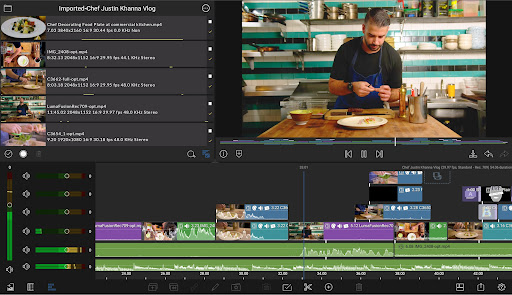
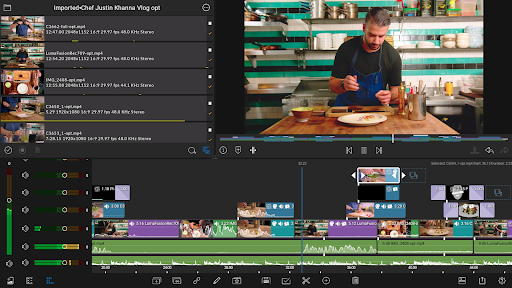
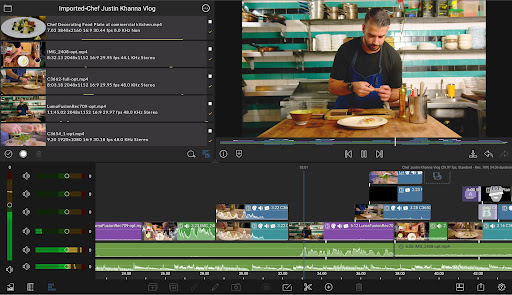
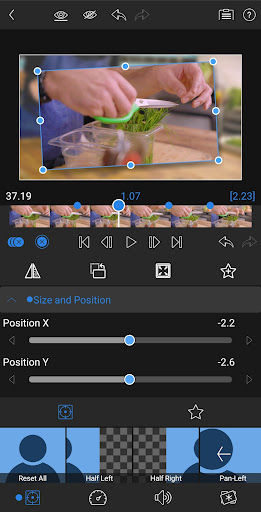
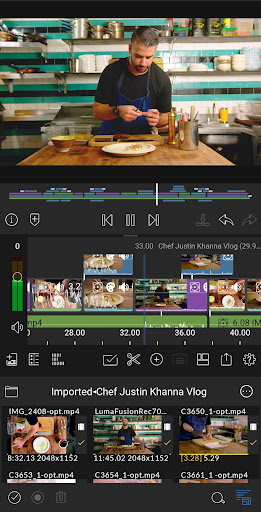
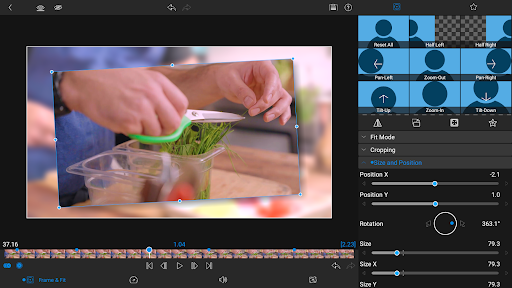
One of the most compelling aspects of LumaFusion is its user-friendly interface, designed to make professional editing accessible to everyone. The app supports six video-with-audio or graphic tracks, enabling complex multi-layered edits with ease—perfect for overlaying multiple clips, effects, titles, and graphics with smooth handling even for 4K resolution footage. Additionally, there are six audio-only tracks that allow you to craft immersive soundscapes. The advanced timeline features both track-based and magnetic modes, giving you maximum flexibility for precise editing.
Creative Effects & Color Grading
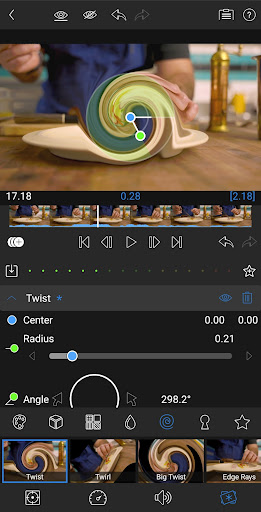
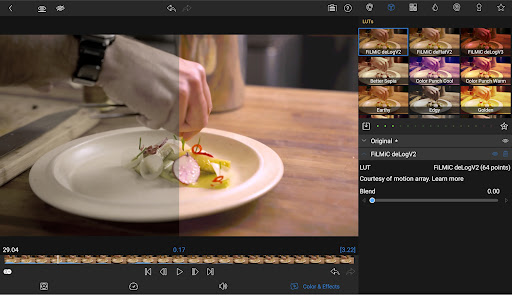
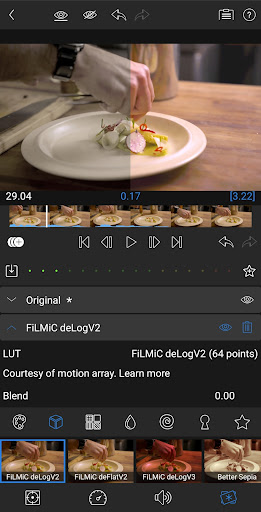
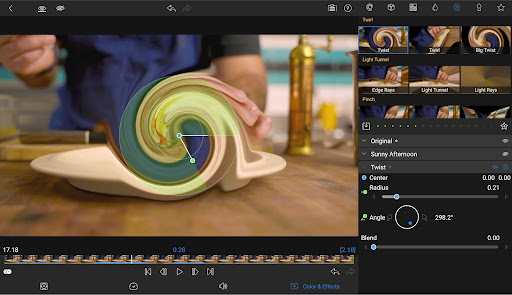
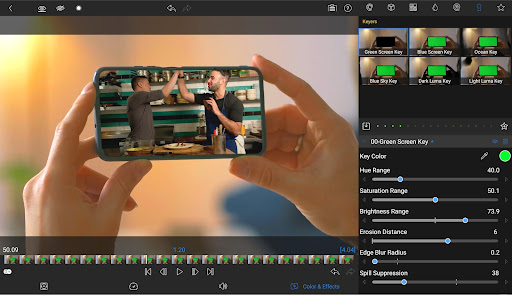
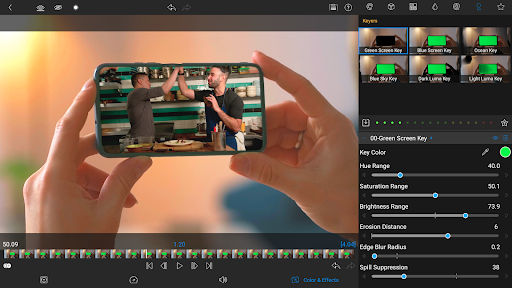
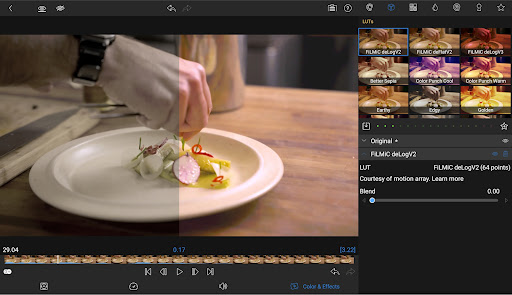
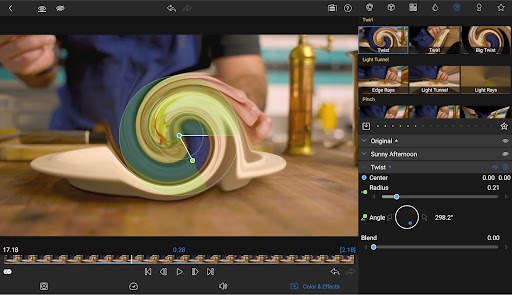
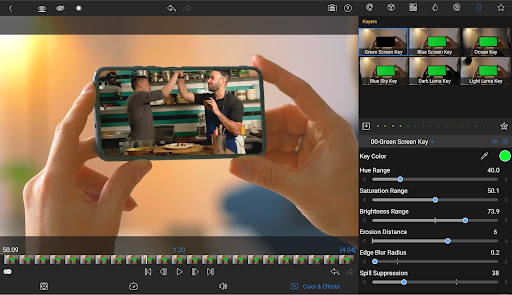
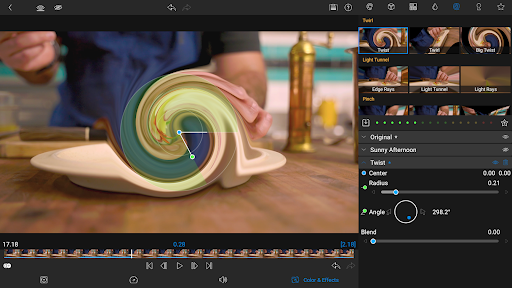
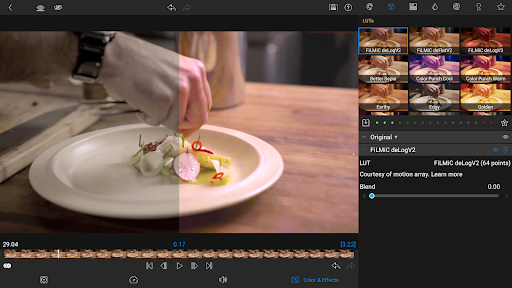
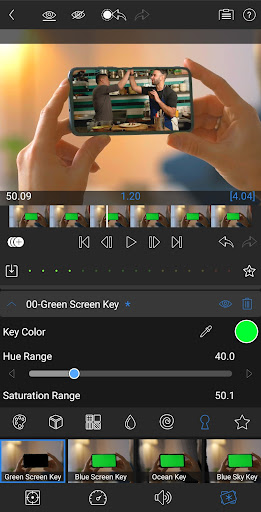
Enhance your videos with an extensive array of effects, transitions, and creative tools. LumaFusion supports green screen, luma, and chroma key for professional compositing. Its robust color correction suite includes tools for LUT imports, allowing you to apply custom color grading with .cube or .3dl files to give your videos a cinematic look. You can also leverage powerful scopes like waveform, vector, and histogram to fine-tune your color adjustments. Animate your effects with unlimited keyframes for smooth motion and mesmerizing animations. Save your favorite looks and share preset configurations to streamline your workflow.
Advanced Audio Editing & Mixing
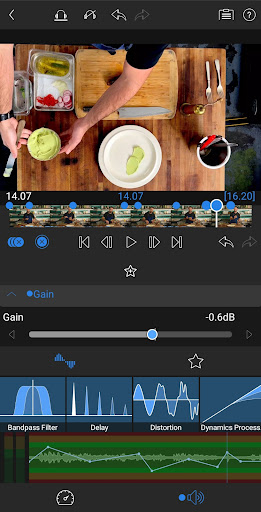
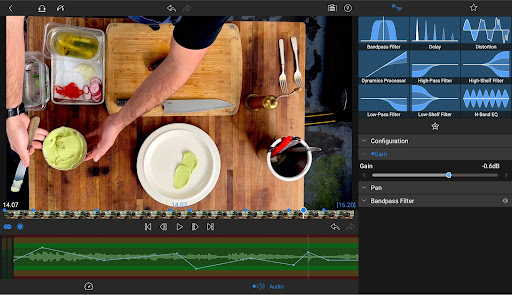
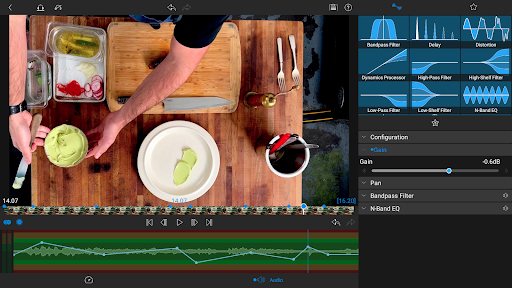
Audio is no longer an afterthought with LumaFusion. Its professional audio controls include graphic EQ, parametric EQ, and support for stereo and dual-mono setups, making it perfect for interviews and multi-mic recordings. The app also offers audio ducking to automatically balance background music with dialogue. Plus, keyframe-based audio adjustments enable seamless transitions and precise sound mixing—ensuring your video sounds as polished as it looks.
Dynamic Titles & Text Features
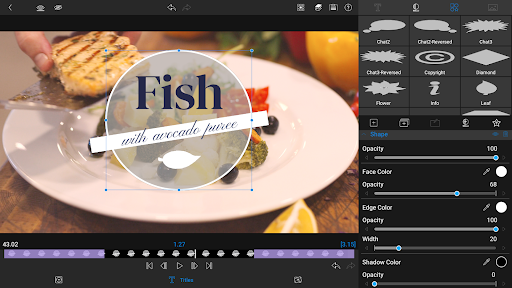
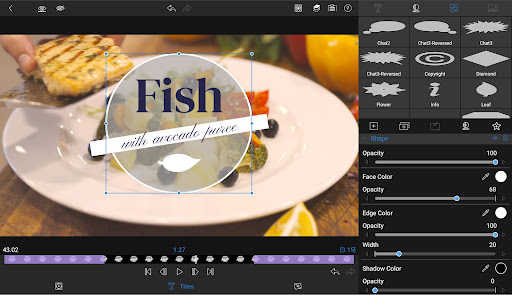
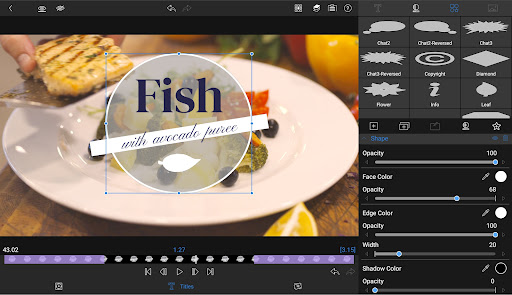
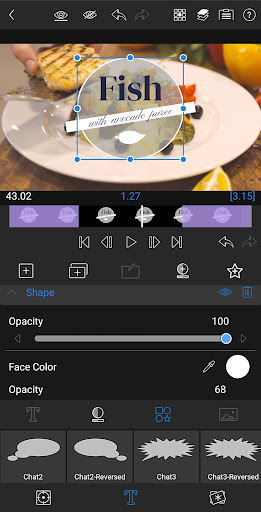
Create eye-catching titles with multilayer text capabilities. Combine shapes, images, and text into compelling graphics, further enhanced by customizable fonts, colors, borders, and shadow effects. For branding, you can import custom fonts, ensuring your titles match your visual identity. Save and share your title presets to maintain consistency across projects or collaborate with others efficiently.
Flexible Project Management & Media Handling
LumaFusion offers comprehensive support for different aspect ratios—from widescreen cinema to social media formats—ensuring your videos fit any platform. You can work with a broad range of frame rates, from 18fps to 240fps, providing versatility for everything from slow-motion footage to high-speed action. Import media directly from your cloud storage or USB-C drives—making it easy to access and edit files everywhere you go. The app supports multiple media formats, facilitating a smooth editing workflow regardless of where your content is stored.
Share Your Creations Seamlessly
When your masterpiece is ready, effortlessly export it in your desired resolution, quality, and format. Compatible with various sharing destinations, LumaFusion allows you to upload directly to social media, save locally, or upload to cloud storage. The app also supports seamless project transfer across multiple Apple devices, enabling you to pick up editing exactly where you left off, wherever you are.
Enhanced Creativity with Speed Ramping & Keyframing
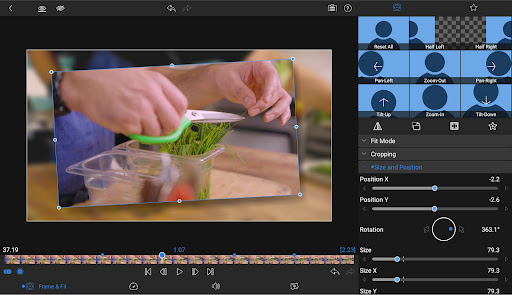
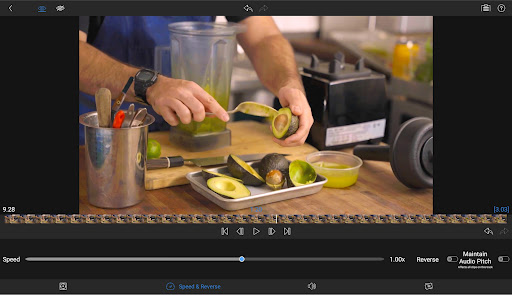
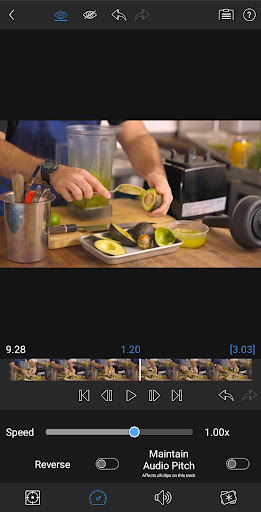
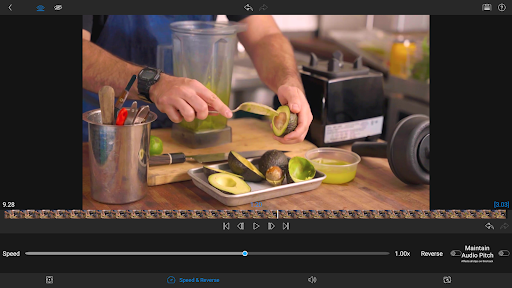
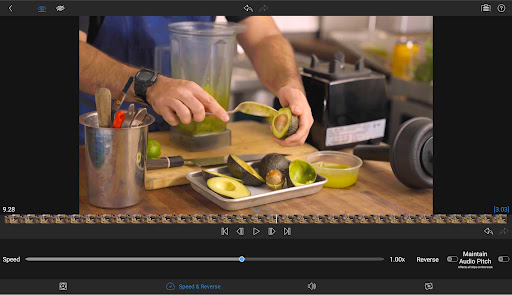
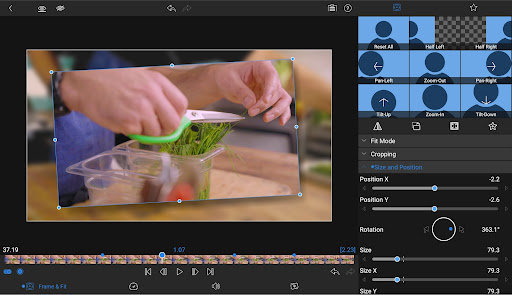
For dynamic visual effects, LumaFusion offers speed ramping to create dramatic motion effects, as well as Bezier curves for smooth, natural movements of titles, graphics, and clips. The intuitive interface allows you to add ease in/out and adjust keyframes, providing precise control over animation timing. With the ability to zoom into your preview for frame-by-frame accuracy, your edits will reach professional standards with minimal effort.
Subscription & Support
Unlock the full potential of LumaFusion by subscribing to the Creator Pass. This grants access to Storyblocks library, offering millions of royalty-free music, SFX, and videos, plus additional features like Speed Ramping and advanced Keyframing. The app also provides exceptional support through comprehensive tutorials, reference guides, and dedicated customer service, ensuring you get the most out of your editing journey.
Final Thoughts
In today’s fast-paced content creation landscape, LumaFusion stands out as an all-in-one mobile video editing powerhouse. Combining professional features with an intuitive interface, it empowers users to craft high-quality videos with ease—whether for social media, professional projects, or personal creativity. Its versatility supports resolutions up to 4K, complex multilayer editing, advanced color grading, and precise audio control. Perfectly optimized for iOS devices, LumaFusion transforms your smartphone or tablet into a portable editing studio. So why wait? Download LumaFusion today and bring your stories to life—anytime, anywhere.
Pros
- Intuitive and easy-to-use interface.
- A broad selection of editing tools.
- Supports editing of 4K videos.
- No subscription required.
- One-time purchase option.
- Highly customizable workspace.
Cons
- Limited options for audio editing.
- No version available for Android devices.
- Steep learning curve for beginners.
- Occasional crashes reported.
- Lacking advanced color grading features.











