
Overview of Lock Screen, Widgets - YoLock
Are you tired of the dull default lock screens on your device and eager to personalize your phone to better reflect your personality? Lock Screen, Widgets - YoLock is an innovative app designed to transform your lock screen experience. This versatile application not only enhances the visual appeal of your lock screen but also boosts its functionality, making everyday interactions with your device more convenient and stylish. Whether you want to display weather updates, control music, or access essential apps quickly, YoLock offers a comprehensive suite of features tailored to meet your needs.
Key Features of Lock Screen, Widgets - YoLock
Customizable Lock Screen Backgrounds
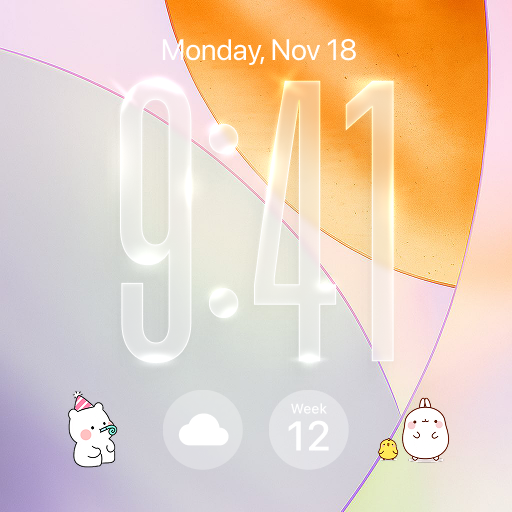
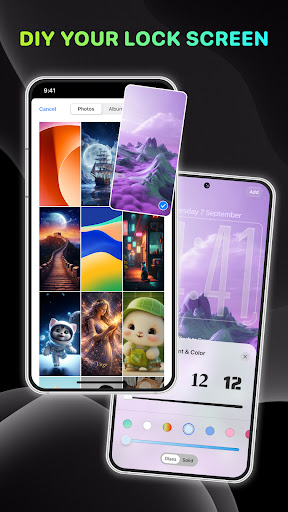
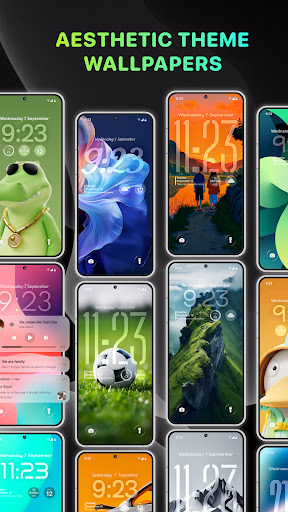
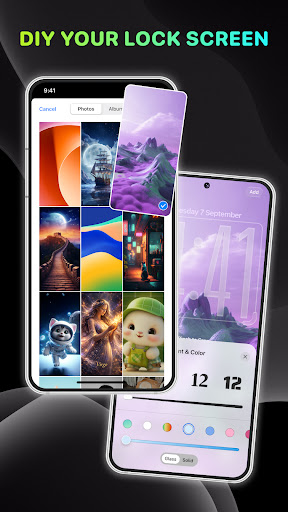
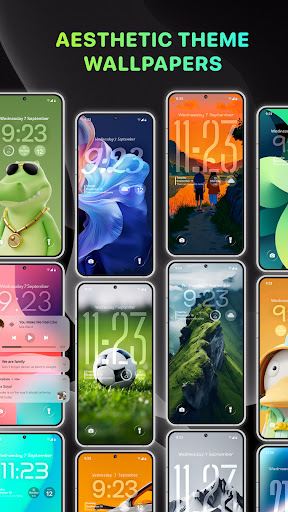
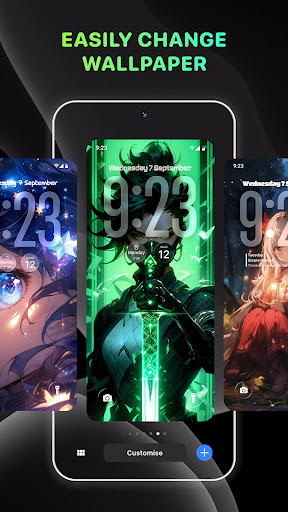
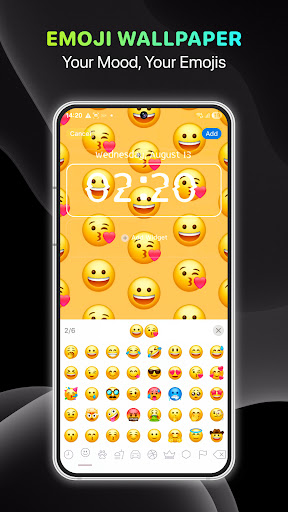
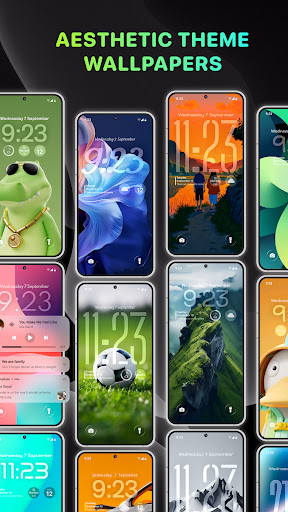
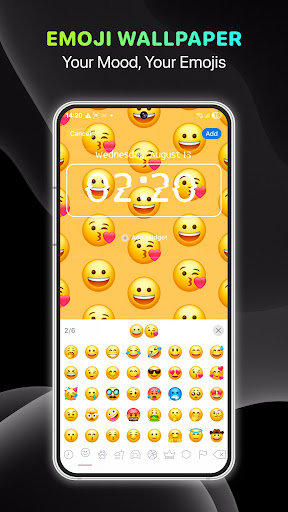
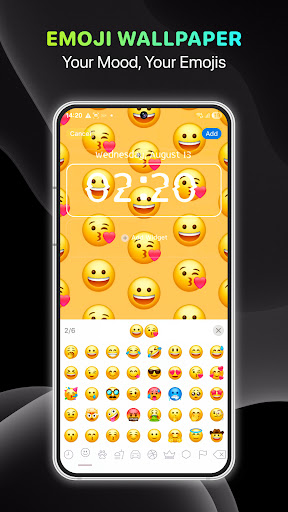
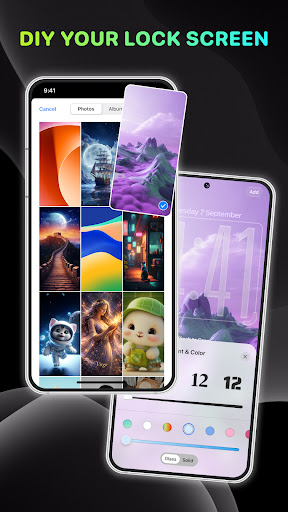
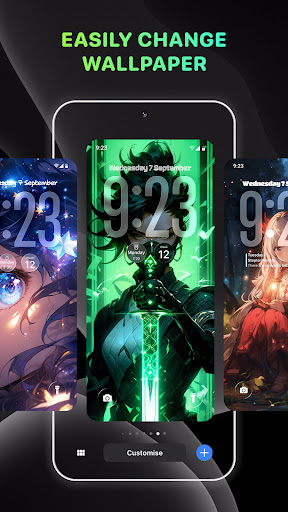
With Lock Screen, Widgets - YoLock, you can completely reinvent the look of your lock screen. Choose from a variety of interfaces and images, including themes like Technology, Movies, and Animations. Additionally, you can upload your own images to serve as wallpapers, allowing you to display your favorite photos every time you unlock your device. The app provides intuitive tools to create and customize wallpapers with dynamic widgets, making your lock screen not just a security measure but also a personal showcase.
Widgets for Enhanced Usability
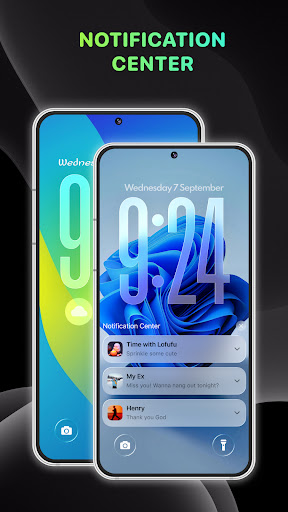
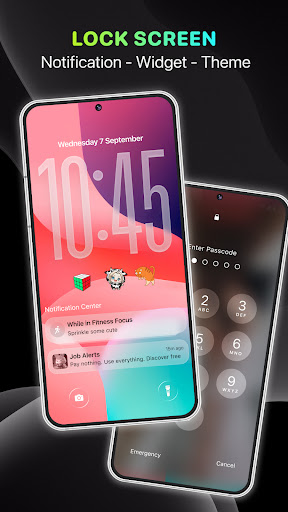
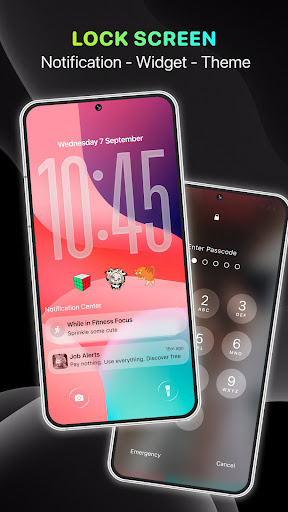
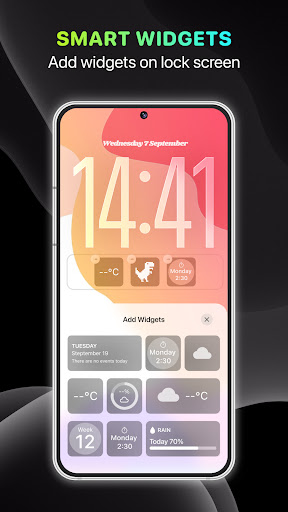
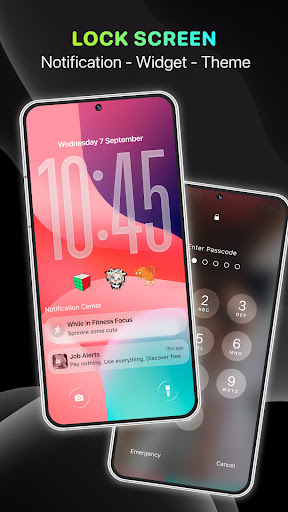
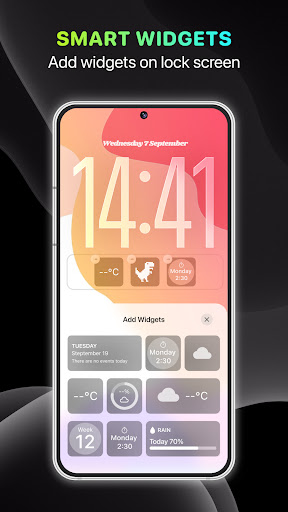
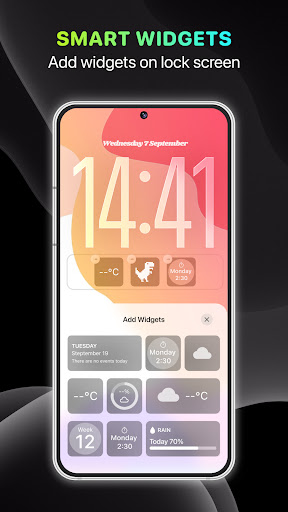
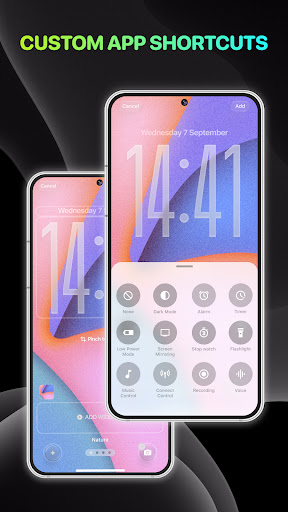
The heart of YoLock lies in its extensive widgets support. You can add numerous widgets such as weather, music controls, and OS notification widgets to your lock screen. These widgets serve as mini control centers, enabling you to check the weather forecast, manage music playback, and view critical notifications all without unlocking your phone. The customization options extend to widget sizes, styles, and positions, giving you full control over your lock screen layout for a cleaner or more information-rich look.
Advanced Security Options
Security is a top priority, and YoLock doesn’t compromise on it. You can set up multiple layers of protection including PIN codes, passwords, face recognition, and fingerprint scanning. Personalize your unlock method to balance convenience and security. For example, choose a PIN based on your favorite date or number, or unlock with a quick face scan or fingerprint. The app’s security settings ensure your sensitive data remains safe while providing quick access when needed.
Convenient Notifications and Quick Access
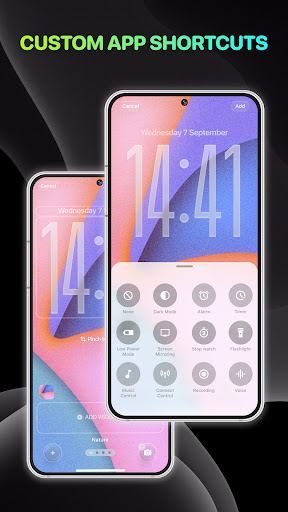
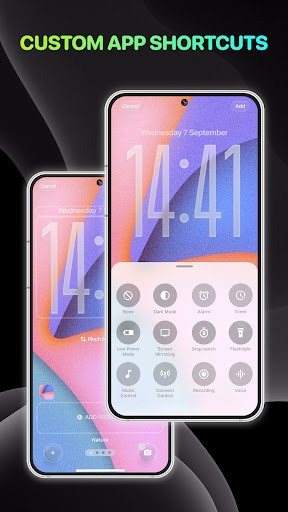
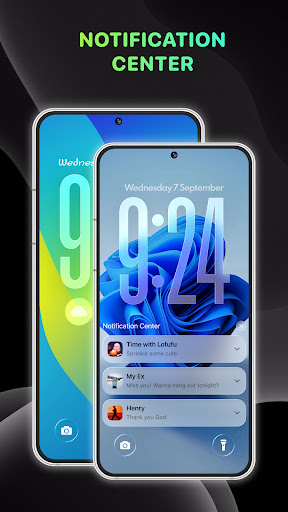
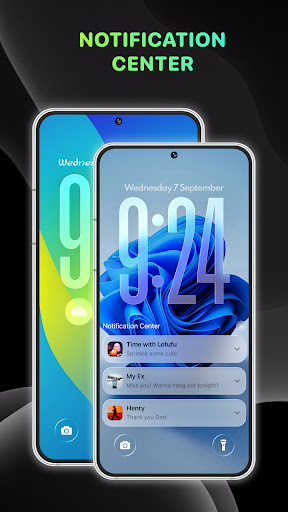
Stay connected with real-time message and call notifications. YoLock allows your device to read messages aloud or respond swiftly, streamlining your communication. You can also swiftly switch from the lock screen to your camera to capture spontaneous moments or access your contacts for quick dialing—all through simple gestures like swiping from left to right. Music controls can also be managed directly from the lock screen, making it easier to change songs without unlocking your device.
Weather and Clock Customization
Stay informed about the weather with detailed forecasts displayed on your lock screen. The weather widget can be tailored to your preferred location and matches your device’s lock screen style. Moreover, you can personalize the appearance of your clock, choosing from various designs, fonts, and colors to match your aesthetic preferences. These customization options keep your lock screen both functional and attractive.
Easy Camera and Contact Access
Quickly capture photos or videos by swiping from your lock screen directly to the camera. Similarly, you can access your contacts instantly for quick calling or messaging. This seamless transition from the lock screen to essential apps minimizes effort and maximizes efficiency for daily tasks.
Music Control and Widget Integration
Managing your music is simple with YoLock’s Music Control Widget. You can play, pause, skip tracks, and adjust volume directly from the lock screen, providing a music experience similar to your device’s native OS. Customizing these controls ensures they blend naturally with your lock screen design, offering both aesthetic appeal and practical utility.
Accessibility and Permissions
YoLock utilizes API AccessibilityServices to function correctly, including displaying the lock screen and controlling features like music and volume. The app emphasizes user privacy and does not collect or share personal information via accessibility rights. To enable full features, users need to activate accessibility services via their device settings, but rest assured, your data remains private and secure.
Final Thoughts
If you’re searching for an all-in-one lock screen customization app, Lock Screen, Widgets - YoLock is a top choice. It combines personalization, security, and convenience into a sleek, user-friendly package. Whether you want a visually stunning lock screen with gorgeous wallpapers and widgets, or a highly secure environment with PINs, face recognition, and fingerprint unlocking, YoLock delivers. Its lightweight design ensures your device runs smoothly without draining battery life or slowing performance. Transform your smartphone by giving it a functional and stylish overhaul—try YoLock today and experience the difference!
Pros
- Customizable widgets improve user experience.
- Elegant design with easy navigation.
- Fast and responsive performance.
- Supports various widget formats.
- Battery-efficient operation.
Cons
- Limited options in the free version.
- Occasional delays in widget updates.
- Requires frequent permission requests.
- Ads in the free version can be disruptive.
- Some features may not be user-friendly.











