
Introducing Lock Screen OS: The Ultimate Lock Screen Replacement for Android
< p>Are you tired of the dull, static lock screens on your Android device? Lock Screen OS emerges as an innovative solution to transform your lock screen into a personalized, interactive hub. Designed to replace the default system lock, this app offers a wealth of customization options, advanced features, and seamless performance, making it a must-have for users seeking both style and functionality.
Reimagine Your Lock Screen with Endless Personalization
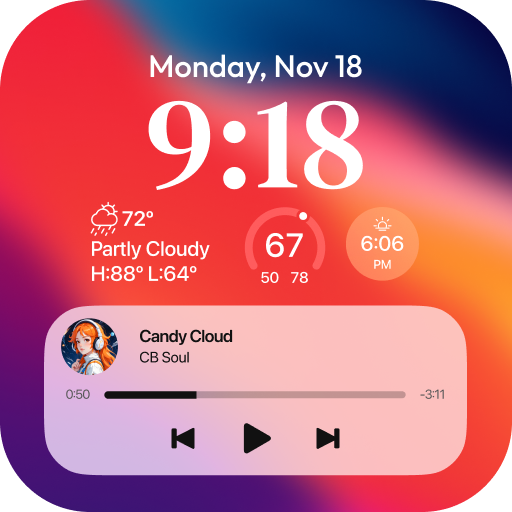
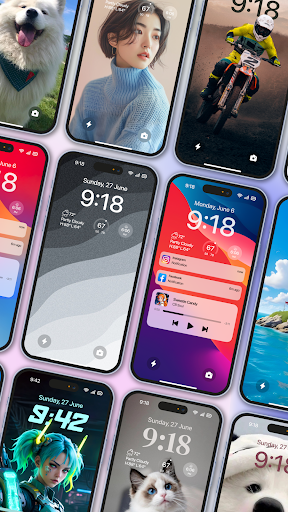
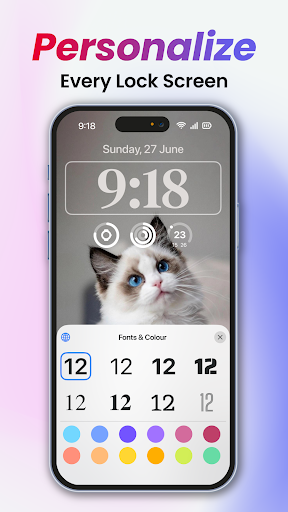
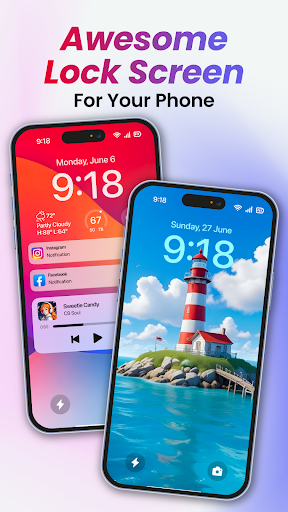
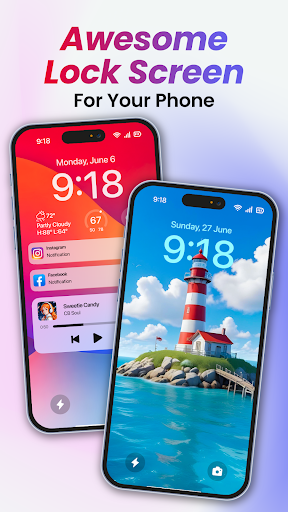
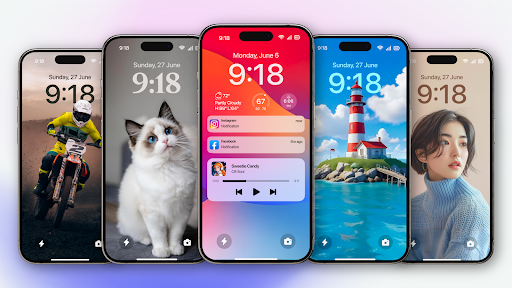
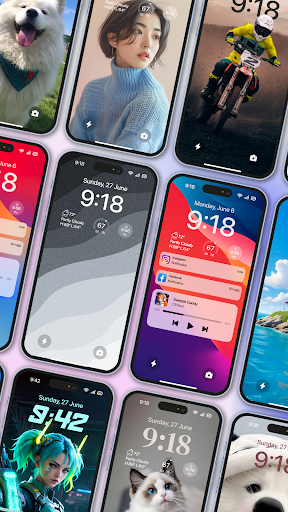
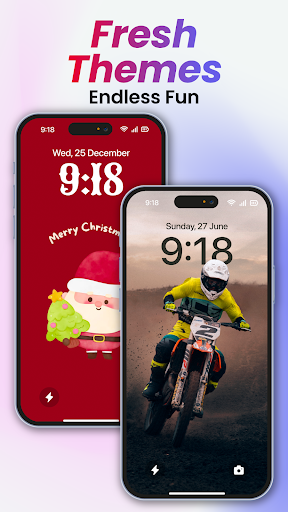
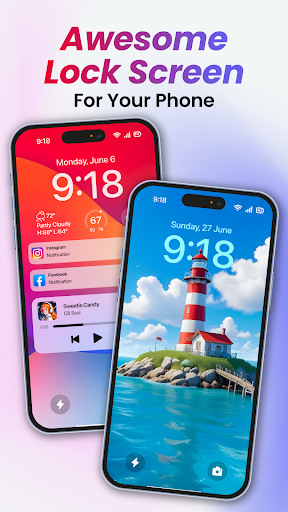
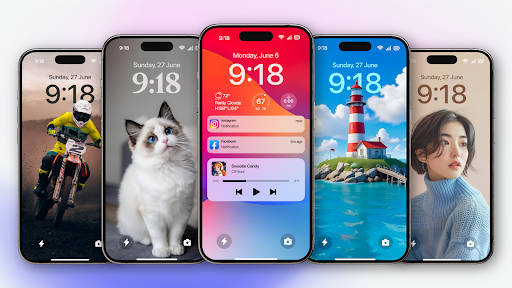
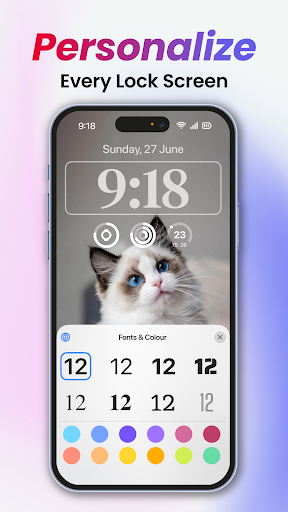
< p>Lock Screen OS empowers you to customize your lock screen completely. Whether you prefer an elegant minimalistic design or a vibrant, dynamic display, this app caters to your style. You can showcase your favorite photos as backgrounds, modify font styles for a unique look, and add multiple widgets to get quickly accessible information such as weather updates, notifications, or calendar events. The intuitive interface ensures that even users unfamiliar with customization tools can easily set up their preferred look and feel.
Create and Manage Multiple Lock Screens for Every Mood
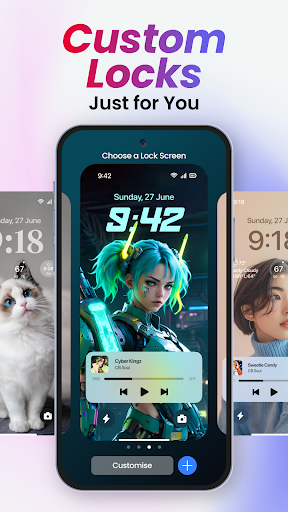
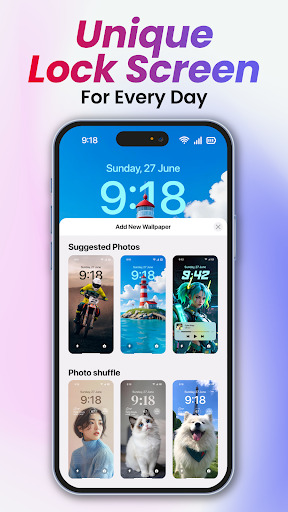
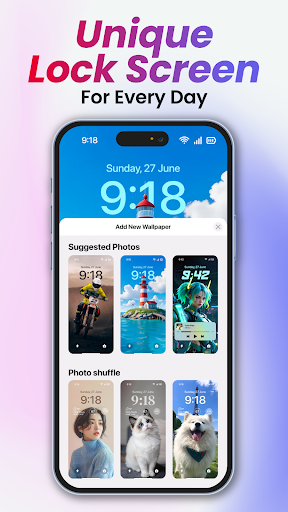
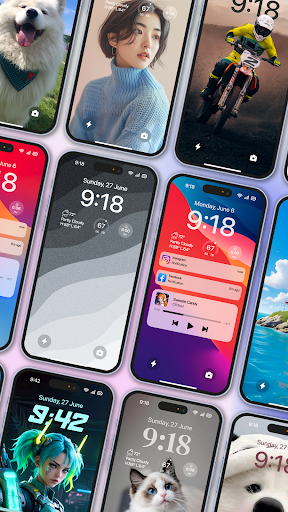
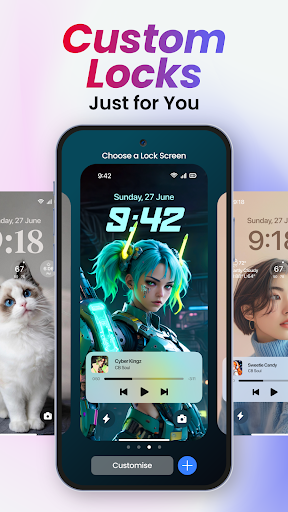
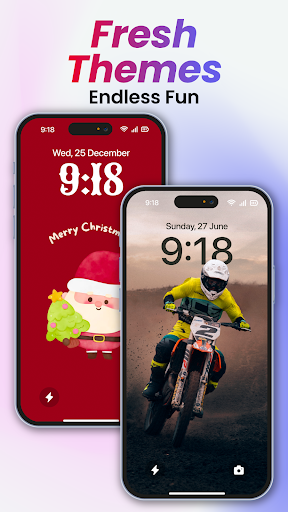
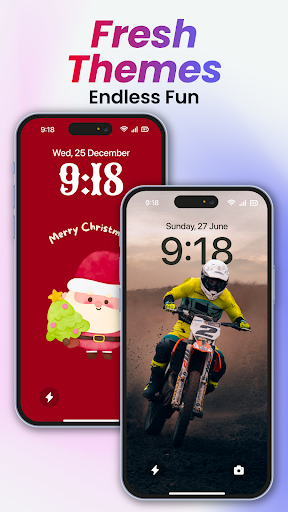
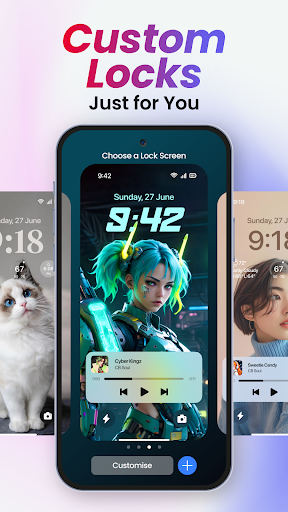
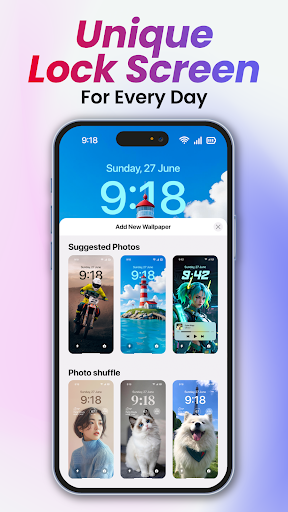
< p>One of the standout features is the ability to create multiple lock screens. Each lock screen can have a different backdrop, style, and widget configuration. This flexibility allows you to switch between themes effortlessly, matching your lock screen to your mood or activity. Explore a gallery of wallpapers, suggested photos, and themed collections to find inspiration and set a new backdrop with just a few taps. Whether you want a professional appearance or a fun, casual vibe, Lock Screen OS makes it simple to switch styles on the fly.
Enhanced Notification and Security Features
< p>Stay informed without unlocking your device. Lock Screen OS offers multiple ways to view notifications—whether in an expanded list, stacked view, or hidden mode—giving you quick access to messages, alerts, and updates. To function correctly, the app requires specific permissions, such as CAMERA to open the camera instantly, READ_PHONE_STATE for call notifications, and NOTIFICATION ACCESS to display alerts. It also supports READ/WRITE_EXTERNAL_STORAGE for wallpaper customization and the DRAW OVER SCREEN permission to overlay the lock screen on other apps. An added layer of security includes options for fingerprint recognition and facial unlock, making your device both stylish and safe.
Easy Setup and Customization Process
< p>Getting started with Lock Screen OS is straightforward. After installing the app, you’ll be guided through granting all necessary permissions. Next, you can set up or change your passcode, disable the default system lock (ensure it’s set to "None" for optimal performance), and decide whether to hide content or display notifications. For optimal experience, a quick tutorial video is available to help you get familiar with all features and settings. Regularly, the app asks for permissions during the initial setup to ensure smooth operation, but it guarantees user privacy by not collecting or sharing any personal data.
Why Choose Lock Screen OS?
< p>Beyond its aesthetic appeal, Lock Screen OS offers practical benefits, enhancing your overall smartphone experience. Its seamless integration ensures that whether you’re using an Android or iOS device, setup remains simple. The app runs efficiently without draining your battery or bombarding you with ads, respecting your space and privacy. With its rich customization options, real-time notifications, and security features, it transforms the mundane lock screen into a vibrant, functional interface. For users wanting to personalize their device with beautiful wallpapers, quick access to information, and added security, Lock Screen OS provides a compelling solution.
Conclusion: Transform Your Lock Screen Today
< p>If you desire a lock screen that is both visually appealing and highly functional, Lock Screen OS is the perfect application for you. It combines aesthetics, security, and convenience, making your smartphone experience more enjoyable and personalized. Why settle for a standard lock screen when you can craft a customized, interactive, and stylish start to your day? Download Lock Screen OS now and discover how your lock screen can become your favorite feature of your Android device!
Pros
- Highly customizable interface
- Enhances phone security
- Consumes minimal battery power
- Supports widgets
- User-friendly design
Cons
- Frequent advertisements in the free version
- Limited features available for free
- Occasional app crashes
- Inconsistent theme options
- Some features require root access











