

Introduction to LightCut - AI Auto Video Editor
Are you looking for an easy-to-use and powerful video editing app that lets you create stunning videos effortlessly? Look no further than LightCut—a free AI video editor designed to cater to both beginners and professional content creators. With its rich collection of video templates and video effects, LightCut empowers you to craft stylish videos and vlogs with just a few taps. Whether you want to make travel documentaries, lifestyle clips, or social media videos, LightCut is the ultimate all-in-one video editing solution that simplifies the entire process.
Key Features of LightCut
Superfast AI-Powered Auto Video Creation
LightCut's standout feature is its AI-powered auto video creator. By simply selecting your video clips and photos, the app's intelligent engine analyzes the footage within seconds and automatically compiles a high-quality story. This One-Tap Edit feature is perfect for those who want quick, professional results without manual editing. It transforms raw footage into engaging videos in moments, saving you hours of editing time.
Trendy and Rich Video Templates
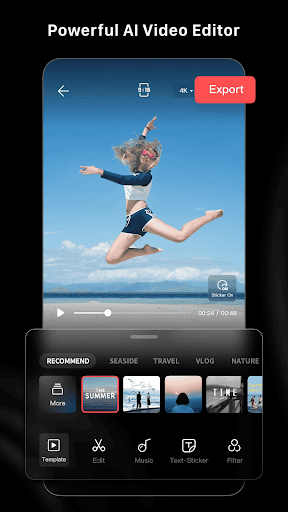
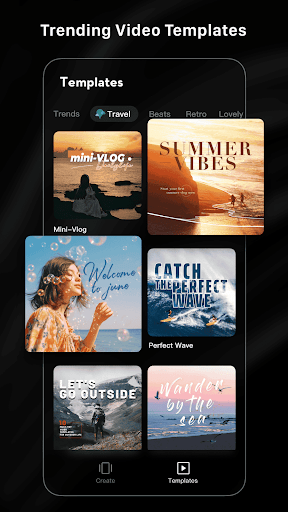
Looking for stylish videos? LightCut offers a wide range of easy-to-use templates suitable for various themes such as travel, nature, cityscapes, fashion, lifestyle, sports, and aerial shots. Just pick your favorite template, customize the tempo, and let the app automatically generate a trendy video—perfect for social media posts and vlogs.
Inspire Cam - Professional Shooting Modes
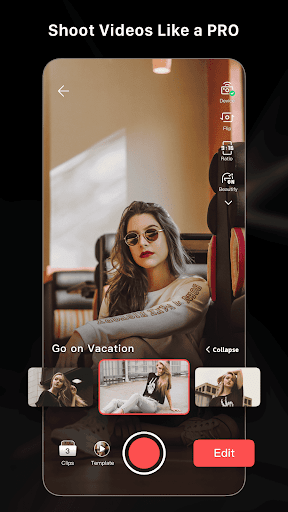
Unsure how to shoot or edit? Inspire Cam helps you shoot captivating footage with creative shooting templates. The app provides step-by-step guides on capturing the best shots, making it feel like a professional camera assistant. After shooting, you can easily turn your clips into eye-catching videos with minimal effort using the integrated editing tools.
All-in-One Video Editing Tools
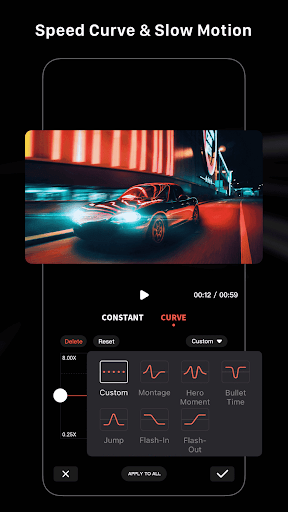
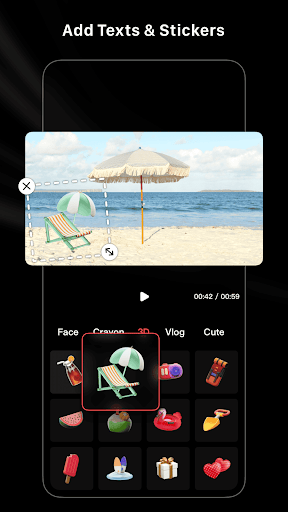
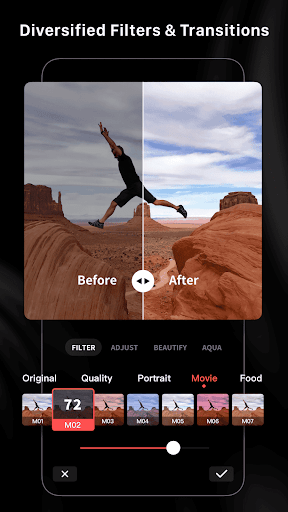
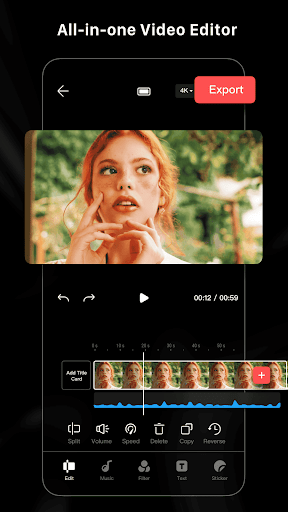
LightCut is packed with professional editing tools to make your videos stand out. Features include video trimmer, video cutter, and adjustable slow/fast motion. You can split videos into multiple clips, add numerous stickers and font styles, and apply various filters, effects, and transitions to amplify your content’s appeal. Best of all, the app is completely free, without annoying ads or watermarks, and provides access to hundreds of fully licensed music tracks.
Why Choose LightCut for Video Editing?
Ever wondered how some social media videos look so professional? LightCut makes that possible for everyone, regardless of skill level. Its intuitive interface and step-by-step guidance ensure that even beginners can create magazine-quality videos. The AI engine processes edits quickly, delivering stunning results in seconds, making it a superfast solution for content creators.
Whether you are producing fun videos for personal use or aiming to grow your social media presence, LightCut offers the perfect blend of simplicity and professional features. Its versatile video templates and editing tools help you craft videos that are trendy, creative, and engaging. Plus, with the ability to instantly trim, merge, and add music or effects, your creative process becomes seamless and enjoyable.
In summary, LightCut - AI Auto Video Editor is a must-have app for anyone who wants to produce eye-catching videos with minimal effort. It combines intelligent automation with a robust suite of editing tools, enabling you to unlock your full creative potential. Download LightCut today and start turning your raw footage into viral-ready videos in just a few taps!
Pros
- User-friendly interface suitable for beginners.
- AI-powered editing features that save time.
- Extensive selection of transitions and effects.
- Supports exporting in high resolutions.
- Provides regular updates with new functionalities.
Cons
- Limited features in the free version.
- May experience occasional lag on older devices.
- Requires subscription for access to premium features.
- Some effects could be improved.
- Does not support offline editing mode.











