

Introduction to Lark Video Player: HD Video
Lark Video Player: HD Video is a lightweight and powerful offline video player designed for those who value high-quality media playback without the need for an internet connection. This versatile app supports full HD and major video formats, making it an excellent choice for users seeking a seamless viewing experience. Whether you want to enjoy videos in a floating popup window, listen to videos as MP3, or organize your media files effortlessly, Lark Video Player has got you covered.
Outstanding Features of Lark Video Player
Unmatched Video Playback Quality
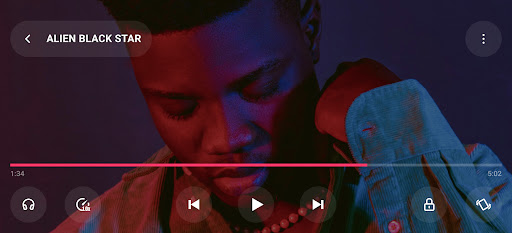
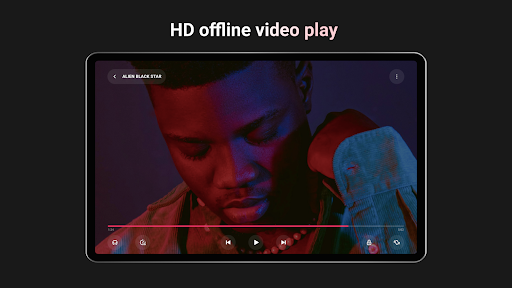
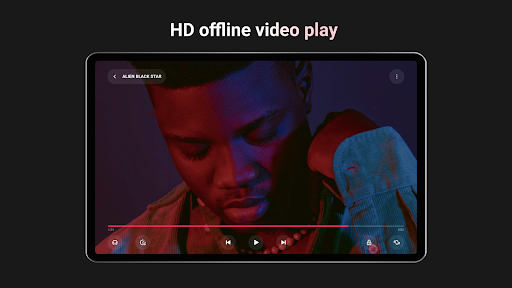
Experience smooth and high-definition video playback with support for HD, Ultra HD, and Full HD videos. No matter if you’re watching 1080p or even 4K videos, Lark Video Player ensures that your viewing remains crisp and glitch-free. This makes it an ideal offline video player for Android users who demand top-tier video quality.
Broad Format Compatibility
This app is compatible with a wide range of major video formats including MKV, MP4, M4V, MOV, 3GP, 3GP2, MPG2, TS, WebM, and more. Forget about conversions or format issues—Lark Video Player acts as a Swiss Army knife for video formats, providing hassle-free playback for all your media files.
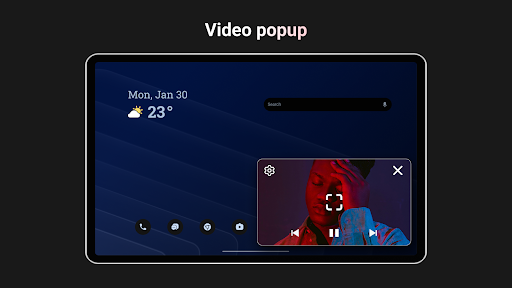
Innovative Video Popup & Multitasking
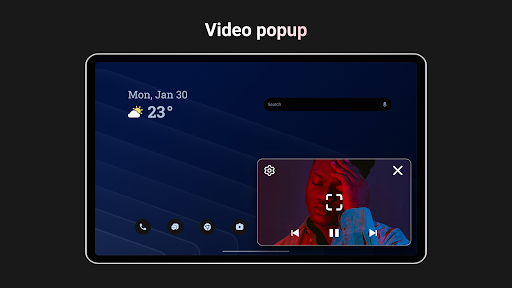
Tired of interruptions while watching videos? The video popup feature allows you to enjoy floating videos while using other apps or multitasking on your device. This stable and flexible floating window offers a seamless watching experience even on busy devices, making this app perfect for multitasking professionals or casual viewers alike.
Privacy and Offline Listening
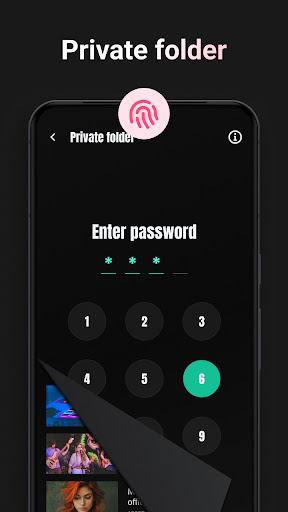
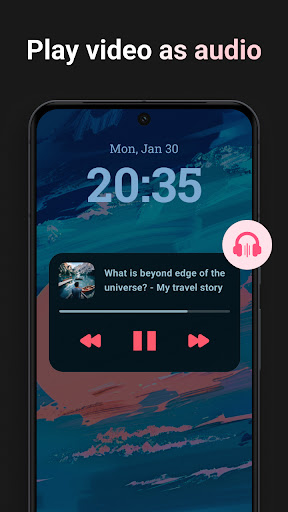
Protect your private videos by storing them in a private folder, which can be secured with a password. Plus, with the ability to play offline videos as MP3, you can listen to your favorite songs or audio from videos in the background—ideal for when you're on the go and want to enjoy media without network reliance.
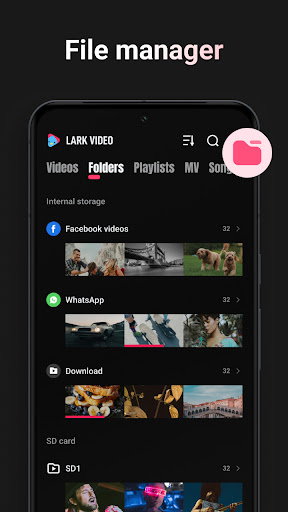
Media File Management & Organization
Managing your media library has never been easier. Lark Video Player offers automatic sorting by folders and categories, along with powerful search features. This ensures quick access to your videos and other media files, enhancing your overall media experience.
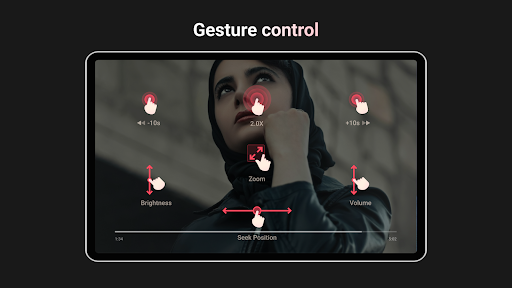
Gesture Controls & One-Click Operations
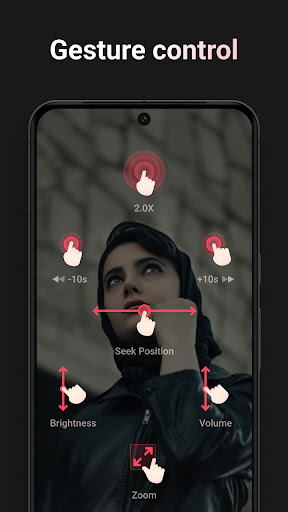
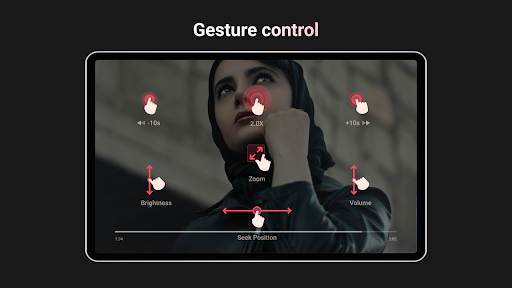
Adjust progress, brightness, volume, and playback speed with intuitive gestures or simple one-click controls. This feature allows for quick customization during playback, similar to having a remote control at your fingertips, making your viewing sessions both comfortable and immersive.
Stylish and Compact Design
This lightweight and stylish video player minimizes space usage on your device while providing a sleek interface. Its minimal footprint ensures you save storage without sacrificing functionality.
Offline Music Player
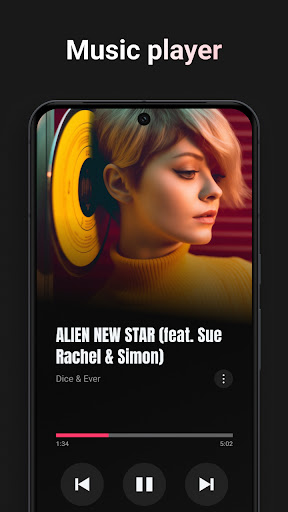
Beyond videos, Lark Video Player also supports the management and playback of offline music files. With built-in sound effects, it turns your app into a comprehensive offline media player that handles both video and audio, perfect for enjoying your media collection anywhere, anytime.
Why Choose Lark Video Player?
If you are searching for a reliable offline video player that combines high-quality playback, broad format support, privacy features, and user-friendly controls, Lark Video Player is an excellent choice. Its emphasis on smooth performance, customization options, and media management makes it stand out from other media players in the market. Whether you're watching movies, cooking tutorials, or listening to music, this app delivers a robust entertainment experience in a compact package.
Conclusion
With its comprehensive set of features, support for full HD and major video formats, and a sleek, easy-to-use interface, Lark Video Player: HD Video is your perfect companion for offline media consumption on Android devices. Say goodbye to buffering, format issues, or interruptions, and enjoy your media collection with the ultimate offline video and audio player. Download Lark Video Player today and elevate your media experience to the next level!
Pros
- Supports multiple video formats
- User-friendly interface
- High-definition video playback
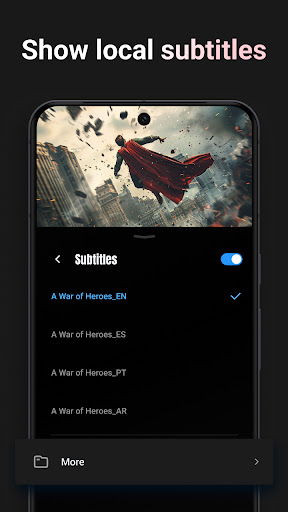
- Subtitle support available
- Regular app updates
Cons
- Contains ads in free version
- Limited features without premium
- Occasional playback issues
- Subtitle sync can be off
- Requires internet for some features











