

Discover the Power of KWGT Kustom Widget Maker
Are you tired of the same old home screen widgets that don’t truly reflect your personality? KWGT Kustom Widget Maker is the ultimate app designed to transform your Android device's home screen into a unique masterpiece. With its extensive customization options, KWGT empowers you to craft personalized widgets that display your favorite data in any style you desire—no more settling for generic presets. Whether you want a sleek clock, a stunning weather display, or something entirely original, KWGT provides the tools and flexibility to bring your screen to life. Its intuitive interface and powerful features make it an indispensable choice for both casual users and tech enthusiasts seeking complete control over their widget design.
Unleash Your Creativity with the Ultimate WYSIWYG Editor
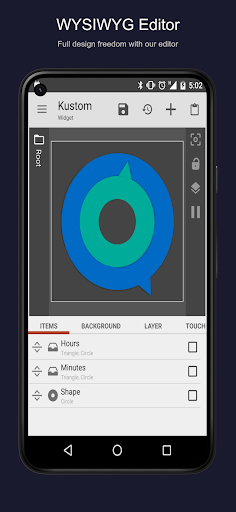
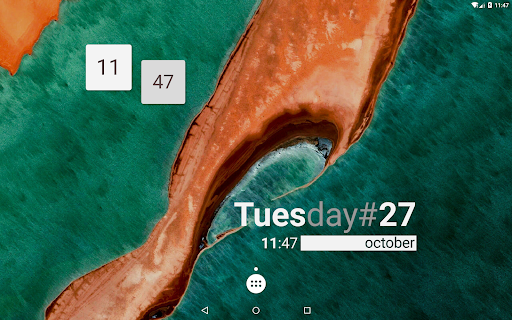
At the heart of KWGT lies its groundbreaking "What You See Is What You Get" editor, offering unmatched control to design any widget layout imaginable. New users can start with a blank canvas or select from an array of included starter skins to jump right into customization. The app’s total text control allows you to craft perfect text widgets by choosing your preferred fonts, colors, sizes, and effects like 3D transformations, curved text, and shadows. This means your clock, date, or any text-based widget can be tailored to match your style precisely.
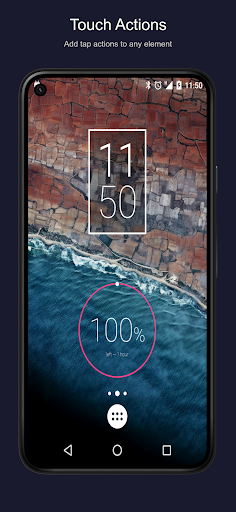
Moreover, KWGT supports diverse shapes such as circles, rectangles, and triangles, or you can incorporate your own images in formats like PNG, JPG, WEBP, or SVG, giving you full creative freedom. For professional-level designs, the app lets you layer objects, apply gradients, add color filters, and overlay effects such as blur and saturation to create stunning visual effects. You can even add interactivity by attaching touch actions or hotspots, enabling your widgets to launch apps, toggle settings, or trigger custom actions with a simple tap. This level of > customization ensures your home screen becomes not just visually appealing, but also highly functional.
Moreover, KWGT supports diverse shapes such as circles, rectangles, and triangles, or you can incorporate your own images in formats like PNG, JPG, WEBP, or SVG, giving you full creative freedom. For professional-level designs, the app lets you layer objects, apply gradients, add color filters, and overlay effects such as blur and saturation to create stunning visual effects. You can even add interactivity by attaching touch actions or hotspots, enabling your widgets to launch apps, toggle settings, or trigger custom actions with a simple tap. This level of > customization ensures your home screen becomes not just visually appealing, but also highly functional.
Create Any Widget You Can Imagine
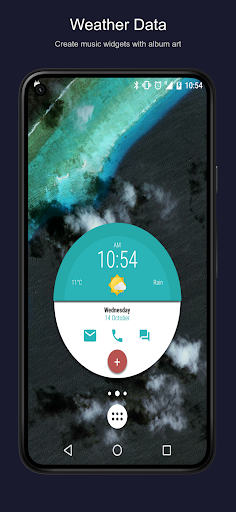
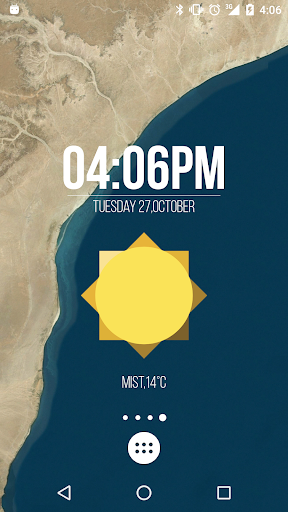
KWGT is your all-in-one solution for crafting a limitless variety of widgets. Its robust features give you the ability to design aesthetic photo galleries or minimalist widgets that perfectly match your theme. Want a weather widget that provides detailed information like wind chill and "feels like" temperature? KWGT has got you covered with options to display comprehensive weather data from multiple providers.
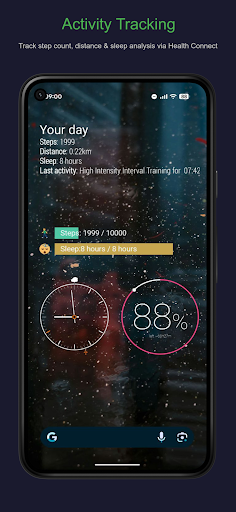
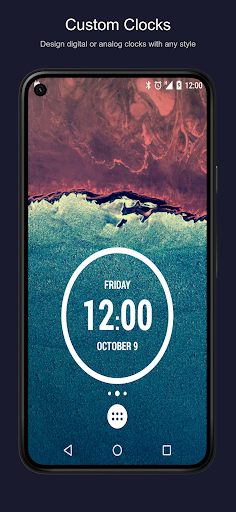
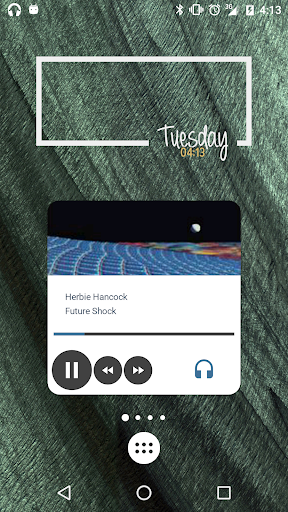
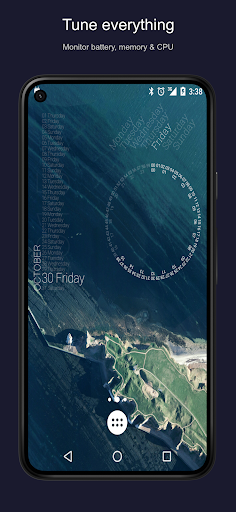
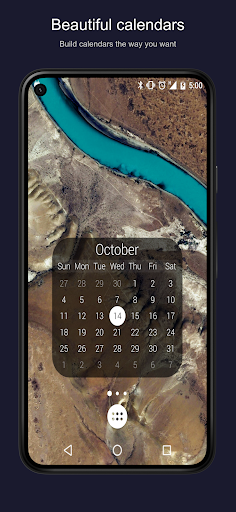
You can even design custom digital and analog clocks, incorporate world clocks, or create astronomy widgets showing sunrise and sunset times. For system monitoring, KWGT enables you to build battery meters, memory monitors, and CPU speed indicators that blend seamlessly into your theme. Music lovers can craft personalized music controls displaying current song titles, album art, and cover images. Additionally, fitness fans can track Google Fitness data, such as steps and calories, while calendar widgets showcase upcoming events in a visually appealing manner. The possibilities are virtually endless, limited only by your imagination.
You can even design custom digital and analog clocks, incorporate world clocks, or create astronomy widgets showing sunrise and sunset times. For system monitoring, KWGT enables you to build battery meters, memory monitors, and CPU speed indicators that blend seamlessly into your theme. Music lovers can craft personalized music controls displaying current song titles, album art, and cover images. Additionally, fitness fans can track Google Fitness data, such as steps and calories, while calendar widgets showcase upcoming events in a visually appealing manner. The possibilities are virtually endless, limited only by your imagination.
Advanced Features for Power Users
For those who demand more from their home screen customization, KWGT offers powerful, advanced features to enhance functionality. Utilize complex logic with built-in programming capabilities, including functions, conditionals, and global variables, to develop highly dynamic and interactive widgets. Automatically fetch live content from online sources via HTTP requests, enabling real-time maps or pulling RSS feeds, XML data, or performing text parsing.
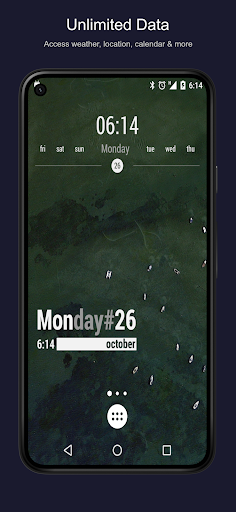
Seamlessly integrate KWGT with Tasker for automation, allowing your widgets to respond to various triggers and change based on preset conditions. You can also display an extensive range of data, like current date and time, battery estimates, Wi-Fi status, upcoming alarms, user location, movement speed, and more, making your home screen not just beautiful but also incredibly informative.
Seamlessly integrate KWGT with Tasker for automation, allowing your widgets to respond to various triggers and change based on preset conditions. You can also display an extensive range of data, like current date and time, battery estimates, Wi-Fi status, upcoming alarms, user location, movement speed, and more, making your home screen not just beautiful but also incredibly informative.
Upgrade to KWGT Pro for Extended Capabilities
If you want to unlock the full potential of KWGT, the Pro version is well worth the investment. It eliminates advertisements, supports further development, and unlocks features such as importing presets from SD cards and external skins. You can also recover presets easily and explore a vibrant community of users sharing their designs, tips, and ideas. The Pro upgrade ensures you have access to all tools necessary to create truly unique and highly functional widgets tailored to your personal style.
Join the Active Community & Get Support
While KWGT offers extensive customization, dedicated support and community engagement make mastering the app even easier. For assistance, please refer to the official support site or join online communities like Reddit, where fellow users share inspiration, presets, and advice. Remember, for support questions or refunds, contacting the developers via official channels is recommended, as reviews are not monitored for support issues.
Final Thoughts
In summary, KWGT Kustom Widget Maker is a game-changing application for Android users who want total control over their home screens. It seamlessly combines visual artistry with advanced functionality, enabling you to create personalized, informative, and eye-catching widgets. Whether you’re looking to craft a minimal clock, a detailed weather display, or a complex system monitor, KWGT provides the essential tools to turn your ideas into reality. Embrace your creativity and elevate your Android experience—give KWGT a try and transform your home screen into a true reflection of your style!
Pros
- Highly customizable widgets
- User-friendly interface
- Frequent updates
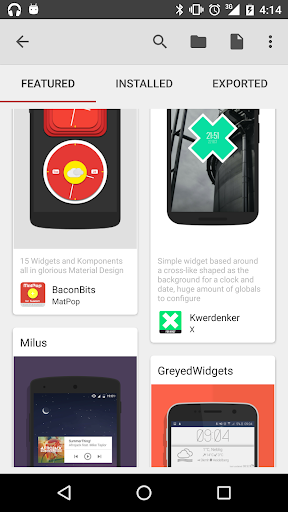
- Wide range of templates
- Supports community sharing
Cons
- Steep learning curve
- In-app purchases
- Limited free features
- Occasional bugs
- High battery usage











