

Discover the Power of KMPlayer - All Video Player
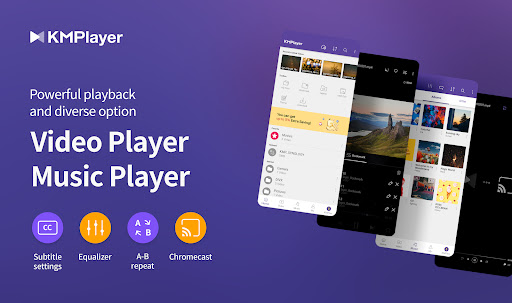
If you're searching for a versatile and reliable media player to handle all your high-resolution videos, music, and subtitles, KMPlayer stands out as the perfect choice. This robust application is designed to deliver seamless playback across various formats, making it an essential tool for media enthusiasts. Whether you're streaming online content or enjoying local files, KMPlayer offers a comprehensive suite of features that elevate your viewing and listening experience.
Exceptional Compatibility and Playback Features
One of the main strengths of KMPlayer is its unmatched support for a wide range of video formats. From familiar formats like MP4, AVI, and MKV to more niche ones such as WMV or RMVB, this media player can effortlessly handle them all. Notably, it excels in playing high-definition videos — including 4K and even 8K content — without compromising quality, ensuring crystal-clear visuals every time.
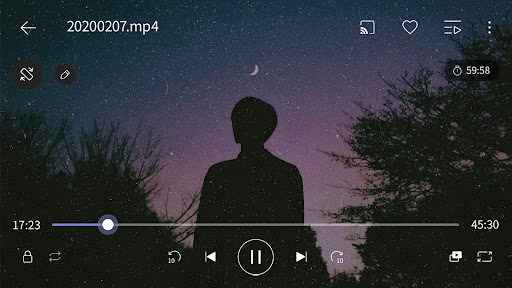
Furthermore, KMPlayer offers extensive video customization options. Users can easily tweak brightness, saturation, hue, and gamma to optimize their viewing environment. The expand & contract feature allows you to resize videos dynamically, while section repeat makes it easy to loop specific scenes for study or enjoyment.
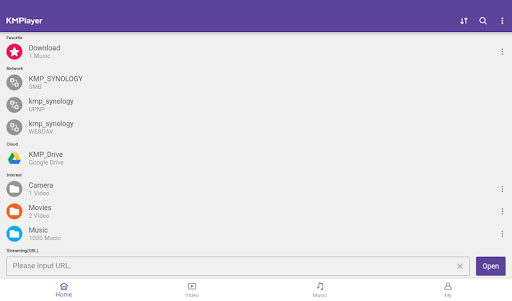
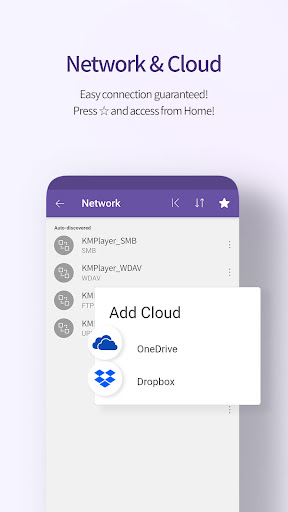
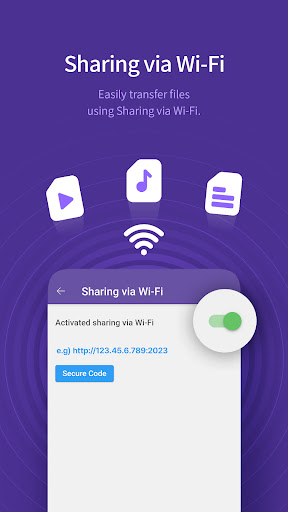
Specially designed for user convenience, KMPlayer includes a quick button for swift access to key features, an equalizer with saving options for both music and video modes, and subtitle settings that enable you to modify color, size, and positioning effortlessly. The ability to cast videos to TVs via Chromecast and support for streaming from web URLs—including FTP, UPNP, SMB, and WebDav—further enrich the viewing experience.
Rich Subtitle Support and Management
KMPlayer truly shines when it comes to subtitles. It supports a vast array of subtitle formats, such as DVD, DVB, SSA/ASS with full styling, SAMI, SRT, and more. Whether you're watching foreign films or content with complex styling, the app ensures subtitles are rendered perfectly, giving you full control over their appearance and positioning.
Introducing KMPlex
Step into the world of KMPlex, a unique feature integrated within KMPlayer that transforms how you interact with your media. By completing missions, you can earn points which are exchangeable with cryptocurrency coins like MovieBloc Token (MBL) and Cobak Token (CBK). This innovative system allows you to participate in various activities directly through the app, create your Wallet, and easily manage your digital assets.
To get started, access KMPlex from the app, participate in missions—especially during special events—and accumulate points. Once earned, these points can be exchanged for supported coins, adding a rewarding dimension to your media consumption.
Premium Features with KMPlayer VIP
For those seeking advanced functionalities, KMPlayer offers a VIP subscription with exciting benefits. This includes a torrent client for real-time streaming during downloads, video & audio cutting for custom clips, and the ability to create lively GIFs from videos. Additionally, the MP3 converter feature allows quick extraction of audio tracks from videos.
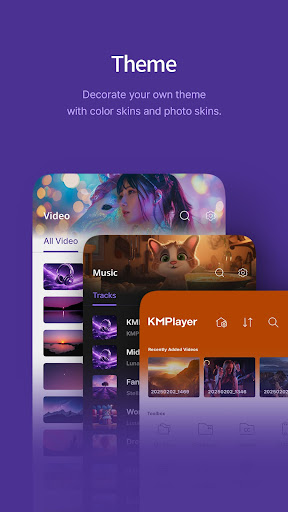
Customize your viewing environment with VIP themes to match your personal style. Remember, the free trial is limited, but after that, subscription plans renew automatically unless canceled via your Google Play account settings.
User-Friendly Interface and Permissions
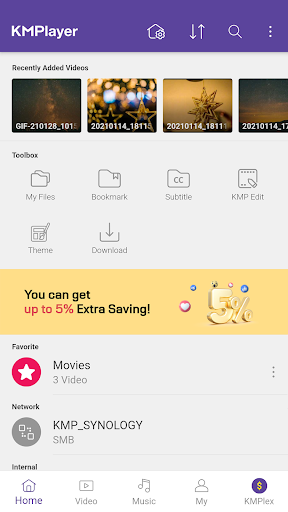
The app boasts an intuitive and clean interface that makes navigation straightforward. Gesture controls for adjusting volume or skipping scenes and the floating screen feature for multitasking elevate the user experience. For optimal functionality, KMPlayer requests certain permissions including access to all files for Android 11 and above, to seamlessly play local media.
Rest assured, you can enjoy basic features without granting all permissions. Optional permissions unlock additional functionalities like pop-up play and notifications, enhancing your control over the app.
Customer Support and Continuous Improvement
The development team behind KMPlayer values user feedback highly. They encourage you to share your opinions, request new features, and help improve the app. Support is available via email, and the team is always receptive to your suggestions to keep enhancing the media experience.
Pros
- Supports a wide variety of video formats.
- User-friendly interface for straightforward navigation.
- Delivers high-quality video playback.
- Provides subtitle options for multiple languages.
- Allows customization of playback settings.
Cons
- Contains advertisements and in-app purchases.
- May drain battery quickly.
- Experiences occasional lag on lower-end devices.
- Advanced features require purchasing the premium version.
- Limited customer support options.











