
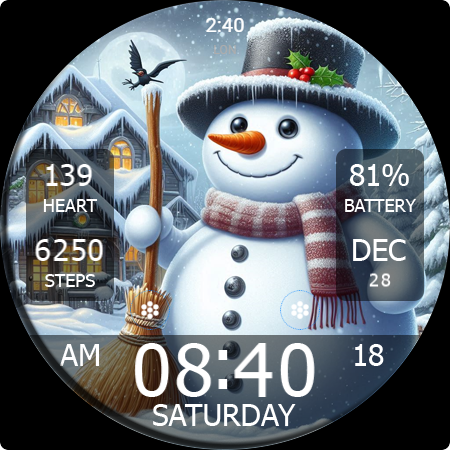
Introduction to the Key WF55 Snowman Watch Face
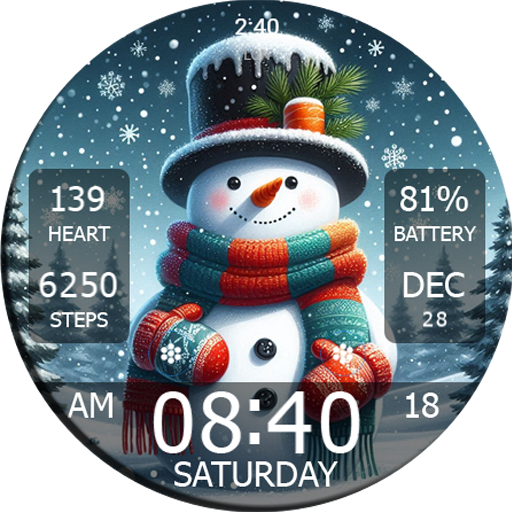
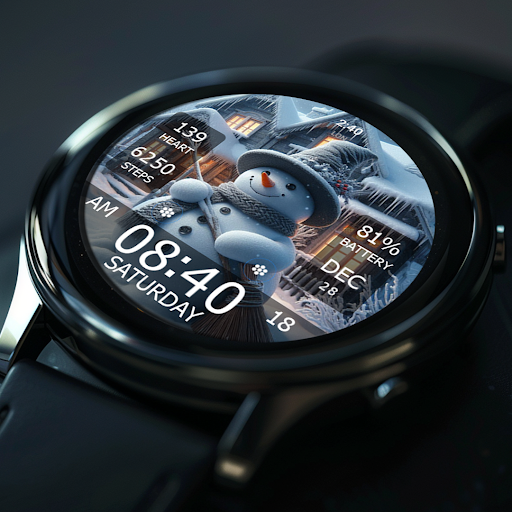
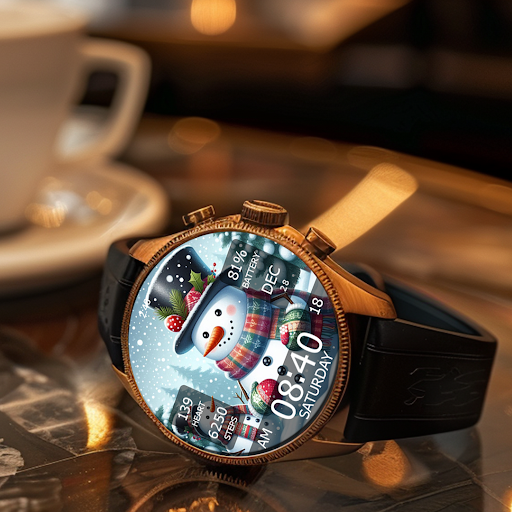
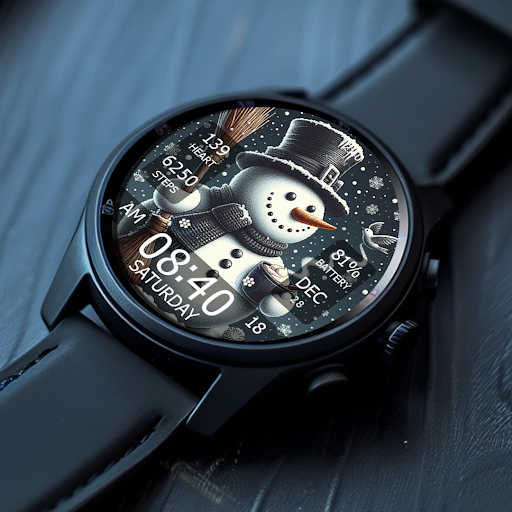
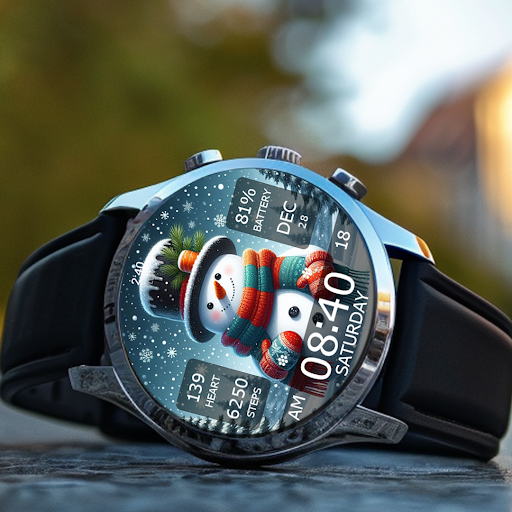
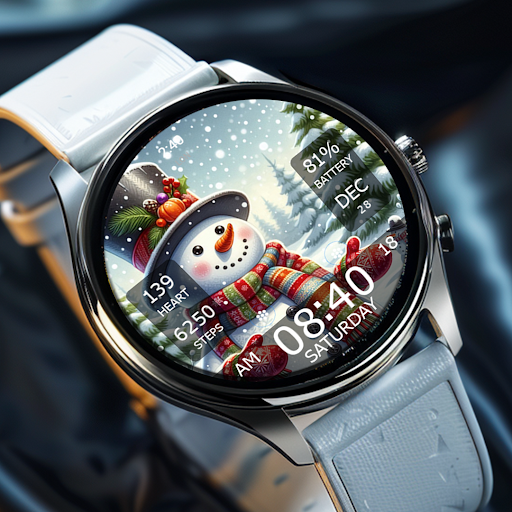
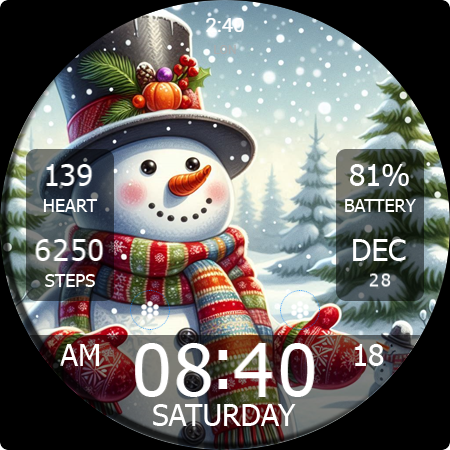
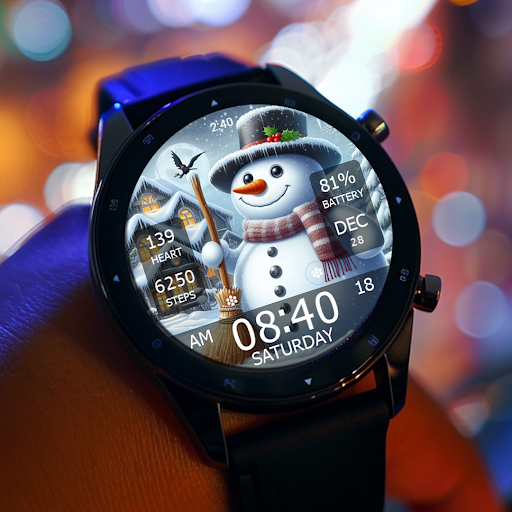
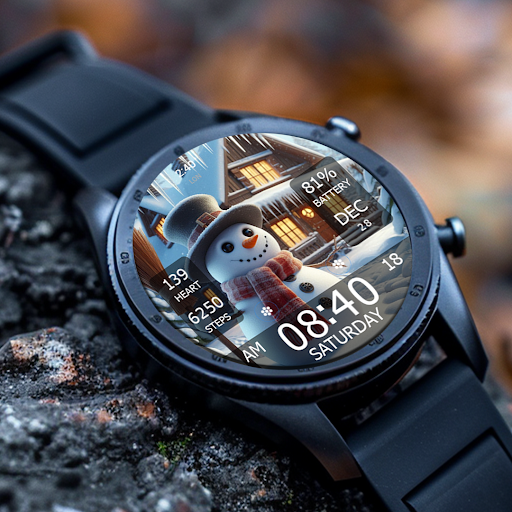
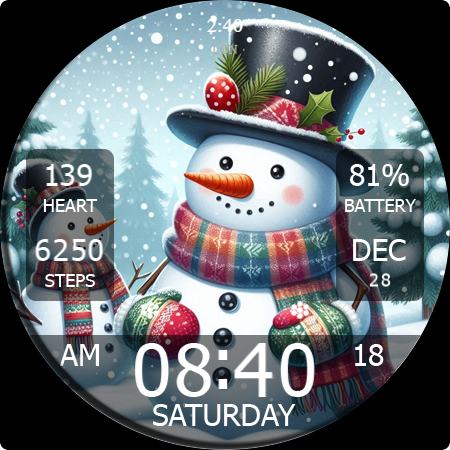
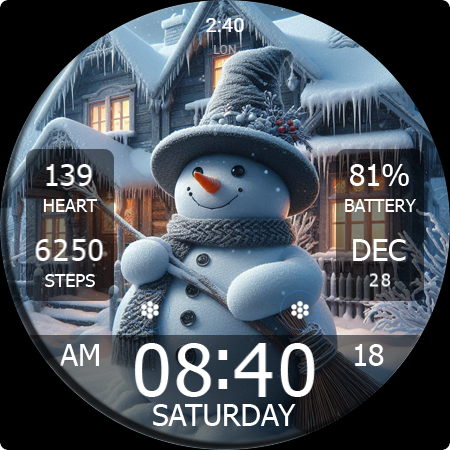
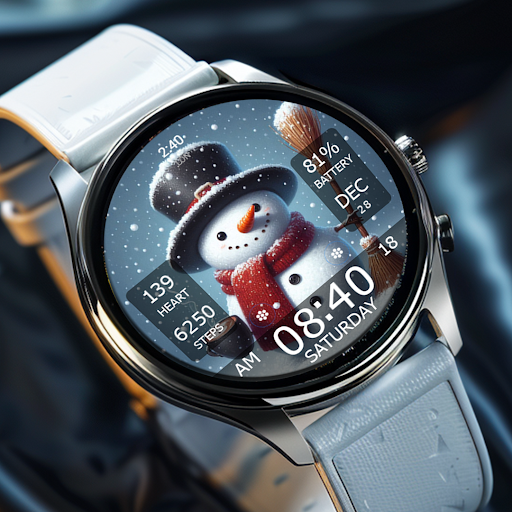
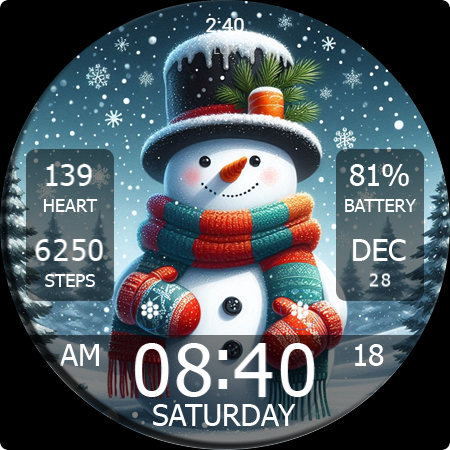
The Key WF55 Snowman Watch Face is a charming digital watch face designed specifically for Wear OS smartwatches. Featuring a delightful Snowman Design perfect for the holiday season, this watch face brings a touch of winter magic to your wrist. With its festive Christmas theme, it makes checking the time more fun and stylish, especially during the winter months. Available with a variety of background styles, the Key WF55 offers customizable options that let you personalize your smartwatch experience effortlessly.
Key Features of the Snowman Watch Face
Design & Customization
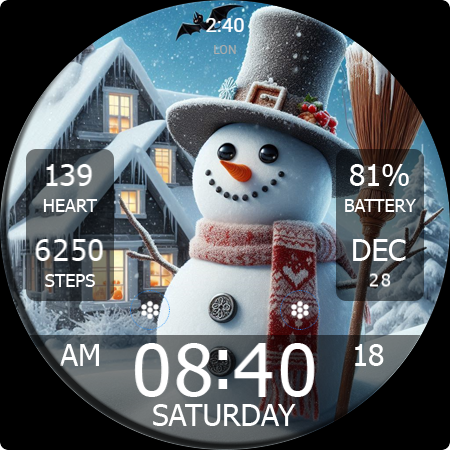
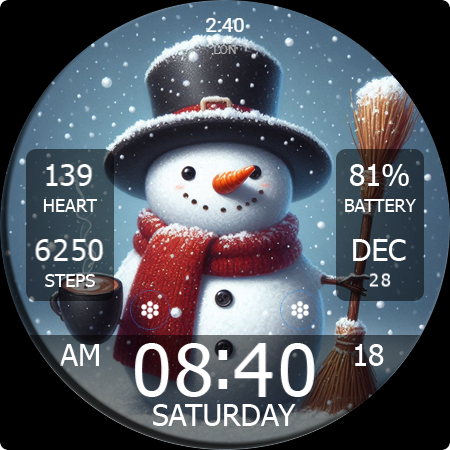
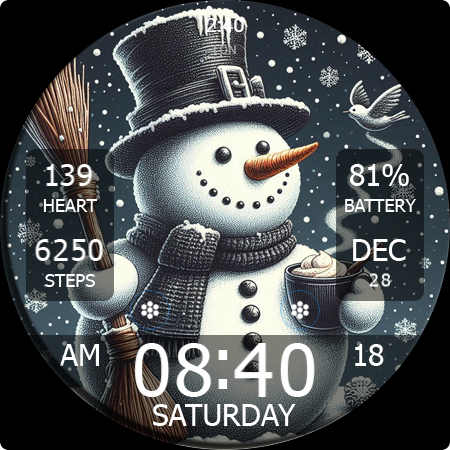
The Key WF55 boasts 10 background styles with adorable snowman images that can be selected based on your mood or preference. Its festive design captures the spirit of Christmas, making your smartwatch feel more lively and seasonal. You can personalize the watch face further by adjusting colors and snowman accessories, thanks to user-friendly customization options.
Functional Features
This watch face isn't just about appearances; it offers comprehensive functionality, including 12/24H digital time format, month, date, and day name display, and vital health metrics such as heart rate information and step count. Additionally, it shows battery percentage, ensuring you stay informed about your device's power at all times.
Additional Capabilities
Designed with practicality in mind, the Key WF55 Snowman includes 2 custom shortcuts and short circle complications to quickly access essential functions. Moreover, users can easily adjust display colors by pressing and holding the watch face center, then swiping left or right to change items, with up and down gestures to modify their colors or styles.
Compatibility & Easy Setup
This app is compatible exclusively with Wear OS devices, making it suitable for a wide range of smartwatches running this operating system. Downloading and installing the Key WF55 Snowman Watch Face from the Google Play Store is straightforward, and the interface offers intuitive guidance, ensuring a hassle-free setup process. Plus, it’s optimized for battery efficiency, preventing rapid drain during daily use.
Special Promotion: Buy One Get One (BOGO)
Enjoy the exclusive Buy One Get One (BOGO) promotion for the Key WF55 Snowman Watch Face. To take advantage of this offer:
- Purchase any of our watch faces.
- Send an email to syauqiyhidayah@gmail.com.
- Attach the RECEIPT from Google to the email.
- Wait patiently to receive your coupon.
Note: You cannot select the free WF Key WF55 as part of this promotion, as it is the featured digital snowman watch face.
Why Choose the Key WF55 Snowman Watch Face?
If you’re someone who loves adding a bit of seasonal fun to your smartwatch, Key WF55 is an excellent choice. Its adorable snowman design, combined with versatile customization options and essential health tracking features, makes it both practical and festive. Whether you're gearing up for the holiday season or simply enjoying a winter-inspired aesthetic, this watch face is designed to brighten your day with a touch of winter whimsy. Perfect for users looking to personalize their Wear OS smartwatch with a cheerful, holiday-themed look, the Key WF55 Snowman Watch Face is a delightful addition that sparks joy every time you check the time.
Pros
- Stylish and festive design
- Battery efficient
- Customizable display options
- Smooth animations
- Easy to install
Cons
- Limited free features
- Requires Wear OS
- No interactive elements
- May drain older devices
- Lacks weather updates











