
Discover Jellyfin: The Free and Open-Source Media Server for Your Personal Entertainment
Welcome to the world of Jellyfin, an innovative media server platform that empowers you to take control of your personal media collection. Whether you're a casual viewer or a dedicated media enthusiast, Jellyfin offers a robust, cost-effective solution to organize and stream your favorite content across devices. As an open-source project, Jellyfin provides a free alternative to commercial media servers, focusing on privacy and user freedom — with no hidden fees, no tracking, and no proprietary restrictions.
What Makes Jellyfin Stand Out?
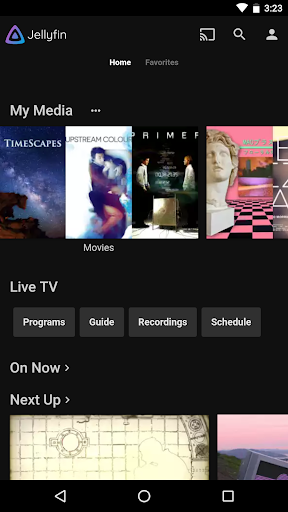
Jellyfin is designed to be your all-in-one media management platform. It allows you to gather audio, video, photos, and more in one centralized location. Setting up a Jellyfin server is straightforward and compatible with many operating systems, including Windows, Linux, and NAS devices. Once your server is running, you can instantly access your media library from anywhere, whether at home or on-the-go.
Key Features of Jellyfin
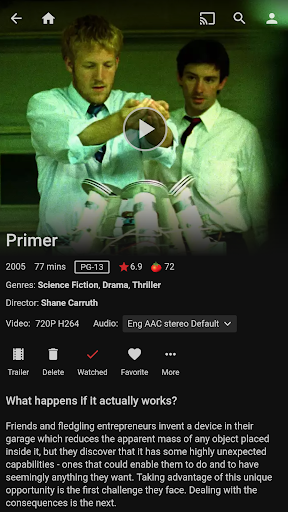
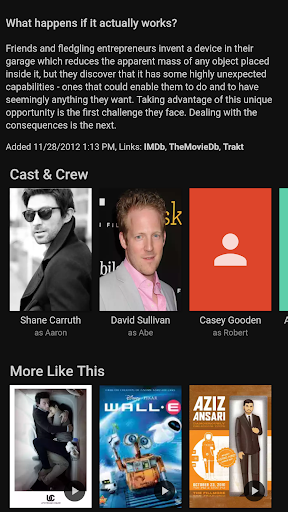
- Automatic Metadata Fetching: Jellyfin enriches your media with artwork, descriptions, and other metadata, transforming your library into a polished, professional-looking collection.
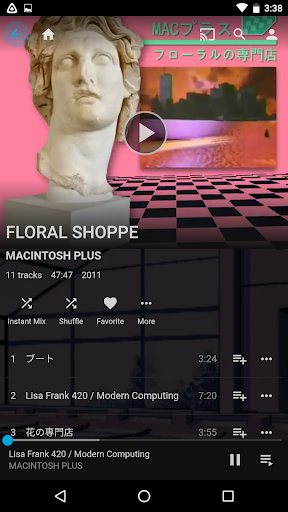
- Customizable Interface: Personalize your experience by changing themes or editing cover art, creating a setup tailored to your style.
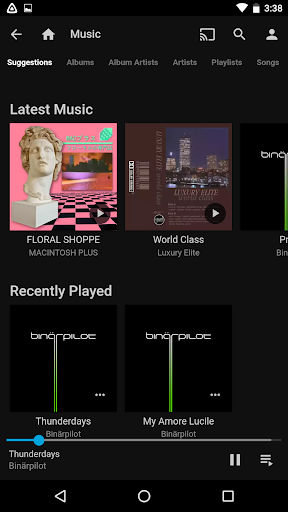
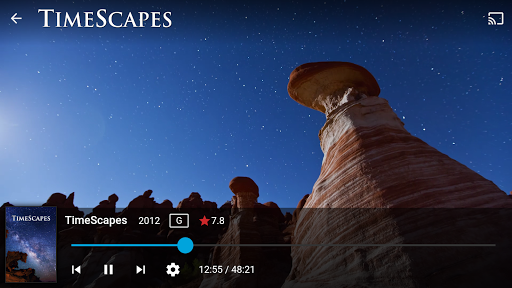
- Streaming Capabilities: Stream content to devices in your home, including Chromecast or your Android device, providing flexible viewing options.
- Multi-Device Support: Use the Jellyfin mobile app to watch shows, listen to music, or browse your collection from anywhere.
- Offline and Online Playback: Enjoy your media online or download for offline viewing, depending on your needs.
Getting Started with Jellyfin
Initiating your Jellyfin journey is easier than you might think. First, download the server software from the official website. Installation varies depending on your device but is generally simple — compatible with Windows, Linux, or NAS systems. After setup, you'll need to add your media folders and customize your library. Once configured, you can access your content across various devices seamlessly, whether on a smartphone, tablet, or PC.
Personal Experience and Ease of Use
Many users find Jellyfin highly intuitive and user-friendly, even if they're not tech-savvy. The interface is clean and easy to navigate, making media browsing smooth and straightforward. Playback quality tends to be excellent, with minimal buffering, creating a personalized streaming experience that rivals commercial platforms. Plus, without any subscription costs, Jellyfin offers a premium experience without paying a dime.
Is Jellyfin the Right Choice for You?
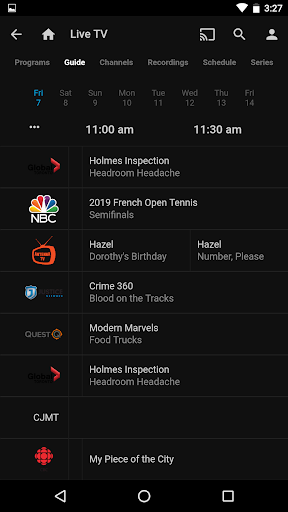
If you're searching for a no-cost, privacy-focused, and highly customizable media management solution, Jellyfin is an excellent choice. It caters to various needs, from simple personal collections to more advanced setups involving live TV streaming (additional hardware/services may be required). While it may lack some third-party plugin support found in paid platforms, its core features are robust and continually improving thanks to its active community.
Conclusion
In summary, Jellyfin is a powerful, open-source media server that offers complete control over your media content without the burden of subscription fees. Its feature set—including metadata organization, easy device streaming, and a customizable interface—makes it a top choice for media enthusiasts seeking a free alternative to commercial streaming solutions. Once you set up your Jellyfin server, you'll enjoy the flexibility of managing your media library on your terms. Dive into the world of Jellyfin today and experience the freedom of open-source media streaming.
Pros
- Open-source media server.
- Supports multiple users.
- Customizable interface.
- Compatible with various devices.
- No subscription fees.
Cons
- Requires technical setup.
- Limited third-party integrations.
- No official mobile app.
- Manual updates needed.
- Community-based support.