


Jellyfin for Android TV
Overview
Your media, on your terms. Jellyfin is an open-source, free software media server that puts you in control of how you store, access, and enjoy your library. There are no fees, no tracking, and no hidden agenda—just a powerful hub where audio, video, photos, and more live together in one place. The Jellyfin app for Android TV acts as the official companion, bringing your library to the living room with a clean, TV-optimized interface designed for fast navigation, quick search, and smooth playback. Manage everything from a server you own, and explore a growing ecosystem of plugins and community-driven improvements. Freedom, transparency, and control are the core strengths Jellyfin brings to your home theater setup.
Getting Started
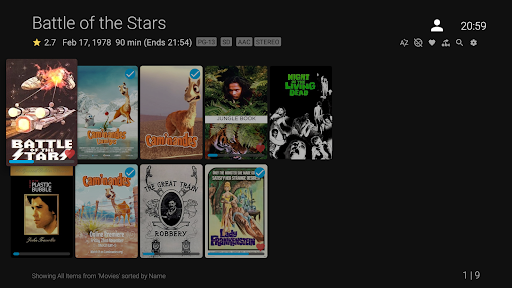
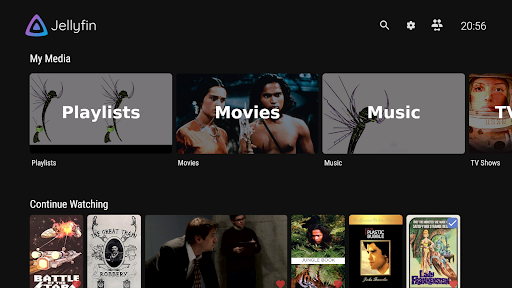
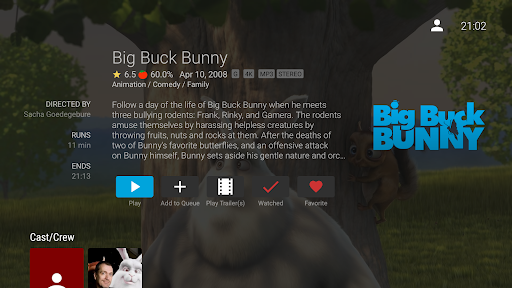
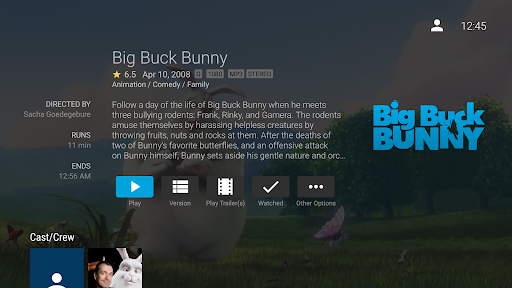
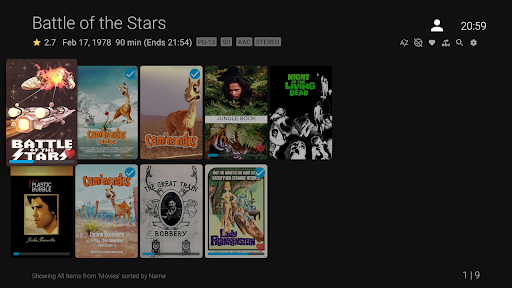
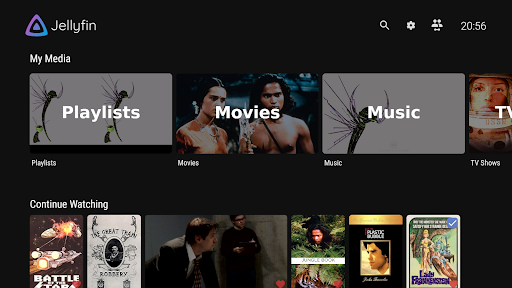
Getting started with Jellyfin for Android TV is straightforward. Install the app from the store, ensure your Jellyfin server is running, and follow a guided setup to add your media libraries. Jellyfin supports movies, TV shows, music, and photos, letting you tailor metadata, posters, and playlists for each library. The TV interface is designed for readability on large screens, with a simple remote-friendly layout and intuitive navigation. Once configured, you can browse by collections, genres, or recently added items and start playback with a few taps.
Streaming Without Boundaries
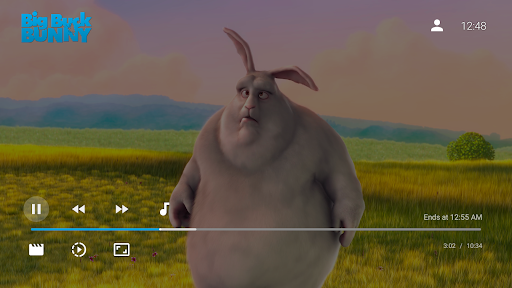
One of the standout benefits is the ability to stream your own media library without licensing restrictions or ongoing subscriptions. You’re in complete control of what you watch, when you watch it, and where you watch it—whether at home or on the go, provided you’re connected to your network. Jellyfin supports a wide range of formats and resolutions, ensuring your content looks and sounds great on Android TV, including 4K where available. Chromecast support lets you cast to your TV, and you can also stream directly to your Android device for flexible viewing options.
Customization and Personalization
Customization is another standout trait of Jellyfin. Tailor the app to match your preferences—adjust themes, organize libraries, and refine metadata to suit your taste. If you enjoy tinkering, the plugin ecosystem expands functionality with new features and integrations, turning Jellyfin into a highly personalized media hub. The result is a setup that feels distinctly yours, with options to tweak the appearance, behavior, and data that power your library.
Community, Support, and Freedom
As an open-source project, Jellyfin benefits from a vibrant community of developers and users who help with troubleshooting, share feature ideas, and contribute to ongoing improvements. The Android TV app receives regular updates driven by community feedback, enhancing stability, adding capabilities, and refining the user experience. If you value privacy, transparency, and user-driven development, Jellyfin offers a compelling path to a flexible, private streaming experience on the big screen.
Bottom Line
With ease of use, deep customization, and strong community support, Jellyfin for Android TV provides a private, flexible way to enjoy your personal media collection on the big screen. It’s a powerful alternative to proprietary services, designed to keep you in control of what you watch, when you watch it, and where you watch it.
Pros
- Open-source and freely usable.
- Supports a broad range of media formats.
- Highly configurable user interface.
- No ads and no tracking concerns.
- Seamless streaming across devices.
Cons
- Initial setup may be complex.
- Official support options may be limited.
- Requires a dedicated server setup.
- Occasional bugs may occur.
- Some premium features are missing.











