
Discover the Ultimate IPTV Player: Watch Live TV
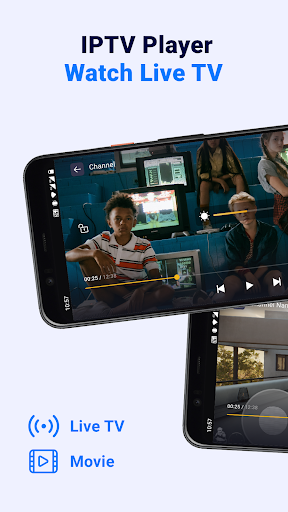
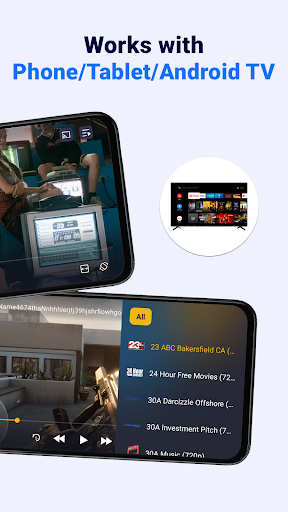
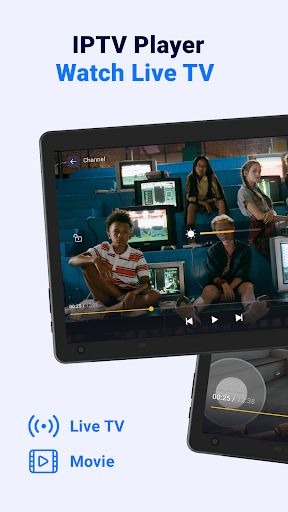
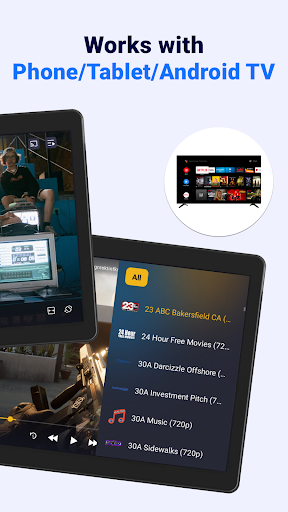
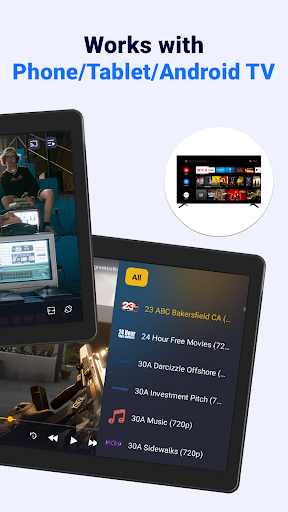
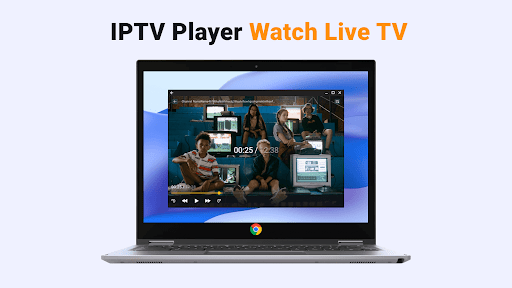
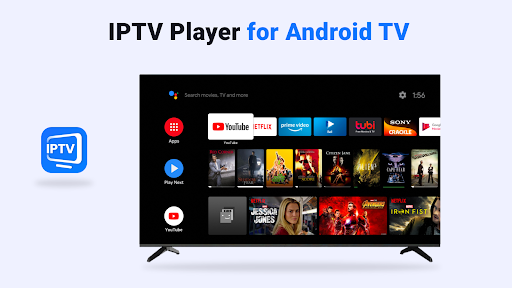
Imagine having a powerful, versatile media player right in your pocket that allows you to enjoy live TV streams, movies, series, and more at any time. IPTV Player: Watch Live TV is designed to provide a seamless and user-friendly experience for media enthusiasts who want to access a wide range of content effortlessly. Whether you're using a phone, tablet, or Android TV, this IPTV stream player offers a smart, feature-rich platform that transforms your device into a mini television studio.
Key Features of the IPTV Player App
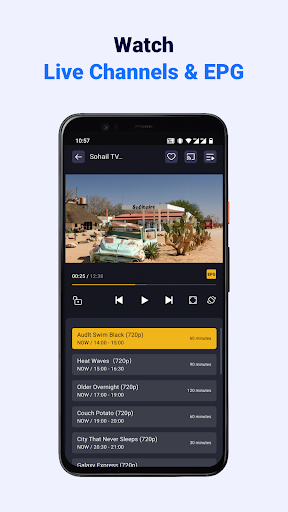
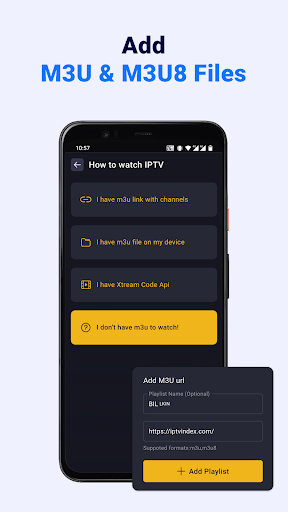
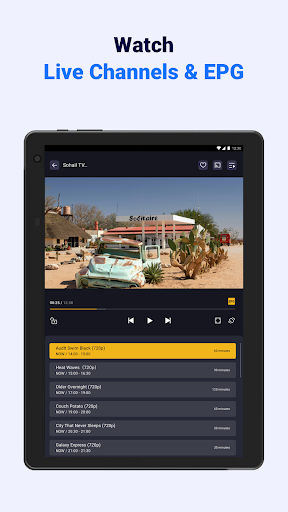
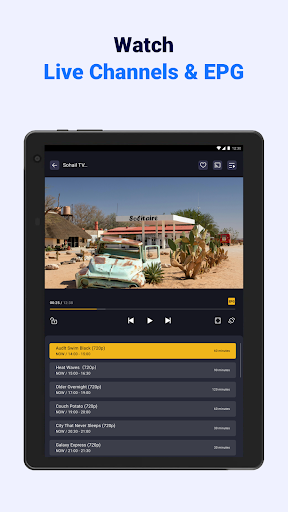
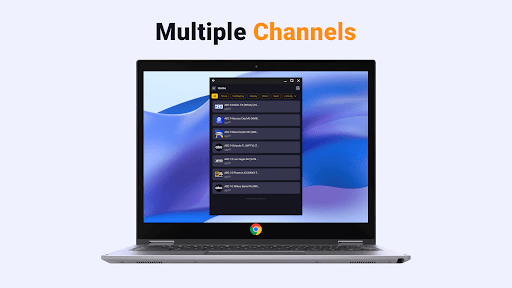
This app is compatible with various devices, supporting the addition of unlimited M3U/M3U8 playlists and Xtream Code Api integration. It analyzes formats with embedded EPG information, making live TV watching more interactive and informative. Users can quickly load playlists from online sources or local folders, giving flexibility in how they access their favorite streams.
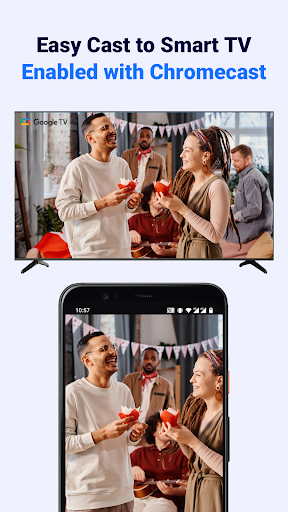
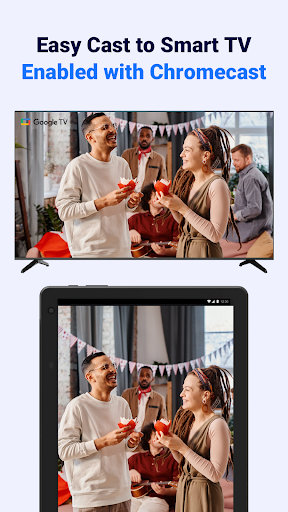
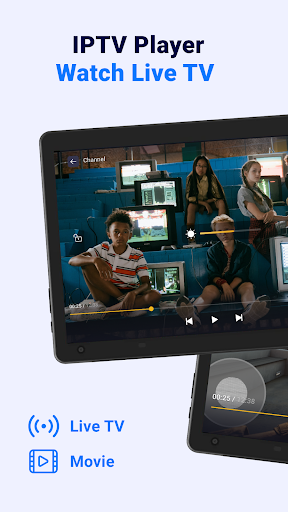
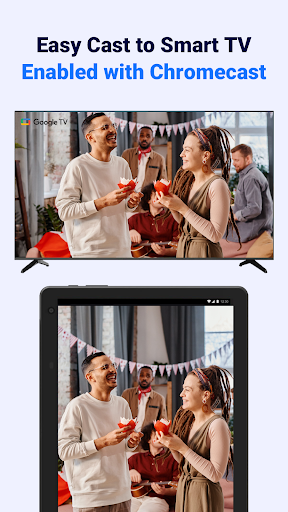
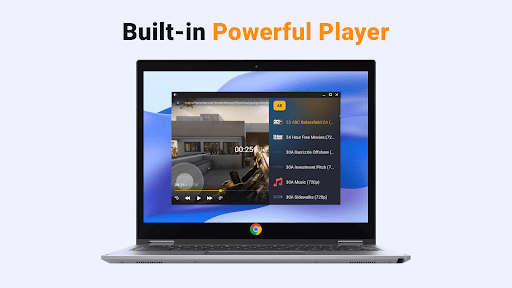
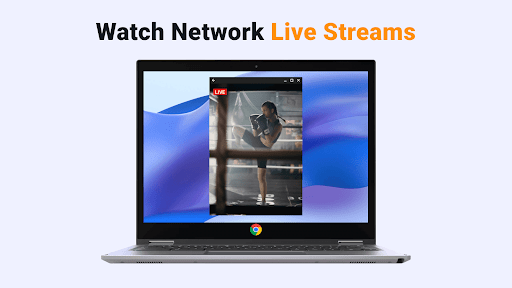
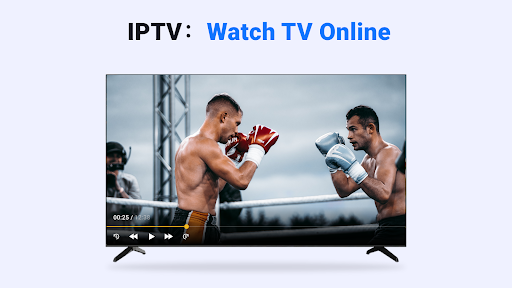
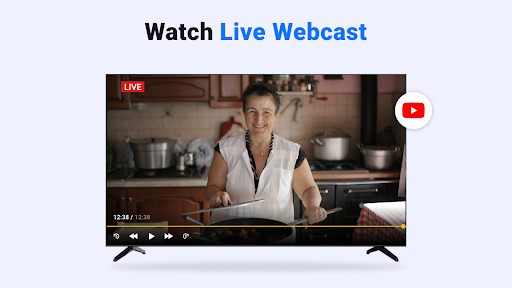
The built-in powerful IPTV Player enables high-definition live streams, with options to adjust playback ratios, volume, and screen brightness to suit your preferences. Casting to Chromecast-enabled smart TVs offers a bigger viewing experience, freeing you from small screens and perfecting your entertainment setup.
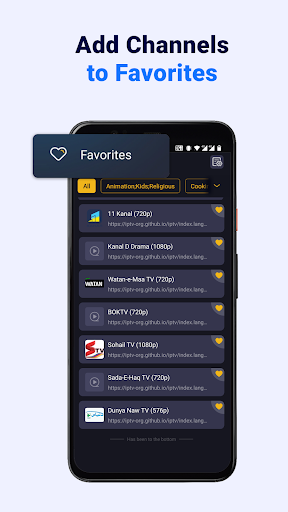
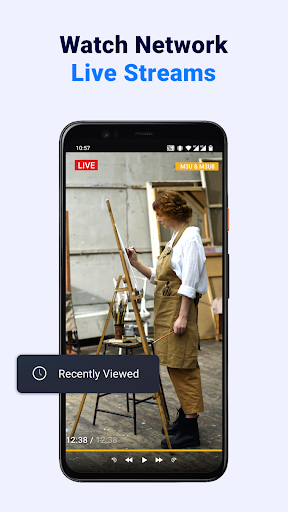
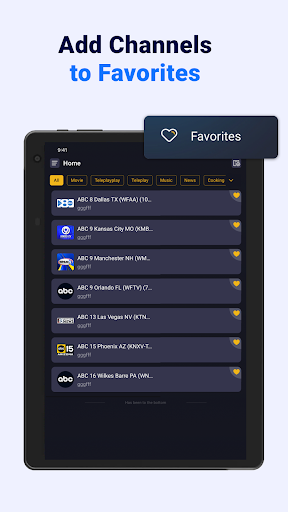
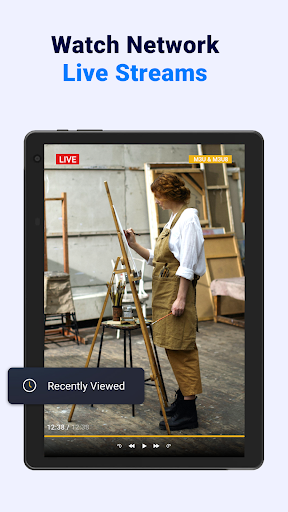
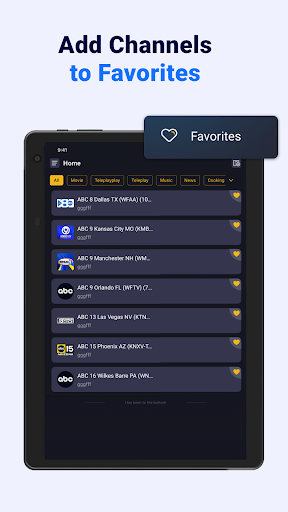
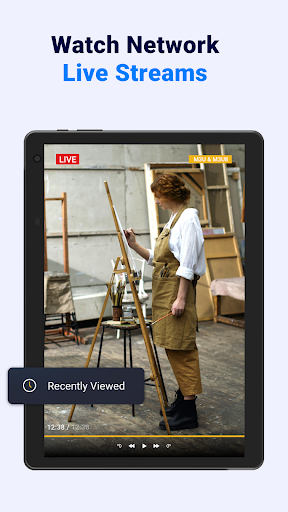
Navigation is straightforward, with quick search features that allow users to find channels and add them to favorites, or revisit recently watched shows with a single tap. The app also offers automatic playlist updates to ensure access to the latest content. Its user interface is designed for ease of use, requiring minimal learning curve so you can start enjoying content instantly.
How to Add and Stream Content
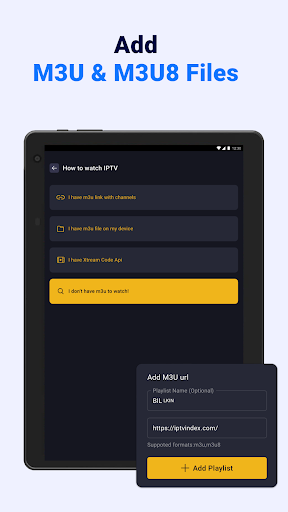
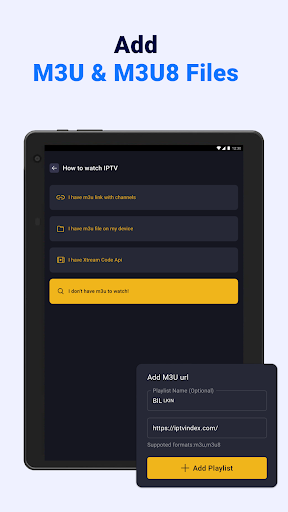
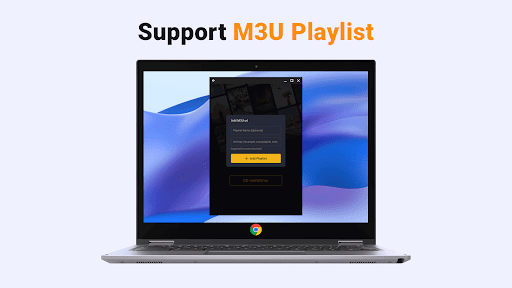
Adding your favorite streams is simple—you just tap the "Add" button, select "Add M3U link," and enter the URL. After the playlist loads, you can start watching live TV immediately. The app supports both online links and local files stored on your device, giving you comprehensive control over your media library.
Advantages of Using This IPTV Streaming App
Designed for compatibility with phones, tablets, and Android TV, this IPTV player excels at handling M3U and M3U8 playlists, making it easy to access a variety of IPTV sources. Users can enjoy multiple live streams with Xtream Code Api, and benefit from features like TV guide with EPG info, current and next channel details, and broadcast timing.
One of the standout advantages is the ability to cast streams directly to Chromecast-enabled devices, delivering HD quality on larger screens. Customization options include adjusting playback ratio, volume, and brightness to match your viewing habits. Thanks to its intuitive design and easy menu navigation, even those new to IPTV applications can become proficient within seconds.
The app allows saving favorite programs and resuming recent shows, making it convenient to pick up where you left off. It ensures high-definition viewing with fast buffering, so your entertainment is smooth and engaging. Despite its many features, the interface remains simple and accessible, helping users quickly master the app.
How to Set Up Your IPTV Playlist
To add M3U/M3U8 files, tap the "Add" button, select "Add M3U link," and enter your playlist URL. The app processes the link and loads available channels for live streaming. If a link becomes unavailable or expires, simply update it manually or wait for the automatic refresh feature that checks for updates regularly.
Additional Benefits and Compatibility
This IPTV stream player is compatible with a variety of formats and playlists, making it ideal for users who prefer flexibility in managing their streams. It supports high-definition quality with minimal buffering, ensuring a satisfying viewing experience. The app also seamlessly integrates with other popular IPTV platforms like IPTVTune, OTTOcean, KEMO IPTV, Xtreme HD IPTV, and TrendyScreen.
Important Considerations and Disclaimers
Please note that the app itself does not include any media content or IPTV subscriptions. Users need to provide their own playlists containing channels or streams. It explicitly does not support copyright infringement or streaming protected content without permission. The app is designed solely as a media player, and we are not affiliated with any content providers.
Final Thoughts
If you’re searching for a reliable, feature-packed IPTV player that makes live TV accessible anytime and anywhere, IPTV Player: Watch Live TV is an excellent choice. Its compatibility with multiple devices, support for various playlist types, and user-friendly interface make it a standout application for media lovers. Whether for casual viewing or more extensive streaming needs, this app helps turn your device into a personal entertainment hub, providing high-quality content without the need for traditional cable or satellite subscriptions. Download and try it today to experience a new level of mobile television entertainment.
Pros
- Intuitive interface for easy navigation.
- Supports numerous streaming formats.
- Delivers high-quality video playback on most devices.
- Allows customization of the channel list based on user preferences.
- Provides fast loading times with minimal buffering.
Cons
- Includes advertisements that may interrupt viewing experience.
- Limited options for offline viewing.
- Requires a stable internet connection for best performance.
- Some features are accessible only through a paid subscription.
- May crash occasionally on older devices.











