
Discover the Features of the iPhone Keyboard App
The iPhone Keyboard app is a versatile and innovative keyboard solution designed for Android smartphones who crave the look and feel of the iconic iPhone keyboard. This free application offers extensive customization options, making your device look cooler and more futuristic with a variety of themes and styles. Whether you're an avid iPhone user or simply love the aesthetic, this app brings the essence of iOS right to your Android device, allowing you to enjoy a seamless typing experience with personalized touches.
Elegant Design and User-Friendly Interface
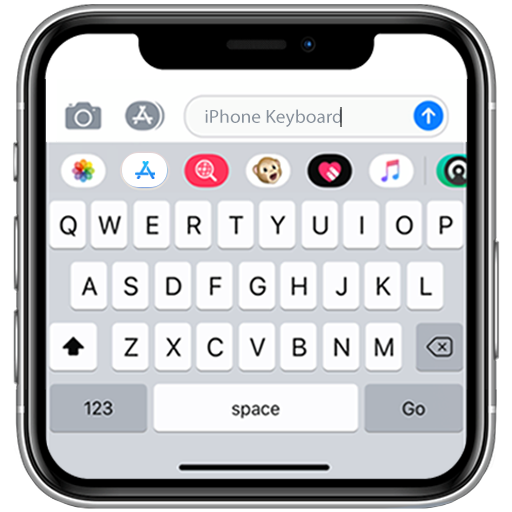
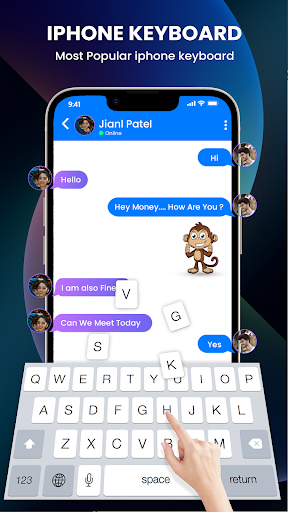
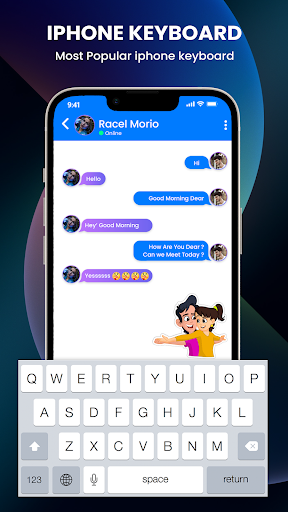
The iPhone Keyboard stands out with its sleek, minimalist design that mirrors the clean aesthetics of Apple's iOS keyboard. The well-spaced keys and intuitive layout ensure that even first-time users can navigate effortlessly. Its simple yet stylish appearance not only enhances your device’s look but also provides maximum comfort during prolonged typing sessions. The straightforward design doesn't compromise on functionality, making it an ideal choice for users seeking both style and efficiency.
Rich Features to Elevate Your Typing Experience
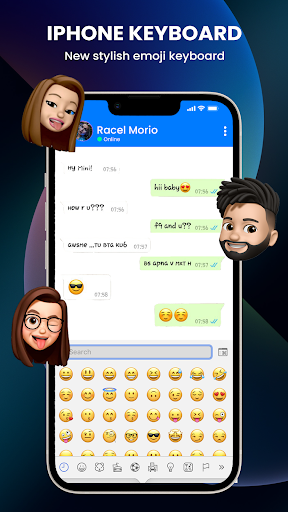
One of the highlights of this keyboard app is its advanced predictive text and auto-correction functionalities. These smart features learn from your typing habits and offer word suggestions, speeding up your message composition while reducing errors. The app also integrates a comprehensive emoji collection and support for popular GIFs, making your chats more expressive and fun.
Additionally, the Voice Typing feature allows you to speak your messages, which the keyboard then converts into text—perfect for quick communication or multitasking. The app supports a variety of font styles and fancy fonts, enabling you to personalize your messages further. Gesture-based controls and fast, smart typing ensure that your texting is smooth and responsive, creating a seamless user experience.
Customize Your Keyboard with Theming and Wallpapers
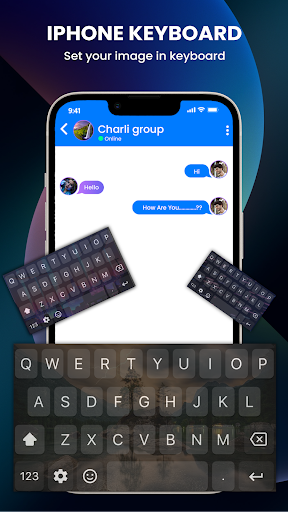
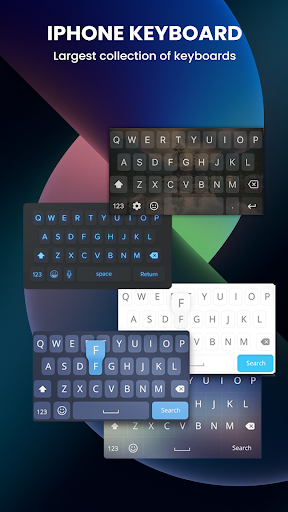
Personalization is a key aspect of the iPhone Keyboard. With a wide range of keyboard themes—including glitter, nature, cute, cartoon, flowers, love, sports, and more—you can easily match your keyboard to your mood or style. The Theme Center allows easy browsing and application of themes, making your device truly unique.
In addition to themes, users can select from numerous wallpapers to enhance their device’s aesthetic. Whether you prefer a minimal look or something vibrant and eye-catching, the variety of customization options ensures that your keyboard experience is both functional and fashionable.
Enhanced Typing Features for a Better Communication
The app's auto correction and prediction features are designed to make your typing fast and error-free. The keyboard adapts to your language use, providing relevant word suggestions and emoji predictions with remarkable accuracy. The swipe-to-type feature allows you to glide your finger from letter to letter, making rapid texting easier than ever—perfect for those hurried messages.
Multilingual support is another valuable aspect, enabling quick switching between different languages without interrupting your flow. The responsiveness and accuracy of this keyboard make it suitable for casual chats, professional emails, and everything in between.
Why Choose the iPhone Keyboard App?
If you're looking for a customizable, reliable, and stylish keyboard app that brings the aesthetic of iOS to your Android device, the iPhone Keyboard ticks all the boxes. Its extensive theme collection, expressive emoji and GIF support, and smart typing features offer a comprehensive package that enhances your overall mobile experience. Not only does it improve your messaging efficiency, but it also allows you to personalize your device in a way that reflects your personality.
Ideal for iPhone lovers or anyone seeking a sleek, feature-rich keyboard, this app transforms ordinary typing into a delightful activity. Give it a try and enjoy a stylish, fast, and intuitive typing journey every time you use your device!
Pros
- Highly responsive touch interface
- Customizable themes and layouts
- Built-in emoji support
- Predictive text feature
- Supports multiple languages
Cons
- Limited third-party app integration
- Occasional autocorrect errors
- No swipe typing feature
- Requires frequent updates
- Limited customization options











