

Invideo AI: Video Generator – Innovative Tool for Effortless Video Creation
Discover **Invideo AI: Video Generator**, a revolutionary platform designed to simplify the process of creating stunning videos with artificial intelligence. Whether you're a beginner or a seasoned professional, this powerful AI video maker offers a versatile range of features that empower you to craft professional-quality content quickly and easily, all without needing extensive editing skills or complex software. Let’s explore what makes Invideo AI a top choice for modern creators, brands, and marketers seeking efficient video production solutions.
Key Features of Invideo AI
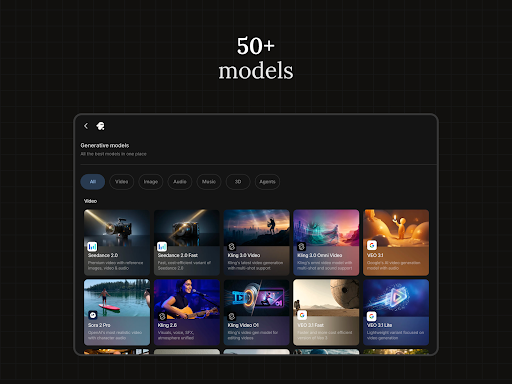
• AI videos allow users to produce explainers, promotional content, advertisements, and social stories effortlessly. With this feature, you can generate full-length videos by integrating scripts, generative media, captions, voiceovers, music, and effects in over 50 languages—perfect for reaching a global audience. The **AI movie maker** tools enable users to produce complete films and documentaries in various creative styles, making cinematic storytelling accessible to everyone.
Transforming Scripts into Visuals with AI
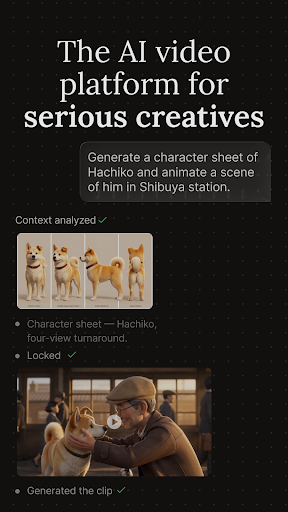
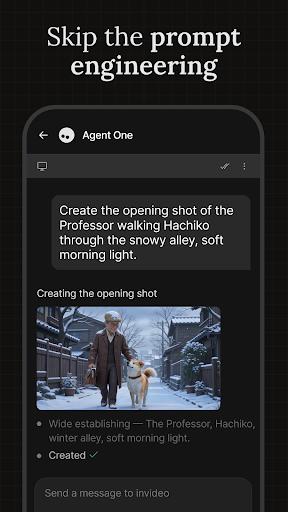
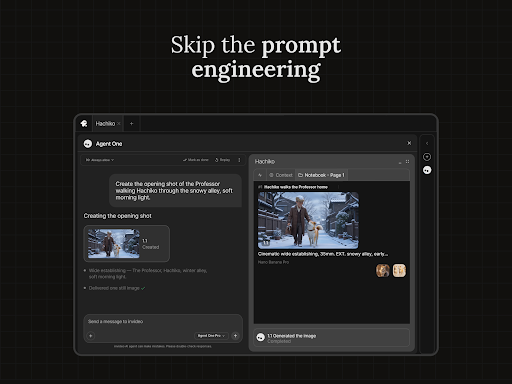
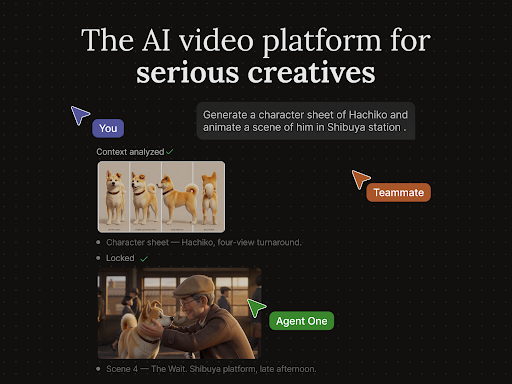
The **AI Text-to-video** capability transforms prompts into fully visualized scenes, enabling you to visualize your scripts seamlessly. Just provide a prompt, and the platform generates the corresponding scene, making the process of storyboarding and script visualization faster than ever. Additionally, you can create personalized **AI avatars**—digital twins of yourself—useful for training videos, onboarding tutorials, and product explanations. By uploading your recorded videos or linking your YouTube channel, you can craft expressive, realistic personas that enhance engagement.
Advanced Voice and Image Capabilities
The platform offers cutting-edge **AI voice cloning** technology, allowing you to clone your voice for faceless videos suited for YouTube or educational channels. This feature supports multiple global languages, enabling easy localization of your content. For visual content, the **AI Image to Video** feature converts static photos into engaging videos, perfect for promotional slideshows or storytelling. Furthermore, **UGC videos with AI** facilitate creating ultra-realistic testimonial videos, spokesperson clips, and influencer-style content using human avatars, eliminating the need for product shipments, freelancer coordination, or multiple revisions.
Interactive and E-commerce Ready Features
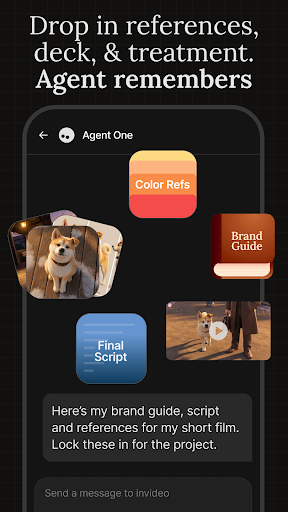
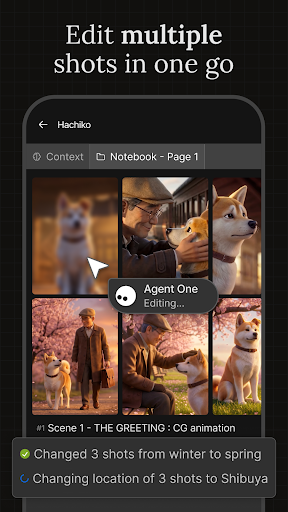
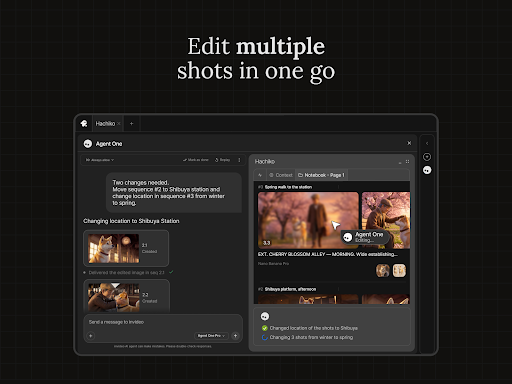
For online stores, the **Virtual product try-ons** feature allows shoppers to virtually see bags, outfits, and accessories in action using AI-generated humans. You simply upload your products, script your scene, and generate realistic demonstration videos—streamlining your e-commerce content creation process without models or shipping delays. The **Edit videos with AI** tool simplifies traditional editing by enabling scene changes, music edits, tone adjustments, and voiceover swaps through intuitive text commands, eliminating the steep learning curve associated with complex editing tools.
Personal Experience and User-Friendly Design
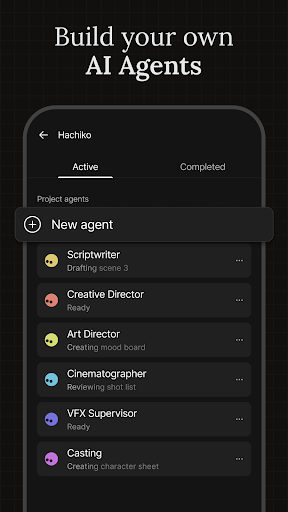
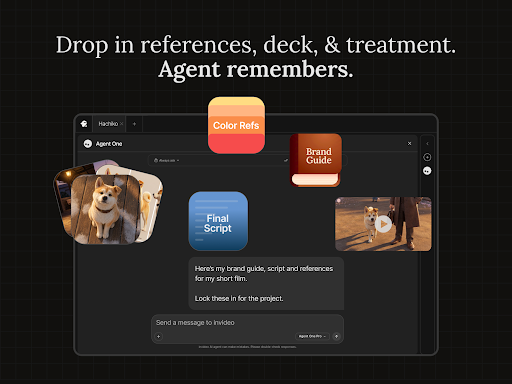
From my own experience with the **Invideo AI: Video Generator** app, I was impressed by how intuitive and straightforward its interface is. It’s incredibly user-friendly, making it accessible even for newcomers who might feel overwhelmed by traditional editing software. The app’s design shows a clear focus on usability, allowing users to navigate effortlessly and focus on creativity rather than technical hurdles.
Powerful and Versatile Content Creation
The standout aspect for me is the AI-powered editing tools. Instead of manually trimming clips or adding effects, the AI analyzes your videos and suggests enhancements, saving time and boosting quality. The extensive library of customizable templates caters to various themes, whether you’re creating a birthday video, a corporate presentation, or social media reels. The abundance of high-quality stock photos and videos ensures your projects look polished and professional without extra effort.
Seamless Sharing and Collaboration
An additional advantage is seamless integration with social media platforms. You can directly share your finished videos or download them in different formats, making the content publication process effortless. Plus, the app's collaborative features allow teams working remotely to review and edit projects collectively, enhancing productivity and creativity without logistical frustrations.
Final Thoughts
Overall, **Invideo AI: Video Generator** truly lives up to its promise of enabling quick, enjoyable, and professional video creation. Its combination of simple yet powerful AI-driven features makes it an ideal tool for marketers, educators, content creators, and entrepreneurs looking to elevate their video marketing game without investing heavily in complex editing skills or expensive equipment. Whether you want to craft engaging social reels, comprehensive explainer videos, or virtual try-on demos, this platform provides the tools to bring your vision to life efficiently. Give it a try to transform your content strategy and stand out in the crowded digital landscape.
Pros
- User-friendly interface
- Wide variety of templates
- Fast video rendering
- AI-driven features
- Supports multiple formats
Cons
- Limited free version
- Occasional glitches
- High subscription cost
- Requires internet connection
- Learning curve for beginners











