
Introduction to Icon Changer
Looking to personalize your Android device and add a touch of style to your home screen? Icon Changer is a completely free and practical application designed to help you customize app icons with ease. Whether you want to match your aesthetic or create a festive theme, this app provides a seamless way to transform your device’s appearance. With its intuitive interface and a vast collection of icons and styles, Icon Changer empowers you to craft a unique and personalized smartphone experience.
Features of Icon Changer
Intuitive Icon Customization
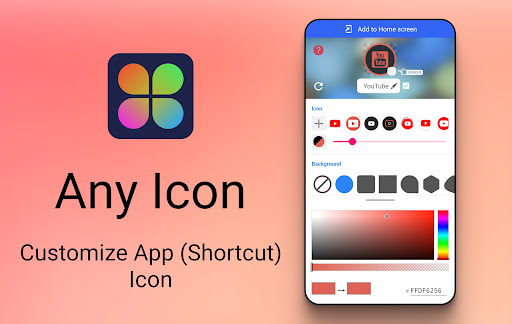
The app leverages the built-in shortcut functions of the Android system, allowing you to change and customize the icon and name of any application effortlessly. This method enables quick updates without complex procedures, making personalization straightforward for users of all skill levels.
Diverse Icon Collection
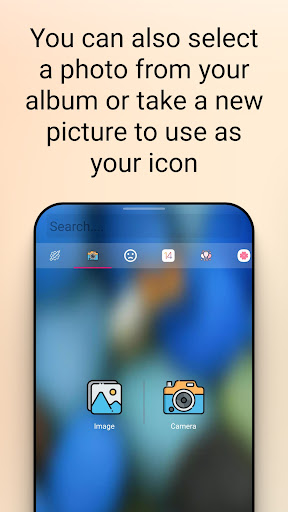
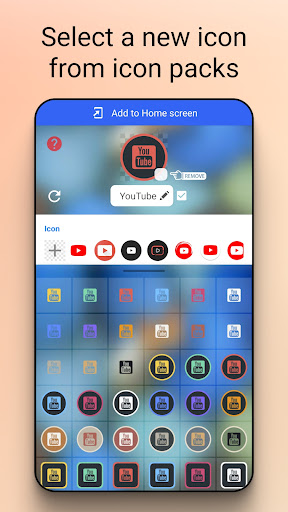
Icon Changer comes preloaded with tens of thousands of icon styles. You can easily browse and select from the built-in icon pack, or even choose images from your gallery or camera to create custom icons. This extensive library ensures that you’ll find the perfect icon to reflect your personal style.
Flexible Design and Editing
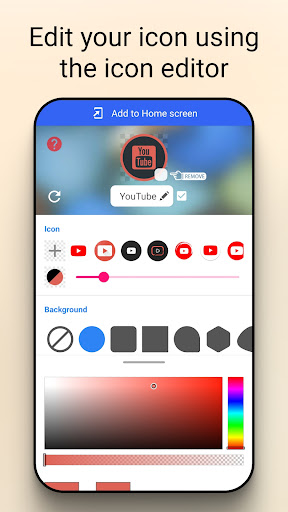
You can edit the name of your app shortcut (or leave it blank) and resize or reshape icons to fit your home screen perfectly. This flexibility allows for a highly personalized layout that aligns with your aesthetic preferences, whether minimalistic or eclectic.
Multiple Icon Sources
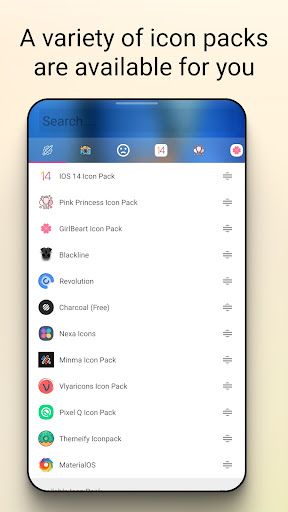
In addition to built-in icons, you can select images from third-party icon packs or directly from your device’s gallery or camera. This multi-source approach gives you almost unlimited options for creating unique app icons.
Creating Custom Themes
To keep your device looking fresh, you can develop themed icon collections for different moods, occasions, or seasons. From spooky Halloween icons to sunny summer vibes, Icon Changer makes it easy to refresh your home screen regularly.
How to Use Icon Changer
Step-by-step Guide
Getting started with Icon Changer is simple:
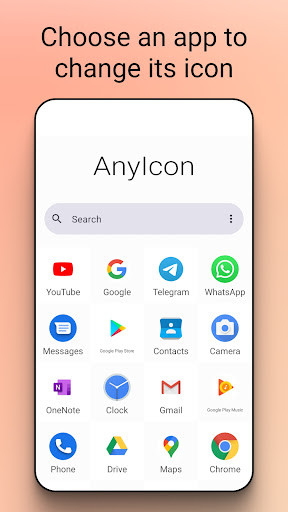
- Open the app and select the application you wish to customize.
- Choose a new image from the built-in icon pack, gallery, or third-party icon packs.
- Optional: Edit the application name or adjust icon size and shape.
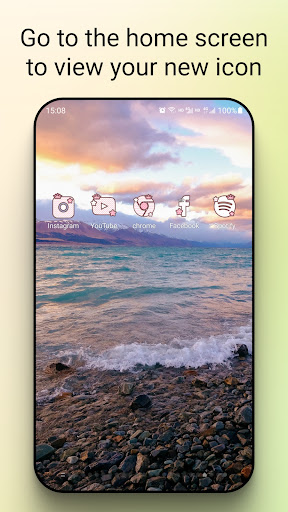
- Go to your device’s home screen to view the new shortcut with your personalized icon.
With just a few taps, you can radically change your device's appearance, making it uniquely yours.
Handling Watermarks and Compatibility
Watermark Tips
In some Android systems, a watermark may be automatically added to shortcuts created by Icon Changer. The app offers a method to create icons without widget technology to prevent watermarks. However, this solution doesn’t fix all phone issues. If a watermark appears, you can resolve it by:
- Press and hold a blank space on your home screen.
- Tap "Widgets" from the menu.
- Find Icon Changer in the widget list, tap & hold, then drag it to your launcher.
This process helps you create cleaner icons without watermark interference, ensuring your personalized home screen stays pristine.
The Benefits of Using Icon Changer
Icon Changer stands out in the crowded app customization space. It offers a lightweight and resource-efficient solution that doesn’t slow down your device. The app’s smooth integration with your launcher guarantees that your custom icons look natural and cohesive.
Best of all, Icon Changer is ad-free, providing a clutter-free experience. Regular updates and bug fixes ensure the app remains stable and reliable, supported by a responsive developer team ready to assist if needed.
Final Thoughts
If you’re seeking a fun, user-friendly, and cost-free way to customize your Android device, Icon Changer is a top choice. Whether you're a novice or a tech enthusiast, this app caters to all levels of creativity, allowing you to craft a home screen that truly reflects your unique personality. From minimalist icons to vibrant themed packs, Icon Changer transforms the way you interact with your smartphone, making every glance at your device feel fresh and personalized.
Once you start exploring the endless possibilities with Icon Changer, you'll wonder how you ever managed without it. Give your phone a makeover today and enjoy a device that’s as distinctive as you are!
Pros
- Highly customizable icons.
- User-friendly interface.
- Supports a variety of icon packs.
- No root access needed.
- Receives regular updates.
Cons
- Some features require payment.
- App can crash occasionally.
- Limited free icons available.
- Displays ads in the free version.
- Requires Android 8.0 or higher.











