

Discover the Hyde App Hider - The Ultimate Tool to Hide Apps and Protect Your Privacy
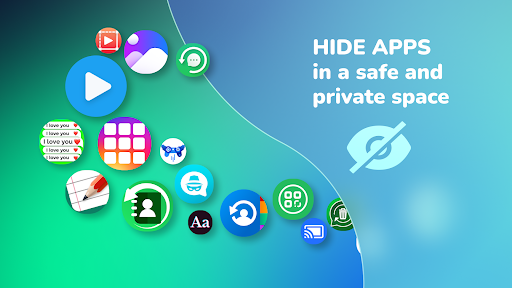
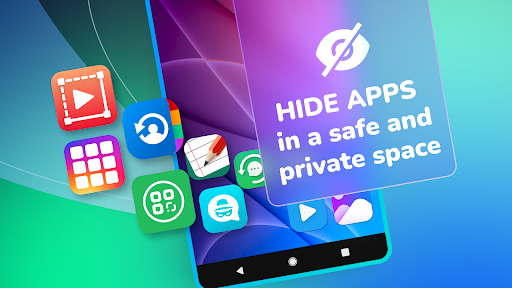
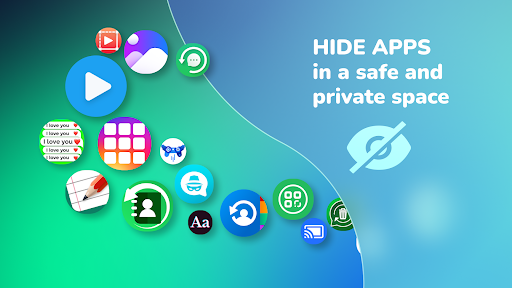
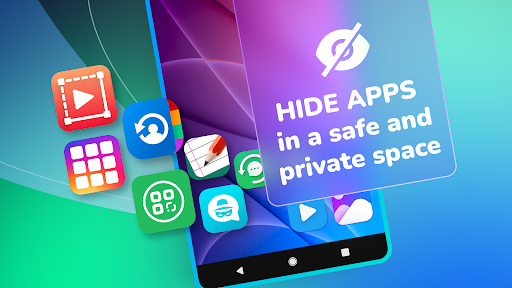
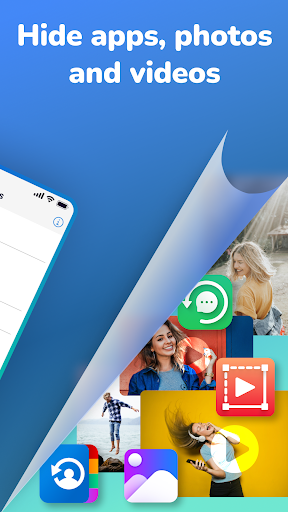
In today's digital age, safeguarding your personal information and apps has become more important than ever. The Hyde App Hider - Hide Apps offers a simple yet highly efficient solution to keep your private apps, photos, videos, and social media accounts out of sight. Designed for users who value privacy and security, this app functions as a secure vault, allowing you to hide and manage your sensitive content with just a few taps.
Key Features of Hyde App Hider
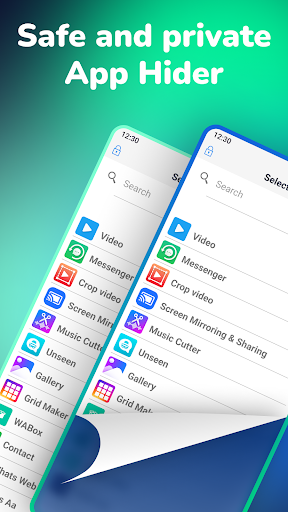
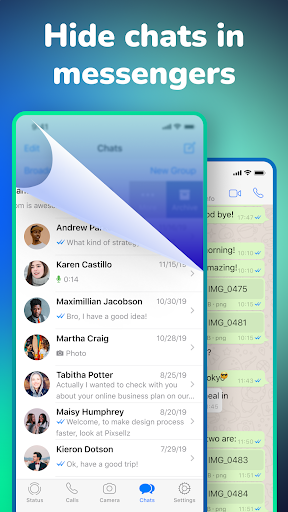
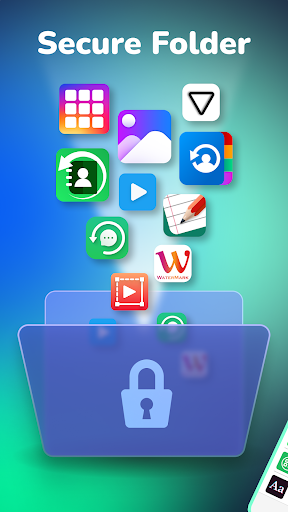
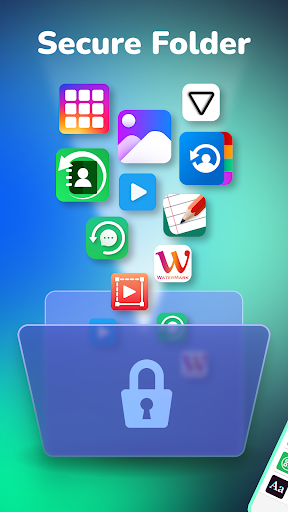
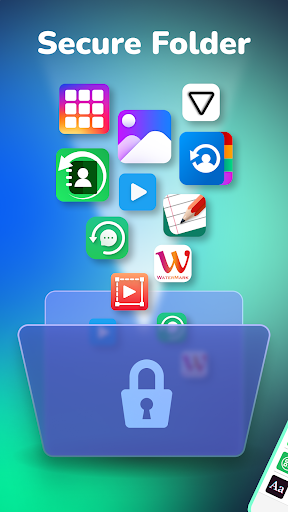
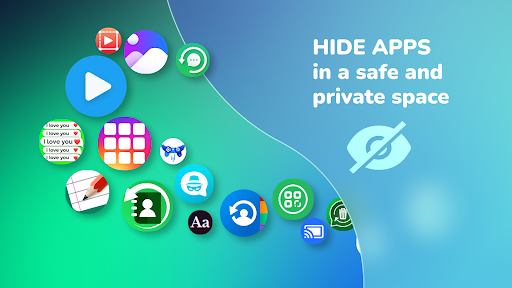
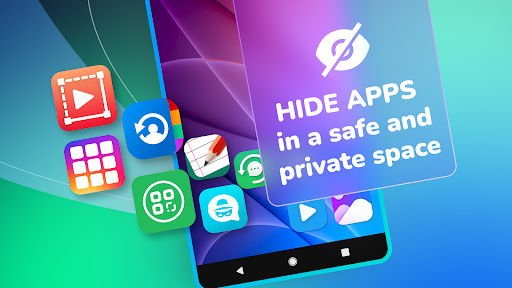
Hyde App Hider is renowned for its ease of use and powerful privacy-protecting capabilities. Once installed, users can instantly organize their apps into discreet folders, ensuring no unauthorized person can access them. Whether you want to hide messaging apps, dating platforms, or photos, Hyde has you covered. The app also lets you hide its own icon and interface, making it virtually invisible to prying eyes.
Secure and Private App Management Made Easy
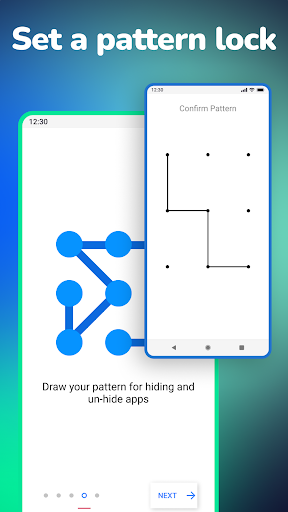
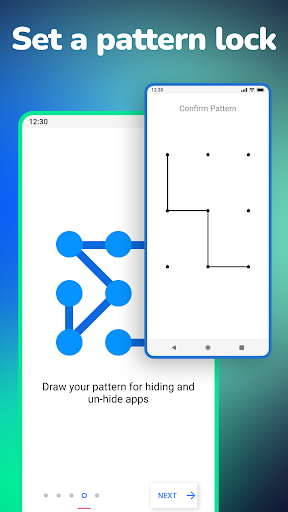
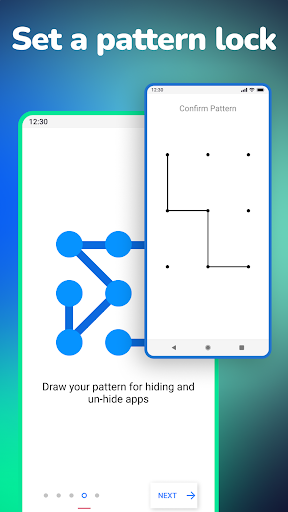
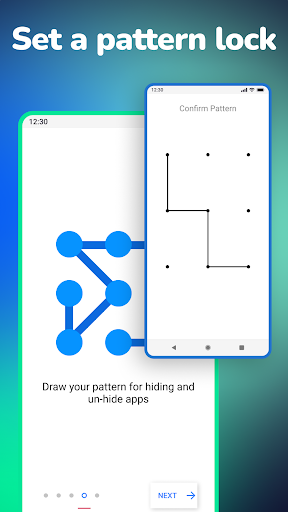
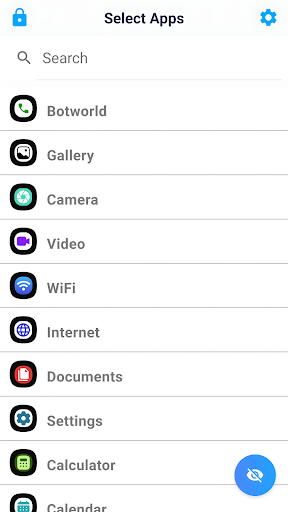
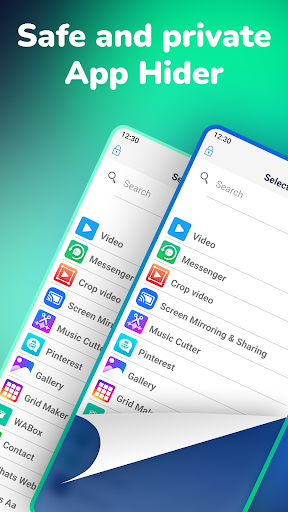
With Hyde App Hider, protecting your personal data is straightforward. The app employs pattern lock, fingerprint, or face recognition for added security, ensuring only you can reveal or access your hidden content. To hide an app, simply double-tap on your screen and draw your pattern—your selected apps are moved into the hidden vault automatically. You can also unhide apps just as easily, providing flexible control over your private data.
How to Use Hyde App Hider Effectively
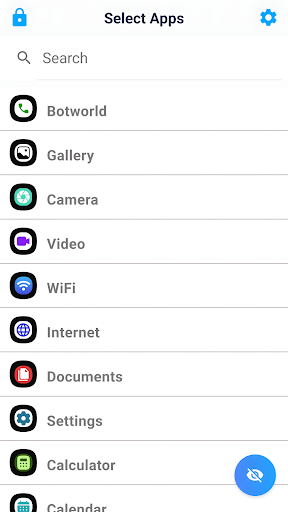
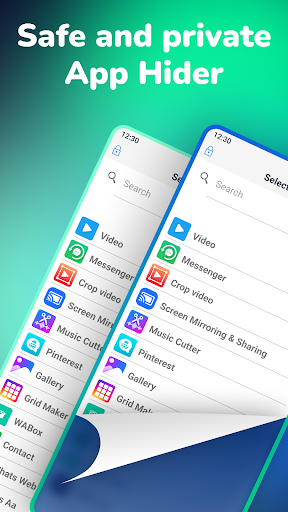
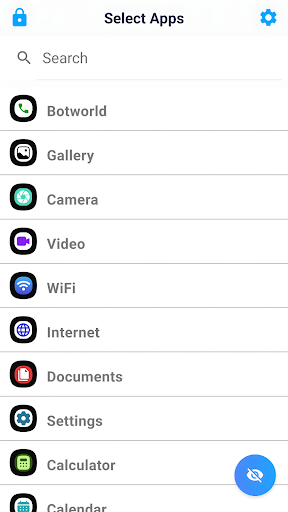
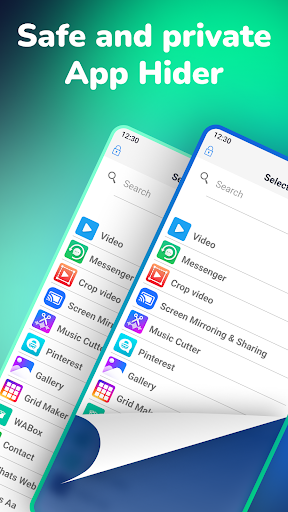
Setting up Hyde App Hider is intuitive. After installation, the app will prompt you to create a secure pattern or enable biometric authentication. You can drag and drop apps into your hidden folder or select them from the app launcher. For maximum discretion, Hyde allows you to disguise the app icon as a calculator or any other innocuous app, so no one suspects you're hiding anything. The process is seamless, and hiding or un-hiding apps takes less than two seconds, guaranteeing quick access whenever needed.
Protection for Various Content Types
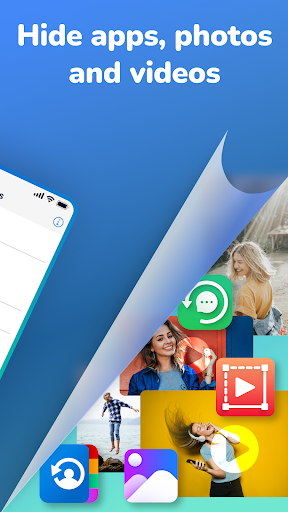
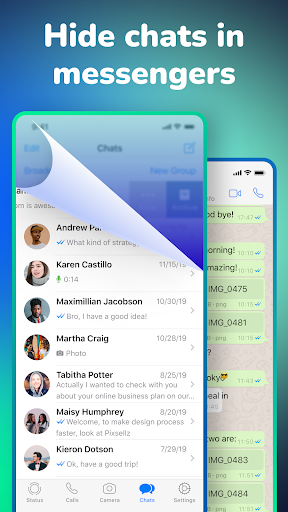
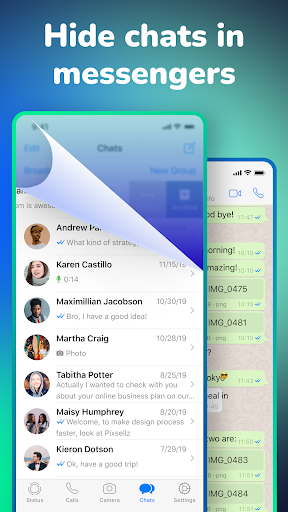
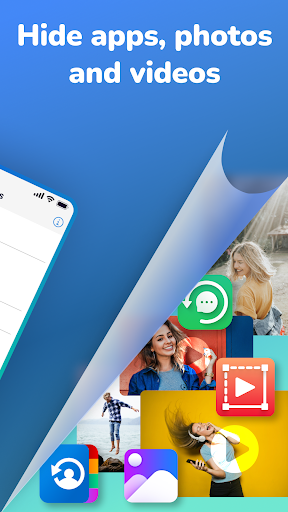
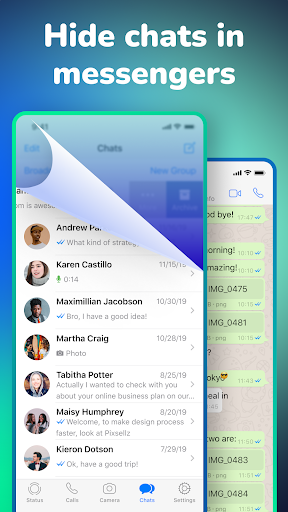
Hyde App Hider isn’t just for hiding apps; it is also perfect for safeguarding sensitive photos, videos, and documents. You can hide media files from your gallery, preventing unwanted access from friends or family. The app is especially useful for hiding social media apps, messaging platforms, or payment information apps, giving you total control over what others see when they use your device.
Flexible and Discreet Use Cases
This versatile app is ideal for a variety of scenarios. Want to keep your photos and videos private from strangers or friends? Hyde allows you to hide these files efficiently. Parents can conceal certain apps from their children, and professionals can secure sensitive work applications. Plus, it’s possible to clone apps, so a version can be made visible for others while the original stays securely tucked away. The ability to hide the Hyde app itself further enhances stealth, making it impossible for anyone to discover your secret vault.
Performance and Reliability You Can Trust
Throughout my experience using Hyde App Hider, I found the app to be highly reliable and efficient. Its lightweight design means it runs smoothly without draining battery life or slowing down your device. The hidden apps function flawlessly, and the security features such as fingerprint and face recognition add an extra layer of protection. Whether you are hiding casual content or sensitive information, Hyde ensures your privacy is never compromised.
Conclusion: Your Personal Privacy Guardian
In a world where digital privacy is increasingly fragile, Hyde App Hider stands out as an essential tool for anyone wanting to keep their apps and media safe. With its user-friendly interface, quick hiding and unhiding processes, and robust security options, it is a comprehensive solution for managing privacy on your Android device. Whether you're safeguarding personal photos, private chats, or financial apps, Hyde's features deliver peace of mind in an elegant package. So why wait? Download Hyde App Hider now and take control of your digital privacy like never before.
Pros
- User-friendly interface
- Supports multiple accounts
- Securely keeps apps hidden
- No rooting required
- Lightweight and fast
Cons
- Contains advertisements
- Limited features in the free version
- Not compatible with all devices
- Occasional bugs
- Privacy concerns due to permissions











