

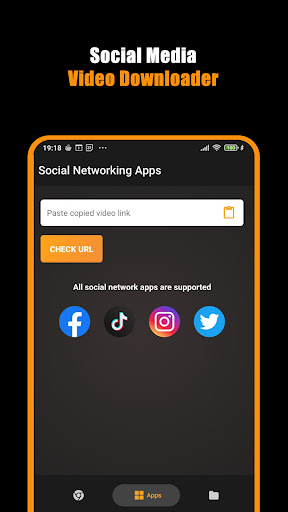
Introduction to Hub Video Downloader
The Hub Video Downloader is a comprehensive app designed for users who want to effortlessly download their favorite videos, movies, and files directly to their devices. With its intuitive interface and powerful features, this video downloader app guarantees fast, secure, and private downloads without compromising your data privacy. Whether you're looking to save HD videos in 2K or 4K quality or prefer a secure browsing experience, the Hub Video Downloader is your all-in-one solution for media saving and web surfing.
Key Features of Hub Video Downloader
Smart Video Detection and Download
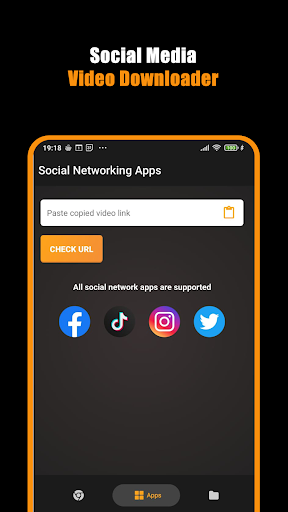
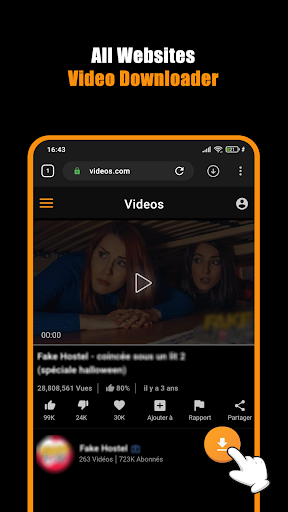
The app's automatic video detection functionality ensures that videos become available for download as soon as you visit a webpage. This seamless process makes capturing videos quick and hassle-free, enabling users to save content without navigating complex menus.
Private Browsing Mode
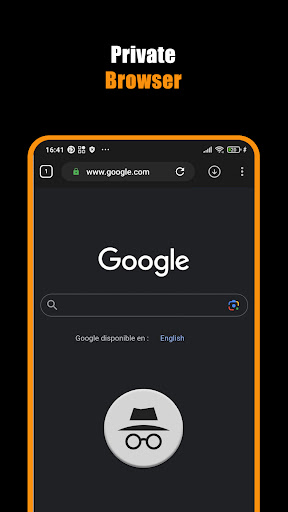
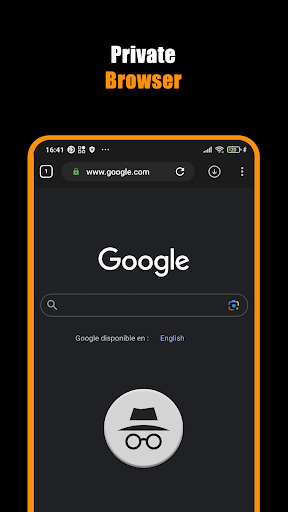
The integrated Private Browser offers users a secure environment that blocks unwanted sites, ensuring your browsing and download activities remain private. Everything you do inside the private mode is erased automatically once you close the app, maintaining your anonymity and security.
Unlimited Tabs & Downloads
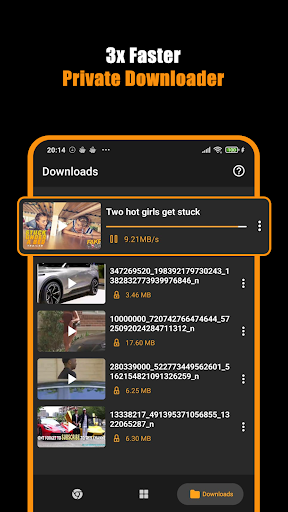
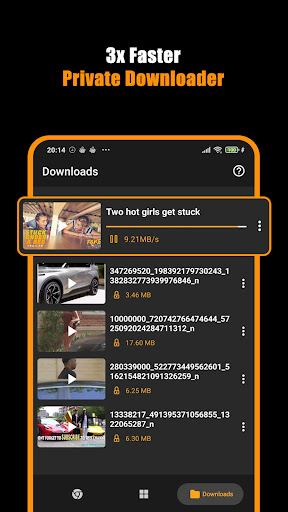
Enjoy an uninterrupted browsing experience with the Unlimited Tabs feature, along with limitless downloads thanks to the All Video Saver. The Download Hub tool manages multiple concurrent downloads efficiently, ensuring your workflow is smooth and organized.
High-Quality Video Saving
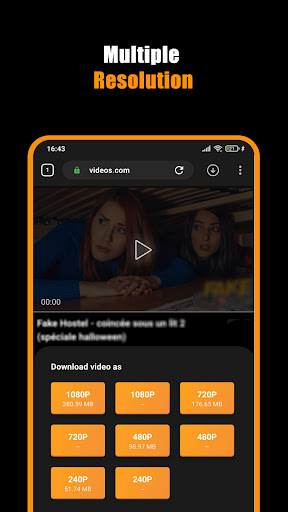
Get the highest possible \cvideo quality, including HD in 2K and 4K resolutions. This capability makes the app perfect for saving movies, clips, and streaming content in exceptional clarity, ideal for viewing on larger screens or for offline viewing.
Fast and Background Downloads
Thanks to the Download Hub, you can pause, resume, or cancel downloads at any time. Your downloads continue smoothly in the background, so you can browse or work on other tasks without interruption.
User-Friendly Workflow
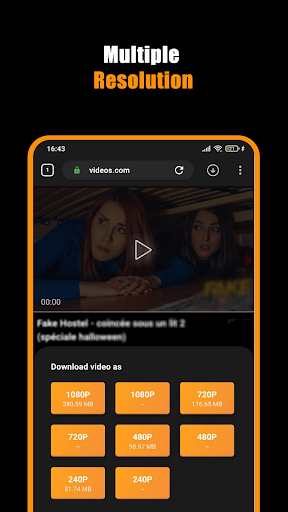
Getting started is straightforward: open the built-in Private Browser, play the video, tap the download icon, then select your preferred quality. With just a few taps, your content begins downloading safely and swiftly.
Automatic Video Storage
Once downloaded, videos are automatically saved to your device's gallery for quick access. This automated process eliminates the need for manual file management, making media access easier than ever before.
Enhanced Privacy and Security
If privacy is a priority, the Hub Video Downloader delivers. Its protected Private Browser prevents tracking, blocks unwanted sites, and ensures your downloaded content and search history are wiped clean upon app closure. You can bookmark your favorite sites for quick future access and ensure all your online activities remain private and secure.
How to Start Downloading Videos
- Open the Private Browser.
- Navigate to the desired video or streaming site.
- Play the video you wish to download.
- Tap the download icon that appears.
- Select the video quality you prefer, such as 1080p, 2K, or 4K.
- Let the Movie Downloader handle the download smoothly in the background.
With these simple steps, you can enjoy fast, efficient downloads while maintaining your privacy and control over your media files.
Why Choose Hub Video Downloader?
This app is perfect for anyone looking for a private downloader app that combines speed, efficiency, and security. With features like instant video detection, unlimited tabs, and high-quality HD downloads in 2K and 4K, it covers all your video-saving needs. Whether you want to grab short clips or full-length movies, the Hub Video Downloader makes the process simple and reliable.
Furthermore, its robust Download Hub ensures you can manage multiple downloads simultaneously, with pause, resume, and cancel options available at your fingertips. All downloaded videos are automatically organized in your device’s gallery for quick binge-watching or offline viewing, giving you maximum convenience and control.
Please note that copyright laws govern the download of media content. The Hub Video Downloader does not support the download of copyrighted materials from platforms like YouTube, in accordance with policy regulations. Always seek permission from content owners before reposting or sharing videos.
Pros
- User-friendly interface that is easy to navigate
- Offers a wide range of useful features
- Reliable performance with minimal bugs
- Good customer support and regular updates
- Affordable pricing options
Cons
- Limited customization options
- Occasional slow response times during peak hours
- Requires internet connection for core functionalities
- Some advanced features are only available in premium plans
- Limited integrations with third-party services











