

Secure Your Private Moments with Hide Photos, Video and App Lock
Are you concerned about the privacy of your personal photos, videos, and apps? Do you want a reliable way to keep your digital secrets safe from prying eyes? Hide Photos, Video and App Lock is the perfect solution, offering a robust and easy-to-use privacy vault that allows you to hide and secure your sensitive media and applications. This app acts as a confidential safe, ensuring your private content remains confidential even when sharing your phone with others. Its intuitive design and powerful security features make it a must-have for anyone serious about digital privacy and data protection.
Main Features of Hide Photos, Video and App Lock
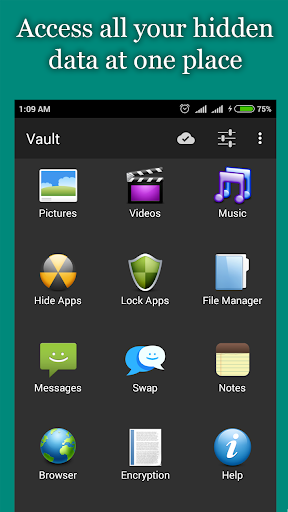
This versatile app comes loaded with features aimed at providing maximum privacy and security. One of its standout capabilities is the ability to hide photos, videos, messages, and even lock specific applications behind advanced security layers. Whether you want to conceal private images from your gallery or restrict access to certain apps, this app makes it straightforward and effective.
Disguise and Stealth Functionality
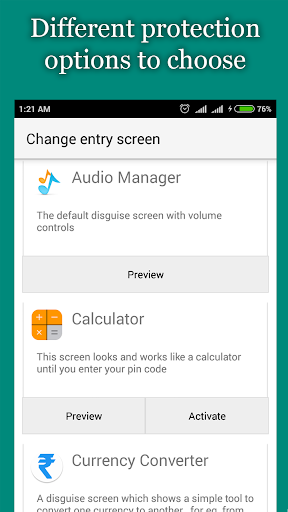
An innovative feature of Hide Photos, Video and App Lock is its clever disguise. The app appears as a standard Audio Manager in your app drawer, allowing you to adjust volume levels as usual. By long-pressing the Audio Manager icon, the true hidden vault is revealed. Other disguises like a calculator are also available, making it virtually impossible for others to detect its real purpose. This stealth mode ensures your private data stays invisible and protected in plain sight.
Organize and Secure Your Files
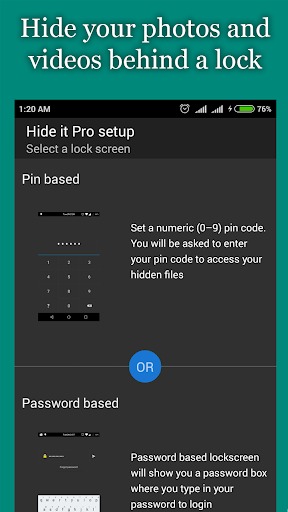
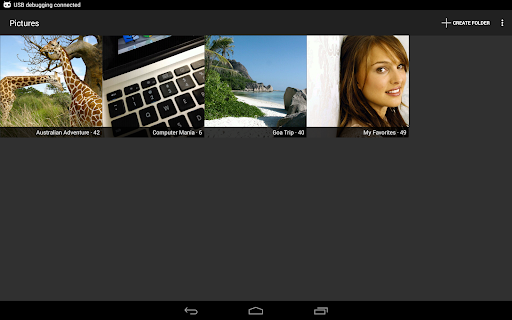
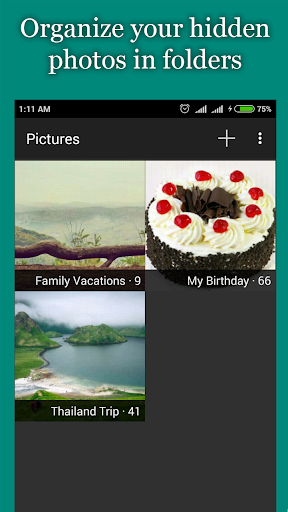
The app allows you to categorize your media into custom hidden folders, making organization simple. You can easily hide photos and videos from your gallery, then access them through a protected private vault with a PIN, password, pattern, or even biometric fingerprint. Additional security options like escape pins provide an extra layer of safety in case you get caught. The integrated encryption tools further safeguard your most sensitive files, ensuring that even if compromised, your data remains unreadable.
Seamless Media Experience
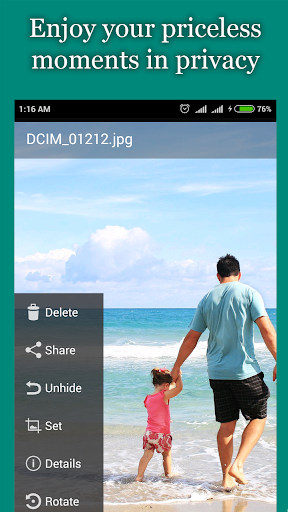
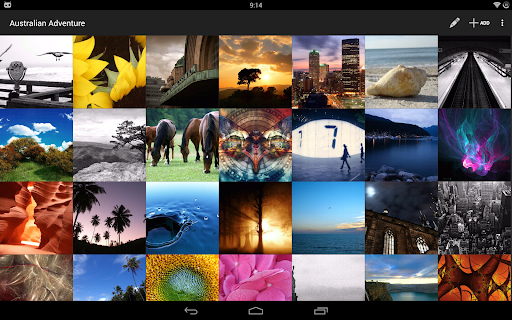
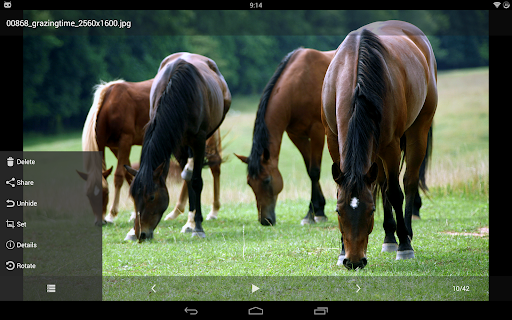
Enjoy a seamless media experience with the gallery integrated into the app, supporting features like slideshows, sharing to WhatsApp, WeChat, Facebook, and more. The built-in video player supports popular formats and can work with third-party players like VLC, providing smooth playback of your hidden videos. The app's clutter-free interface and quick access make managing your private media effortless.
Advanced Security Options
Security is a top priority with multiple options to lock your private content. Choose from PIN, password, pattern, or fingerprint unlock to access your vault. An escape password allows you to quickly hide your app or escape from suspicious situations. The app also supports hiding its own icon, making it invisible from your app drawer, which adds an extra layer of concealment.
Additional Privacy Features
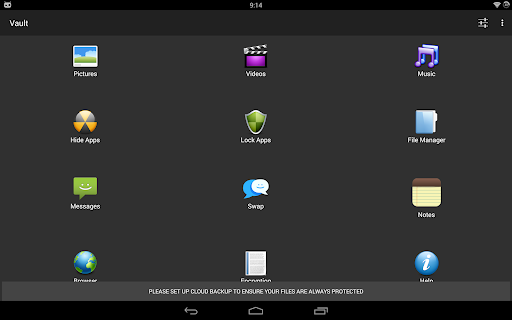
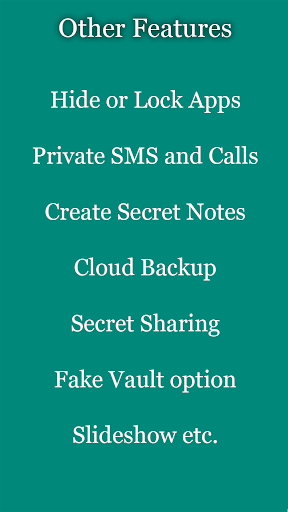
Beyond media protection, the app offers features like secret chatting, private messaging, and private browsing. You can lock other apps to prevent unauthorized access, manage privacy settings, and perform batch operations such as delete, share, or move files. Cloud backup options ensure your hidden data is securely stored and retrievable if needed.
User Convenience and Customization
With an easy setup process and user-friendly interface, even those new to privacy apps will find it simple to get started. Customizable options, such as creating different disguise icons and setting personalized security measures, give you full control over your privacy environment. Additional features include custom slideshows, sorting files, and quick access controls, making this app adaptable to your personal privacy needs.
Why Choose Hide Photos, Video and App Lock?
In today's digital age, protecting your sensitive data is more important than ever. Hide Photos, Video and App Lock offers an effective, versatile, and discreet way to safeguard your private moments and confidential information. Whether you need to hide embarrassing photos, secure messaging, or lock away apps, this app provides peace of mind with its comprehensive security features and stealth capabilities. Its ability to function unnoticed, combined with secure encryption and biometric lock options, makes it an essential tool for maintaining digital privacy.
Get Started Today
Ready to take control of your privacy? Download Hide Photos, Video and App Lock now and enjoy secure, private storage for your most sensitive digital content. Keep your secrets safe and your personal life under wraps with this powerful privacy app—your personal vault in your pocket.
Pros
- User-friendly interface.
- Supports multiple file formats.
- Robust password protection.
- Ad-free experience in the premium version.
- Operates offline.
Cons
- Limited cloud storage capacity.
- Contains ads in the free version.
- Lacks synchronization across multiple devices.
- Restricted customization options.
- Some occasional app crashes.











