

Introduction to HD Video Player
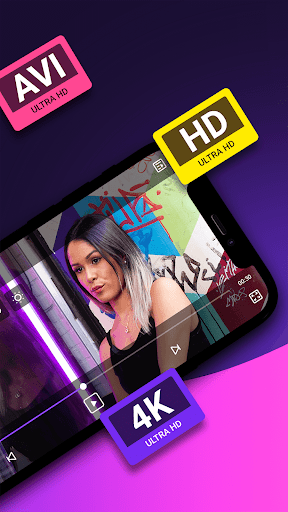
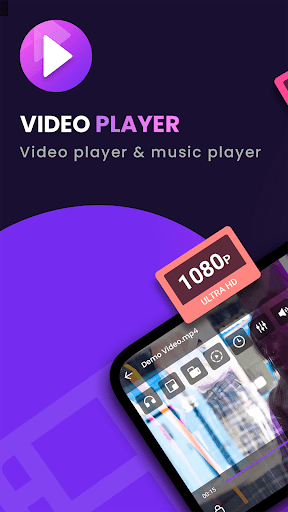
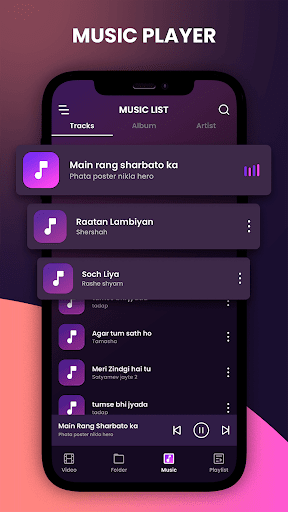
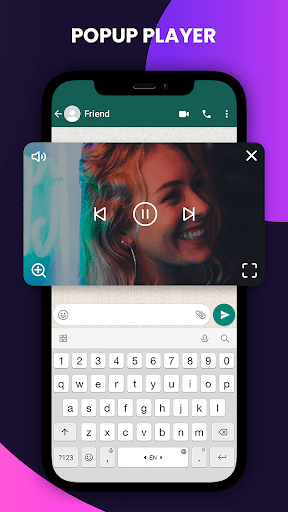
The HD Video Player is a professional-grade video playback tool designed to provide an exceptional viewing experience on your Android device. Supporting ALL video formats including 4K and ultra HD videos, this app is celebrated as one of the best HD video players for Android tablets and phones. If you're seeking to enjoy high-definition video content seamlessly on your mobile, HD Video Player offers a stunning user interface combined with powerful features to elevate your media consumption.
Key Features
Universal Format Support
With support for various video formats such as MKV, MP4, M4V, AVI, MOV, 3GP, FLV, WMV, RMVB, TS,
High-Definition Playback
Enjoy HD videos, 4K Ultra HD, and all types of high-definition footage with crisp clarity and smooth performance, making your viewing experience truly immersive.
Automatic File Detection
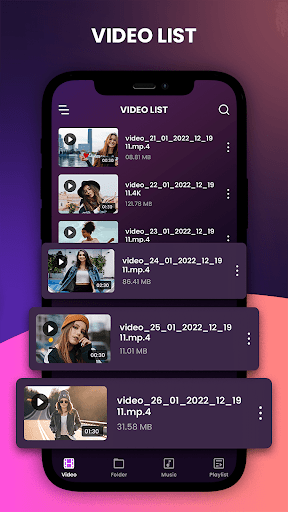
The app can automatically identify all videos stored on your device and scan your SD card to organize your media library efficiently.
User-Friendly Interface
Designed with a sleek UX/UI, navigation through your media library is intuitive. Easily manage, share, or delete videos, songs, and photos with just a few taps.
Control & Playback Options
Adjust volume, brightness, and playback progress effortlessly. The app also supports features like auto-rotation, aspect-ratio adjustments, and screen-lock for enhanced viewing control.
Enhanced Viewing Experience
HD Video Player offers a seamless experience with the ability to playback high-quality videos such as full HD, 1080p, and 4K videos, all optimized for fast and smooth performance. It is designed to handle large video files without lag, making it ideal for both casual viewers and avid movie fans.
This app enables you to watch videos recorded with your smartphone's camera or those downloaded from various sources. Its compatibility with full HD and 4K video files ensures a crisp, vibrant viewing experience that turns your mobile device into a mini-theater.
User Experience & Performance
Many users appreciate the sleek and intuitive interface, which makes navigating through media simple and enjoyable. Gesture controls, like swiping to adjust volume or skip scenes, add to the convenience. The app's stability and responsiveness are highly rated, even when playing large or high-definition files.
Battery efficiency is also optimized, allowing for longer viewing sessions without draining your device excessively. Compatibility with both Android and iOS platforms demonstrates its reliability across different devices.
Final Thoughts
If you're searching for a video player app that combines high-definition support, user-friendly controls, and a sleek design, HD Video Player is definitely worth trying. Whether you're a casual viewer who enjoys watching downloaded movies or a cinephile streaming 4K content, this app makes media playback effortless and enjoyable. Experience the power of full HD and 4K video support with a solution that fits perfectly into your mobile lifestyle. Get prepared to elevate your video viewing with this high-performance media player that works beautifully on your Android device.
Pros
- Supports a wide range of video formats.
- User-friendly interface for easy navigation.
- High-quality playback with minimal buffering.
- Customizable playback speed options.
- Offers subtitle support for various languages.
Cons
- Contains ads that can be intrusive.
- Limited advanced features for pro users.
- Requires in-app purchases to remove ads.
- Occasional crashes on older devices.
- Lacks support for 4K video playback.











