

HD Video Player All Format - Your Ultimate Media Companion
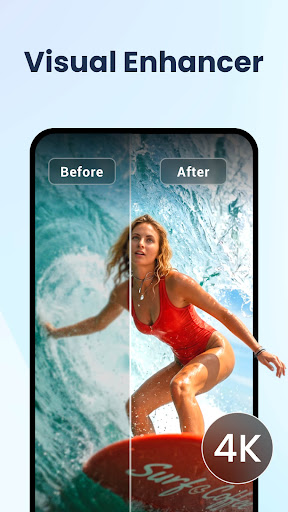
Experience seamless and high-quality video playback with HD Video Player All Format, a powerful and free Android application designed to elevate your media viewing experience. Whether you're watching full HD videos up to 4K and 1080p or browsing through your extensive video library, this app is equipped to handle a multitude of formats and features that cater to all your entertainment needs.
Supporting Every Video Format Supported
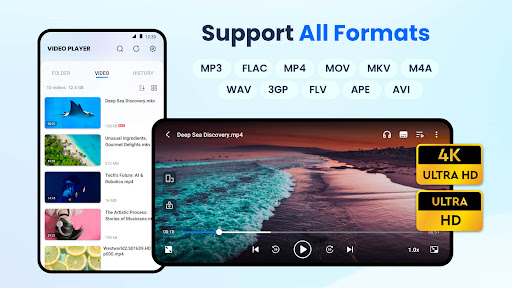
This max video player boasts compatibility with virtually ALL video formats: including MKV, MP4, AVI, WMV, RMVB, TS, MOV, 3GP, FLV, and more. With such extensive support, you no longer need to worry about converting files for compatibility. Simply open your videos and enjoy high-definition playback with crystal-clear quality.
Enjoy High-Quality Video Playback and Features
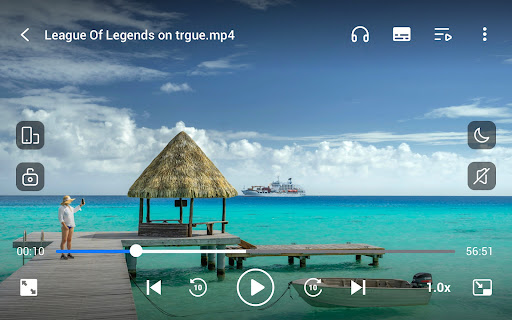
Designed to deliver stunning HD Video Player performance, this application allows you to resume playback exactly where you left off, making multi-session viewing effortless. Adjust video speed from 0.5x to 2x for slow-motion or fast-forward effects, which is perfect for tutorials, educational content, or just entertainment.
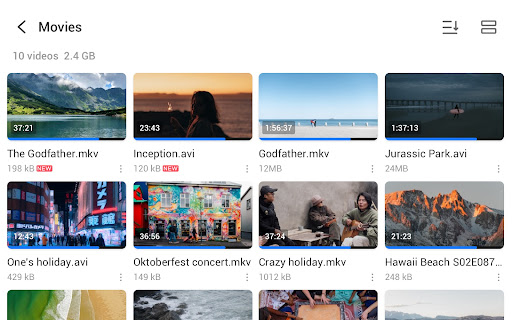
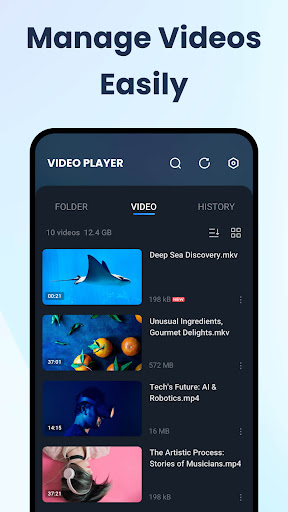
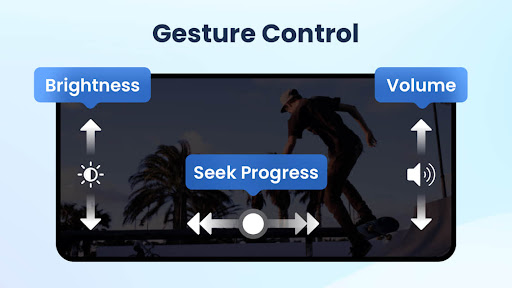
Navigation is simplified through intuitive gesture controls, ensuring easy operation. The app automatically detects videos stored on your device and SD card and provides options to manage videos with features like renaming and organizing. For a comfortable viewing experience, it includes a Sleep Timer and Night Mode to reduce eye strain during late-night sessions.
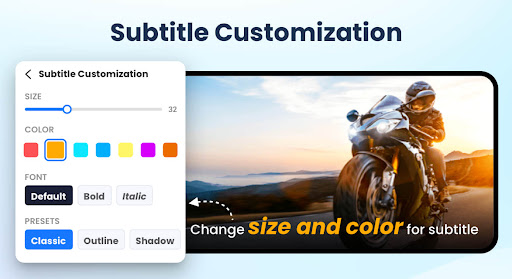
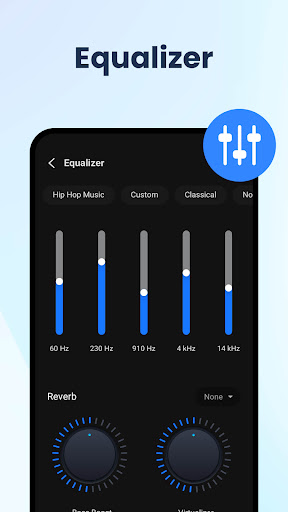
Enhance the audio experience with a built-in five-band equalizer and bass boost options to customize sound output. Additionally, users can easily download and add subtitles to videos, making it suitable for foreign films or videos requiring captioning.
Advanced Playback and Multitasking Capabilities
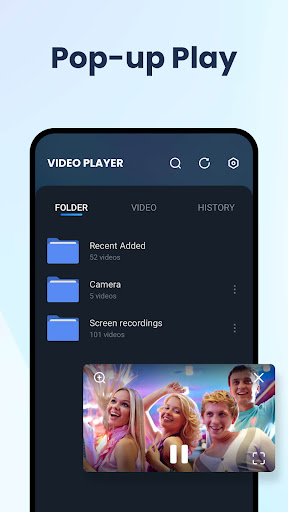
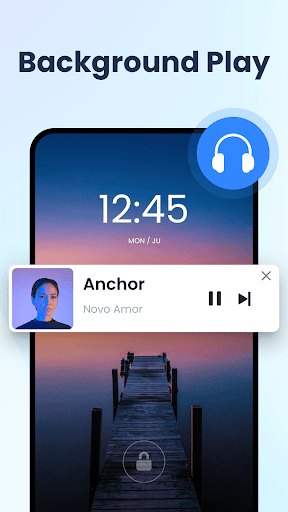
The app features a Popup Play mode, enabling you to watch videos in a floating window while chatting or browsing other apps. Background Playback allows music and videos to keep playing even when your screen is off, perfect for multitasking or audio listening on the go.
With adjustable speed controls and quick navigation options like 10-second fast forward and rewind, this media player is versatile enough for various viewing preferences. These features make it an ideal choice for casual viewers, students, or anyone who needs flexible media support.
Intuitive User Interface and Customization
Upon opening the HD Video Player All Format, users are greeted with a sleek and minimalistic interface that prioritizes ease of use. The app's design ensures that finding, playing, and managing videos is straightforward. Customization options let you tweak brightness, volume, and playback speed effortlessly, with the Night Mode providing a more comfortable viewing experience in low-light scenarios.
The integrated equalizer allows for high-level audio customization, satisfying audiophiles looking to optimize their sound. Gesture controls further enhance user interaction, making navigation more natural and efficient.
Final Thoughts: Why Choose HD Video Player All Format?
If you frequently watch videos on your mobile device, the HD Video Player All Format stands out as a comprehensive and reliable option. Its ability to support a wide array of formats, combined with features like subtitle support, high-definition playback, and flexible controls, makes it a top choice in the crowded world of media players.
Whether you're a casual viewer, a student, or a media enthusiast, this app offers everything you need for a seamless viewing experience. Its user-friendly interface and extensive feature set mean that you'll wonder how you ever managed without it. Give it a try today and transform your video entertainment on Android devices!
Pros
- Supports all video formats seamlessly.
- User-friendly interface.
- Provides high-definition video support.
- Allows subtitle customization.
- No disruptive advertisements.
Cons
- Some features require a premium subscription.
- May experience lag on older devices.
- Limited support for certain audio formats.
- Lacks cloud synchronization options.
- App size is relatively large.











