

Introduction to the Govee Home App
Are you searching for a seamless way to manage all your smart home devices from one convenient platform? The Govee Home app is designed to fulfill this need by providing an intuitive interface that allows users to control, monitor, and customize their smart devices with ease. Whether you want to adjust the lighting ambiance, manage sensors, or explore the latest tech innovations, Govee Home offers a comprehensive solution that enhances your smart living experience.
Key Features and Functionality
Real-time Device Monitoring
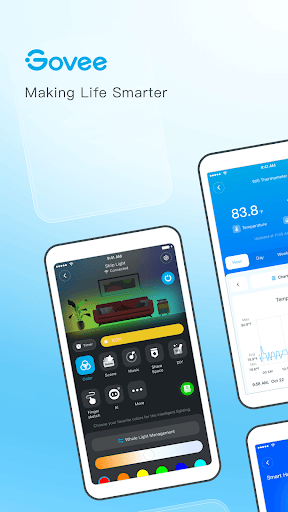
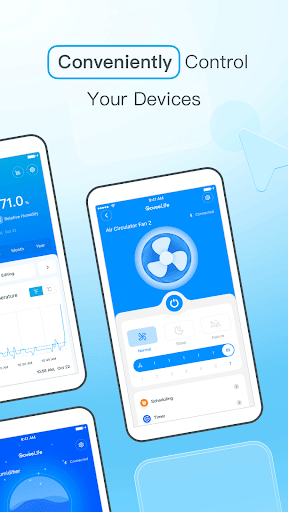
One of the standout features of the Govee Home app is its ability to check the status of your connected devices in real time. This means you can stay informed about your smart lights, humidifiers, or sensors instantly from your smartphone, ensuring everything is functioning as desired.
Quick Device Setup
Setting up new devices is straightforward—simply connect your Govee gadgets in seconds by following on-screen instructions. The app's user-friendly design minimizes setup hassle, allowing you to get your smart home up and running without frustration.
Dynamic Lighting Effects
Transform your space with the artistry & magic of lighting effects. The app enables you to customize lighting scenes, create automation, and sync lights with music for parties or relaxing evenings. For more immersive experiences, you can use your mobile phone's microphone as a sound pickup device to display real-time lighting effects in tune with the beat. Additionally, the feature supports toggling the foreground service on or off, so even if the app runs in the background, sound pickup works seamlessly.
Device Grouping and Control
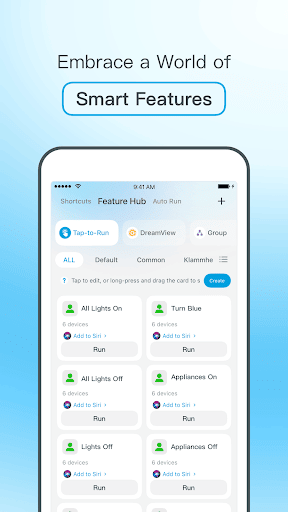
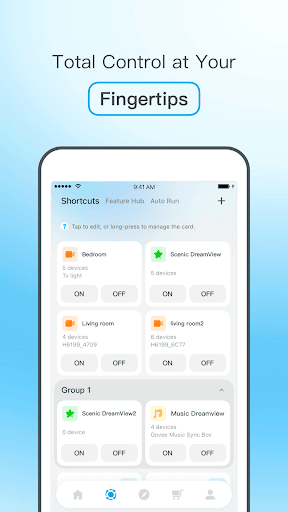
Managing multiple devices becomes effortless with the ability to create groups. This feature allows you to control all devices within a group with a single tap—perfect for turning off multiple lights or managing various devices in different rooms simultaneously.
Innovative Tech and Community Sharing
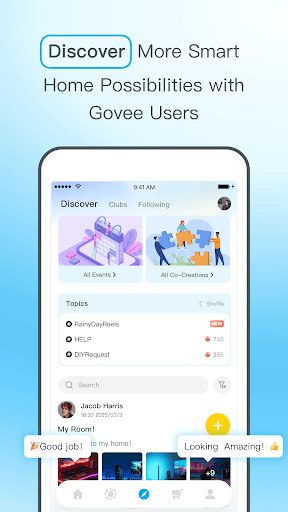
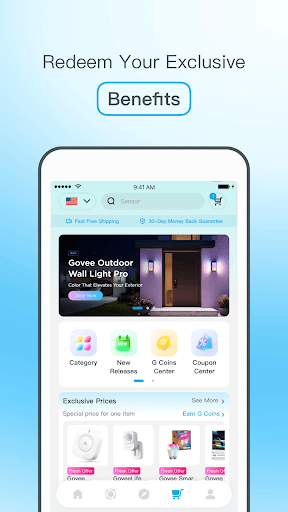
The Govee Home app also provides a first look at new technologies emerging in the smart device market. Users can share ideas, participate in community discussions, and stay updated on the latest developments, making it more than just a control app—it’s a hub for smart home enthusiasts.
Customer Support
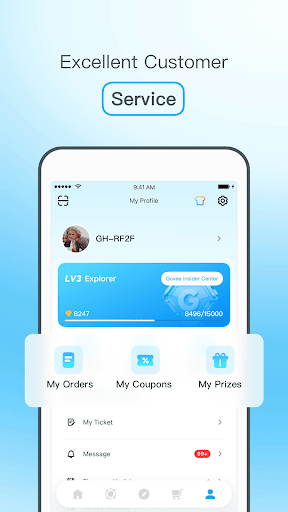
Enjoy fast and efficient customer service for troubleshooting and inquiries, ensuring your smart devices and the app function flawlessly.
User Experience and Performance
The interface of Govee Home is designed with user experience in mind. It features a sleek, organized layout that makes navigation intuitive—whether you're controlling LED lights, humidifiers, or other smart devices. The main dashboard provides instant access to all connected gadgets, and creating scenes or automations is simple even for beginners.
Performance-wise, the app offers quick response times and reliable device control, mainly dependent on your Wi-Fi network quality. While minor bugs such as occasional app freezes or crashes might occur, they are infrequent and tend not to detract significantly from the overall experience.
Final Thoughts
In summary, Govee Home is a powerful and user-friendly application that makes managing your smart home devices straightforward and enjoyable. With features like real-time monitoring, customizable lighting effects, device grouping, and innovative tech integrations, it offers everything you need to elevate your smart living environment. Whether you're a seasoned smart home enthusiast or just beginning your journey, this app serves as a versatile and reliable tool—effectively acting as the universal remote for your smart home ecosystem. Give it a try; you’ll find that managing your smart devices has never been easier or more fun.
Pros
- Intuitive user interface
- Wide range of compatible devices
- Customizable lighting scenes
- Easy scheduling and automation
- Regular firmware updates
Cons
- Limited third-party integrations
- Requires stable internet connection
- Occasional app crashes
- Limited support for older devices
- Some features locked behind paywall











