

Introduction to Google’s Find Hub
Google’s Find Hub is an innovative application designed to help users effortlessly locate their devices and share their live locations. Whether you’re dealing with a misplaced phone, tablet, or accessories, this powerful tool offers a comprehensive solution for device tracking and location sharing that emphasizes security and ease of use.
Key Features of Google’s Find Hub
For your devices and items
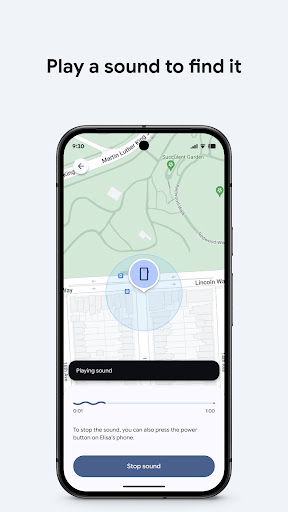
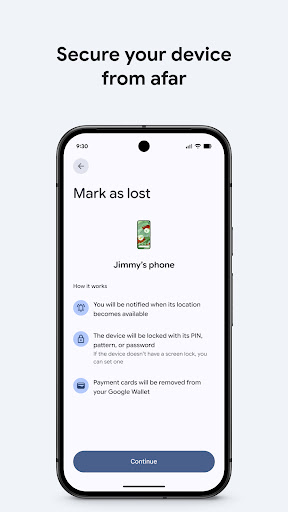
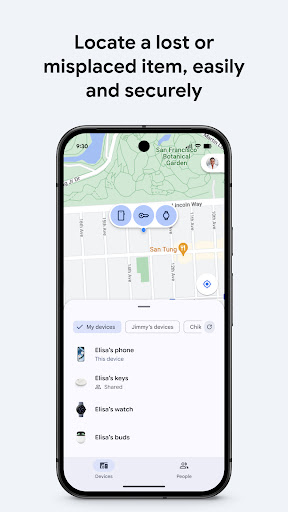
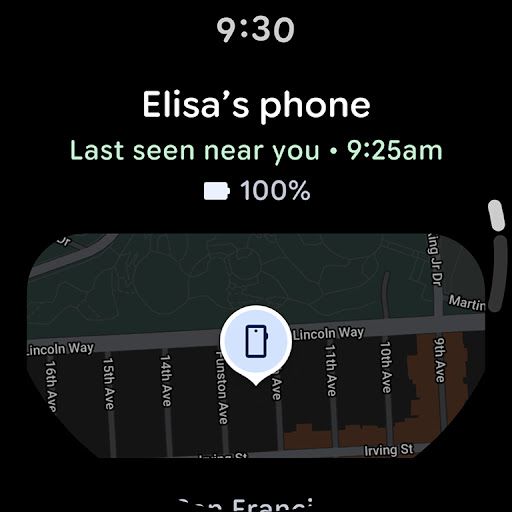
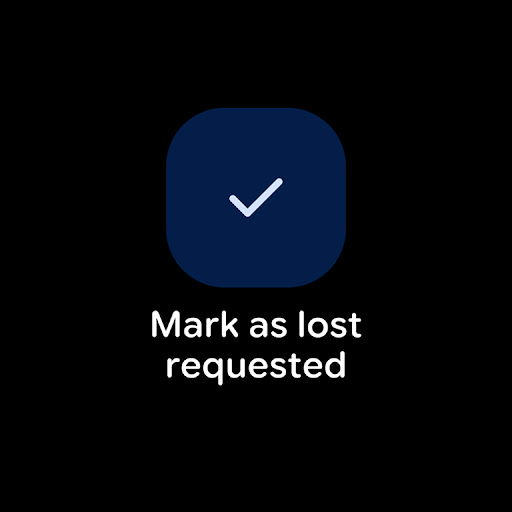
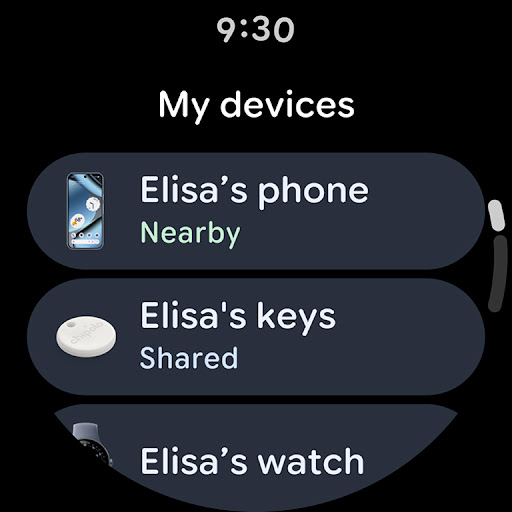
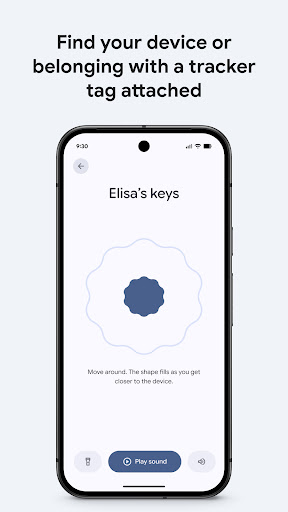
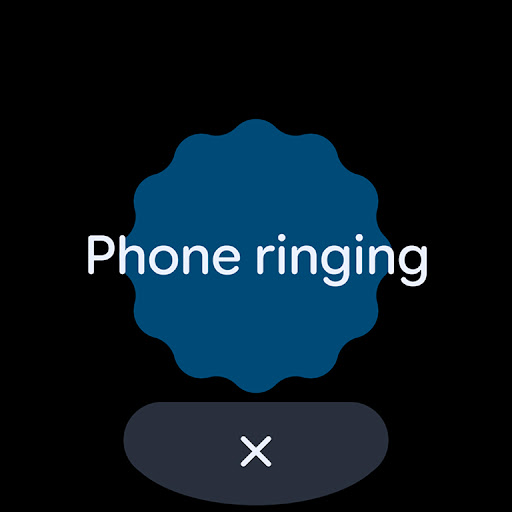
The Find Hub allows you to view the location of your phone, tablet, headphones, and other accessories on a map—even if they’re offline. If you’re unable to locate your device immediately, you can trigger a sound to be played, making it easier to find if it's nearby. In scenarios where your device is truly lost or stolen, you can remotely secure or erase it to protect your personal data. Additionally, you can add a custom message to display on the lock screen, providing contact details to anyone who might find your device. All location data transmitted through the Find Hub network is encrypted and remains invisible even to Google, ensuring your privacy is maintained.
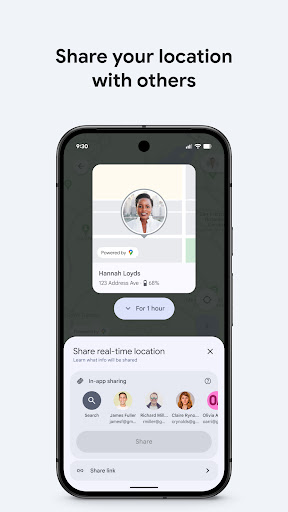
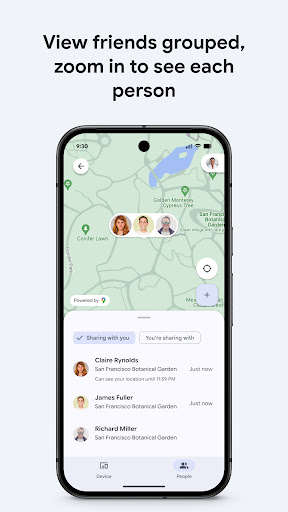
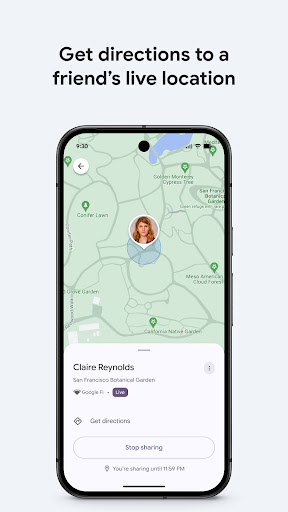
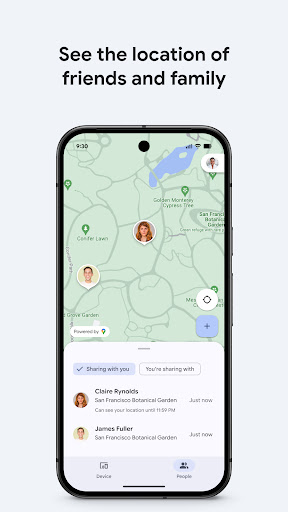
Furthermore, Google’s Find Hub enables seamless location sharing features, allowing you to share your live location with friends or family. Whether coordinating a meetup or ensuring loved ones are safe at home, this feature offers peace of mind with real-time updates.
Why Choose Google’s Find Hub?
Ultimate Device Locator
If you’ve ever experienced that moment of dread when your phone goes missing, Google’s Find Hub acts as your personal lifesaver. It simplifies the process of locating your Android devices, making it a must-have app for anyone prone to misplacing their tech gadgets. Once your device is logged into your Google account, the app easily syncs to provide accurate, real-time location data.
Intuitive and User-Friendly
The app boasts a clean, intuitive interface that enables users of all technical skill levels to navigate effortlessly. You can quickly access essential functions like viewing your device’s location, making it ring, locking, or erasing data — all from a straightforward menu. Its lightweight design ensures minimal impact on your device’s storage and performance.
Reliable Security and Privacy
All data exchanged through Find Hub is encrypted, reaffirming Google’s commitment to user privacy. Whether you’re sharing your live location or remotely managing your device, your information remains protected and confidential.
Personal Experience & Recommendations
Many users, myself included, find Google’s Find Hub to be an essential tool for everyday life. It offers a reliable and effective way to recover lost gadgets and keep loved ones safe. The ability to remotely secure or erase your device provides an added layer of security, and the live location sharing feature fosters closer coordination with friends and family. Overall, it’s a stress-reliever and a smart investment for Android users seeking peace of mind.
In conclusion, if you often ask yourself, “Where’s my phone?” or want a proactive way to protect your devices and loved ones, Google’s Find Hub is the ideal app. Its combination of advanced features, user-friendly design, and robust security makes it a top choice for device management and location sharing.
Pros
- Helps locate lost devices quickly
- Remote device lock for security
- Erase device data remotely
- User-friendly interface
- Battery level tracking
Cons
- Requires internet connection
- Limited to devices linked to a Google account
- No support for offline tracking
- Location accuracy can vary
- Consumes battery when running continuously











