
Introduction to Google TV: Your Ultimate Streaming Companion
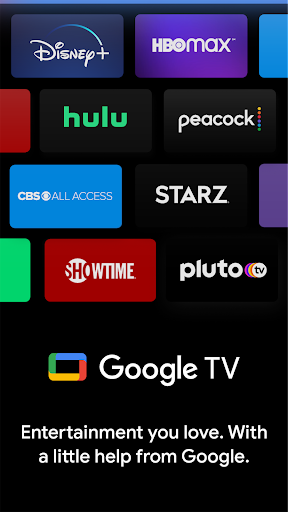
Google TV, formerly known as Play Movies & TV, is revolutionizing the way you find and enjoy entertainment. Designed to bring everything together in one seamless interface, Google TV simplifies your streaming experience by integrating a vast array of movies, TV shows, and streaming services. Whether you're a devoted cinephile, a casual viewer, or someone who loves discovering new content, Google TV serves as your personal entertainment hub, making it easier than ever to access and organize your favorite media.
All-in-One Content Discovery and Management
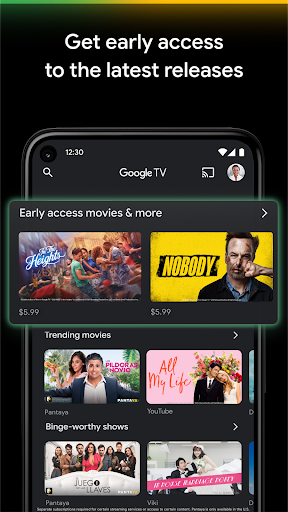
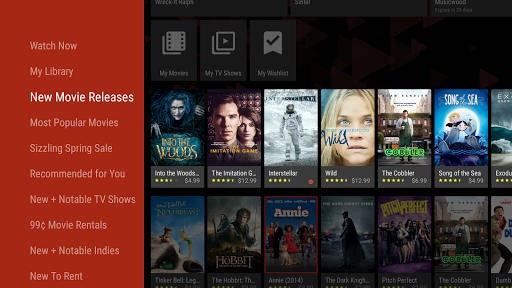
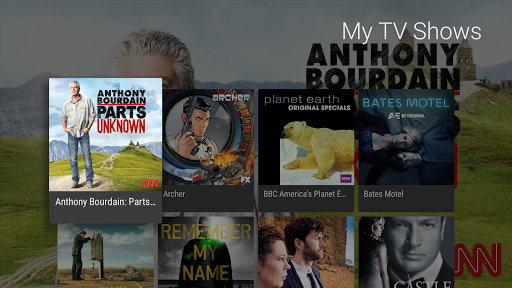
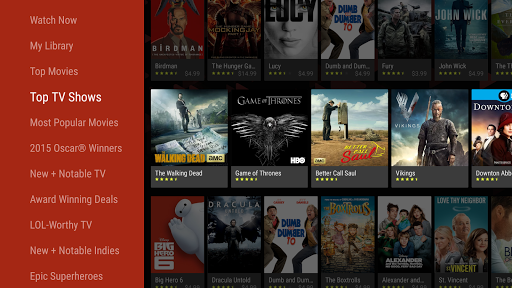
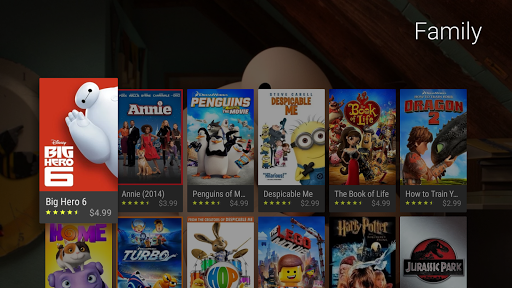
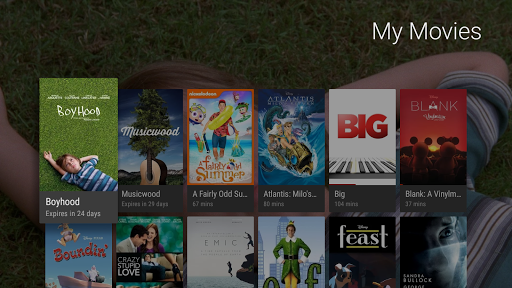
With Google TV, browsing through over 700,000+ movies and TV episodes across multiple streaming platforms becomes effortless. The app categorizes content into various topics and genres, helping you quickly find something to watch. It also provides personalized recommendations based on your viewing habits and trending titles across your existing subscriptions. Search capabilities are robust—simply enter a title to see what streaming services offer it, enabling you to buy or rent the newest releases directly through the Shop tab. Purchases are stored securely in your Library and can be downloaded for offline viewing—perfect for travel or times when internet access is limited.
Unified Watchlist and Multi-Device Synchronization
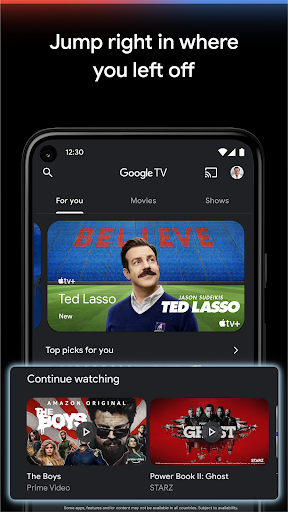
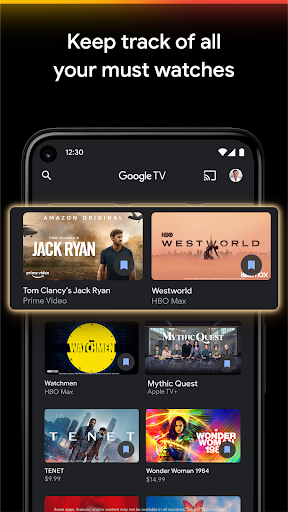
One of the standout features of Google TV is its Watchlist. Easily save shows and movies you wish to watch later, and access this list from any device—be it your TV, smartphone, tablet, or even through a web browser. This cross-device synchronization ensures that your entertainment picks are always at your fingertips. Whether you add titles on your phone during a commute or from your laptop at work, your Watchlist remains up-to-date and ready for your next viewing session.
Convenient Remote and Voice Control Features
Navigating content is made even easier with the integrated remote control feature within the Google TV app. This means that even if your physical remote is misplaced or out of reach, you can use your smartphone to find, select, and control content effortlessly. Plus, the app’s voice command integration, powered by Google Assistant, allows you to search for shows, launch movies, or control playback with simple voice requests. Just say, “Hey Google, play Stranger Things,” and enjoy hands-free operation that enhances your viewing experience.
Smart Recommendations and Personalized Experience
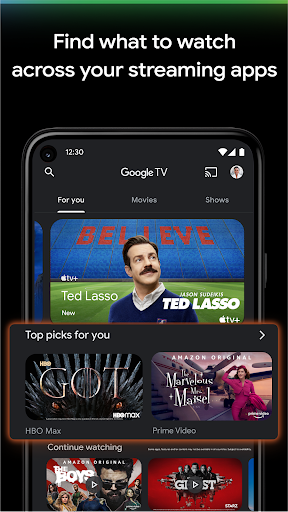
What truly sets Google TV apart is its smart recommendation system. The app analyzes your viewing habits and suggests content tailored to your preferences. Whether you're in the mood for a thrilling drama, a comedy, or a documentary, Google TV helps you discover new titles without endless searching. This personalized touch turns casual browsing into an intuitive and enjoyable activity, ensuring you always have something exciting to watch.
Easy Setup and Seamless Integration
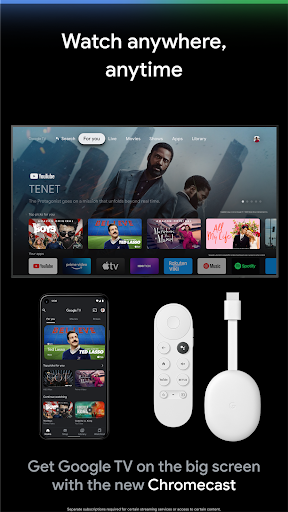
Getting started with Google TV is straightforward. Just download the app, sign in with your Google account, and you’re ready to go. Its clean, intuitive interface makes navigation simple, and it integrates effortlessly with compatible devices such as Chromecast, Google Nest, and Android TV OS devices. This seamless connectivity enhances your overall entertainment system, providing a cohesive experience whether you're on your TV or mobile device.
Conclusion: Why Choose Google TV?
In summary, Google TV offers a comprehensive solution for all your streaming needs. It consolidates multiple platforms into one easy-to-use app, provides personalized recommendations, and makes content discovery a breeze. With features like an integrated remote, voice control, and syncable Watchlist, it’s designed to enhance every aspect of your entertainment experience. Whether you're a movie enthusiast or a casual viewer, Google TV helps you enjoy your favorite content effortlessly, bringing the best of streaming entertainment directly to your living room and devices. Give it a try and transform how you find and watch your favorite shows and movies!
Pros
- User-friendly interface and easy navigation.
- Smooth integration with Google services.
- Large library of movies and TV shows.
- Supports multiple user profiles.
- High-quality streaming performance.
Cons
- Limited content availability in certain regions.
- Reported occasional app crashes.
- Requires a stable internet connection.
- Advertisements in the free version can be disruptive.
- Certain features require a paid subscription.











