
Introduction to Google Translate
Ever found yourself in a pickle trying to decipher a foreign menu or communicate with someone who speaks a different language? Well, I’ve been there, and trust me, it’s not the most fun experience. Enter Google Translate – the trusty sidekick for all your language translation needs. Let me take you on a journey through its nifty features and quirks.
Main Features of Google Translate
Breaks the Language Barrier
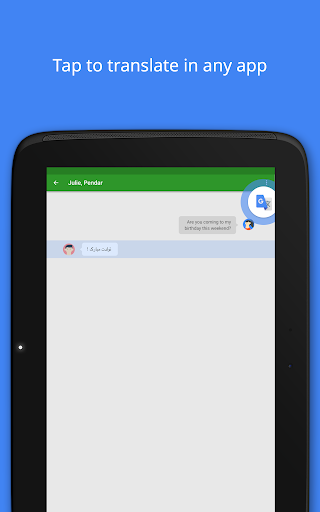
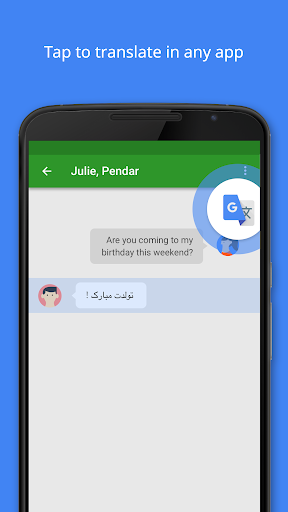
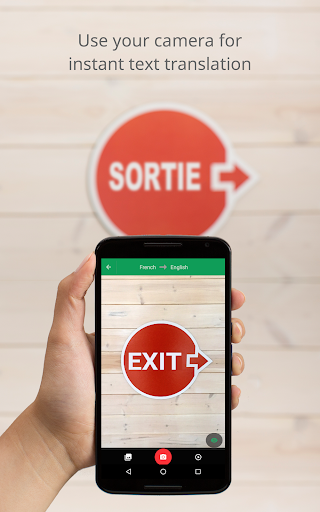
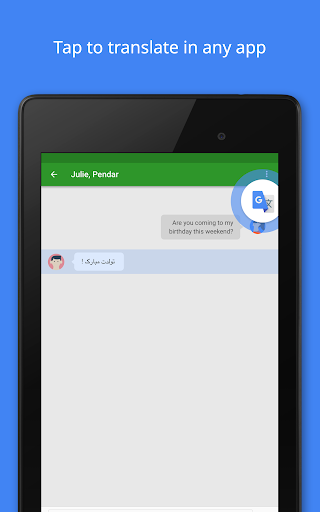
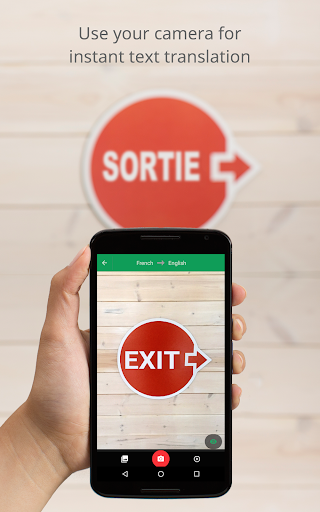
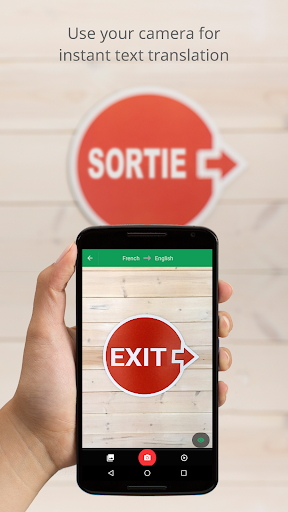
One of the coolest things about Google Translate is its ability to translate text in real-time. Imagine pointing your camera at a sign in a foreign country, and voilà, you can read it in your language! This is thanks to the app’s instant camera translation feature. It’s like having a personal translator in your pocket. I’ve used it to translate street signs, menus, and even entire pages of text. Super handy, right?
Text and Voice Translation
But it doesn’t stop there. The app also offers text translation for over 100 languages. Whether you’re typing a quick phrase or pasting in a hefty chunk of text, Google’s got you covered. Plus, the voice translation feature is a lifesaver when you need to have a conversation. Just speak into the app, and it’ll translate your words instantly. I’ve used this feature countless times while traveling, and it’s always a hit with the locals.
Offline Mode
We’ve all been there – traveling abroad with spotty Wi-Fi and no data. But fear not, because Google Translate’s offline mode has got your back. You can download language packs in advance, so even when you’re off the grid, you’re still in the loop. I remember downloading a few languages before a trip to Asia, and it made navigating the bustling streets so much easier.
Conversation Mode
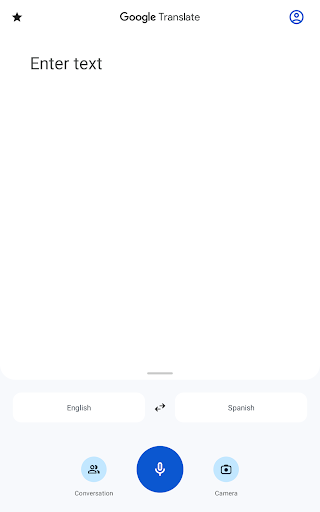
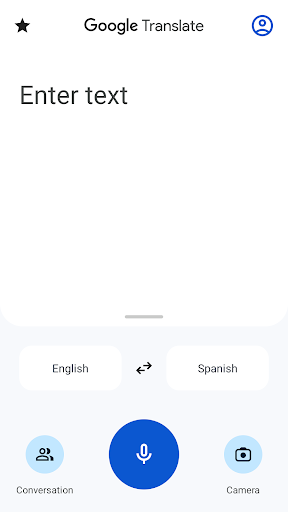
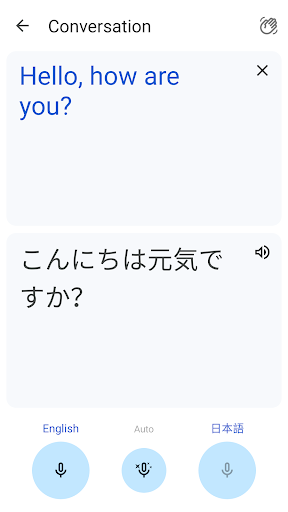
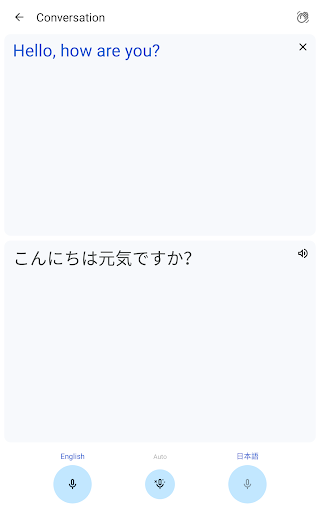
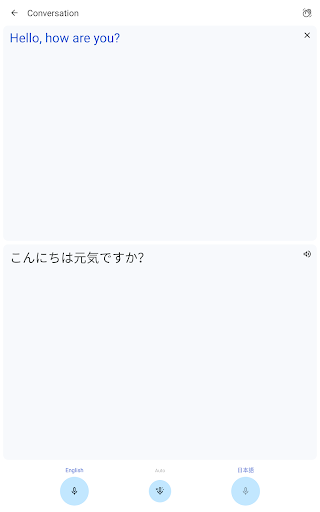
What really sets this app apart is its conversation mode. This feature allows you to have a back-and-forth chat with someone in a different language. The app translates both sides of the conversation in real-time, making it a breeze to communicate. I once had a lengthy chat with a vendor at a market in Spain using this feature, and it was as though we spoke the same language.
Supported Languages and Compatibility
Translations between various languages are supported, including Arabic, Chinese (Simplified and Traditional), French, German, Hindi, Japanese, Korean, Russian, Spanish, and many more. Google Translate is truly comprehensive, covering over 100 languages to facilitate seamless communication across cultures and borders.
Additional Functionalities
Photos and Handwriting
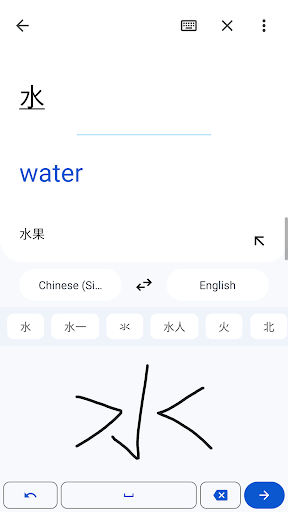
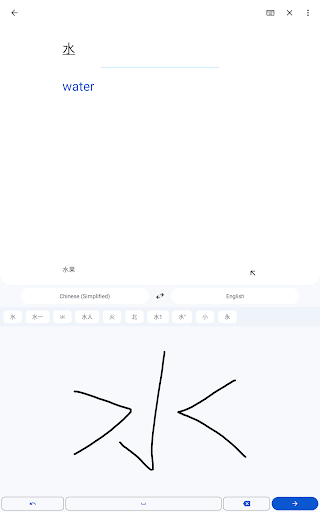
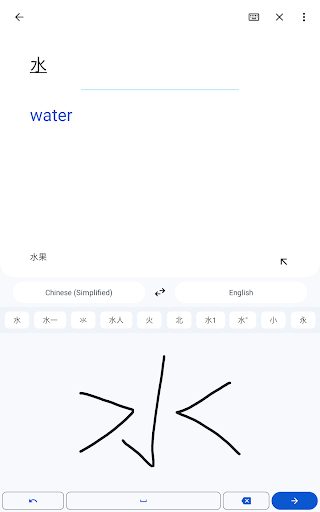
Need higher quality translations from images? Simply take or import a photo, and Google Translate will do the rest for 90 languages. Or, if you prefer, you can draw characters directly within the app in 96 languages, which is perfect for translating handwritten notes or signs.
Phrasebook & Cross-device Syncing
Save your frequently used words and phrases with the Phrasebook feature for quick access later. Plus, with cross-device syncing, your saved phrases are available across your mobile device and desktop—making it easier to learn and recall new words during travel or study.
Permissions and Usage
Google Translate may request optional permissions such as microphone for speech translation, camera for translating text through images, external storage for downloading offline data, and contacts for account management. Nonetheless, the app can be used effectively even if these optional permissions are not granted.
Conclusion
In summary, Google Translate is more than just a simple translation tool—it's a comprehensive language assistant that bridges communication gaps with ease. Whether you’re traveling abroad, learning a new language, or just curious about different cultures, this app’s diverse features like instant camera translation, offline capabilities, and real-time conversations make it an indispensable companion. With its user-friendly interface and extensive language support, Google Translate empowers users to connect across borders effortlessly. So next time you’re in a situation where language seems to be a barrier, remember—Google Translate is there to help you speak, understand, and explore the world with confidence.
Pros
- Supports multiple languages for translation.
- Provides offline translation capability.
- Enables translation of text, voice, and images.
- User-friendly and easy to navigate interface.
- Regularly receives updates with new features.
Cons
- Translations may sometimes lack proper context accuracy.
- Requires internet connection for real-time translation.
- Possible errors in voice recognition.
- Limited offline language packs available.
- Potential privacy concerns related to data usage.











