Introduction to Google Family Link
Google Family Link is a comprehensive parental controls app designed to help parents ensure their children’s safety online. Recognizing that each family’s relationship with technology is unique, the app offers customizable tools that enable you to establish a healthy digital environment for your kids. Whether it’s setting screen time limits, managing app access, or monitoring location, Family Link provides a suite of features to support responsible device usage and foster safe online habits.
This innovative app allows parents to keep an eye on how their children are engaging with devices, manage privacy settings, and stay connected through location tracking and notifications. With an intuitive interface and a range of tools, Family Link aims to empower parents to guide their children’s digital journey effectively while encouraging independence.
Key Features of Google Family Link
Establish Digital Ground Rules
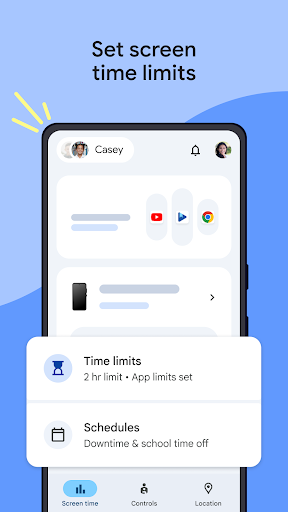
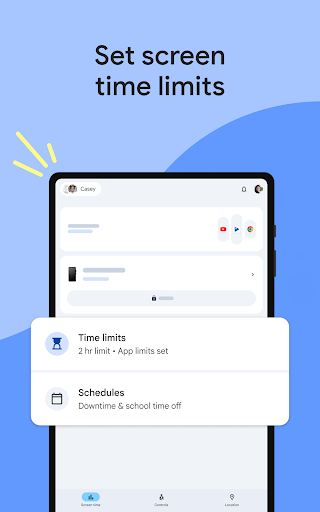
One of the core functionalities of Family Link is setting appropriate •Screen Time limits. Parents can define daily limits and create schedules for school time and downtime, helping children develop balanced screen habits. This feature is especially useful during busy weeks when managing time effectively is crucial.
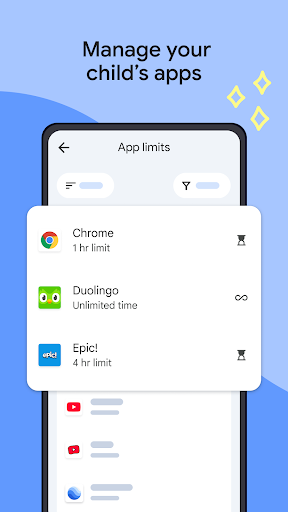
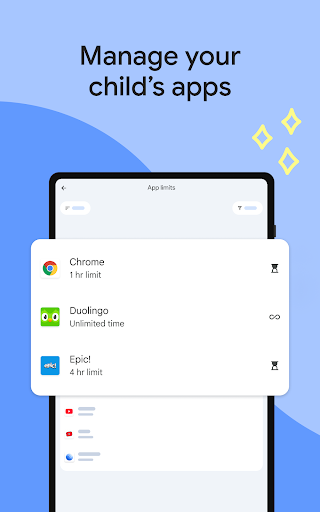
You can also •Manage your child's apps by granting or blocking access, setting individual app time limits, or allowing unlimited use for specific educational or frequently used apps. This flexibility ensures children can explore and learn while remaining within safe boundaries set by parents.
Content Filtering and Privacy & Security Management
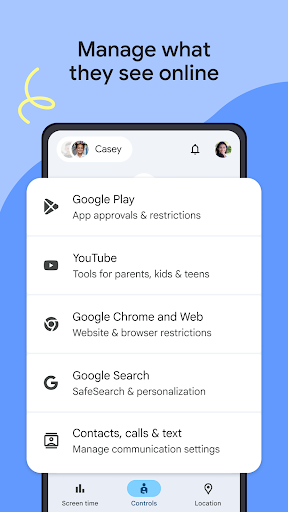
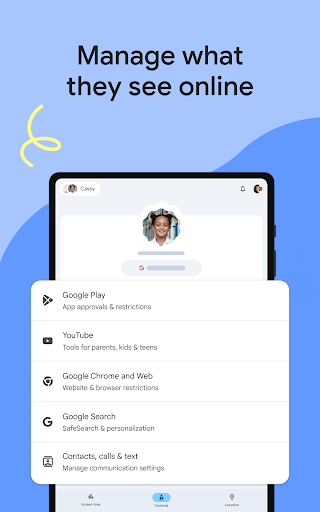
Google Family Link enhances online safety with robust content filtering tools. You can manage what your child sees on Google services such as Chrome, YouTube, Play, and Search by setting up parental controls. This includes blocking inappropriate websites, requiring permission for new app installations, and managing app and web permissions.
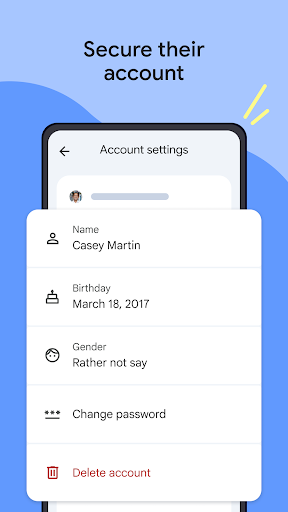
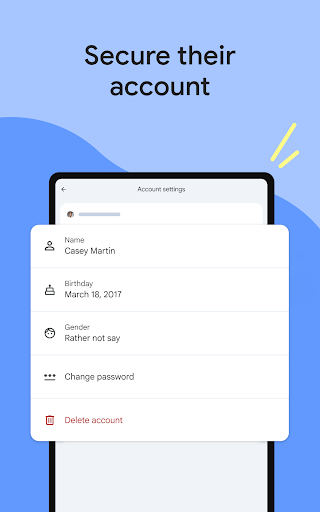
Additionally, parents have control over your child’s Google •account, including ability to change or reset passwords, edit personal information, or delete the account if necessary. This oversight helps keep your child's account secure and aligned with your family’s online safety policies.
Stay Connected and Monitor on the Go
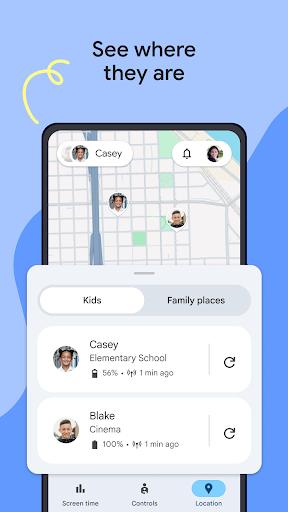
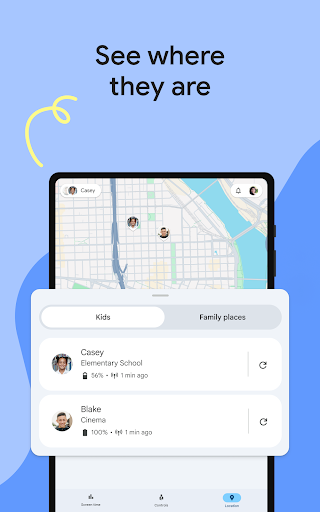
With Family Link, you can locate your children’s devices on a map, provided they are powered on and connected to the internet. This feature offers peace of mind when children are out exploring, school, or with friends.
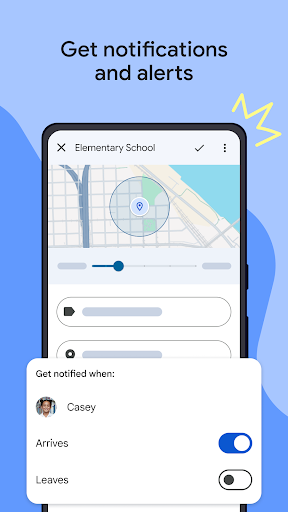
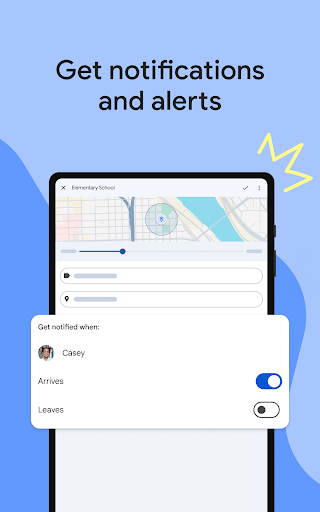
The app also delivers important notifications, including when your child arrives at or leaves specific locations. You can even ring their device or check remaining battery life to ensure they stay connected and safe during their day.
Additional Important Details
Note that Family Link compatibility varies depending on devices. Parents should review the list of compatible devices to ensure proper functionality. While the app helps monitor and approve app purchases from Google Play, it doesn’t restrict app updates that children may initiate, particularly those that expand permissions.
Parents are advised to regularly review installed apps and their permissions, especially since some pre-installed apps cannot be disabled. Location tracking requires the device to be active and connected to the internet.
It’s important to remember that Family Link controls are only available through supervised Google accounts. These accounts allow children to access Google services like Search, Chrome, and Gmail with limitations set by parents. Although Family Link promotes safer browsing and device use, it doesn’t eliminate online risks entirely. Instead, it provides parents with valuable tools to help guide healthier digital habits and foster ongoing conversations about safe internet use within the family.
Conclusion
If you’re seeking a reliable way to manage your children’s •screen time, control their access to apps and content, and keep track of their online activity, Google Family Link is an excellent tool to consider. Its user-friendly design and extensive features make it suitable for parents who want to foster a balanced, safe, and responsible digital environment for their kids. By integrating Family Link into your digital parenting toolkit, you can guide your children through the digital landscape responsibly while respecting their growing independence.
Pros
- User-friendly interface
- Easy navigation
- Enables remote control of children's devices
- Provides comprehensive activity reports
- Supports multiple devices within a single account
- Free to use with no hidden costs
Cons
- Limited features on iOS devices
- Children may bypass some settings
- Requires internet connection for full functionality
- Limited control over app permissions
- Does not support third-party applications