



Introduction to Google Authenticator
In today's digital landscape, safeguarding your online accounts is more vital than ever. Google Authenticator offers an effective way to add an extra layer of security through two-factor authentication. By generating time-sensitive verification codes directly on your device, this app ensures that unauthorized access remains a challenge for potential intruders.
Key Features of Google Authenticator
Enhanced Security with Two-Factor Authentication
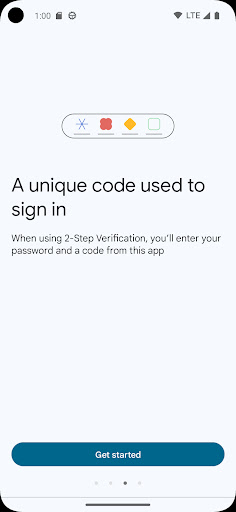
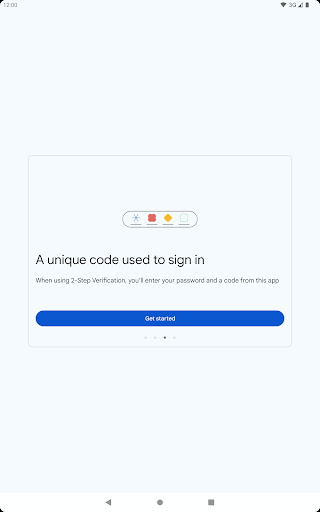
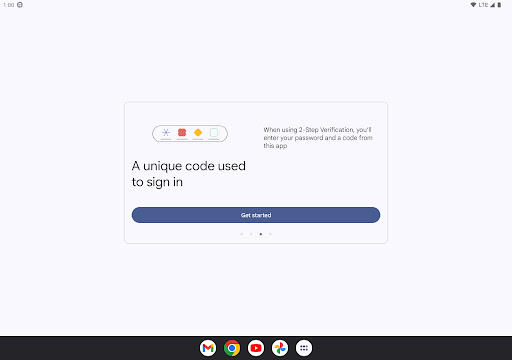
Google Authenticator amplifies the security of your accounts by requiring a second verification step during login, besides your password. The app generates a unique, temporary verification code on your phone, which must be entered to complete the sign-in process. This measure significantly reduces the risk of unauthorized account access.
Offline Code Generation
A standout feature of Google Authenticator is its ability to produce verification codes without an internet or cellular connection. Whether you're traveling or in an area with limited connectivity, you can confidently access your accounts with the app's reliable offline functionality.
Support for Multiple Accounts
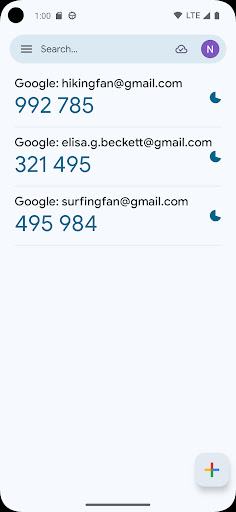
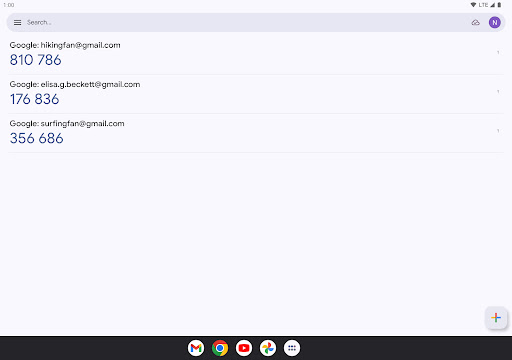
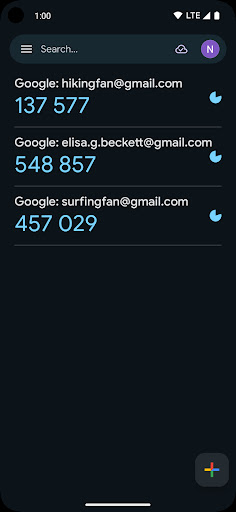
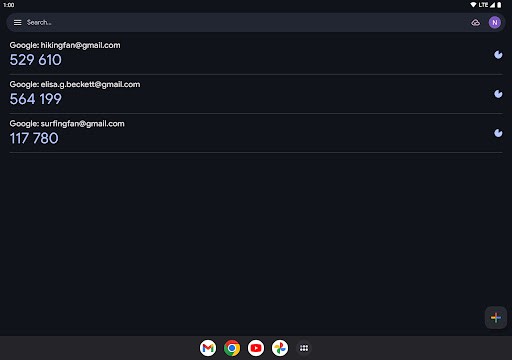
The app allows you to manage multiple accounts within a single interface. This simplifies the process of securing various platforms, from email accounts to social media, without the hassle of switching apps or managing complex setups.
Automatic Setup with QR Codes
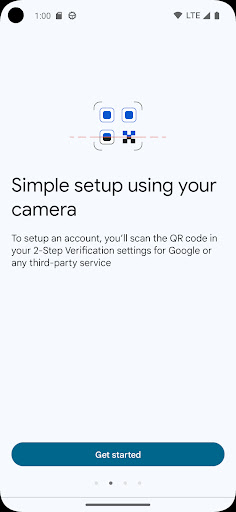
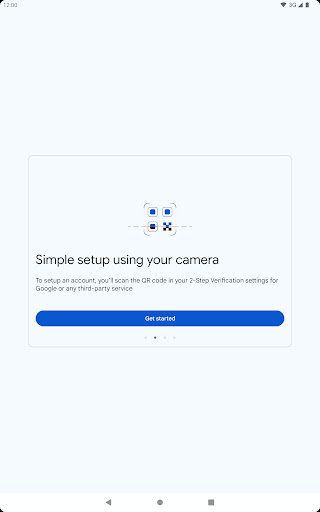
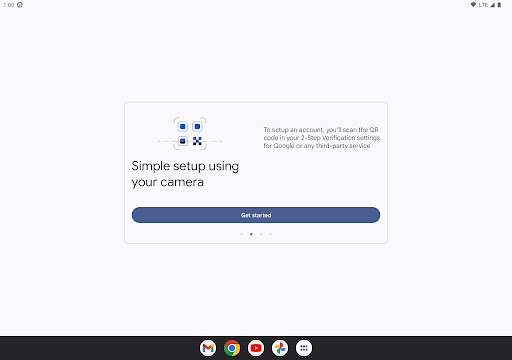
Setting up an account in Google Authenticator is quick and straightforward. You can auto-configure your accounts by scanning a QR code, which ensures correct setup and saves time. Additionally, the app supports transfer of accounts between devices via QR codes, making device upgrades seamless.
Flexible Code Types
You have the option to choose between time-based and counter-based code generation, catering to different security needs and preferences.
Synchronization Across Devices
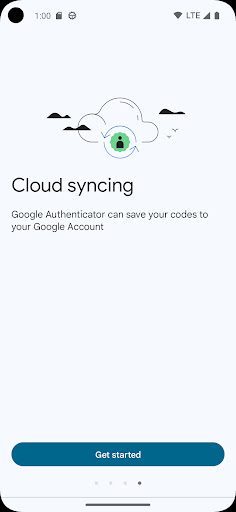
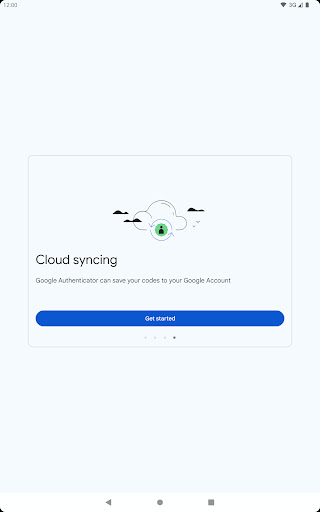
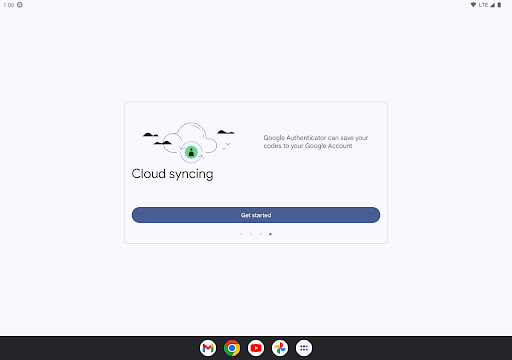
For added convenience, you can sync your Authenticator codes to your Google Account and across multiple devices. This ensures access even if your phone is lost or damaged, providing peace of mind.
Getting Started with Google Authenticator
To begin using Google Authenticator with your Google Account, you must enable 2-Step Verification on your Google Profile. Once enabled, you can scan QR codes provided by various services to link them to your Authenticator app. Please note that the app requires access to your device's camera to scan QR codes during setup.
Personal Experience and Benefits
Many users find Google Authenticator to be an invaluable tool for maintaining online security. The setup process is virtually effortless: simply download the app, scan a QR code, and you're ready to go. Its minimalist interface displays all your accounts with changing verification codes, providing a clear and user-friendly experience.
The offline operation is particularly advantageous, ensuring you can generate security codes anytime, anywhere—whether you're offline or have limited network access. This feature, combined with robust security measures that do not collect personal data, makes Google Authenticator a trustworthy choice for protecting your digital identity.
Managing multiple accounts becomes a hassle-free task with this app, which keeps everything organized in one place. The ability to transfer accounts effortlessly between devices further enhances its usability, especially when upgrading or changing phones.
Conclusion
In summary, Google Authenticator is a must-have security tool for anyone serious about safeguarding their online presence. Its ease of use, offline capabilities, support for multiple accounts, and seamless device transfers make it an essential component of modern digital security strategies. If you're aiming to protect your personal and professional accounts, adopting Google Authenticator is a decision your future self will thank you for.
Pros
- User-friendly interface for straightforward navigation.
- Does not depend on internet connectivity.
- Allows management of multiple accounts.
- Compatible with various services.
- Significantly boosts account security.
Cons
- No option for cloud backup of codes.
- Limited to using a single device.
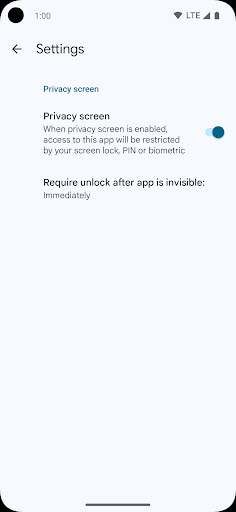
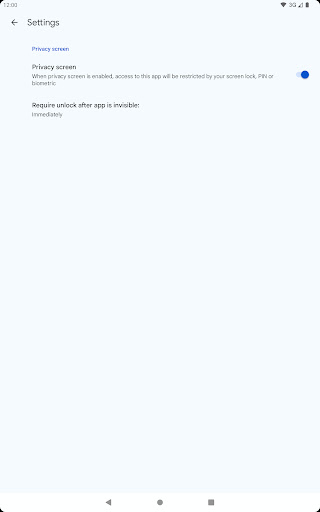
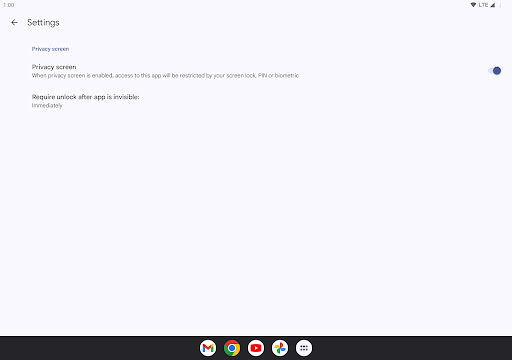
- Absence of biometric unlock features.
- Manual transfer of codes is inconvenient.
- Does not include advanced security features.











