
Overview of the Glitter Wallpaper: Theme, Icon App
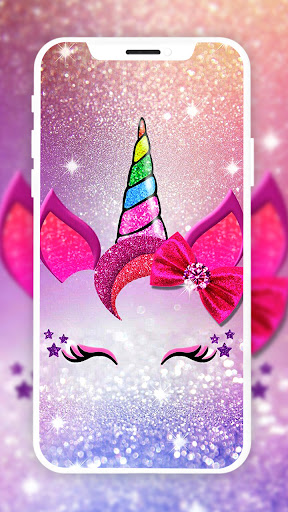
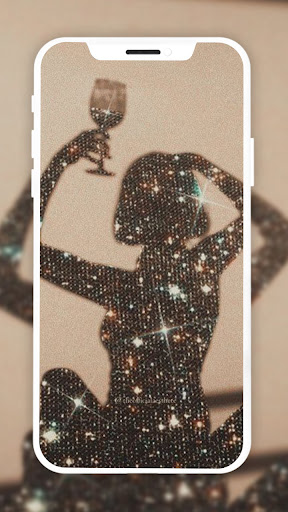
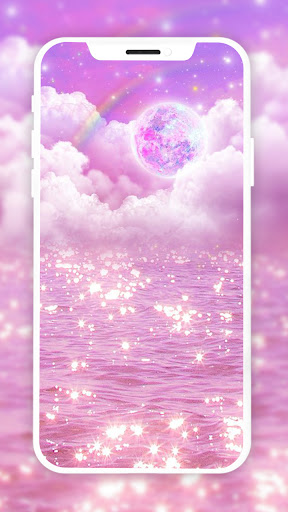
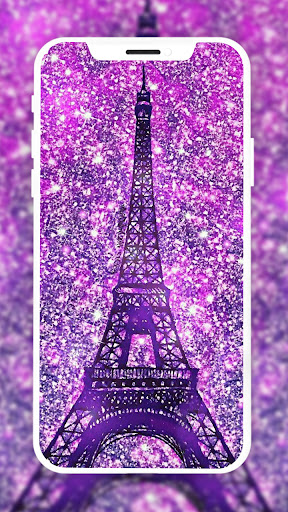
If you're someone who loves to add a touch of glitz and glamour to your smartphone, the Glitter Wallpaper: Theme, Icon app is a perfect choice. This free Android application offers an extensive collection of dazzling wallpapers and customizable themes designed to make your device stand out. Whether you prefer static images, lively animations, or immersive 3D effects, this app has everything to suit your style.
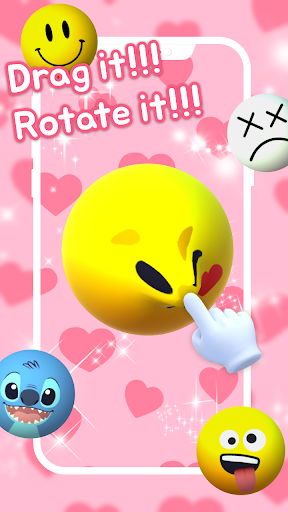
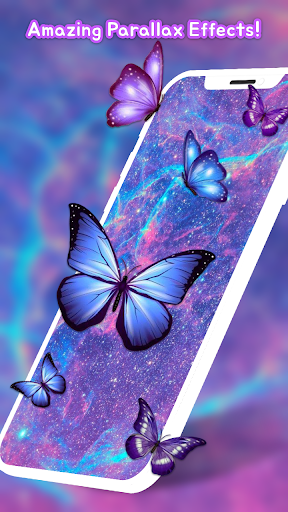
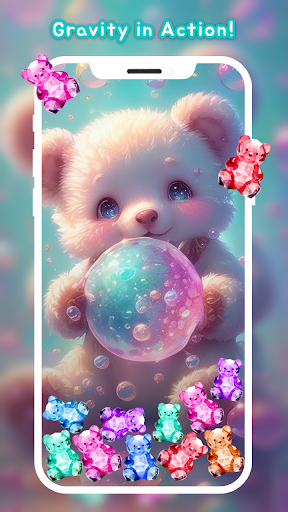
With its user-friendly interface and a rich variety of options, Glitter Wallpaper enables you to personalize your home and lock screens effortlessly. The app not only provides high-resolution Ultra HD and 4K wallpapers but also supports live video, parallax 4D, and gravity effects for a truly engaging experience. Plus, the latest addition of 3D emoji interactive wallpapers allows you to create fun, animated expressions, making your device more playful and relaxing.
Key Features of Glitter Wallpaper, Theme & Icon Customization
Vast Collection of Wallpapers
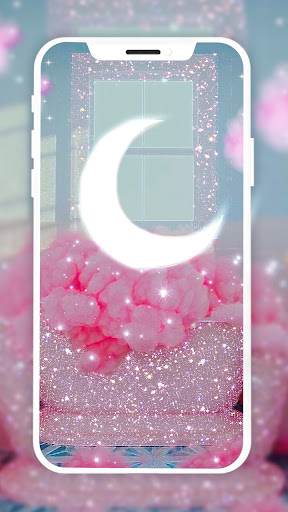
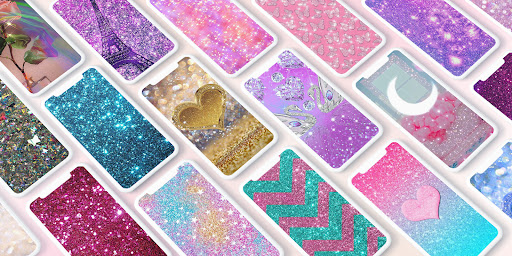
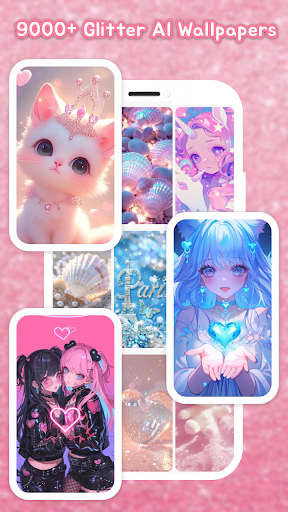
Choose from over 10,000 free designs ranging from aesthetic and fashion themes to adorable pets, popular anime, romantic love, and innovative AI effects. The app constantly updates its gallery, so you'll always find fresh, breathtaking wallpapers to match your mood or style.
Innovative 3D Emoji Interactive Wallpapers
Experience the magic of 3D emoji interactive wallpapers: simply tap and drag emojis to craft fun expressions. This feature turns your device into a playful relaxation tool, offering a stress-relieving experience with endless customization options.
Personalized Themes
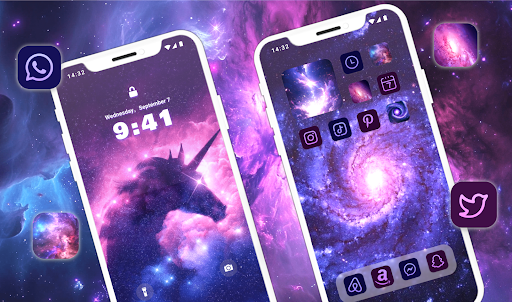
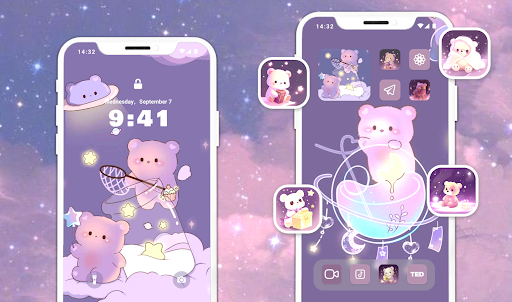
With access to over 600 personalized theme packs, you can completely transform your device’s aesthetics. Each theme includes a lockscreen wallpaper, homescreen wallpaper, custom icons, and chat wallpaper. Whether you're into anime, cute pets, or vibrant neon styles, the themes cater to diverse tastes and help you express your personality seamlessly.
App Features that Enhance Your Customization Experience
Wide Range of Options
The app boasts numerous topics, ensuring you'll find exclusive wallpapers that match your preferences. From soothing to vibrant, there's something for everyone.
High-Quality Images
All Wallpapers are carefully vetted to ensure beautiful 4K, Ultra HD, and high-resolution images that look stunning on any device. The app also supports live video wallpapers and parallax 4D effects for added depth and movement.
Ease of Use
Applying wallpapers and themes is straightforward—choose your preferred setup and tap to set as lockscreen, homescreen, or both. The app is compatible with 99% of Android devices and is designed to be battery-efficient, even with animated backgrounds.
Regular Updates
Enjoy new additions every day—impressive, eye-catching wallpapers and backgrounds that can elevate your device's look and feel. Keep your screen fresh and lively with continuous updates.
How to Get Started with Glitter Wallpaper
Follow these simple steps to make your device more fashionable and customized:
- Download and install the Glitter Wallpaper app.
- Browse and select a wallpaper or theme that catches your eye.
- Apply the wallpaper or theme to your lock screen, home screen, or both. Customize icons and chat backgrounds if desired.
- Show off your personality and make your device unique.
Final Thoughts
In today's digital age, personalizing your phone can turn an ordinary device into a reflection of your style. Glitter Wallpaper makes this process effortless and enjoyable, offering a vast assortment of dazzling graphics and themes that cater to every taste. Whether you want to add subtle shimmer or bold, eye-catching designs, this app provides the tools to elevate your smartphone's aesthetics.
If you're someone who loves a bit of sparkle, fun, and customization, Glitter Wallpaper could very well become your go-to app. Embrace the ability to switch up your wallpaper frequently, experiment with different themes, and enjoy a more vibrant, lively device experience. Download Glitter Wallpaper today and start standing out from the crowd with stunning, glittering backgrounds and personalized icons!
Pros
- High-quality visuals with vibrant colors.
- User-friendly and easy to navigate interface.
- Extensive selection of glitter designs.
- Frequent updates adding new wallpapers.
- Consumes minimal battery power.
Cons
- Contains advertisements that may be disruptive.
- Limited options for customization.
- Requires internet connection for updates.
- Some designs require payment to access.
- Occasional app stability issues leading to crashes.











