
Discover Gboard - the Google Keyboard
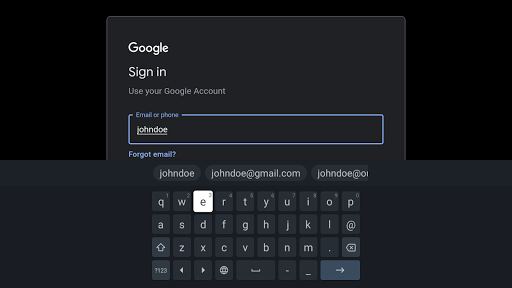
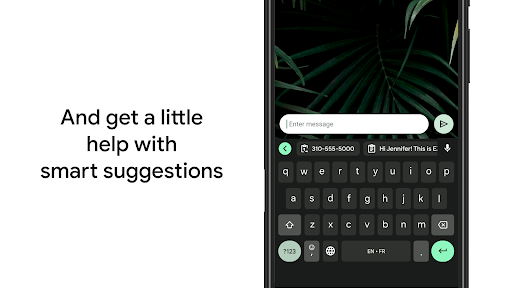
Welcome to the world of Gboard - the Google Keyboard, an innovative app designed to elevate your typing experience on smartphones and Wear OS devices. With a comprehensive set of features, customizable options, and seamless multilingual support, Gboard has become a favorite for users seeking both speed and versatility. Whether you're texting, searching, or expressing yourself through emojis and GIFs, this keyboard offers everything you need in one intuitive package.
Key Features of Gboard
Advanced Typing Capabilities
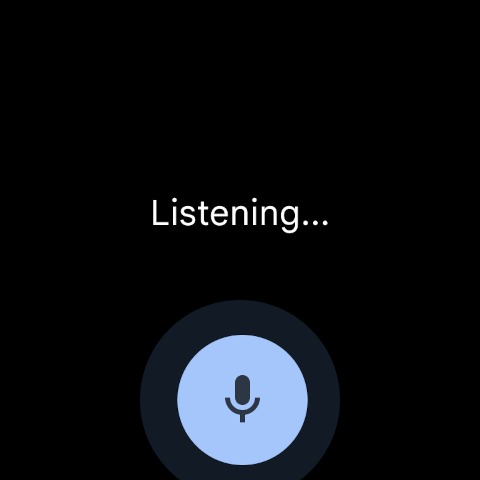
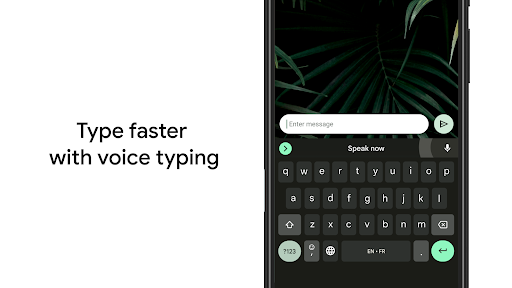
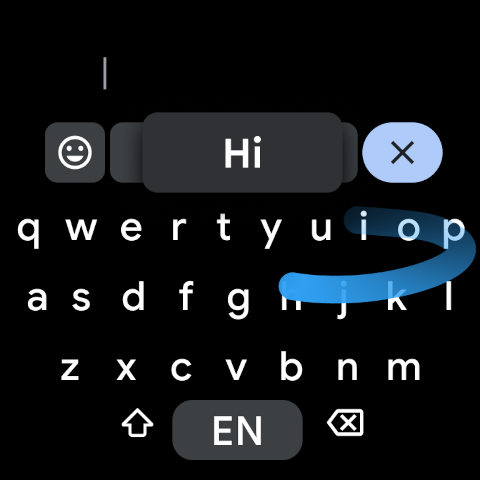
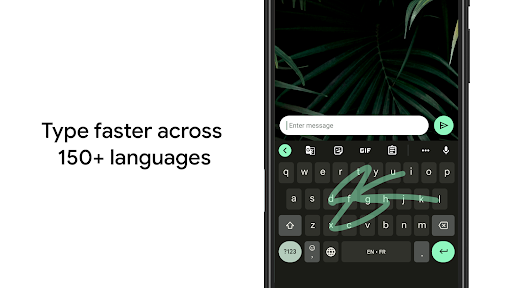
Gboard boasts a variety of sophisticated typing features that cater to different user preferences. The Glide Typing feature allows you to slide your finger effortlessly from letter to letter, enabling faster and more natural typing. If you prefer voice commands, the Voice Typing feature makes dictating messages on the go simple and efficient, accurately picking up nuances in speech. For those who enjoy handwriting, Gboard supports Handwriting in cursive and printed styles, letting you write naturally on your screen.
Search and Expression at Your Fingertips
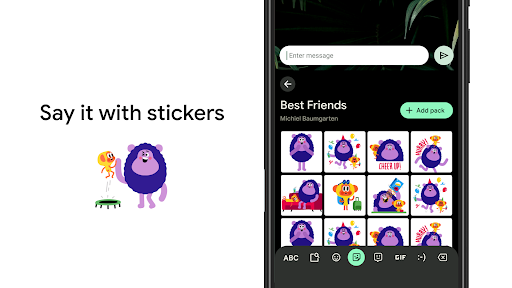
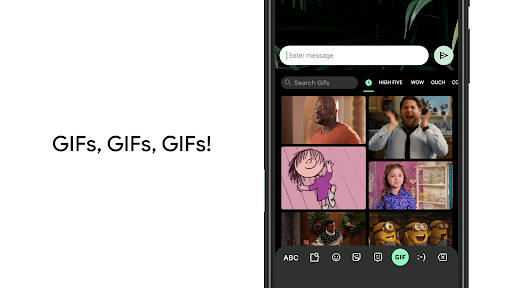
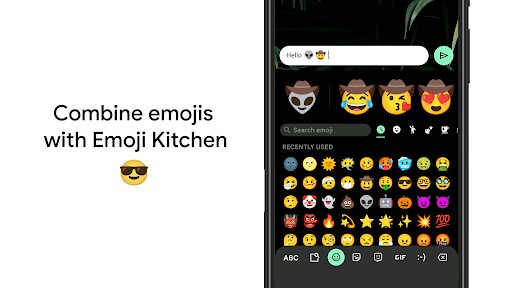
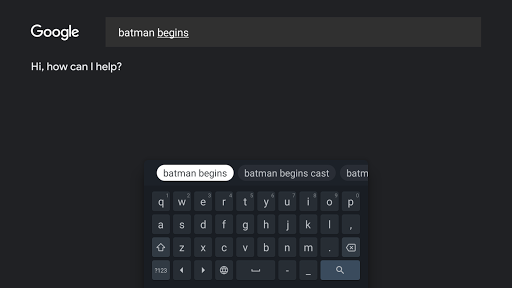
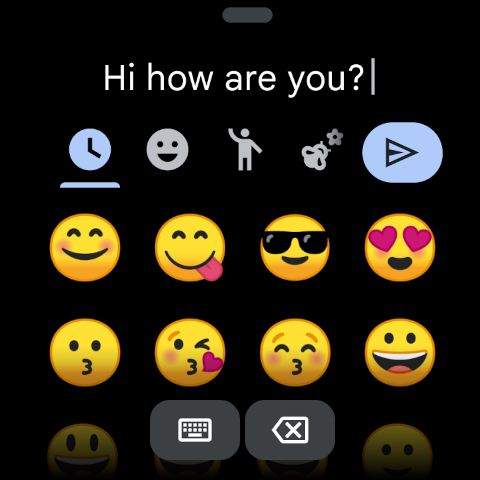
One of Gboard’s standout features is its integrated Google Search capability, allowing users to search the web directly from the keyboard without switching apps. Enhanced emoji and GIF search functions are also available, enabling quick access to the perfect visual expression or reaction, making your conversations more lively. The Emoji Search and GIFs features streamline the process of finding the right emoji or animated image to match your mood.
Multilingual and Translation Support
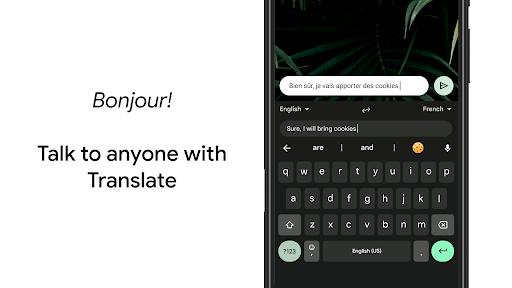
Forget the constant switching between multiple keyboards—Gboard supports multilingual typing, enabling you to autocorrect and suggest words from any of your enabled languages simultaneously. Additionally, the app includes integrated Google Translate support, allowing you to translate text as you type in real-time, simplifying communication across language barriers. Please note, however, that this feature is not supported on Android Go devices.
Supported Languages and Compatibility
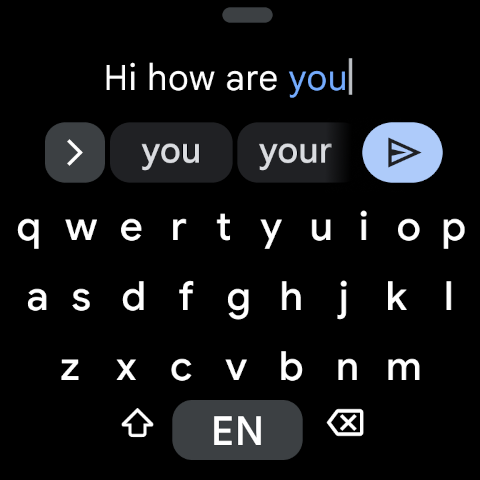
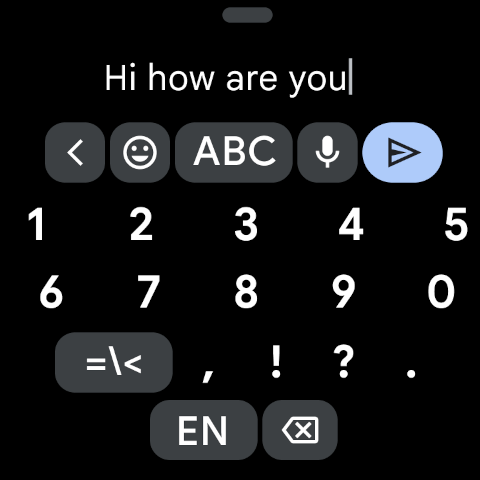
Gboard supports hundreds of language varieties, from widely spoken languages like English, Spanish, and Chinese to regional languages such as Bengali, Hausa, and Punjabi. It also extends its usability to Wear OS devices, bringing the same speed and reliability to your smartwatch. Users can access features like Glide Typing, Voice Typing, and emoji search directly from their wrist, with multi-language support including Mandarin, French, Korean, Spanish, Thai, and many more.
Customization and Tips for the Perfect Experience
Personalize Your Keyboard
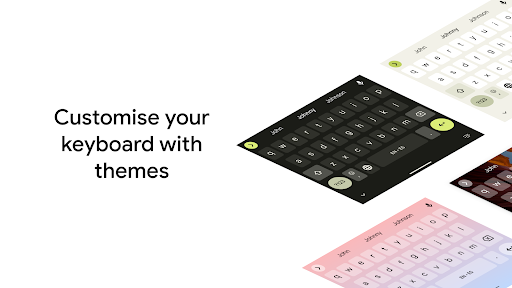
Gboard offers extensive customization options to suit your style. You can change themes, adjust the keyboard size, and even set your own photos as the background background. Enable features like the Number Row for quick access to numbers or show Symbols hints for easier symbol access through long presses. For large screens, the One handed mode allows you to pin the keyboard to one side for comfortable typing.
Pro Tips to Maximize Efficiency
- Gesture cursor control: Slide your finger across the space bar to move the cursor precisely.
- Gesture delete: Swipe left from the delete key to delete multiple words quickly.
- Themes: Choose or create themes that reflect your personality, with or without key borders, for a personalized aesthetic.
Performance and Reliability
Gboard is renowned for its speed and stability. It operates smoothly without causing significant battery drain or lag, providing a hassle-free experience. Its reliable performance is especially noticeable when multitasking or during extended typing sessions, making it an essential tool for everyday communication.
Conclusion
If you’re looking for a versatile, fast, and customizable keyboard for your smartphone or smartwatch, Gboard is an excellent choice. Its rich set of features, multilingual support, and seamless integration with Google services make it a top contender in the keyboard app space. Whether you prefer typing by sliding your finger, dictating with your voice, or expressing yourself through emojis and GIFs, Gboard enhances your digital conversations effortlessly. Don’t miss out—try Gboard today and experience the difference it can make in your daily interactions.
Pros
- Highly accurate autocorrect
- Supports glide typing
- Integrates Google search
- Customizable themes
- Multiple language support
Cons
- May collect user data
- Occasional lag on older devices
- Limited emoji search
- Can be resource-heavy
- Lacks advanced text editing features











