

Overview of Gaming Mode - Game Booster PRO
Are you tired of interruptions ruining your mobile gaming experience? Gaming Mode - Game Booster PRO is your ultimate solution to elevate your gameplay, ensuring smooth performance and distraction-free sessions. Designed for serious gamers, this powerful app transforms your device into a dedicated gaming powerhouse, making it easier than ever to enjoy your favorite games without lag, notifications, or other disruptions. With its intuitive interface and intelligent automation, Gaming Mode - Game Booster PRO aims to enhance every aspect of your mobile gaming experience.
Key Features of Gaming Mode - Game Booster PRO
Ultimate Game Optimization
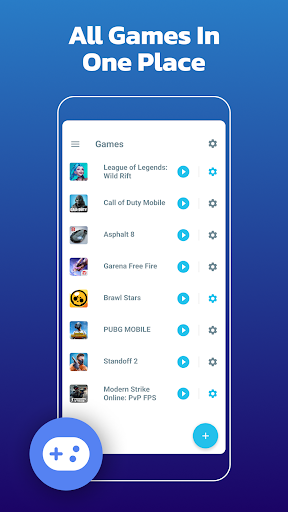
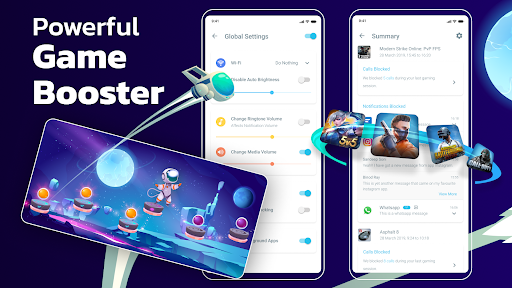
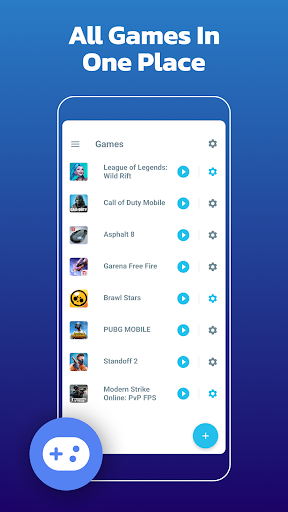
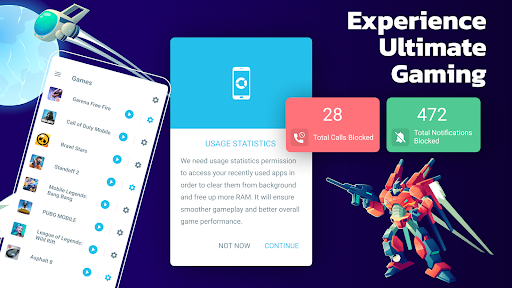
One of the main attractions of Gaming Mode - Game Booster PRO is its Ultimate Game Mode. This feature allows you to configure your device settings once, and the app will automatically implement these optimizations every time you launch a game. Whether it’s boosting your device’s RAM, optimizing CPU performance, or silencing notifications, the app ensures that your game runs smoothly and without interruptions. You can customize settings on a global basis or tailor them for specific games, giving you a personalized gaming environment that adapts to your needs.
Automatic Configuration and Restoration
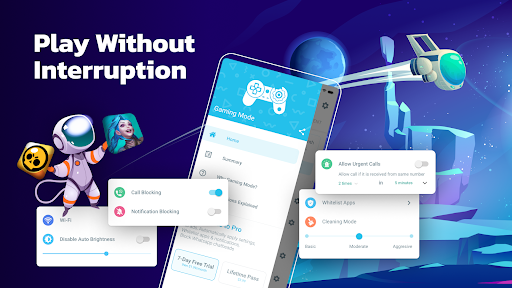
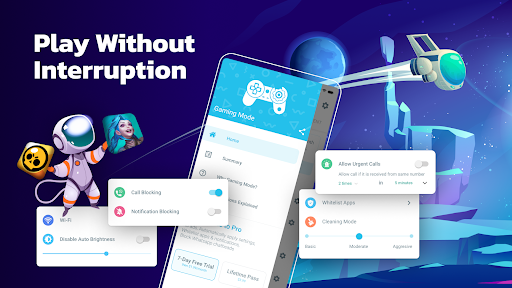
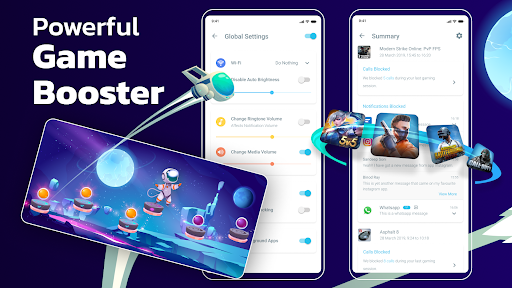
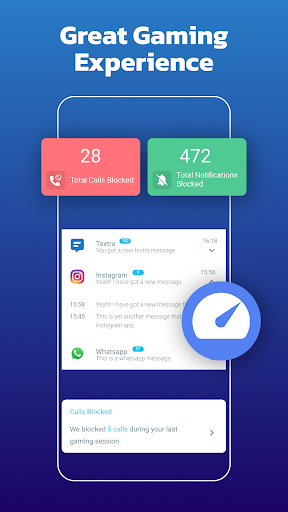
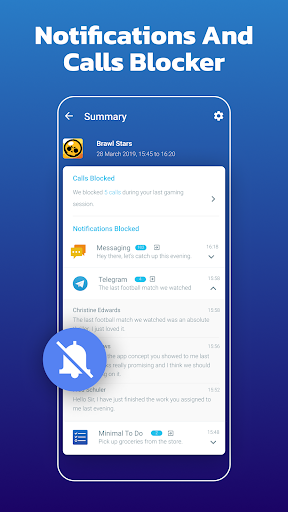
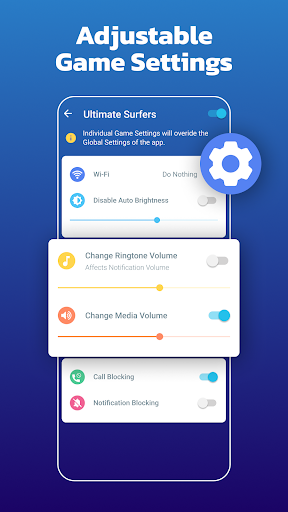
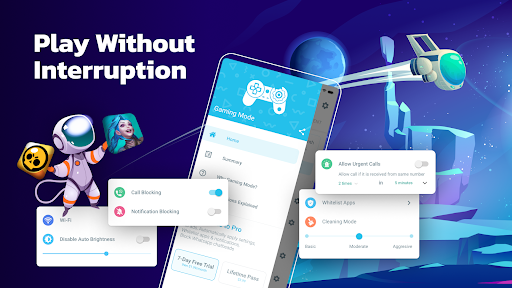
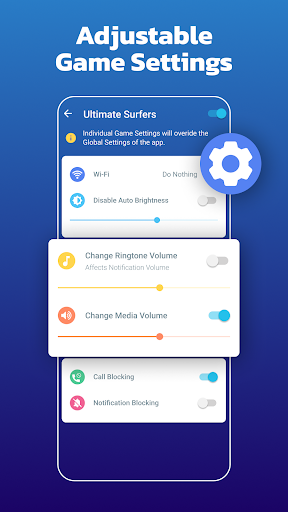
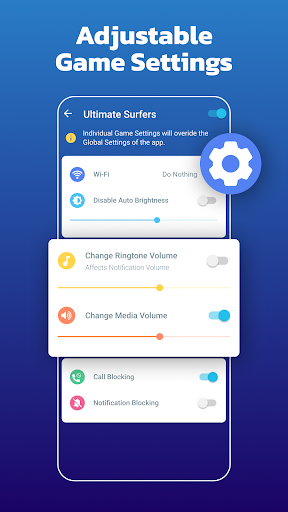
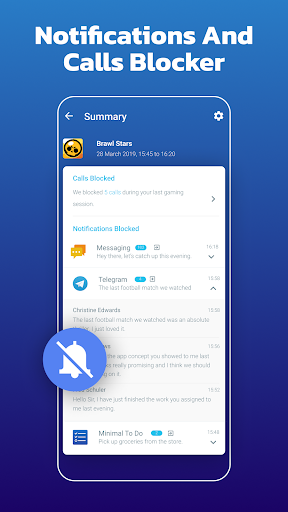
The app remembers your device’s original state before you start gaming, enabling it to restore the settings after your session. This means no more manual adjustments—Gaming Mode - Game Booster PRO handles everything seamlessly, so you can focus solely on playing. Features such as auto reject incoming calls, blocking notifications, disabling auto-brightness, and adjusting volume levels are automatically managed. Additionally, you can modify WiFi status or create custom widgets for quick game launching from your home screen, streamlining your gaming setup process.
Distraction-Free Gaming
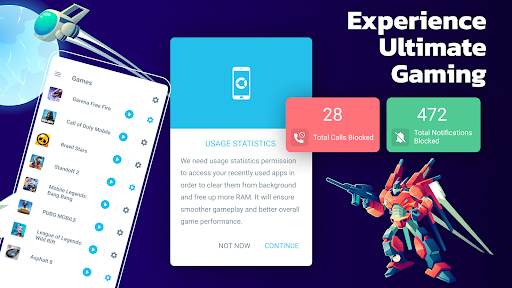
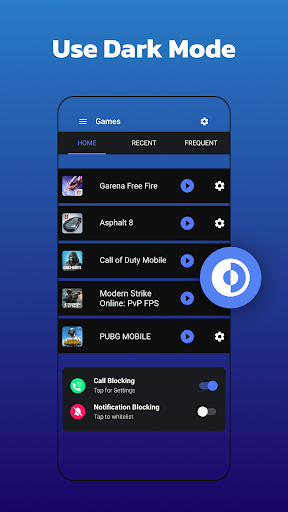
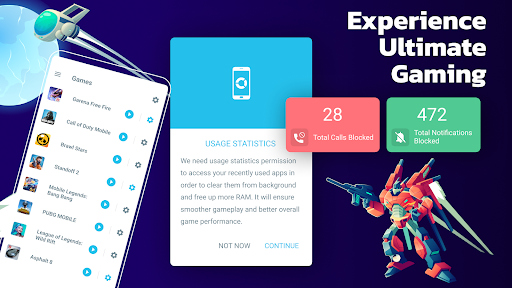
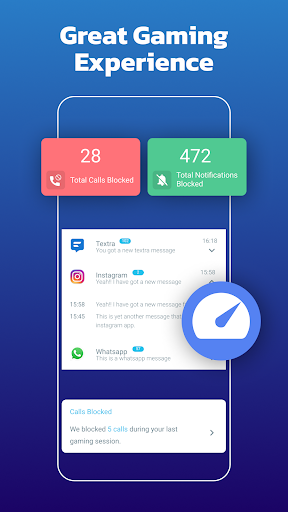
One of the standout benefits of this game booster app is its ability to block internet connection using a local VPN. This feature helps prevent incoming notifications, calls, or background data transfers, ensuring that your gameplay remains uninterrupted and focused. This feature is especially useful during competitive matches or intense gaming sessions where concentration is critical.
Performance Boost and Custom Profiles
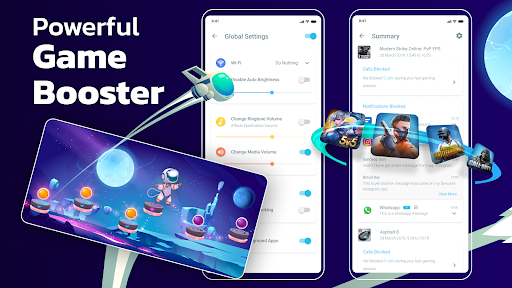
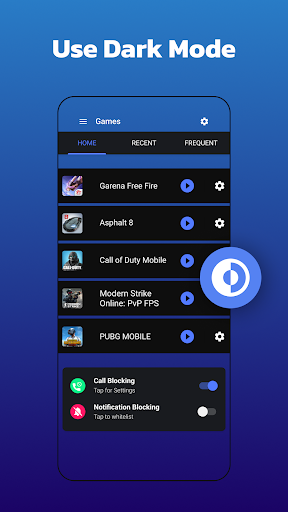
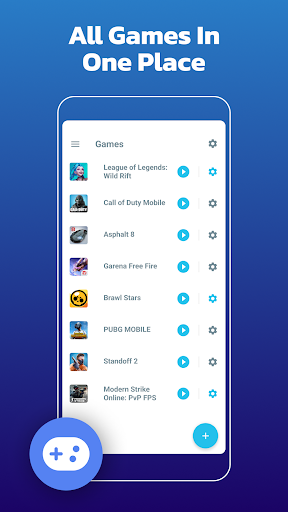
The core function of Gaming Mode - Game Booster PRO is to boost device performance. The app aggressively frees up RAM, optimizes CPU resources, and silences distracting alerts. Furthermore, it supports customizable game profiles. Want different settings for different games? No problem. You can tweak brightness, ringtone, Wi-Fi, and volume settings for each game individually, creating a personalized, distraction-free gaming environment tailored to each title.
User-Friendly Interface and Extra Tools
The app features an easy-to-use interface designed to cater to both tech-savvy and casual users. Navigation is straightforward, with clear options to enable or customize features without cumbersome menus. Beyond core functionalities, Gaming Mode - Game Booster PRO offers useful extras like background app clearing and battery optimization, further prolonging your gaming sessions and enhancing device stability.
Why Choose Gaming Mode - Game Booster PRO?
If you're someone who demands optimal performance from your mobile device for gaming, Gaming Mode - Game Booster PRO is an essential tool. It not only boosts device speed and stability but also creates a distraction-free gaming environment. Whether you’re a casual gamer or competitive player, the ability to automatically block notifications and optimize settings for each game makes this app a valuable addition to your mobile gaming arsenal. Say goodbye to lag, interruptions, and device sluggishness – and say hello to seamless, immersive gaming sessions with Gaming Mode - Game Booster PRO.
Pros
- Significantly boosts gaming performance.
- Minimizes interference from background applications.
- Offers customizable settings for various games.
- Enhances device battery efficiency.
- Features an intuitive interface for straightforward navigation.
Cons
- May not be compatible with all devices.
- Certain features may require additional in-app purchases.
- Periodic advertisements could interrupt the user experience.
- Supports non-gaming applications to a limited extent.
- Possible minor bugs following updates.











