

Introducing Flud - Torrent Downloader
In the rapidly evolving world of mobile torrent applications, finding a dependable torrent downloader for your Android device can be challenging. However, Flud - Torrent Downloader stands out as a powerful, user-friendly solution that brings the full potential of BitTorrent protocol directly to your pocket. Whether you're looking to share large files or download media content seamlessly, Flud offers a comprehensive set of features designed for both beginners and experienced users alike.
Easy Setup and User-Friendly Interface
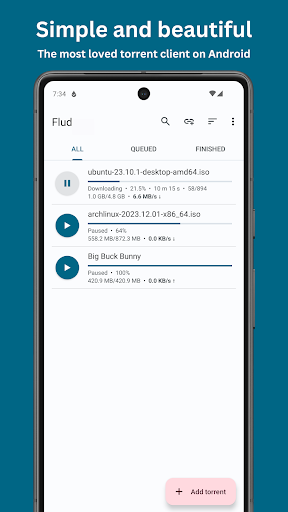
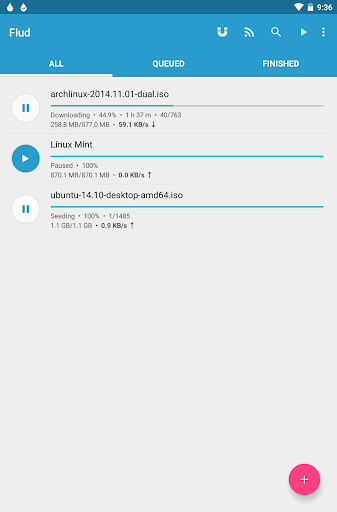
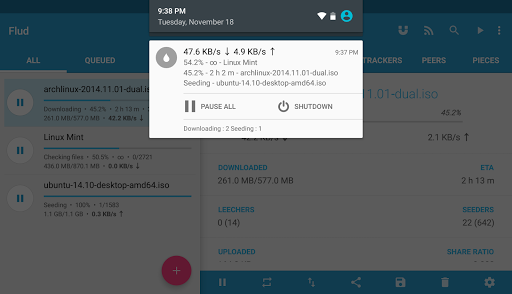
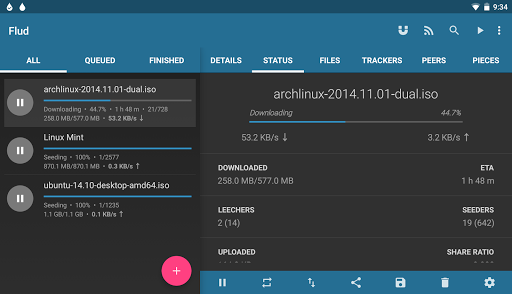
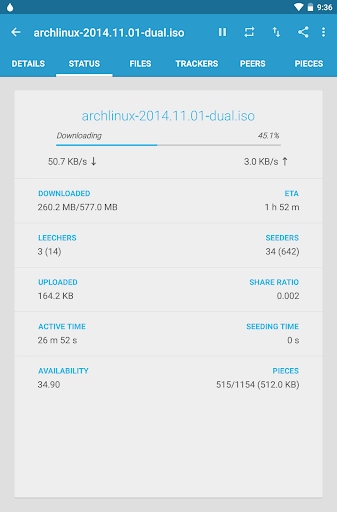
Getting started with Flud is straightforward. Available on the Google Play Store, installation takes just a few minutes. The app boasts a clean, intuitive design that adheres to Material Design principles, making navigation effortless even for newcomer's to torrenting. Its tablet-optimized layout further enhances usability, providing a smooth experience on larger screens. Whether you're new to torrents or an experienced downloader, the simple interface ensures you can start downloading in no time.
Robust Features for Efficient Torrent Management
<
High-Speed Downloads and Uploads
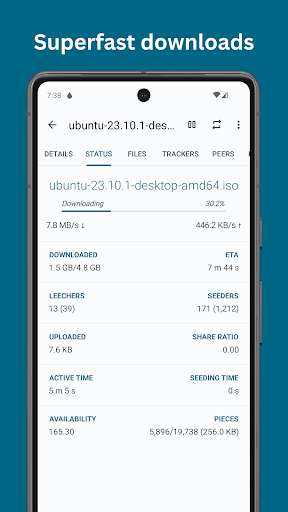
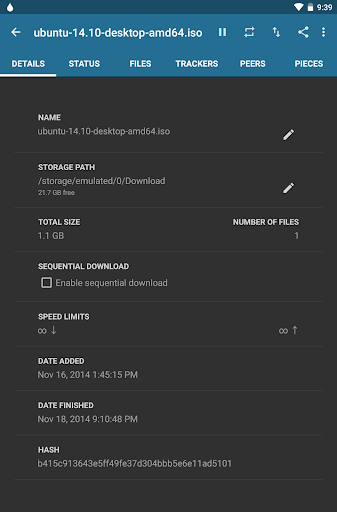
One of the most impressive aspects of Flud is its ability to handle large files without throttling. With no speed limits on downloads/uploads, users can fetch movies, software, or big datasets efficiently. The app also supports sequential downloading, ensuring that you can start viewing a media file before the entire download completes.
Flexible Download Options
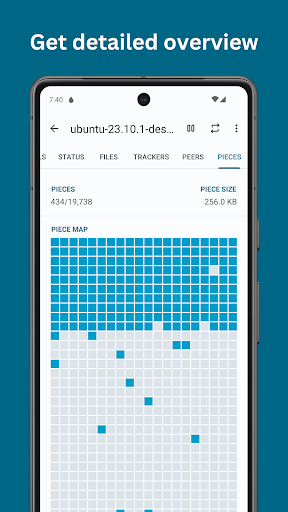
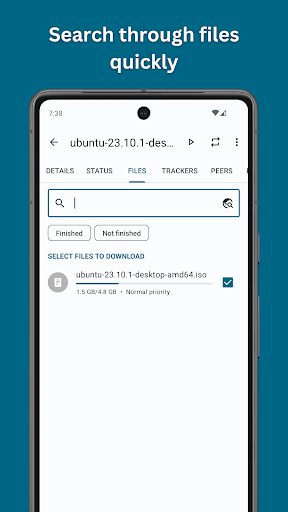
Create a customized download experience by managing file and folder priorities. You can select specific files within a torrent to download or move files during the download process, offering added flexibility. This makes multisegment downloads more manageable, especially for torrents containing numerous files.
Protocol Support and Network Compatibility
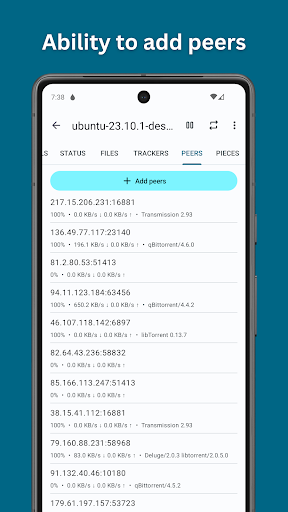
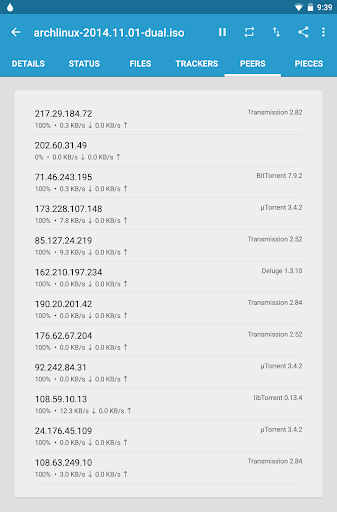
Flud supports a wide range of protocols essential for effective torrenting, including NAT-PMP, DHT, and UPnP (Universal Plug and Play). It also features support for the µTP (µTorrent Transport Protocol) and PeX (Peer Exchange), promoting fast and reliable peer-to-peer sharing. Recognizing magnet links directly from the browser simplifies the process of starting downloads from web sources, enhancing overall convenience.
Security and Privacy
Your privacy is paramount, and Flud offers encryption support, IP filtering, and proxy options to safeguard your downloads. These features help you control who can access your data and maintain a level of anonymity during peer-to-peer sharing.
Customizations and Power-Saving Features
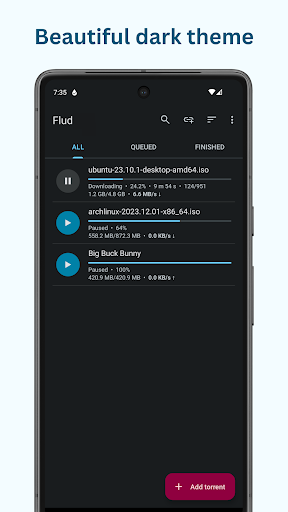
Personalize the app with themes, including Light and Dark modes. Additionally, you can limit downloads to WiFi only to conserve mobile data. The app also allows you to move files while downloading, continue downloads in the background, and supports torrents with many files or very large files—even though FAT32 SD cards are limited to 4GB files.
Additional Benefits and Community Involvement
Flud is actively developed, with future updates promising more features. You can contribute by translating the app into your language, helping more users enjoy seamless torrenting experiences worldwide. A paid ad-free version is available on the Play Store, offering uninterrupted usage for enthusiasts seeking a cleaner interface.
Conclusion
If you're in search of a reliable, feature-rich, and secure torrent downloader for Android, Flud is undoubtedly a top choice. Its balance of speed, flexibility, and security makes it suitable for all types of users—from casual downloaders to torrent power users. Downloading media and large files has never been easier or more efficient, empowering you to manage your downloads directly from your mobile device. Discover the freedom of torrenting with Flud - Torrent Downloader and experience the full capabilities of BitTorrent technology on your Android device today.
Pros
- Fast download speeds
- Supports large file downloads
- User-friendly interface
- No download speed limits
- Free with no ads
Cons
- No built-in media player
- Limited customer support
- Occasional stability issues
- No VPN included
- Requires manual search for torrents











