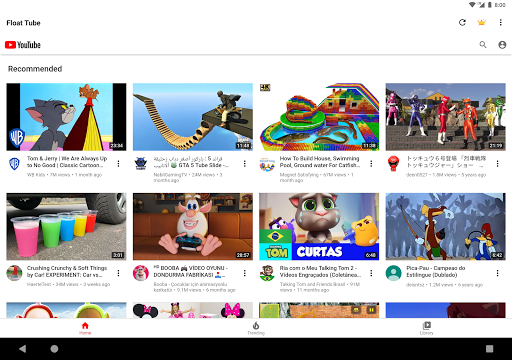
Introduction to Float Tube - Float Video Player
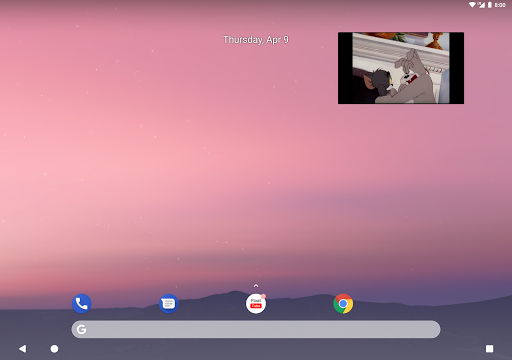
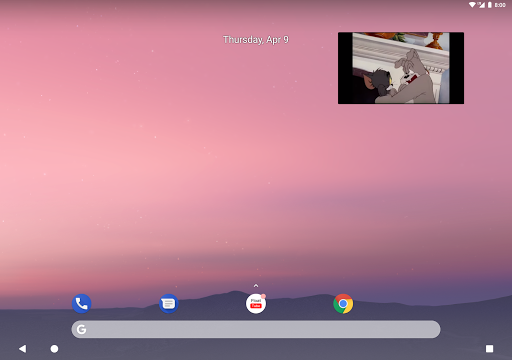
This innovative app transforms the way you watch videos on your smartphone by enabling a floating video window experience. If you love multitasking or want to enjoy your favorite YouTube content without restricting yourself to a single app, Float Tube offers a seamless solution. Its primary feature is the floating window that stays always on top of other applications, allowing you to browse, chat, or perform other activities while watching videos. Social media enthusiasts, students, and busy professionals alike will appreciate how this app enhances their multimedia experience.
Key Features of Float Tube - Float Video Player
Floating Play and uninterrupted viewing
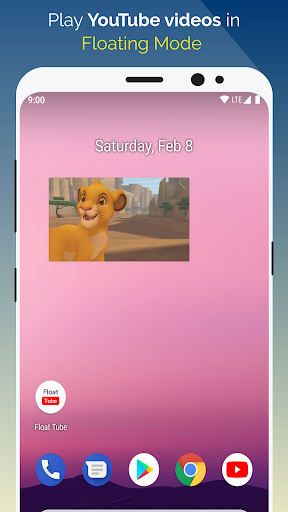
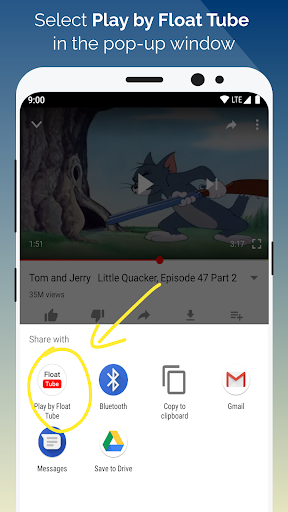
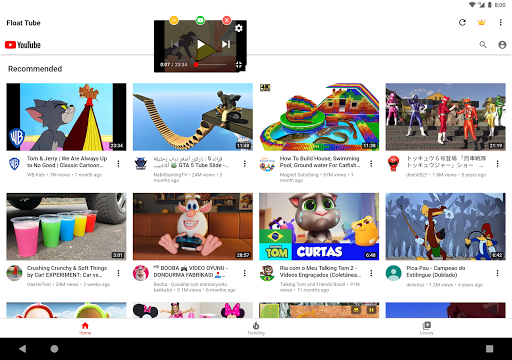
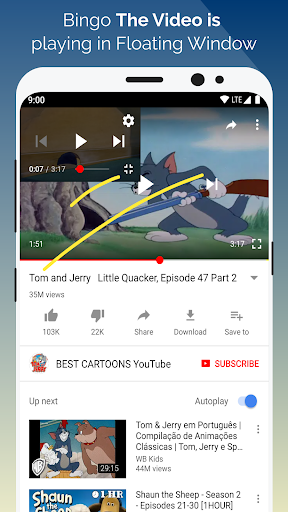
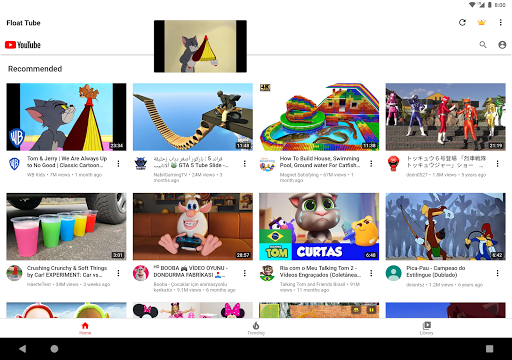
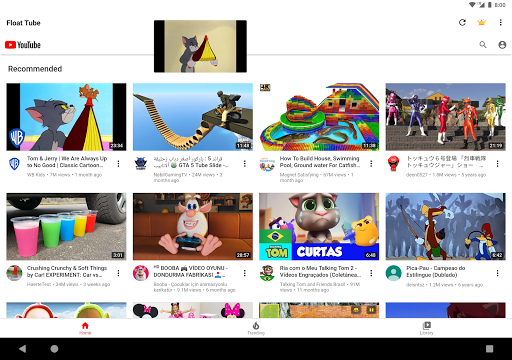
One of the most compelling advantages of Float Tube is its floating play feature. You can watch streaming videos or listen to music via floating windows that can be resized and moved around your screen. This means you can keep watching your favorite Tube videos while scrolling through social media, browsing websites, or even chatting with friends. The app ensures that your viewing experience is smooth and free of interruptions, thanks to its efficient design.
Customizable and user-friendly interface
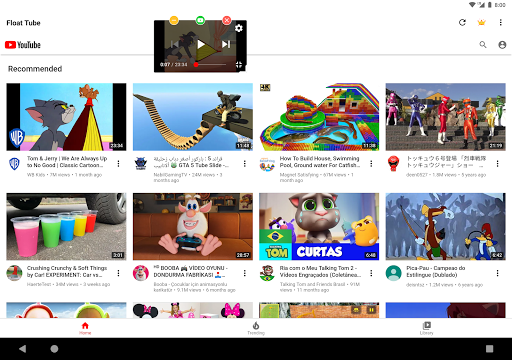
The app's interface is carefully crafted to be intuitive and straightforward. Right from installation, users can effortlessly grant permissions and start floating videos without any steep learning curve. You can easily adjust the size of the floating window, move it around, or minimize it to better suit your workflow. The control menu, accessible by clicking the center of the floating window, offers options to lock, resize, minimize, or close the player—all designed for convenience and minimal disruption.
Smart video recommendations
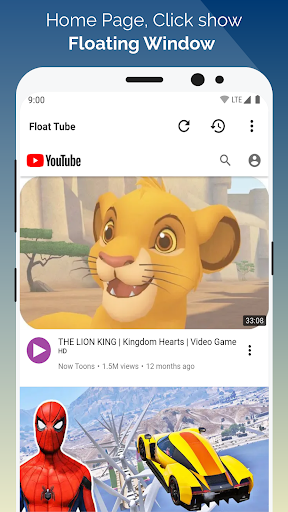
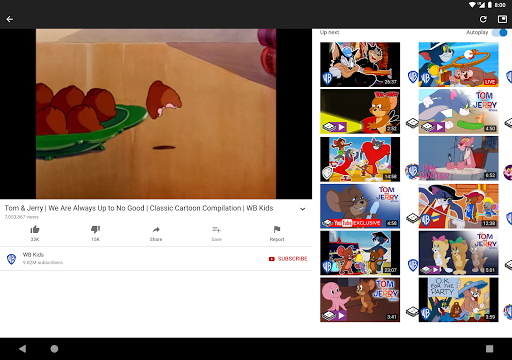
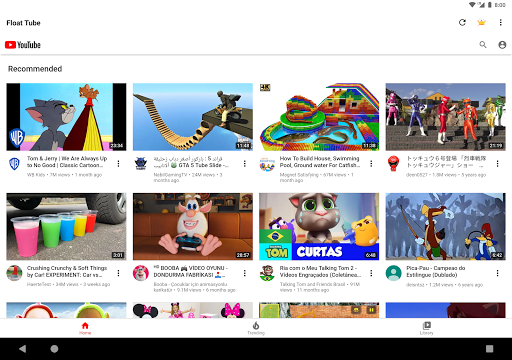
Based on your playback history, Float Tube can suggest your favorite videos, making it easier to discover new content tailored to your viewing preferences. This personalized feature optimizes your entertainment experience and helps you stay engaged with content that matters most to you.
Optimized performance and high quality
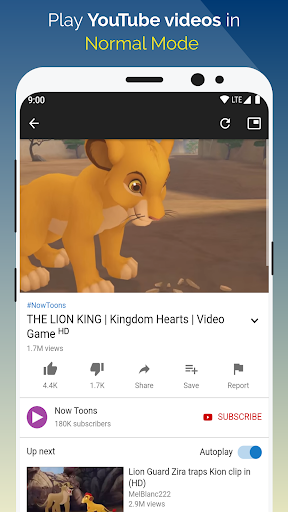
The app supports HD video playback ensuring that visual quality remains high while multitasking. Its architecture is optimized for smooth performance, even when streaming in high definition or resizing the floating window. You'll notice minimal lag, which greatly enhances overall usability. Keep in mind though, running multiple apps simultaneously may impact your device's battery life, so monitoring power consumption is advisable during extended use.
Advantages of Using Float Tube
If you often find yourself wanting to enjoy video content while staying productive, Float Tube is an essential tool. It turns your device into a multitasking powerhouse by letting you watch videos, listen to music, or follow tutorials in a floating window—without disrupting your other activities. Whether you're studying, working, or just browsing, this app makes entertainment portable and accessible everywhere.
Restrictions and Compatibility Updates
It's important to note that due to recent privacy policies, background playback is no longer supported by Float Tube. This means videos can only be played while the app is active in the foreground, which is a small trade-off for enhanced privacy and security. Nonetheless, the app's floating window feature still supports continuous on-screen viewing, providing an excellent way to multitask efficiently.
Final Thoughts
Float Tube - Float Video Player is a fantastic addition for anyone looking to elevate their multimedia experience on smartphones. Its floating window feature enables effortless multitasking, letting users enjoy videos while managing other tasks. Its intuitive design and seamless performance make it suitable for users of all levels. Whether you want to stream your favorite Tube videos or listen to music hands-free, this app is a must-have for modern device users seeking flexibility and convenience. Give it a try to experience a new level of mobile multitasking and entertainment enjoyment!
Pros
- Smooth floating video playback
- Supports various video resolutions
- Lightweight and quick performance
- User-friendly interface
- Easy multitasking with other applications
Cons
- Advertisements may be disruptive at times
- Limited offline capabilities
- Requires a stable internet connection
- Lacks a playlist feature
- Occasional minor bugs