










Overview of the Find Phone Anti-theft No Touch App
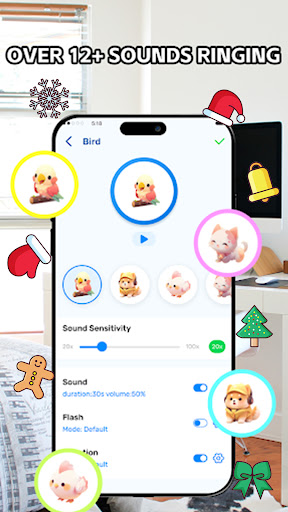
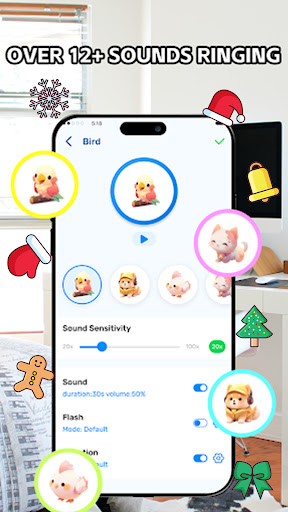
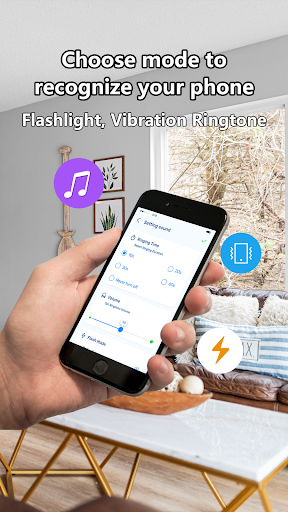
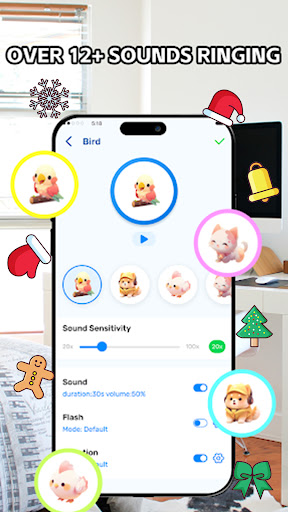
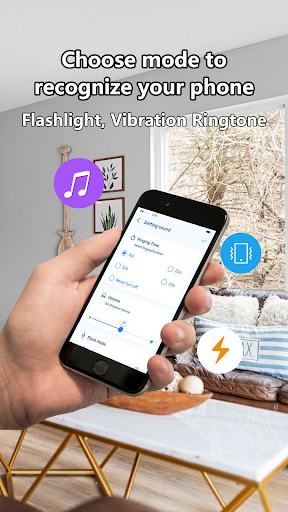
One of the standout aspects of this app is its user-friendly interface which makes setup quick and hassle-free. Users can customize alarm sounds, sensitivity levels, and security triggers according to their preferences. The app's core features—such as •Pocket Mode, •Clap to Find, and •Don't Touch—are designed to seamlessly integrate into everyday life, providing instant alerts and locating capabilities whenever needed.
Additionally, the app is equipped with a •Passcode feature where users can set an audio passphrase. When activated, speaking this passcode aloud can trigger the alarm, allowing quick and contactless device recovery. This combination of sound recognition, motion detection, and user customization makes Find Phone Anti-theft No Touch a comprehensive mobile security tool suitable for all users.
Key Features of Find Phone Anti-theft No Touch
Locate Your Phone Easily
One of the main attractions of this app is its ability to help users rapidly locate their misplaced devices. Simply activate the Clap to Find function, and once you clap your hands or whistle, the app detects the sound and makes your phone ring loudly until it’s found. This feature is invaluable when your phone is out of sight but within hearing distance.
Enhanced Security with Motion and Touch Detection
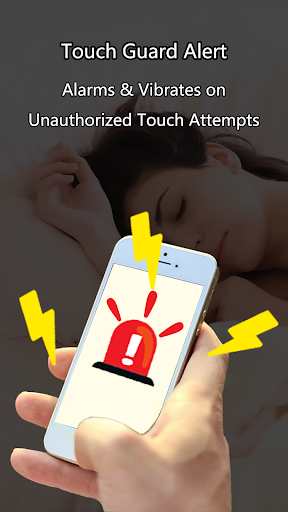
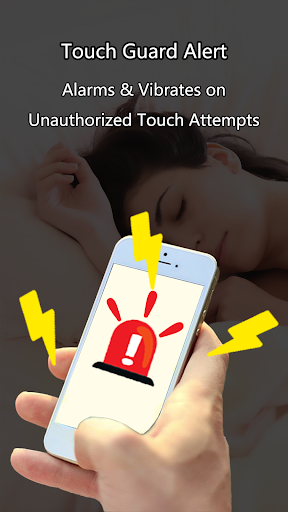
The •Motion Sensor capability detects when someone tries to pick up your phone without permission. When this happens, the app emits a loud alarm and sends an immediate notification to alert you. The •Don't Touch feature activates when someone touches your device after a delay, enhancing security in public or crowded environments.
Pocket Mode for Discreet Protection
With •Pocket Mode, simply place your phone in your pocket, and the app will monitor activity. If someone attempts to remove the device, it triggers an alarm, alerting you instantaneously. To activate, tap the corresponding button, wait for a few seconds, then keep the phone covered in your pocket for passive protection.
Audio Passcode for Extra Security
The •Passcode feature allows you to set a unique audio phrase. When you cannot locate your device, speak your custom passcode aloud, and the app will recognize it using AI technology, sounding an alarm to help you retrieve your phone quickly and safely.
How to Use the App Effectively
Using Find Phone Anti-theft No Touch is straightforward. Here are quick steps to get started:
- Activate the features: Tap on the relevant buttons to enable Clap to Find, Don’t Touch, Pocket Mode, or Passcode.
- Perform the action: Clap your hands or whistle for locating, or place your phone in your pocket for passive security.
- Respond to alerts: When your phone rings or alarm sounds, follow the cues to recover or secure your device.
This simplicity ensures that even users unfamiliar with advanced tech can benefit from the app’s powerful features and security measures.
Why Choose Find Phone Anti-theft No Touch?
In today’s fast-paced world, our smartphones contain invaluable personal data, from contacts and photos to sensitive information. Losing a device, or worse, having it stolen, can lead to significant inconvenience and security risks. Find Phone Anti-theft No Touch transforms your device into an intelligent security companion, preventing theft and aiding quick recovery.
The app's intuitive design means setup is quick, enabling users to activate security triggers without complicated configurations. Its loud alarm system acts as a deterrent for potential thieves and alerts nearby individuals, while notifications keep you informed whether you’re close by or away. This dual functionality makes it suitable for various environments—be it at work, in a public place, or during travel.
Moreover, the customizable alarm sounds and sensitivity settings give users control over how security is managed. Whether you prefer a subtle alert or a piercing siren, the app adapts to your needs, providing flexible protection. Such features make Find Phone Anti-theft No Touch an essential app for anyone wanting an extra layer of privacy and safety for their mobile device.
In conclusion, if you often worry about misplacing your phone or the risk of theft, installing this app is a smart move. It offers peace of mind through reliable features like motion detection, sound recognition, and discreet security controls, making your phone both easier to find and safer from intruders. Don’t wait until it’s too late—trust this app to guard your device wherever you go, and stay secure with minimal effort.
Pros
- Easy-to-use interface for straightforward navigation.
- Instant notifications for unauthorized access attempts.
- Consumes minimal battery, suitable for extended use.
- Operates offline without needing an internet connection.
- Adjustable security configurations.
Cons
- Limited functionalities in the free version.
- Occasional intrusive advertisements.
- Possible false alarms from the system.
- Requires access to sensitive permissions.
- Lacks an option to back up security settings.











