

Introducing Filmora:AI Video Editor, Maker
Are you ready to take your video creation skills to the next level? Filmora:AI Video Editor, Maker is an innovative, AI-powered video editing application designed for both beginners and professional editors. Formerly known as FilmoraGo video editor, this versatile tool combines advanced AI features with an intuitive interface to empower users in producing stunning videos with ease.
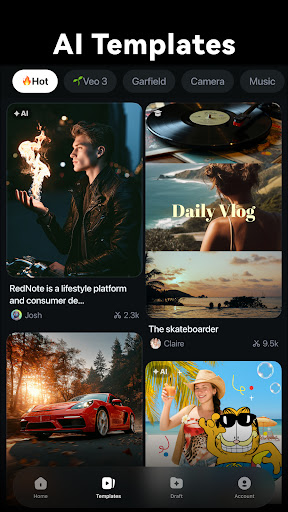
One of the most exciting updates is the AI Video Templates Community, where thousands of fresh, creative templates are added daily. Thanks to this vast library, users can generate trending videos with just one click, helping everyone to become a social media star effortlessly. Whether you're crafting content for TikTok, Instagram, or YouTube, Filmora ensures your videos are engaging and professional-looking.
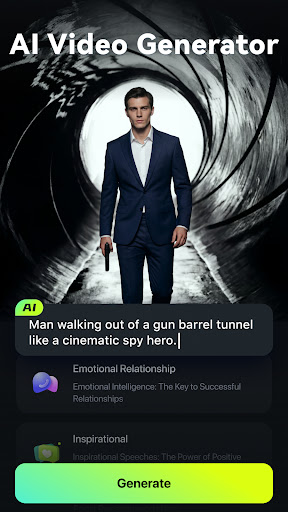
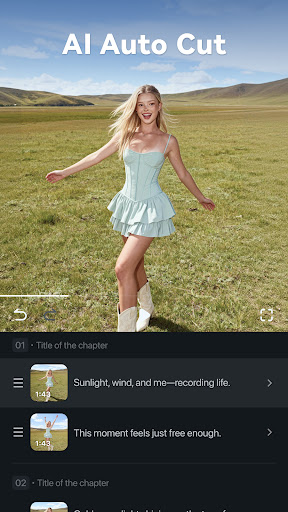
The application isn't merely about templates—its suite of powerful AI features transforms the way you edit videos. From transforming images into captivating videos with the Image to Video feature to instantly creating movies from simple text prompts with Text to Video, Filmora leverages artificial intelligence to automate complex tasks. The AI Auto Cut feature seamlessly stitches highlight moments into cinematic stories, giving your videos a polished, professional touch.
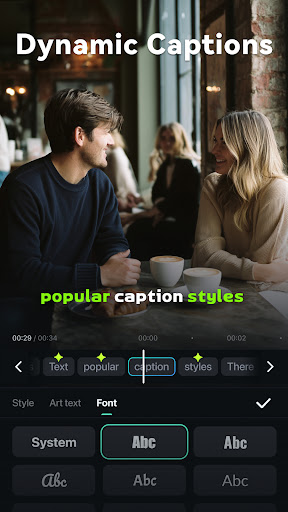
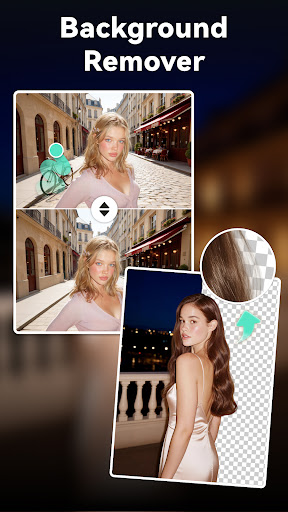
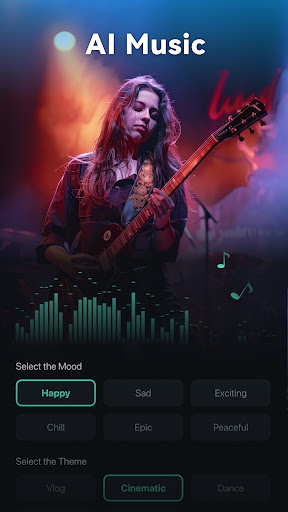
Need to remove unwanted objects or elements? The AI Remover makes this process effortless. Additionally, dynamic captions are generated automatically from speech-to-text conversion, ensuring your videos are accessible and engaging. To elevate your sound design, Filmora offers AI Music & Sound Effects, creating royalty-free, high-quality music and soundscapes tailored to your videos.
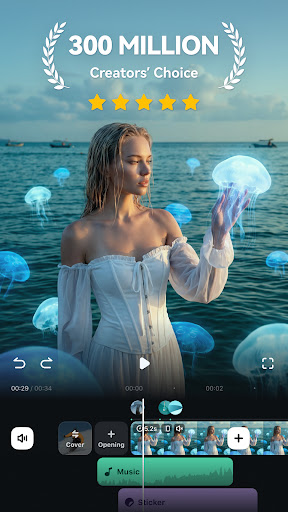
This app is ideal for beginners thanks to its user-friendly editing tools. You can easily trim, split, duplicate, or merge clips without quality loss, add expressive text, emojis, or exclusive stickers. Moreover, it supports adding music, sound effects, and voice-overs from a built-in royalty-free library, streamlining the editing process. You can adjust video orientation or size through crop and rotate tools, modify aspect ratios for various social media platforms like Instagram, TikTok, or YouTube, and customize playback speed for dynamic effects.
Advanced Editing Capabilities for Pros
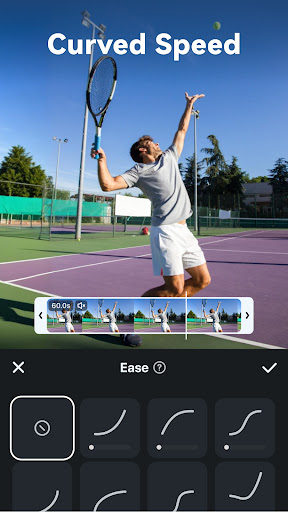
For professional editors, Filmora provides advanced features such as All-in-one Keyframe controls, enabling complex animations, color adjustments, and special effects. The Speed Curve feature allows pre-set or customizable speed transitions, perfect for creating cinematic slow-motion or fast-motion sequences. The PIP (Picture in Picture) feature supports overlaying multiple video layers, images, sounds, and effects for more creative compositions. With Masking, editors can cover or blend video clips to achieve unique visual effects.
Smart tracking is another highlight, supporting the automatic tracking of faces, objects, or other targets, making it easier to composite stickers, text, or PIP elements around moving subjects for more dynamic videos.
Subscription and Support
The Filmora Pro Subscription offers unlimited access to all features and editing assets, including filters, stickers, and effects, with watermark removal and logo roll absence. Subscribers can opt for Android Pro or All Platform Pro plans, which grant access across multiple devices and operating systems.
Need assistance? You can contact support through their service email or follow their social media channels on YouTube, Facebook, and Instagram for tutorials, updates, and tips.
Why Choose Filmora:AI Video Editor, Maker?
In sum, Filmora:AI Video Editor, Maker stands out as a comprehensive video creation platform. Its blend of powerful AI tools, user-friendly interface, and professional-grade editing features make it ideal for content creators who want high-quality results without steep learning curves. Whether you're a beginner experimenting with social media videos or a pro crafting cinematic projects, Filmora adapts to your needs and helps turn your ideas into reality.
With continuous updates, an extensive library of templates, and innovative AI enhancements like automatic highlight detection, object removal, and dynamic captions, Filmora ensures your videos are vibrant, engaging, and perfectly polished. Give it a try and explore how this AI-driven video editor can elevate your content creation journey!
Pros
- User-friendly interface
- Easy for beginners
- Rich library of video effects and transitions
- Supports 4K video editing and exporting
- AI features enhance editing efficiency
- Cross-platform compatibility for projects
Cons
- Limited advanced editing tools
- Watermark on free version exports
- Occasional lag on older devices
- Subscription required for full features
- In-app purchases can be expensive











