
Discover the Power of Facemoji AI Emoji Keyboard
Are you tired of the limitations of your regular keyboard? Ready to elevate your messaging experience with a more fun, expressive, and personalized tool? Look no further than the Facemoji AI Emoji Keyboard. This innovative app is a game-changer in the realm of mobile typing, offering a comprehensive suite of features designed to make every conversation engaging and unique. Whether you're an emoji enthusiast, a social media influencer, or someone who just wants to add a bit of flair to your texts, Facemoji AI Emoji Keyboard has something for everyone.
Express Yourself Like Never Before
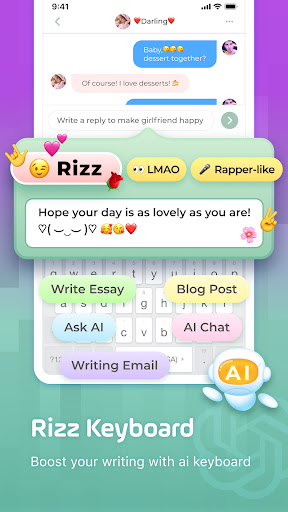
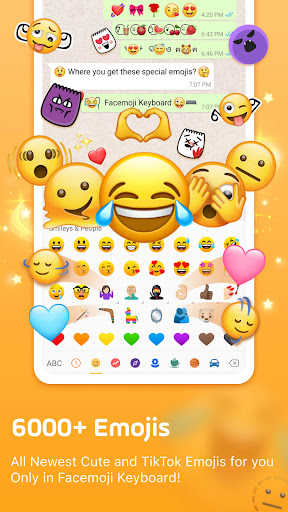
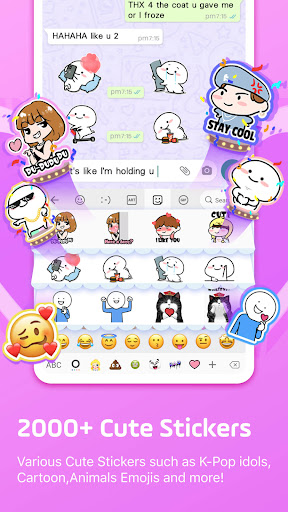
The core strength of the Facemoji AI Emoji Keyboard lies in its extensive collection of emojis. With over 5000 emojis at your fingertips, you can convey a wide range of emotions, reactions, and fun moments effortlessly. But what truly sets this keyboard apart is its AI-powered capabilities. It intelligently learns your typing style and suggests emojis that perfectly match the context and mood of your conversations. This means that whether you're feeling excited, romantic, or playful, the keyboard will recommend the most fitting emojis, making your chats more lively and authentic.
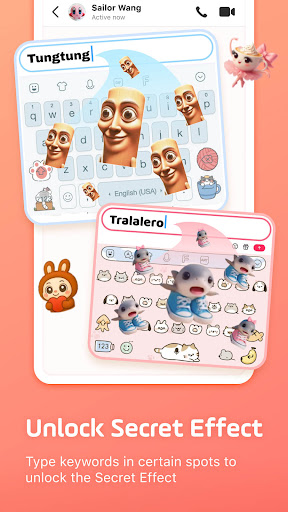
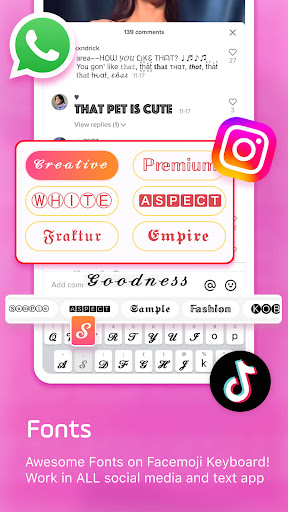
Beyond emojis, the keyboard supports a vast array of multimedia elements including WhatsApp stickers, GIFs, kaomoji, and stylish fonts. Want to make your Instagram bio stand out or craft eye-catching TikTok captions? Use one of the many fancy fonts and Unicode symbols to add style and personality to your posts. Discover surprise content by typing keywords like •BTS: or •Blackpink:, giving your social media posts a trending edge and connecting you with K-pop fans worldwide.
Personalize Your Keyboard Experience
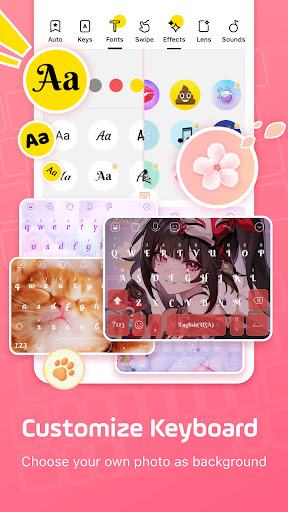
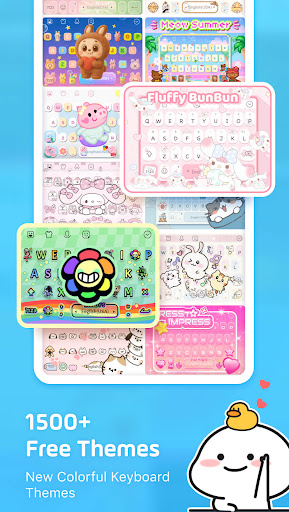
Customization is at the heart of Facemoji AI Emoji Keyboard. You can choose from over 1500+ stylish themes, featuring popular designs like Japanese anime, Neon, LED, RGB, and cute animals. Want to make your own keyboard background? It's easy—simply upload your favorite photo or picture to create a unique wallpaper. To further personalize your typing, you can customize buttons, colors, fonts, and even add tapping effects like BTS lightsticks or sound effects such as piano, guitar, or playful barks.
Share your custom creations with friends so they can also enjoy your personalized keyboard setup. The app’s flexibility allows you to craft a keyboard that truly reflects your style, making every message more enjoyable and visually appealing.
Enhance Your Messaging with Creative Tools
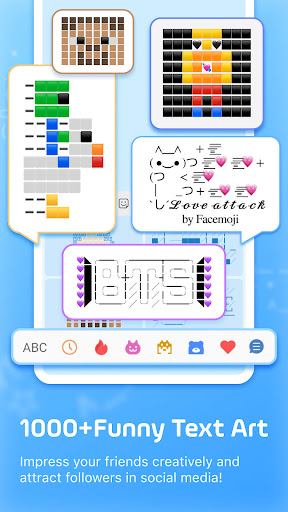
Looking to make your texts more captivating? The Facemoji Keyboard supports a variety of creative tools. With its cool fonts and Unicode symbol keyboard, crafting stylish messages, bios, and posts has never been easier. Over 1000 symbols and nickname templates allow for limitless expression. Sending quick replies becomes even faster with features like auto paste and an dedicated clipboard to save notes or frequently used phrases.
Express emotion with the built-in kaomoji and emoji art. Create fun and trendy Emoji Art inspired by popular themes like Minecraft, Demon Slayer, or Squid Game. These visual enhancements can be used to attract followers on TikTok or Instagram, giving your content a unique touch.
Embrace Gaming and Quick Messaging
For gamers, special keyboards are available for popular titles such as Among Us, Roblox, and Minecraft. For instance, the Among Us mode allows you to send quick messages, select player colors, and specify locations with a single tap—giving you a competitive edge during gameplay. Support for other popular titles like Free Fire, PUBG, and Mobile Legends further enhances your gaming conversation experience.
Fast, Smart, and Secure Typing
Enjoy a seamless typing experience with features like gesture swipe typing, smart auto-correct, and predictive emoji suggestions. The keyboard supports 100+ languages and includes a built-in translator, making communication across languages effortless. Rest assured, privacy and security are priorities—Facemoji never collects personal data without explicit permission, ensuring your information stays safe.
Join a Global Community
Connect with the developers and users through popular social platforms like TikTok, Instagram, Twitter, and Discord. Share your creations, get updates on new themes, emojis, and features, and become part of a vibrant community that celebrates fun, creativity, and expression.
Pros
- Highly customizable keyboard themes.
- Wide selection of emojis and stickers.
- Supports multiple languages.
- Provides AI-powered emoji suggestions.
- Delivers a smooth and responsive typing experience.
Cons
- Uses a considerable amount of device memory.
- Includes in-app advertisements.
- May experience occasional lag on older devices.
- Requires an internet connection for full features.
- Raises privacy concerns due to data permissions.











