

Emoji Maker Pro-DIY&Mashup
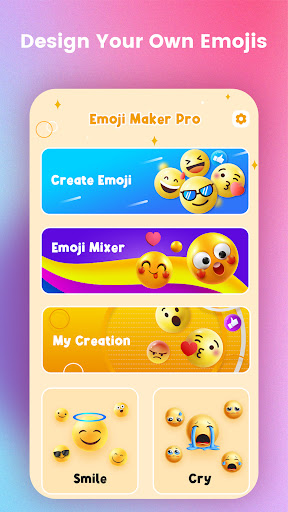
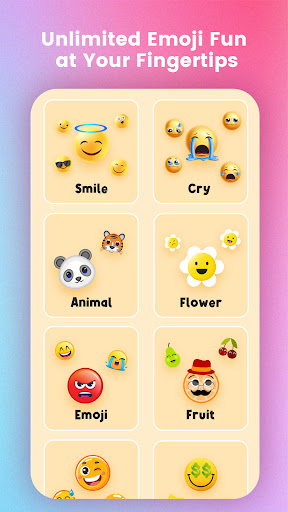
Ever felt like standard emojis just don’t capture your mood or message? Emoji Maker Pro-DIY&Mashup is your new best friend for expressive, personalized pixels. This delightful app invites you to go beyond stock icons and build a tiny universe of your own emojis. Whether you crave quirky, cute, or bold visuals, you’ll find a path to express exactly how you feel. Start with a vast library of elements—eyes, mouths, accessories, and details—and mix, match, and tweak until your characters feel right. The result is a flexible toolkit for creative self-expression in chats, comments, and captions.
Create Your Own Emoji Universe
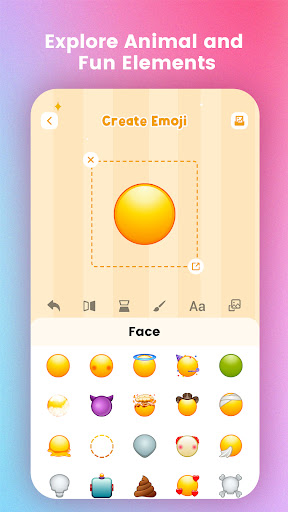
With a vast library of elements—from eyes and mouths to accessories—you can mix and match to craft emojis that are as unique as your imagination. Think of this as a tiny digital art studio for emojis. Best of all, you don’t need artistic skills: an intuitive drag-and-drop interface makes it easy to assemble fun, quirky creations in minutes. Save your favorites and reuse them across messages, so your personality shines in every conversation.
Emoji Mashup: Fusion Fun
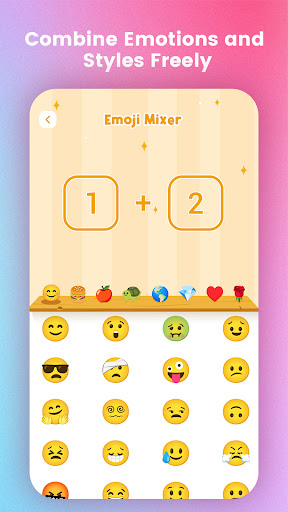
One of the standout features is the Emoji Mashup—two random emojis fuse into a brand-new expression. The element of surprise keeps creativity flowing and opens up endless possibilities. Each fusion can reveal a silly, sweet, mysterious, or cinematic mood, giving you fast, playful ways to react or start a chat with a signature vibe.
Sticker Packs
Browse a growing collection of sticker packs that complement your custom emojis. From cute to dramatic expressions, these packs help you convey tone and emotion with a single tap. They add texture to conversations and make chats more lively and expressive.
Seamless Keyboard Integration
Why keep your emojis on a shelf when you can use them anywhere? The app integrates directly with your keyboard, letting you insert personalized emojis into WhatsApp, iMessage, Facebook Messenger, and other chat platforms with ease. It’s a practical, time-saving feature that keeps your creative work in motion across your favorite apps.
Share, Discover, and Grow
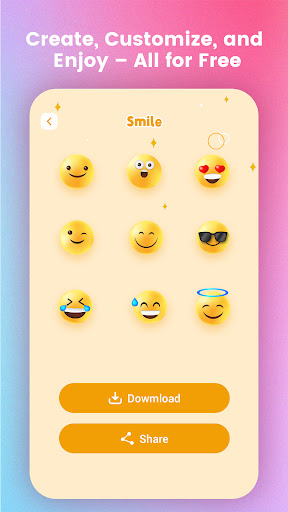
Sharing is simple: save, export, or send your creations to friends. You can also explore emojis made by other users, drawing inspiration from their styles and ideas. This community vibe keeps creativity fresh and fosters collaboration. And with frequent updates adding new elements and features, your toolbox stays vibrant and ready for the next masterpiece.
Final Thoughts
Overall, Emoji Maker Pro-DIY&Mashup is a delightful way to personalize digital conversations. It blends an approachable interface with deep customization, making it perfect for both emoji enthusiasts and casual users. If you’re looking to express yourself with one-of-a-kind visuals, this app is worth trying. Dive in, design boldly, and spread the joy—your next signature emoji awaits.
Pros
- Emoji options are highly customizable.
- The interface is user-friendly.
- There are frequent updates with new features.
- It supports saving emoji creations.
- Great for social media enthusiasts.
Cons
- Contains in-app purchases.
- Advertisements can be intrusive.
- Free features are limited.
- An internet connection is required.
- Some options may be complex for beginners.











