
Introduction to EDGE Lighting - LED Borderlight
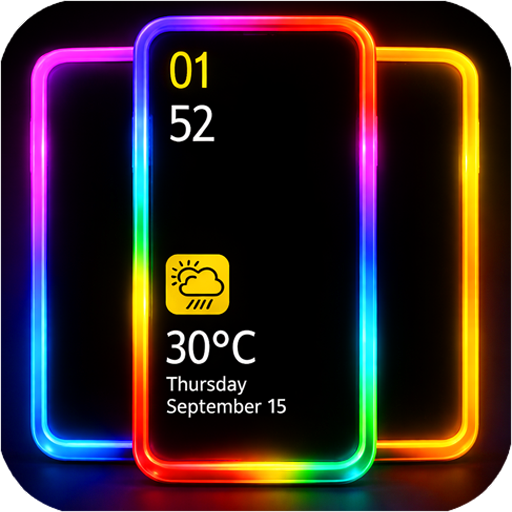
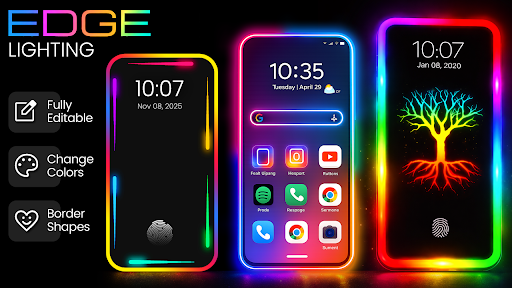
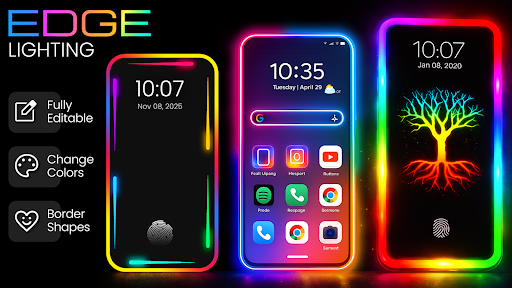
If you're seeking a way to enhance your Android device with vibrant, customizable edge lighting effects, the EDGE Lighting - LED Borderlight app is an excellent choice. Designed to add dynamic LED borders around your screen, this app transforms the visual appeal of your smartphone, offering endless personalization options. Whether you're looking to create a stunning visual on your Home Screen, Lock Screen, or Called ID, this app delivers a seamless and engaging experience. Its rich features make it a must-have for users who want to stand out and enjoy a lively, stylish device interface.
Main Features of EDGE Lighting - LED Borderlight
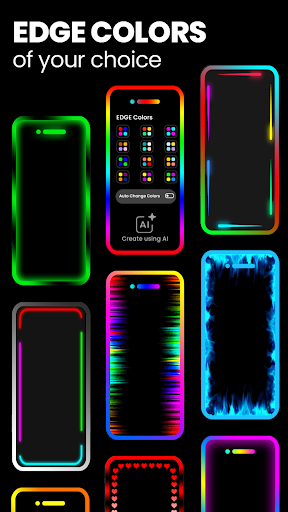
✨ EDGE Colors
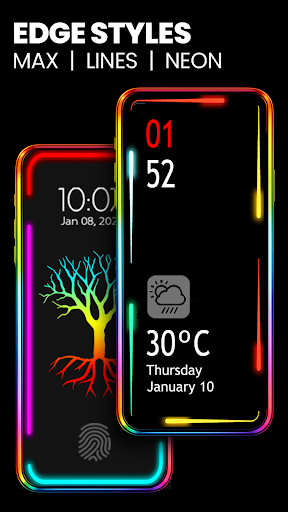
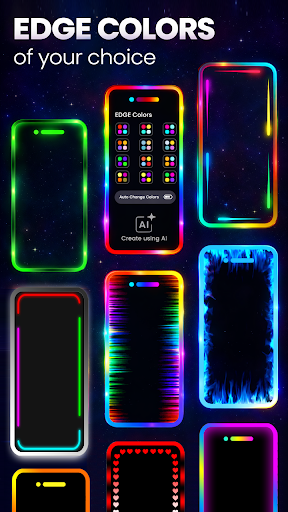
The app provides access to 48 gradient border color combinations, enabling you to select the perfect hue for your phone's border light. Plus, you can create custom edge color combinations using your favorite colors, ensuring your device reflects your unique style.
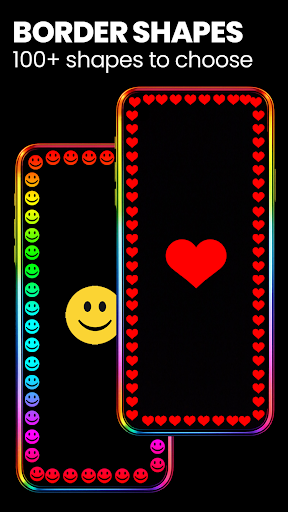
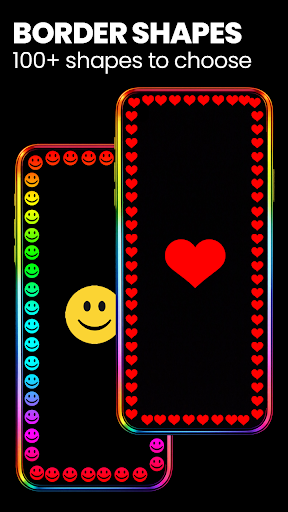
✨ Border Shapes
Choose from a vast library of shapes to enhance your edge lighting design. Options include fun emojis, hearts, suns, diamonds, stars, comedy stickers, and various funny emojis. These options allow for a highly personalized and lively border effect, making your device visually pop.
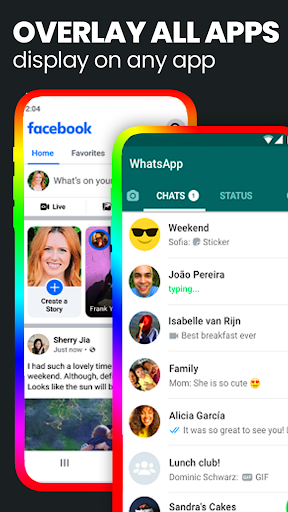
✨ Overlay all Apps - Always on Display (AOD)
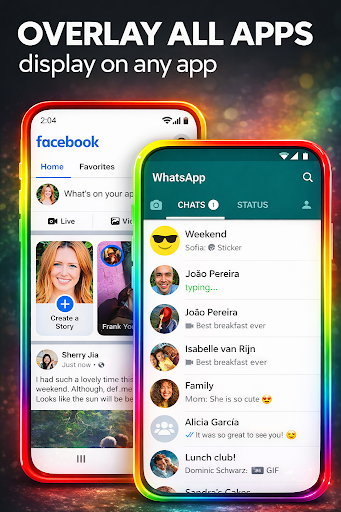
The AOD feature overlays the colorful edge lighting on all applications, including your favorite games, social media apps, and messaging platforms. This means you can enjoy a consistent, beautiful border effect even when using other apps without interruption.
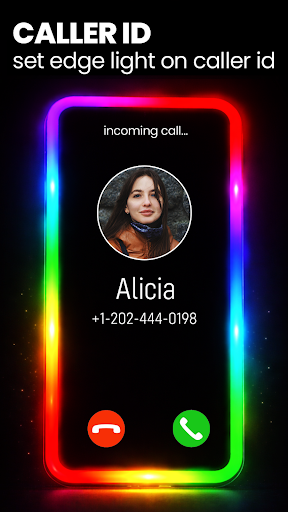
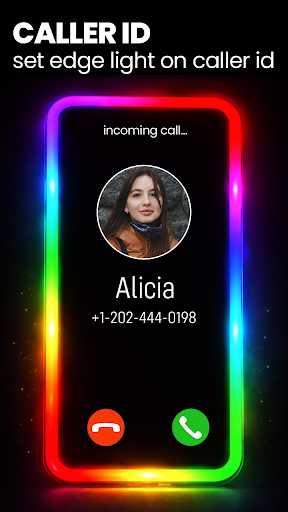
✨ Edge Light on Caller ID
Turn on the caller ID feature to see a colorful LED edge screen light whenever you receive a call. This visual cue adds a vibrant touch to incoming calls, making your device more engaging and stylish.
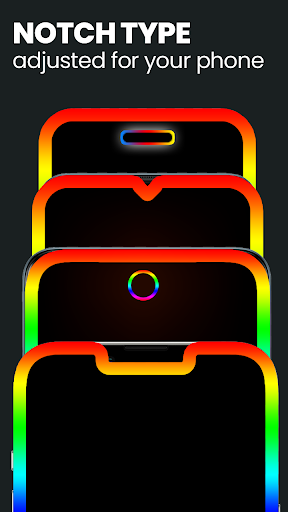
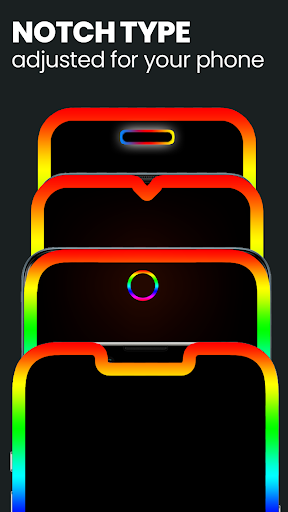
✨ Support for All Notch Types
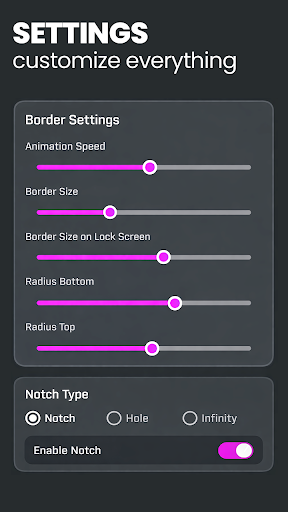
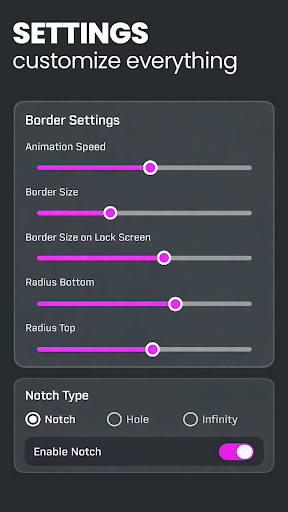
The app supports all notch types, including Infinity U, Infinity V, Display Hole, and Notch. You can adjust parameters like notch width, notch height, and notch radius to perfectly fit the edge light according to your device's specific screen design.
✨ Set Edge Lighting with 4K Backgrounds
Enjoy a plethora of 4K background options that can be paired with your selected edge live wallpaper. You can even upload your own photo to create a fully personalized look. The app offers background presets that match stunning backgrounds with color-coordinated border lights, resulting in an eye-catching visual on your home and lock screens.
✨ Animation Direction
You can customize the direction of your edge light animation from more than six options, allowing you to tailor the movement to your preference for a dynamic or subtle effect.
✨ Magical Borders
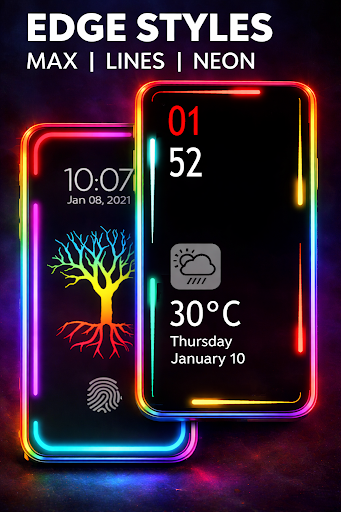
For a unique experience, explore the app's exclusive magical lighting styles. These special LED border effects elevate your device's appearance, turning your screen into a mesmerizing display. Check out the live wallpaper section for a collection of enchanting border designs.
✨ Border Settings
The app enables full customization of the edge lighting including:
- Color
- Border width
- Animation speed
- Notch adjustments
This ensures your edge border looks perfect on your specific device, regardless of screen shape or size.
✨ Universal Compatibility
The EDGE Lighting app is compatible with all Android devices, including popular models like Samsung Galaxy S10, S20, Plus, Sony, OnePlus, Xiaomi, and more. Whether your device features an Infinity display or a notch, you can tailor the edge lighting effects to fit perfectly.
Enhance Your Smartphone’s Style with EDGE Lighting
In conclusion, the EDGE Lighting - LED Borderlight app offers a stunning array of customization options to elevate your smartphone's aesthetic. Its user-friendly interface makes setup straightforward, while its wide-ranging features—such as vibrant RGB colors, shape selections, overlay capabilities, and support for various notch types—ensure a personalized experience. Whether you want subtle animations or bold, magical borders, this app caters to all tastes. By adding animated edge lights and 4K backgrounds, your device becomes more eye-catching and fun to use. Plus, its compatibility across all Android devices ensures everyone can enjoy the benefits of dynamic border lighting effects.
If you’re looking for a simple yet effective way to beautify your phone’s screen and impress others with custom lighting effects, EDGE Lighting - LED Borderlight is definitely worth trying. Give your device a glow-up and showcase your personal style today!
Pros
- Visually appealing customization options.
- Enhances the aesthetic look of the phone.
- Easy to set up and operate.
- Consumes minimal battery power.
- Compatible with various screen types.
Cons
- Limited free features available.
- Advertisements can be disruptive at times.
- May not function properly on older devices.
- Occasional crashes reported.
- Some features need in-app purchases.











