

Transform Your Android Experience with Easy Homescreen
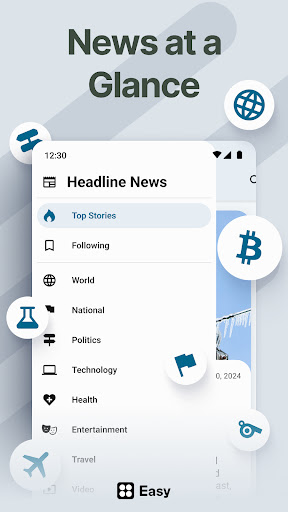
Are you tired of cluttered, complicated home screens that hinder your productivity and passion for customization? Easy Homescreen is here to revolutionize your Android device, turning it into a clean, intuitive, and personalized space. Designed with user comfort and accessibility at its core, this home launcher solution combines simplicity with powerful features to help you organize your apps, shortcuts, and utilities effortlessly. Whether you're a tech enthusiast or someone seeking a straightforward interface, Easy Homescreen adapts to your needs and style, making your mobile experience calmer and more enjoyable.
Main Features of Easy Homescreen
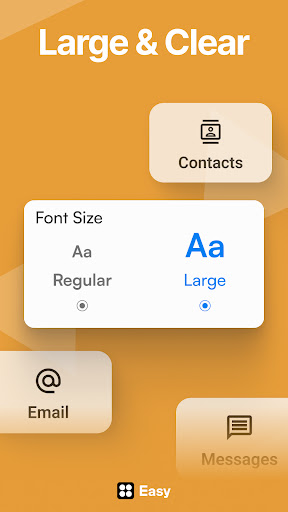
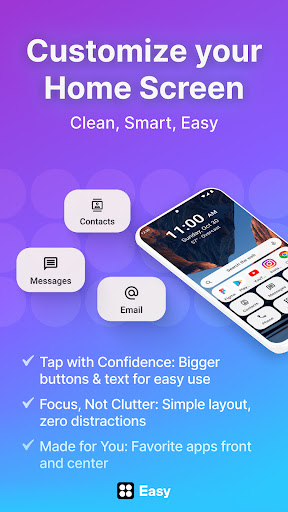
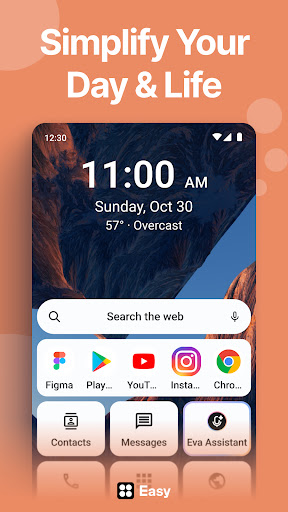
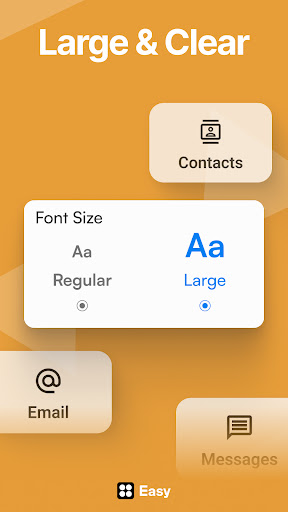
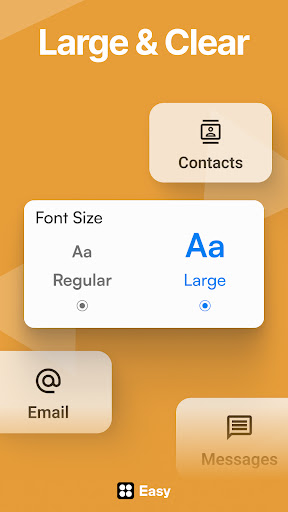
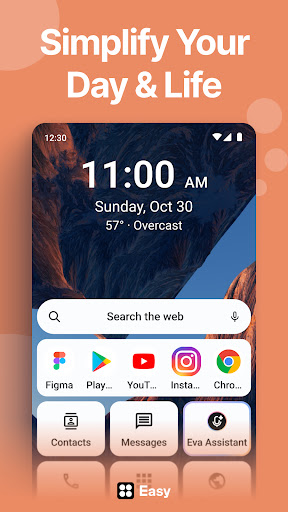
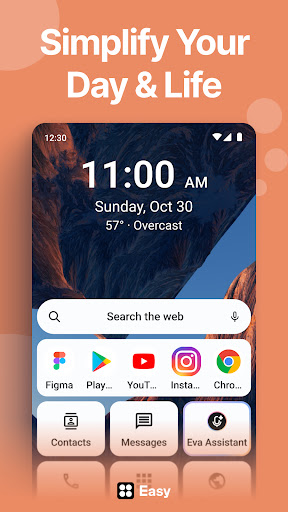
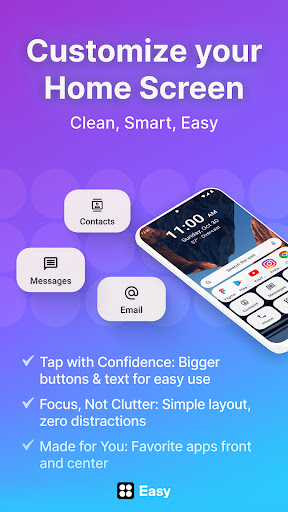
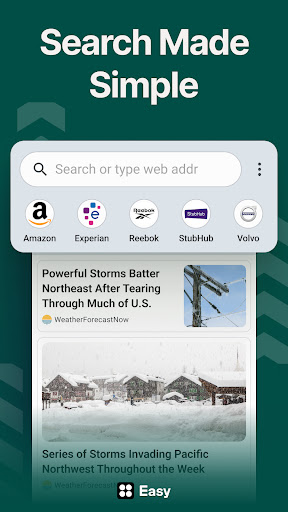
The app prides itself on its accessible design and personalization options. With oversized buttons, large fonts, and a minimalistic yet attractive UI, it ensures that everyone—regardless of age or tech familiarity—can navigate and customize their device with ease. The interface is tailored to reduce digital noise and stress, providing calming visuals and smart controls that put your comfort first.
Adaptive and User-Friendly Design
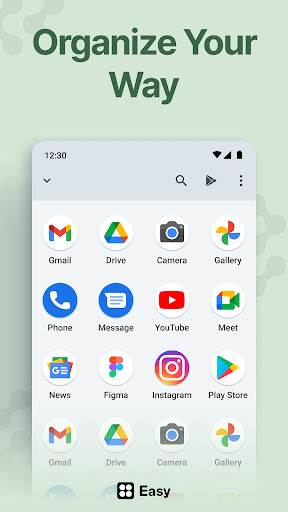
What sets Easy Homescreen apart is its ability to automatically adapt to your usage patterns. It emphasizes frequently used apps, hiding less relevant ones, giving you quick access to what matters most. The app offers an accessibility-first design with large fonts and buttons, making typing and navigation effortless. Whether you're looking to manage your apps, contacts, or tools, this launcher simplifies everything so that your home screen becomes an organized sanctuary for your digital life.
Customization at Your Fingertips
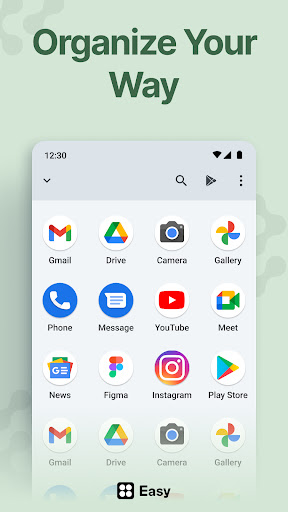
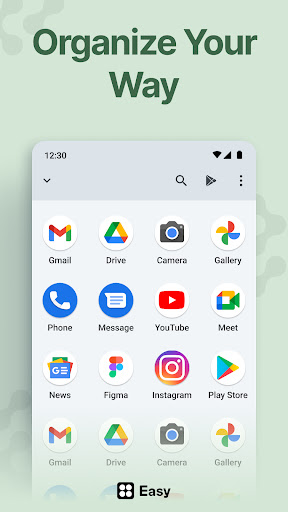
Express your personal style by customizing your fonts, themes, and app icons. Whether you prefer bold, playful, or professional aesthetics, Easy Homescreen provides a variety of options to match your vibe. The intuitive drag-and-drop feature makes rearranging apps and creating folders easy and fun, reminiscent of a game of Tetris, but with your personal touch. Additionally, you can experiment with different themes without worry—just revert to saved backups whenever needed.
Widgets and Lock Screen Enhancements
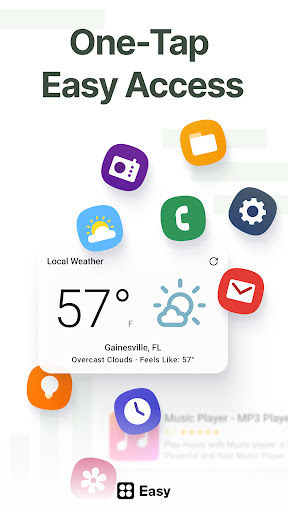
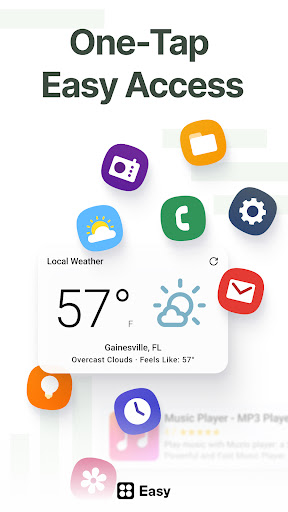
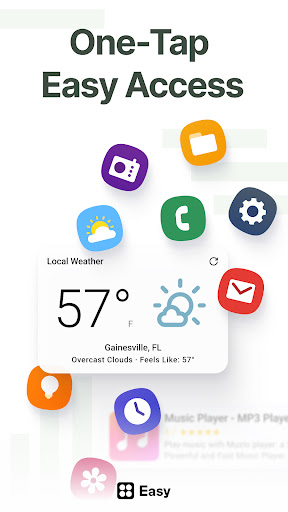
Stay organized with a suite of widgest options, including weather updates, calendar events, music controls, and quick contacts. These widgets are designed to be attractive yet non-intrusive, enhancing your productivity without cluttering your screen. The lockscreen widgets allow you to access essential information at a glance, ensuring you're always updated without unlocking your device.
Performance and Device Optimization
Unlike other customization apps that can slow down your device, Easy Homescreen is optimized for performance. It is lightweight, conserving your device's resources while delivering a seamless experience. The straightforward, intuitive interface makes setup and daily use effortless, whether you're a seasoned Android user or new to personalization apps.
Enhancing Accessibility and User Control
Designed with inclusivity in mind, Easy Homescreen provides features such as a custom keyboard with larger keys, making typing more accessible. The app also emphasizes user control, allowing you to hide apps or tools you don't frequently use and providing a calming UI to foster less digital stress.
Why Choose Easy Homescreen?
In summary, Easy Homescreen is the ultimate Android home screen launcher for those seeking a stress-free, highly customizable, and user-friendly navigation experience. Its focus on ease of use and personal personalization makes it suitable for everyone—from tech veterans to beginners. By transforming your Android device into a clean, organized, and beautiful space, it helps you stay focused and productive, all while reflecting your unique style.
Pros
- User-friendly interface
- Highly customizable widgets
- Seamless integration with apps
- Fast and responsive performance
- Consumes low battery power
Cons
- Limited features available for free
- Presence of occasional ads in the free version
- Requires contemporary device specifications
- Limited variety of some widgets
- Updates are infrequent











